
hidemy.name VPN
Updated
Current Version
2.0.242
Offered By

Stop worrying about high battery drain when using hidemy.name VPN on your phone. Free yourself from the tiny screen and enjoy the app on a much larger display. From now on, get a full-screen experience of your app with the convenience of a keyboard and mouse. MEmu offers you all the surprising features you’d expect: quick installation and easy setup, intuitive controls, and no more worries about battery life, mobile data, or unexpected calls. The all-new MEmu 9 is the choice for using hidemy.name VPN on your computer. With the MEmu multi-instance manager, you can run two or more accounts at the same time. Most importantly, our exclusive emulation engine unlocks your PC’s full potential, delivering smooth and enjoyable performance.
Show more
Enjoy superb experience of using hidemy.name VPN on PC with MEMU App Player. It's a powerful free Android emulator which provides you with thousands of android apps for their desktop version. Enjoy connecting with friends and polishing your work with higher efficiency! hidemy.
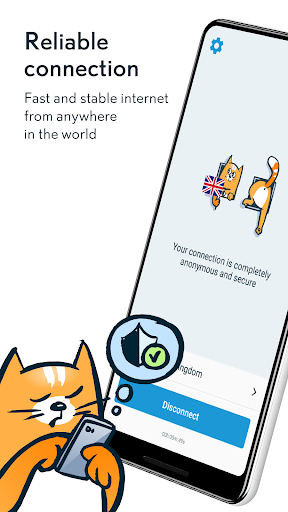
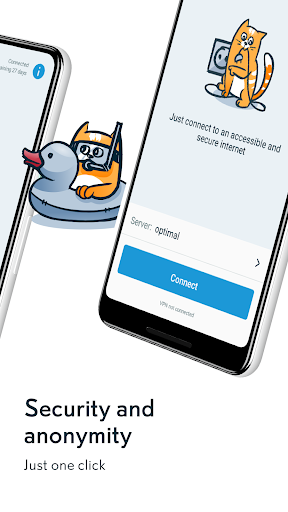
hidemy.name VPN paid service has been protecting its clients for over 15 years, ensuring privacy and security on the internet.
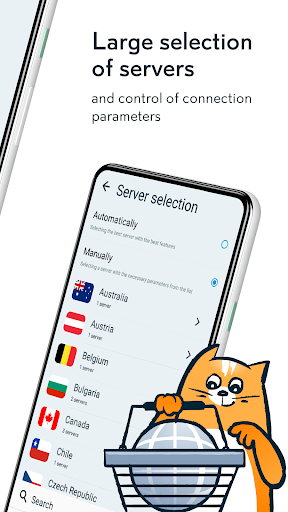
Servers around the world, including popular locations such as Turkey, Ukraine, Russia, Kazakhstan, Armenia, India, and more.
Choose for yourself under the IP addresses of which country to browse websites, buy tickets, book hotels, and transmit data. Switching between servers can be done in seconds. VPN will not add any extra load to your internet.
With our VPN, you can use the internet as if you were physically in the country to which you are connected. Install any applications and prevent the theft of personal data. We strive to keep any information about you confidential, so hidemy.name VPN does not require registration.
The connected VPN provides protection: everything you send over the internet will be impossible to intercept. Our VPN can be used on 5 of your devices simultaneously, paying only for one subscription.
Why hidemy.name VPN:
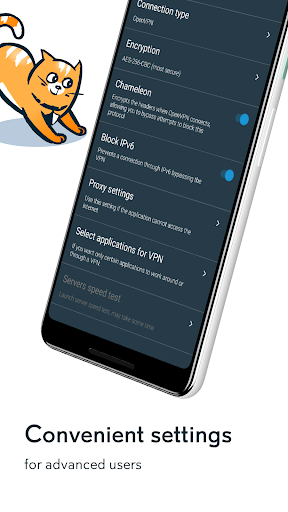
- The most modern IKEv2 and OpenVPN protocols with additional encryption and minimal impact on internet speed.
- Choice of applications for use with and without VPN.
- VPN servers worldwide, including fast servers in Ukraine, Russia, Kazakhstan, Turkey, and Europe. In total, over 40 countries and 70 cities.
- Prompt customer support in online chat on the website and in Telegram messenger.
- Inside our VPN there is a secure local network that is inaccessible from the internet.
How to connect to hidemy.name VPN:
- Choose a suitable tariff or try one day for free.
- Click "Connect."
The application will automatically receive all connection data and even select the optimal VPN server. However, you can always manually choose any server from the list.
Never used our VPN before? Test it for free - we offer a trial period. Moreover, if you subscribe and don't like something, we will refund your money within 30 days.
Additional features with a VPN subscription:
For paid VPN subscribers, advanced proxy list and proxy checker features are available on the website. We check proxies based on various parameters, including ping, proxy connection speed, and proxy anonymity level.
What's new?
The application has been completely updated with a new interface. We have made it as accessible and understandable as possible. Enjoy all the benefits that VPN can provide. We hope you will appreciate our updated application.
Show more

1. Download MEmu installer and finish the setup

2. Start MEmu then open Google Play on the desktop

3. Search hidemy.name VPN in Google Play
Install
4. Download and Install hidemy.name VPN
5. On install completion click the icon to start

6. Enjoy using hidemy.name VPN on PC with MEmu
MEmu Play is the best Android emulator, and 100 million users already enjoy its superb Android app experience. Powered by advanced virtualization technology, it lets you enjoy thousands of Android apps smoothly on your PC—including the most graphics-intensive ones.
Bigger screen with better graphics; Long duration, without limitation of battery or mobile data.
Full Keymapping support for precise control of keyboard and mouse or gamepad.
Multiple game accounts or tasks on single PC at one time with Multi-Instance manager.
Use hidemy.name VPN on PC by following steps: