Whats Tracker
Updated
Current Version
5.0
Offered By

Stop worrying about high battery drain when using Whats Tracker on your phone. Free yourself from the tiny screen and enjoy the app on a much larger display. From now on, get a full-screen experience of your app with the convenience of a keyboard and mouse. MEmu offers you all the surprising features you’d expect: quick installation and easy setup, intuitive controls, and no more worries about battery life, mobile data, or unexpected calls. The all-new MEmu 9 is the choice for using Whats Tracker on your computer. With the MEmu multi-instance manager, you can run two or more accounts at the same time. Most importantly, our exclusive emulation engine unlocks your PC’s full potential, delivering smooth and enjoyable performance.
Show more
Enjoy superb experience of using Whats Tracker on PC with MEMU App Player. It's a powerful free Android emulator which provides you with thousands of android apps for their desktop version. Enjoy connecting with friends and polishing your work with higher efficiency! Are you looking for the perfect solution to use multiple web account in same device?
Are you looking for the perfect solution to use multiple web account in same device? If yes then you are at the right place here. Now it is easy to use multiple account in single device with few taps.
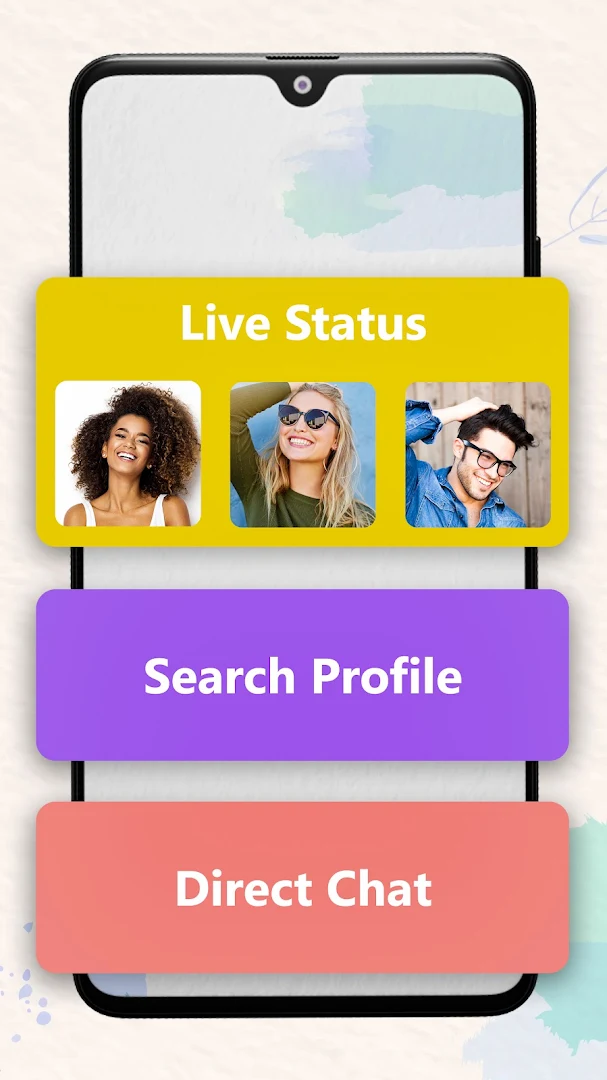
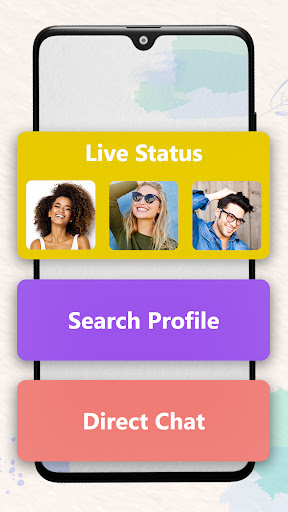
WT Tracker- Web Scanner app is here to help you in an easy and simple approach. You can use multiple account in same device, download and save Statuses, restore deleted messages and send message without saving contact number. So you can enjoy all the four facilities at one single platform.
The best Direct chat sending message app is a convenient platform to send messages to anyone without saving his or her number. It is a safe and secure platform for those who deal with sending the message.
WT Tracker - Web Scanner App Features:
Scan for Web
WT Tracker - Dual Web App app allows you to manage anyone's account by scanning a QR code and linking their account. You can use upto six accounts in same device using Web QR scan.
Status Saver
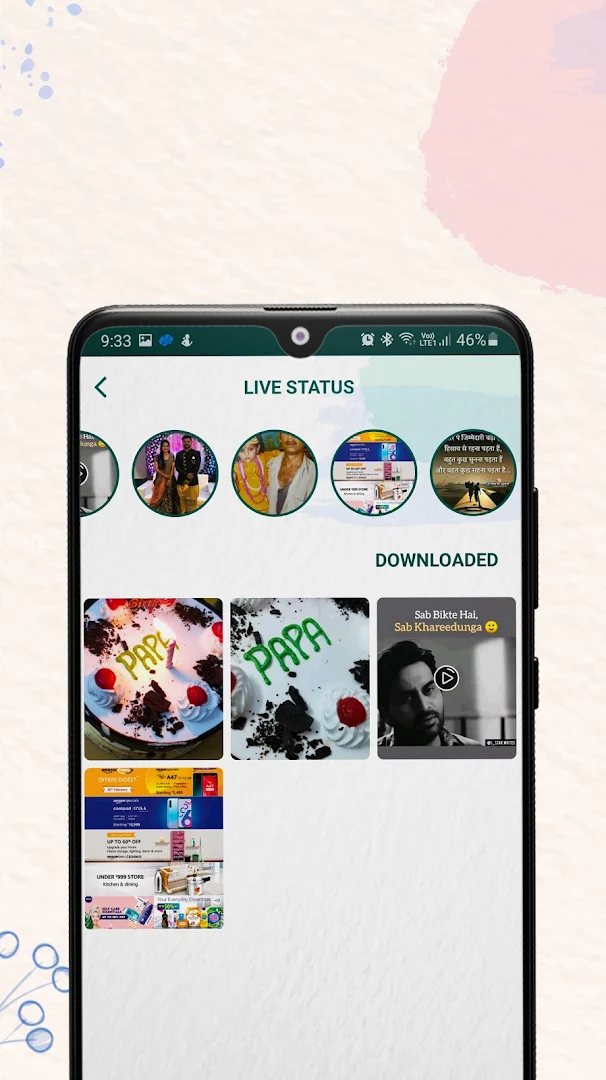
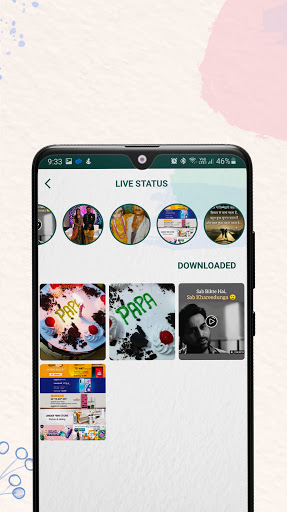
WT Tracker - Web Scanner app helps to store other's status on mobile device storage and access them any time. It happens many times that we like other status and want to save it. But unfortunately, there is no feature for such a facility. WT Tracker - Dual App solve out this problem and with the help of it, you could save other's status and use them at any time. With the new status feature, all status automatically disappears after 24 hours.
Direct Chat
WT Tracker - Web Clone App provides a new generation feature called Direct Chat. No matter whether you have saved the number of anyone or not. You can directly send the message on anyone's profile just by searching the number. It is a useful feature for professionals who wish to send the bulk message.
Search Profile
Enter the number and find the profile of the person. If the profile does not exist it will not come in the result. It is a simple and easy process to find out the profile of any person.
Restore deleted message
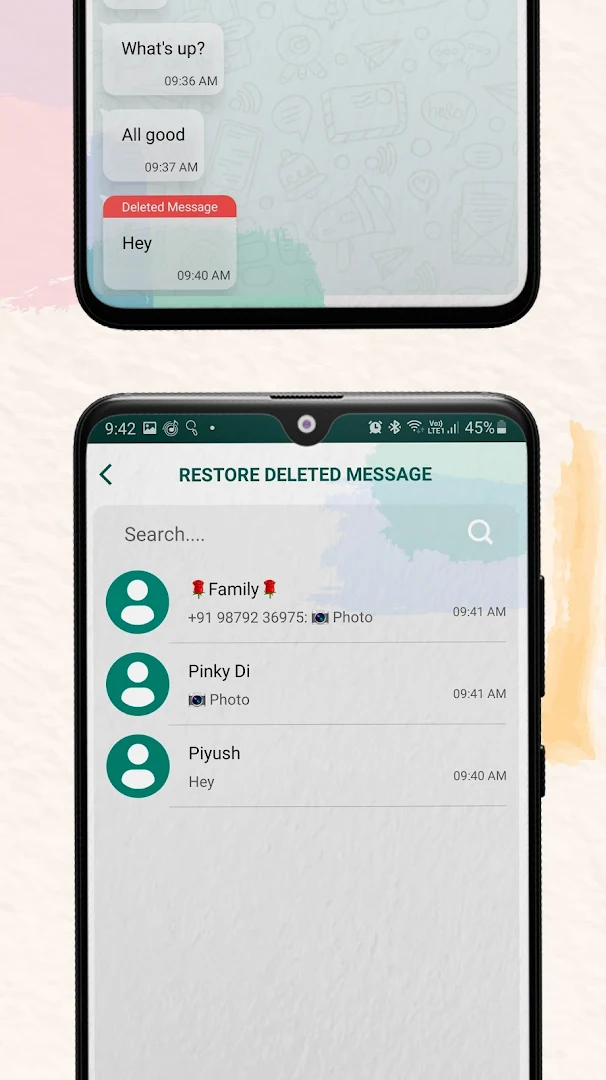
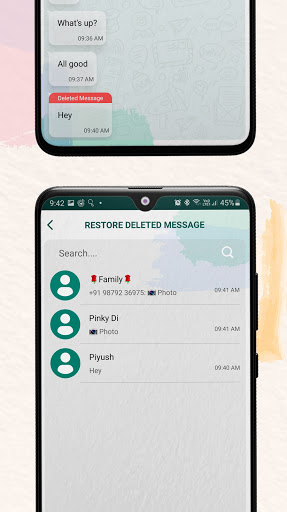
Are you curious to know about the deleted message in WT Social App? Then this option is useful. If the sender has deleted the sent message, then also you will be able to check out the message in the restore deleted message feature. WT Tracker - Web Hub app recover all deleted messages by scanning your device notification.
Clean interface
WT Tracker - Scan for Web App is having a clean interface that makes it user-friendly.
Light/Dark Theme
WT Tracker - Web Scanner app has the facility to set the theme light and dark as per the user's wish.
Share
Share WT Tracker - Clone Messenger App with your friends and family.
Rate us
We welcome your ratings for our app. Give a rating as per your experience.
Disclaimer:We never take your contacts to our server or to any third party entity. We are using there probabilistic algorithm to show you the approximate results about profile tracker. This is a light hearted simulation & is intended for entertainment purpose only.
WT Tracker- Web Scanner is created by us. We are not affiliated, associated, authorized, endorsed by, or in any way officially connected with any 3rd party apps or companies.
Show more

1. Download MEmu installer and finish the setup

2. Start MEmu then open Google Play on the desktop

3. Search Whats Tracker in Google Play
Install
4. Download and Install Whats Tracker
5. On install completion click the icon to start

6. Enjoy using Whats Tracker on PC with MEmu
MEmu Play is the best Android emulator, and 100 million users already enjoy its superb Android app experience. Powered by advanced virtualization technology, it lets you enjoy thousands of Android apps smoothly on your PC—including the most graphics-intensive ones.
Bigger screen with better graphics; Long duration, without limitation of battery or mobile data.
Full Keymapping support for precise control of keyboard and mouse or gamepad.
Multiple game accounts or tasks on single PC at one time with Multi-Instance manager.
Use Whats Tracker on PC by following steps: