Snack Video - Funny videos
Updated
Current Version
13.8.30.646601
Offered By

Stop worrying about high battery drain when using Snack Video - Funny videos on your phone. Free yourself from the tiny screen and enjoy the app on a much larger display. From now on, get a full-screen experience of your app with the convenience of a keyboard and mouse. MEmu offers you all the surprising features you’d expect: quick installation and easy setup, intuitive controls, and no more worries about battery life, mobile data, or unexpected calls. The all-new MEmu 9 is the choice for using Snack Video - Funny videos on your computer. With the MEmu multi-instance manager, you can run two or more accounts at the same time. Most importantly, our exclusive emulation engine unlocks your PC’s full potential, delivering smooth and enjoyable performance.
Show more
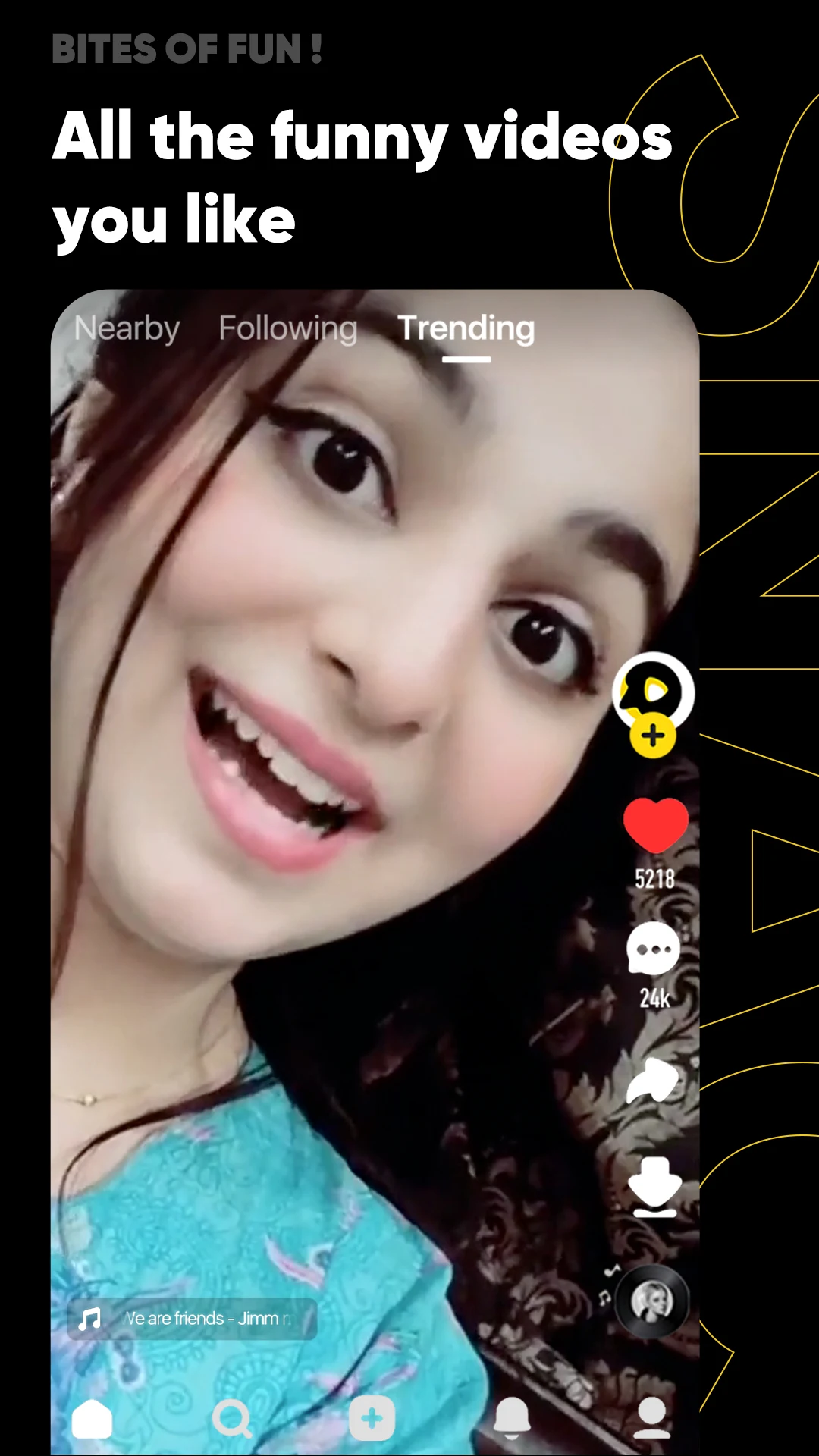
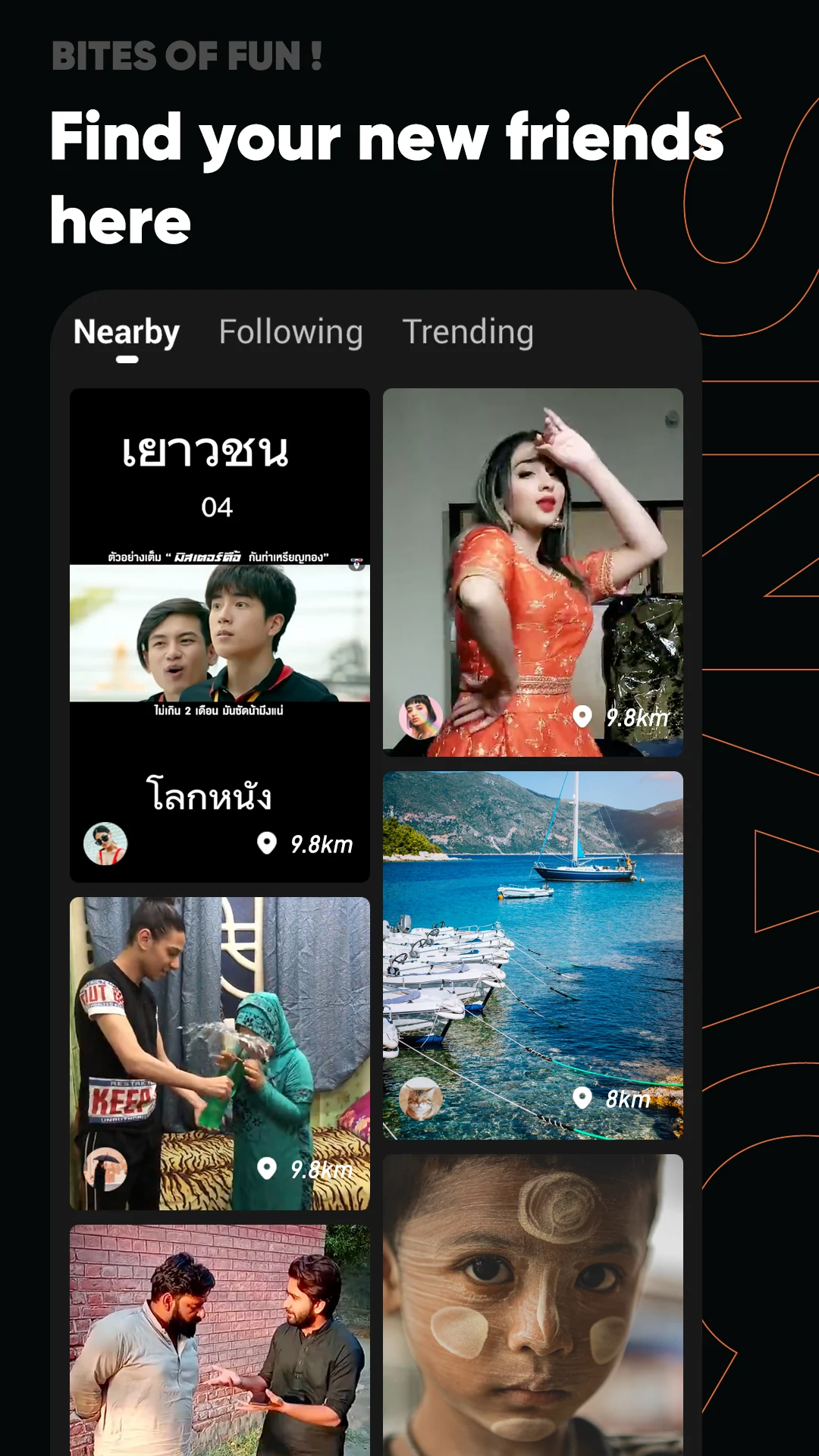
Enjoy superb experience of using Snack Video - Funny videos on PC with MEMU App Player. It's a powerful free Android emulator which provides you with thousands of android apps for their desktop version. Enjoy connecting with friends and polishing your work with higher efficiency! With SnackVideo, you can watch high-quality videos and short dramas while saving data, and even win prizes while watching videos!
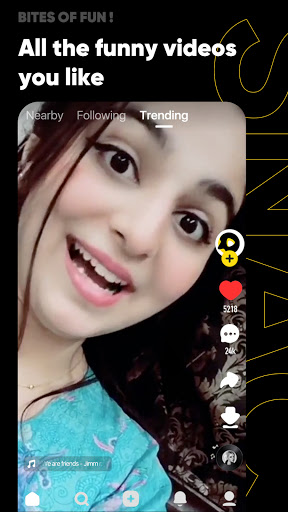
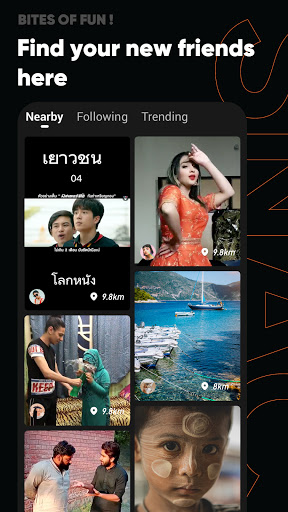

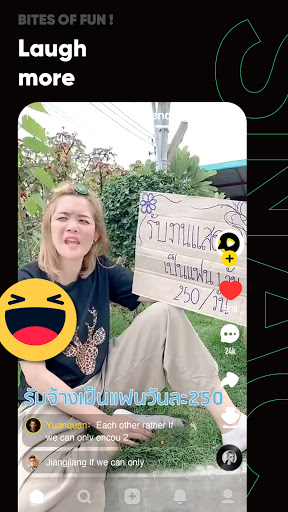
With SnackVideo, you can watch high-quality videos and short dramas while saving data, and even win prizes while watching videos! Here, you can not only learn agricultural knowledge and broaden your horizons, but also win bonuses from Ramadan activities! At the same time, you can use many cool free AI effects to share beautiful moments, and follow SnackVideo's charity program for rural areas to spread kindness. Come on, give it a try!
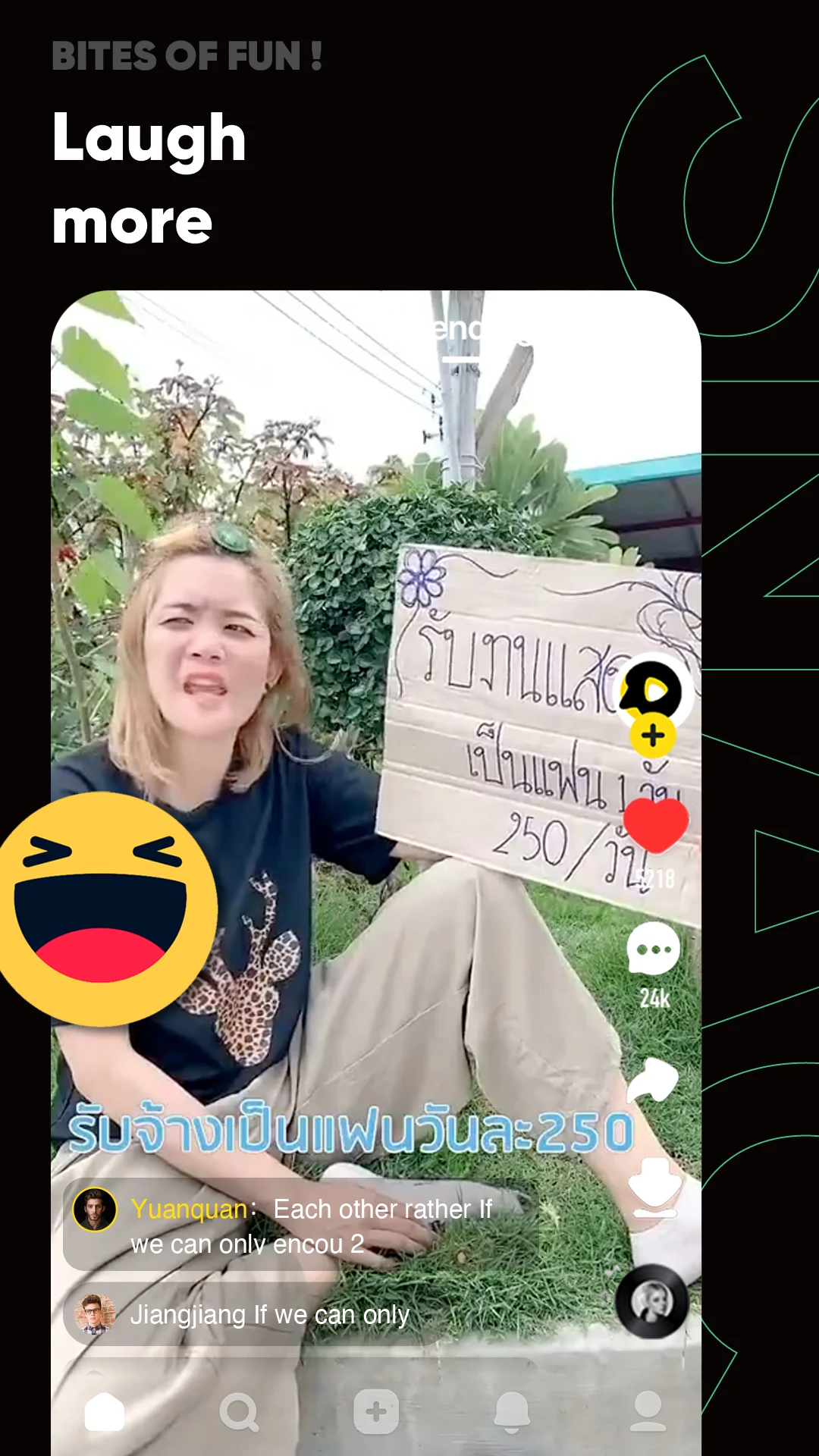
Discover a variety of exciting content on SnackVideo! There are lots of popular videos and dramas for you to watch. From sweet love stories, touching family tales, thrilling revenge dramas, hilarious comedies, to exciting and intense sports matches... You can watch them all for free just by opening SnackVideo!
Not just watching, you can also earn extra income! Looking to make some extra cash? Just go to SnackVideo! Invite more friends to sign up for our app and earn huge referral bonuses! If you prefer an easier way? Even by just walking, watching videos, or playing small games every day, you can collect instant bonuses! Every week, there's also an official lucky draw livestream event that you can join for free by watching the livestream every day. Great prizes are given out continuously! Many members have already won awesome prizes like phones, washing machines, TVs, and much more! Join now! The next winner could be you!!
Study religion to purify your soul! On SnackVideo, you can also gain lots of useful knowledge. For example, join the livestreams of Ustadz (religious teachers) or watch short videos to listen to religious consultations and receive trustworthy life advice. We also often hold big events! We have prepared various activities and gifts for you during Ramadan. What are you waiting for? Follow the official religious accounts and stay tuned for their activities now!
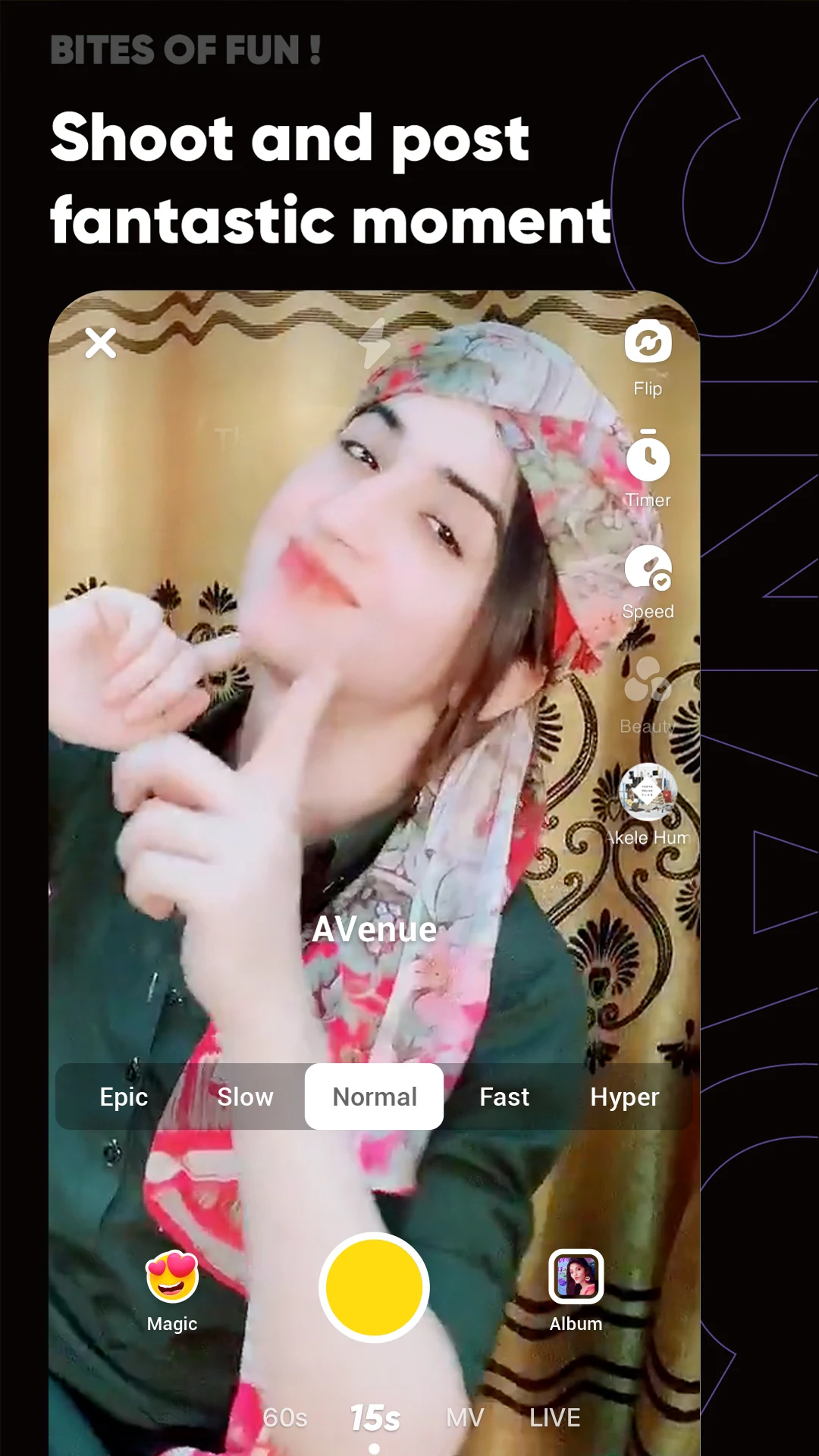
Fun free special effects! SnackVideo warmly welcomes you to share your daily life! Here, we have prepared many fun special effects and photo templates that will let you quickly experience the latest AI technology! Try making cool and funny videos with your friends!
Do good through charity, spread kindness! SnackVideo not only has various short videos with diverse content, but also often holds exciting charity activities! In rural areas, we donate books and teaching equipment to schools, helping children pursue their dreams of knowledge; we also donate soccer goals and hold soccer matches so that children can enjoy the joy of sports. Join SnackVideo's Prosperous Village and revitalize your hometown!
Show more

1. Download MEmu installer and finish the setup

2. Start MEmu then open Google Play on the desktop

3. Search Snack Video - Funny videos in Google Play
Install
4. Download and Install Snack Video - Funny videos
5. On install completion click the icon to start

6. Enjoy using Snack Video - Funny videos on PC with MEmu
MEmu Play is the best Android emulator, and 100 million users already enjoy its superb Android app experience. Powered by advanced virtualization technology, it lets you enjoy thousands of Android apps smoothly on your PC—including the most graphics-intensive ones.
Bigger screen with better graphics; Long duration, without limitation of battery or mobile data.
Full Keymapping support for precise control of keyboard and mouse or gamepad.
Multiple game accounts or tasks on single PC at one time with Multi-Instance manager.
Use Snack Video - Funny videos on PC by following steps: