Bondee
Updated
Current Version
4.5.1.3
Offered By

Stop worrying about high battery drain when using Bondee on your phone. Free yourself from the tiny screen and enjoy the app on a much larger display. From now on, get a full-screen experience of your app with the convenience of a keyboard and mouse. MEmu offers you all the surprising features you’d expect: quick installation and easy setup, intuitive controls, and no more worries about battery life, mobile data, or unexpected calls. The all-new MEmu 9 is the choice for using Bondee on your computer. With the MEmu multi-instance manager, you can run two or more accounts at the same time. Most importantly, our exclusive emulation engine unlocks your PC’s full potential, delivering smooth and enjoyable performance.
Show more
Enjoy superb experience of using Bondee on PC with MEMU App Player. It's a powerful free Android emulator which provides you with thousands of android apps for their desktop version. Enjoy connecting with friends and polishing your work with higher efficiency! Bondee Is Where Authentic Connections Begin.
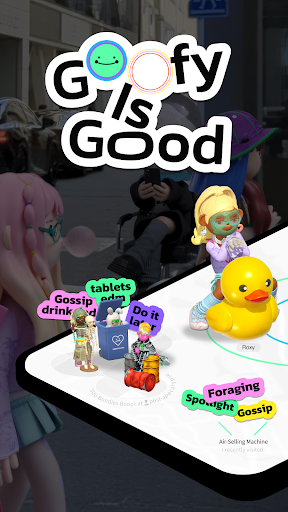
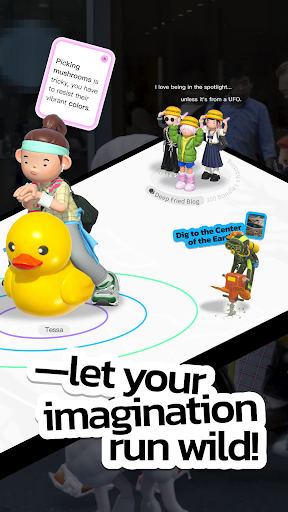
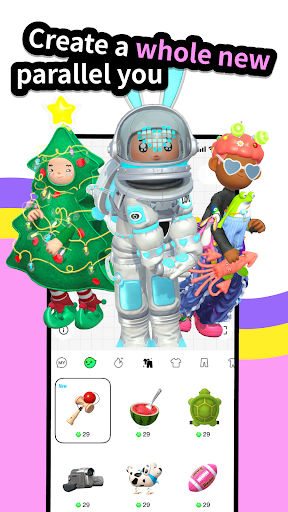
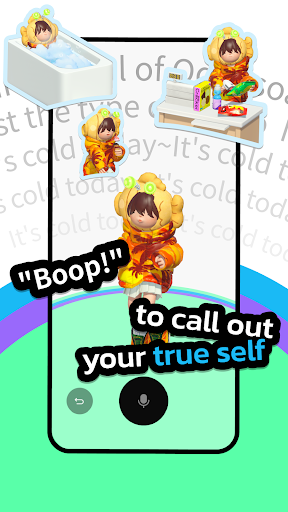
Bondee Is Where Authentic Connections Begin
- Say goodbye to appearance anxiety!
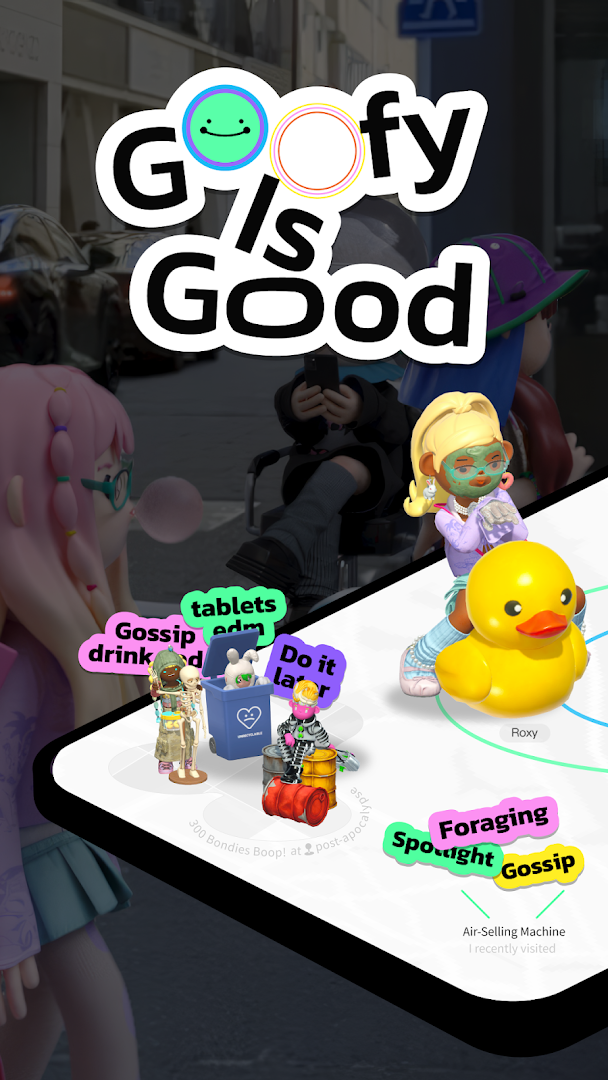
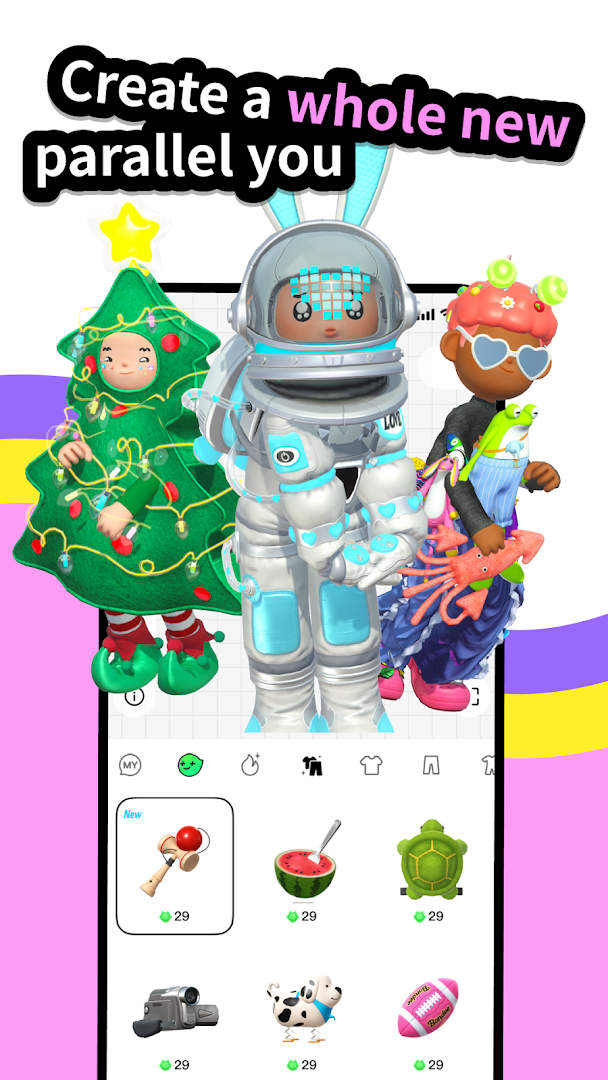
In Bondee, your Avatar is whatever you imagine yourself to be—it can resemble you or not. What matters is that it represents the person you want to be!
The suited-up businessman might moonlight as a punk bassist, and the programmer at the office might shine as a scuba instructor on their off-days.
- Ditch the overly curated posts!
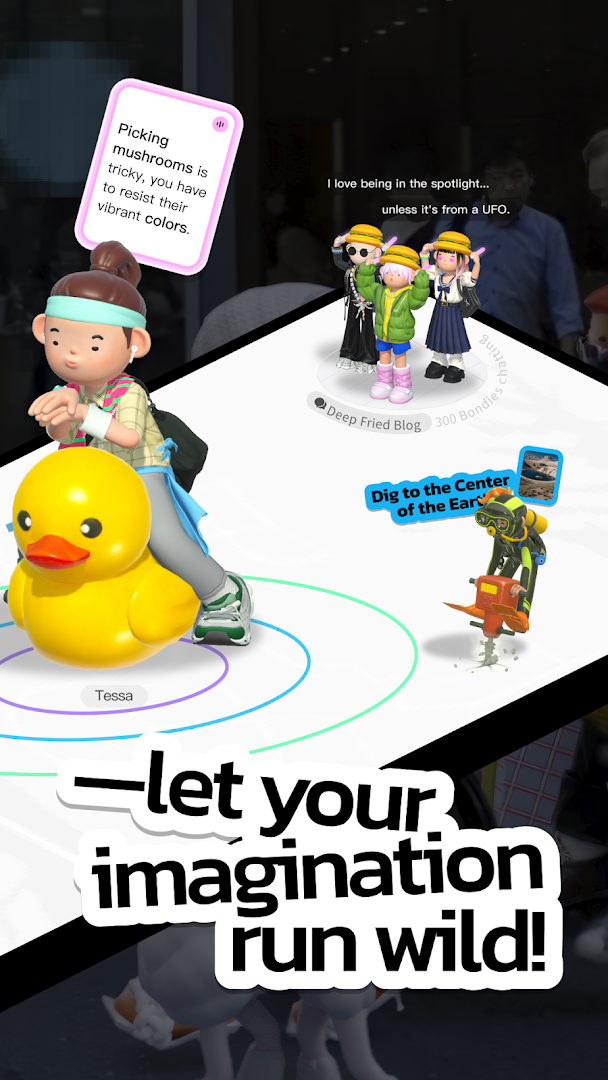
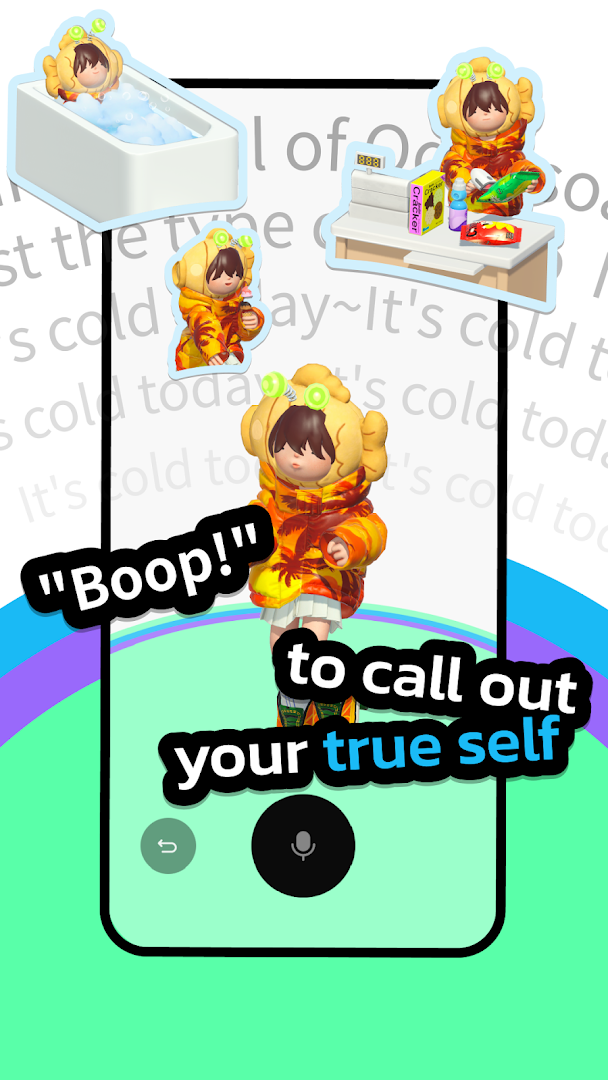
Tired of airbrushed perfection on social apps? With Bondee’s Boop!, you can instantly share your honest thoughts—vibing Bondies will always Echo you back.
- Find fascinating people nearby!
Discover quirky strangers humming indie tunes or mysterious students looking for study buddies. See who’s been around in the past 24 hours and build connections in a whole new way.
- Meet your soulmate in a unique way!
Feeling lonely? Try Floating on a virtual ocean, where you’ll meet someone just as introspective. Anonymous matching, timed chats, and heartfelt conversations—find someone who truly understands you.
The Bondee Experience Is Different
- Chat “face-to-face”: Bring every emotion to life with your avatar.
- Showcase your world in 3D: Your profile is more than just a feed—it’s a fully immersive room.
- Be your authentic self: Speak your truth, make genuine friends, and break free from convention.
Step into the World of Bondee—start building your tribe today! Brave souls make the first move.
Permissions We Request
Bondee needs the following permissions for specific features:
- Photos/Storage: Save, upload, and share photos and videos.
- Camera: Take photos, record videos, and scan QR codes.
- Microphone: Record videos or send voice messages.
- Notifications: Stay updated with chat and system messages.
- Location: Discover nearby users in the plaza and on the map. Location data is only accessed while using this feature.
- Contacts: Find friends already on Bondee through your contact list.
Show more

1. Download MEmu installer and finish the setup

2. Start MEmu then open Google Play on the desktop

3. Search Bondee in Google Play
Install
4. Download and Install Bondee
5. On install completion click the icon to start

6. Enjoy using Bondee on PC with MEmu
MEmu Play is the best Android emulator, and 100 million users already enjoy its superb Android app experience. Powered by advanced virtualization technology, it lets you enjoy thousands of Android apps smoothly on your PC—including the most graphics-intensive ones.
Bigger screen with better graphics; Long duration, without limitation of battery or mobile data.
Full Keymapping support for precise control of keyboard and mouse or gamepad.
Multiple game accounts or tasks on single PC at one time with Multi-Instance manager.
Use Bondee on PC by following steps: