DITO
Updated
Current Version
2.12.04
Offered By

Stop worrying about high battery drain when using DITO on your phone. Free yourself from the tiny screen and enjoy the app on a much larger display. From now on, get a full-screen experience of your app with the convenience of a keyboard and mouse. MEmu offers you all the surprising features you’d expect: quick installation and easy setup, intuitive controls, and no more worries about battery life, mobile data, or unexpected calls. The all-new MEmu 9 is the choice for using DITO on your computer. With the MEmu multi-instance manager, you can run two or more accounts at the same time. Most importantly, our exclusive emulation engine unlocks your PC’s full potential, delivering smooth and enjoyable performance.
Show more
Enjoy superb experience of using DITO on PC with MEMU App Player. It's a powerful free Android emulator which provides you with thousands of android apps for their desktop version. Enjoy connecting with friends and polishing your work with higher efficiency! DITO APP is your one-stop full digital access to DITO Telecommunity.

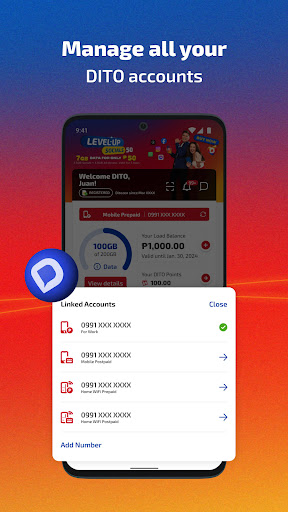
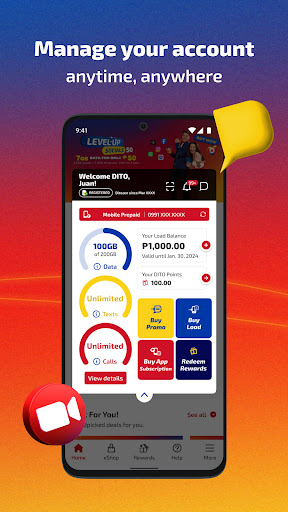
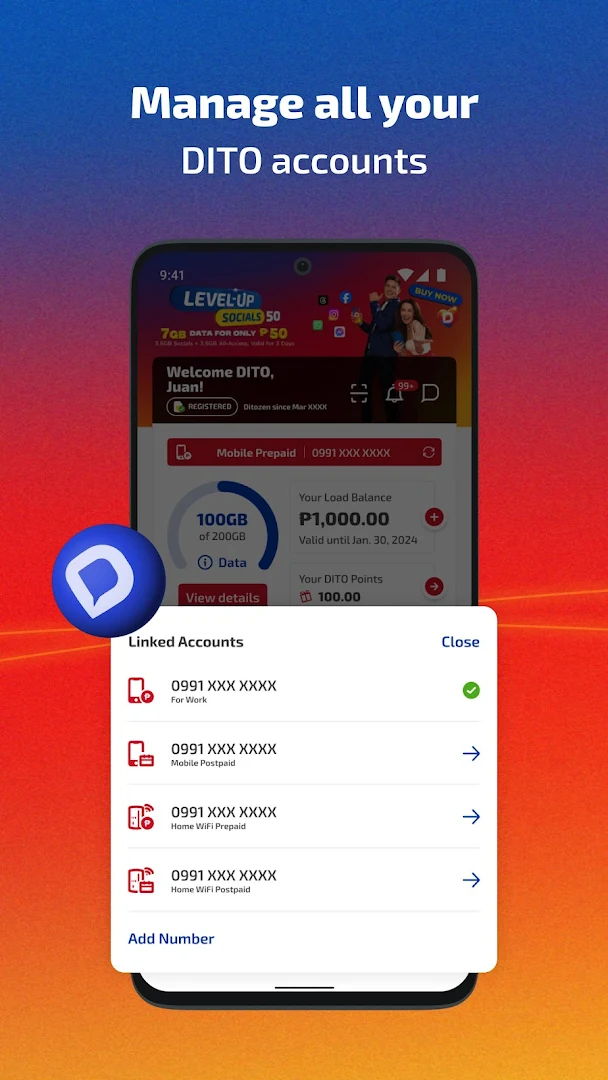
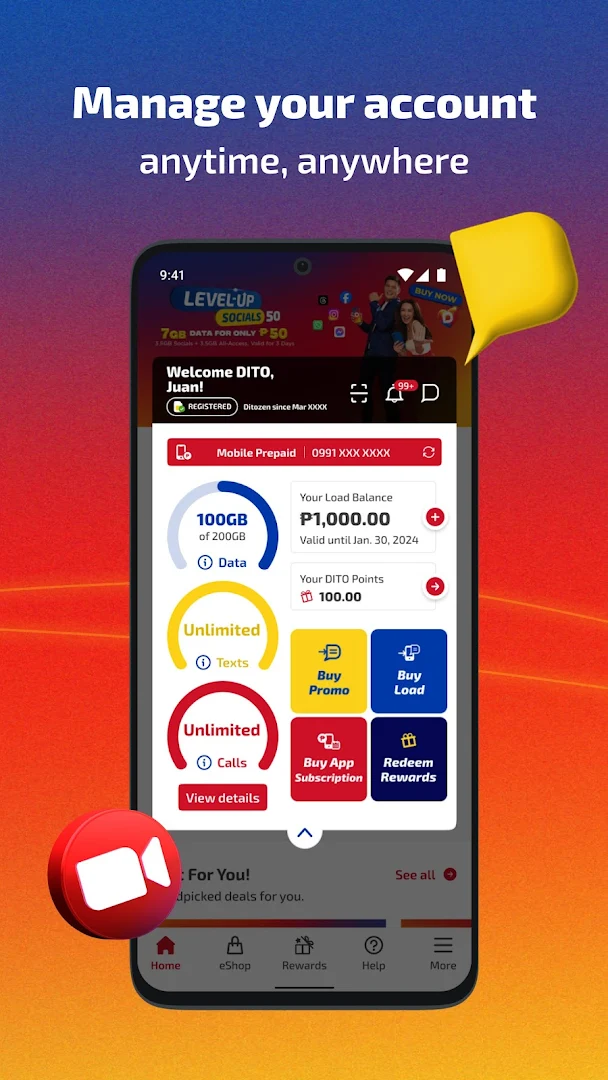
DITO APP is your one-stop full digital access to DITO Telecommunity. Manage your DITO Mobile and DITO 5G Home accounts whenever, wherever.
JOIN US DITO!
• Buy a DITO Prepaid SIM with option to choose your own number.
• Apply for a DITO Mobile Postpaid Plan.
• Get unlimited 5G for your fam with DITO Home!
• Switch to DITO with mobile number portability in just a few taps!
REGISTER your SIM cards using the DITO App!
• Register one or up to 5 SIM cards at a time.
• Take a photo of your valid ID and automatically fill out the form.
• Know your registration status right from the App dashboard.
Have full control of your DITO profile!
• Sign-in to the DITO app using your DITO mobile number and password.
• Forgot your password? We got you! You can sign-in via SMS code.
• Update your DITO account profile.
Manage your DITO account easily!
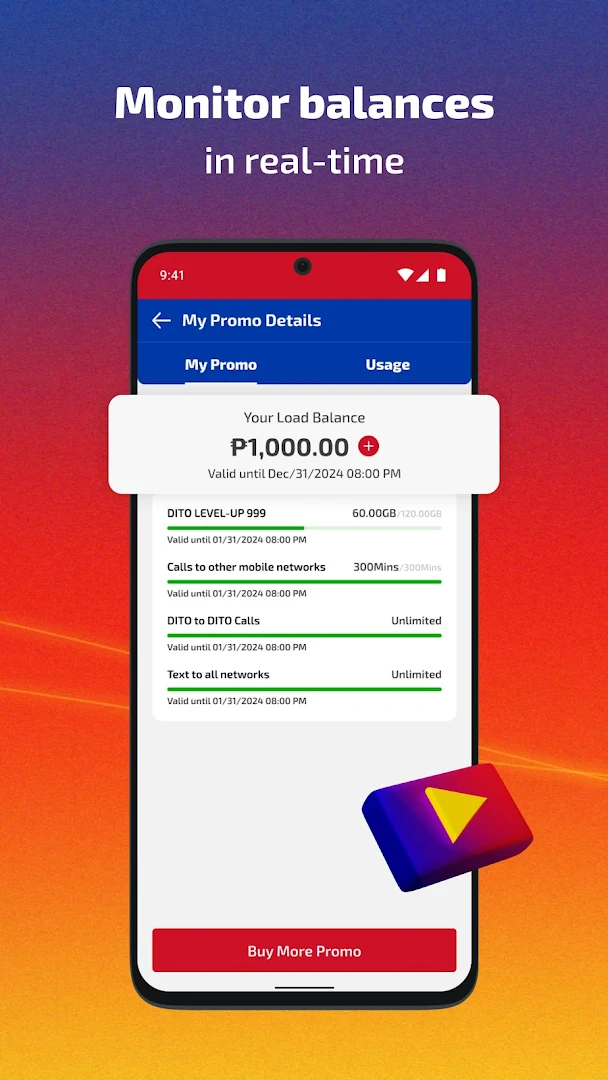
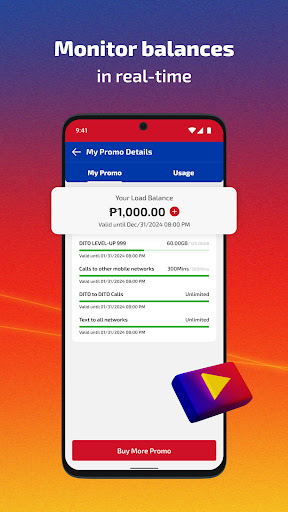
• Check your real-time balance anytime, anywhere.
• Stay updated of your promo subscription through your account dashboard.
Reloading made easier!
• Buy regular load and HIGH-SPEED data promos with options to pay using your debit/credit card or GCash, Grabpay, Maya, ShopeePay & Wechat e-wallet accounts. You can also pay using your DITO Points!
• Enjoy automatic renewal with AUTO PAY and get up to 10GB more
• Purchase promos with ADVANCE PAY and save up to 40%
• Get first dibs on HOT DEALS and EXCLUSIVE offers only for you!
• Share load and data with other DITOzens!
• View your load and promo availment history.
Loyal subscribers are rewarded DITO!
• Earn DITO points when you buy load, buy promos, or update your DITO Rewards profile.
• Exchange your DITO points for variety of exclusive DITO products and services that suit your lifestyle!
Customer support is just one tap away!
• Chat with our customer care specialists for your concerns.
• View Top Questions for inquiries.
• Option to file a report when you encounter problems or difficulties with DITO services.
With the DITO App, you can also:
• Check out Network Coverage for the growing list of areas we cover!
• View DITO Telecommunity's Terms & Conditions and Data Privacy Statement.
Show more

1. Download MEmu installer and finish the setup

2. Start MEmu then open Google Play on the desktop

3. Search DITO in Google Play
Install
4. Download and Install DITO
5. On install completion click the icon to start

6. Enjoy using DITO on PC with MEmu
MEmu Play is the best Android emulator, and 100 million users already enjoy its superb Android app experience. Powered by advanced virtualization technology, it lets you enjoy thousands of Android apps smoothly on your PC—including the most graphics-intensive ones.
Bigger screen with better graphics; Long duration, without limitation of battery or mobile data.
Full Keymapping support for precise control of keyboard and mouse or gamepad.
Multiple game accounts or tasks on single PC at one time with Multi-Instance manager.
Use DITO on PC by following steps: