
DiskWala
Updated
Current Version
26.4
Offered By

Stop worrying about high battery drain when using DiskWala on your phone. Free yourself from the tiny screen and enjoy the app on a much larger display. From now on, get a full-screen experience of your app with the convenience of a keyboard and mouse. MEmu offers you all the surprising features you’d expect: quick installation and easy setup, intuitive controls, and no more worries about battery life, mobile data, or unexpected calls. The all-new MEmu 9 is the choice for using DiskWala on your computer. With the MEmu multi-instance manager, you can run two or more accounts at the same time. Most importantly, our exclusive emulation engine unlocks your PC’s full potential, delivering smooth and enjoyable performance.
Show more
Enjoy superb experience of using DiskWala on PC with MEMU App Player. It's a powerful free Android emulator which provides you with thousands of android apps for their desktop version. Enjoy connecting with friends and polishing your work with higher efficiency! Diskwala: Revolutionize Your Digital Storage and Collaboration.
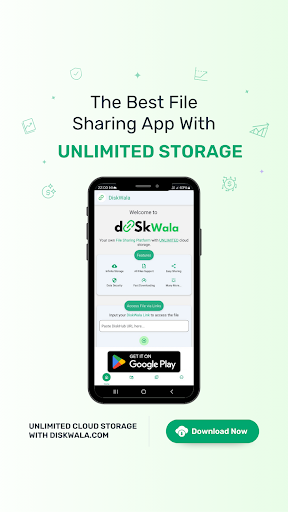
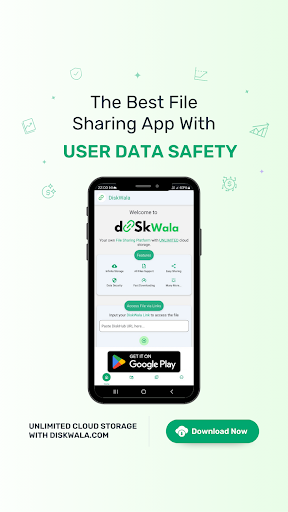
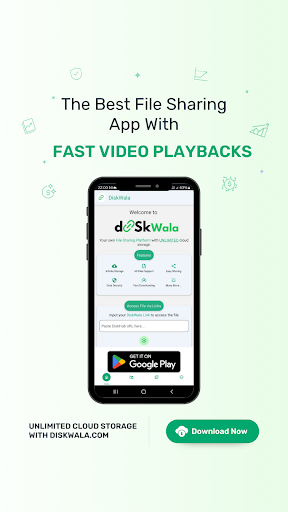
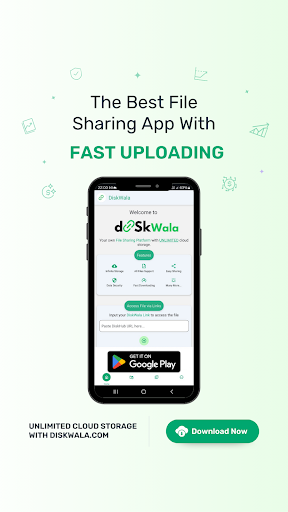
Diskwala: Revolutionize Your Digital Storage and Collaboration
Welcome to Diskwala, the ultimate cloud storage and file-sharing service designed to cater to your every digital need. In the era where data is king, Diskwala stands out as a beacon of reliability, security, and innovation, offering users a seamless experience for storing, accessing, and sharing their digital content.
Why Diskwala?
Diskwala is not just another cloud storage service. It is a comprehensive solution that understands the dynamic needs of today's users - from individuals seeking to safeguard their personal memories to professionals and organizations looking for efficient collaboration tools.
Features at a Glance:
Unlimited Storage:
Say goodbye to storage woes with our flexible plans, including a generous free tier and premium options for heavy users.
Ironclad Security: Your data's security is our top priority. With end-to-end encryption, secure data centers, and regular audits, we ensure your information remains confidential and safe.
Easy Sharing:
Share files and folders with anyone, anywhere, with just a link. Control access with customizable permissions, expiration dates, and password protection.
Cross-Platform Access:
Access your files from any device, anywhere. Our intuitive app and web interface mean your data is always at your fingertips.
Advanced File Management:
Organize your digital life with powerful file management tools. Search, tag, and filter your files with ease.
Security You Can Trust:
At Diskwala, we employ the latest in security technology to protect your data. From personal photos to sensitive corporate documents, we treat all data with the highest level of security. Our commitment to privacy means we never access or share your data without your consent.
Join the Diskwala Family:
Join millions of satisfied users who have made Diskwala their go-to for digital storage and collaboration. Experience the peace of mind that comes with knowing your data is in safe hands. With Diskwala, you're not just choosing a cloud storage provider; you're choosing a partner dedicated to protecting and facilitating your digital endeavors.
Start your Diskwala journey today and take the first step towards a more organized, secure, and collaborative digital experience.
Discover the Diskwala Difference:
Diskwala isn’t just a service; it’s a solution tailored to embrace the future of digital storage and collaboration. As we continuously evolve, our commitment to innovation, user satisfaction, and security remains steadfast. Our roadmap includes exciting features like AI-driven organization, enhanced collaborative tools, and even tighter security protocols to not just meet but exceed our users' expectations.
Why Wait? Join Diskwala Today:
Step into the future of cloud storage and collaboration with Diskwala. Sign up now and transform how you store, share, and collaborate on files. Your digital journey towards efficiency, security, and innovation starts with Diskwala.
Welcome aboard!
Show more

1. Download MEmu installer and finish the setup

2. Start MEmu then open Google Play on the desktop

3. Search DiskWala in Google Play
Install
4. Download and Install DiskWala
5. On install completion click the icon to start

6. Enjoy using DiskWala on PC with MEmu
MEmu Play is the best Android emulator, and 100 million users already enjoy its superb Android app experience. Powered by advanced virtualization technology, it lets you enjoy thousands of Android apps smoothly on your PC—including the most graphics-intensive ones.
Bigger screen with better graphics; Long duration, without limitation of battery or mobile data.
Full Keymapping support for precise control of keyboard and mouse or gamepad.
Multiple game accounts or tasks on single PC at one time with Multi-Instance manager.
Use DiskWala on PC by following steps:





























