РосДомофон твой умный дом
Updated
Current Version
3.62.2
Offered By

Stop worrying about high battery drain when using РосДомофон твой умный дом on your phone. Free yourself from the tiny screen and enjoy the app on a much larger display. From now on, get a full-screen experience of your app with the convenience of a keyboard and mouse. MEmu offers you all the surprising features you’d expect: quick installation and easy setup, intuitive controls, and no more worries about battery life, mobile data, or unexpected calls. The all-new MEmu 9 is the choice for using РосДомофон твой умный дом on your computer. With the MEmu multi-instance manager, you can run two or more accounts at the same time. Most importantly, our exclusive emulation engine unlocks your PC’s full potential, delivering smooth and enjoyable performance.
Show more
Enjoy superb experience of using РосДомофон твой умный дом on PC with MEMU App Player. It's a powerful free Android emulator which provides you with thousands of android apps for their desktop version. Enjoy connecting with friends and polishing your work with higher efficiency! Сделай свой дом безопаснее и удобнее.
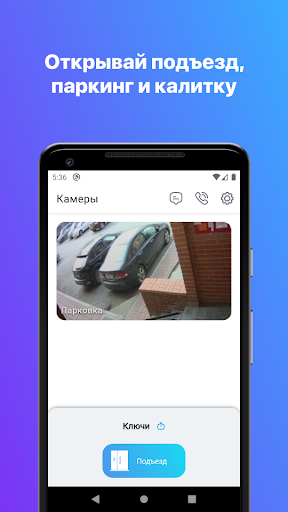
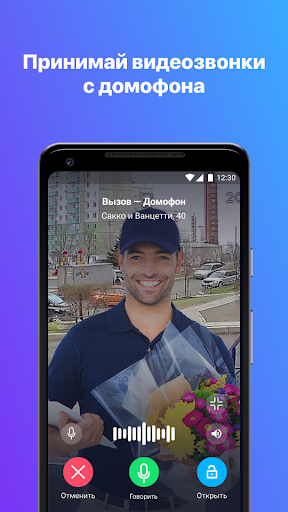
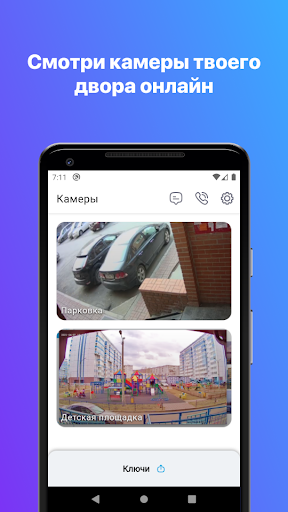
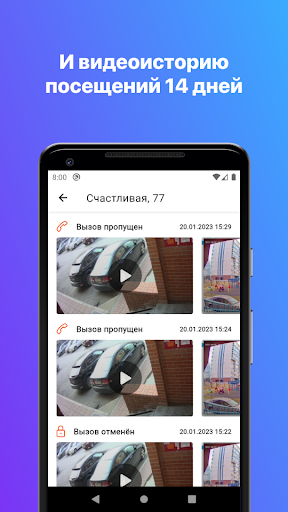
Сделай свой дом безопаснее и удобнее. Контролируй доступ в подъезд из любой точки мира. В режиме реального времени следи за придомовой территорией и парковкой. Смотри, кто заходит вместе с ребенком или к пожилым родителям. Пользуйся видео архивом, чтобы найти важные моменты и рассмотреть во всех подробностях.
С приложением можно столько всего полезного делать с телефона:
• Открывать дверь подъезда
• Принимать видеозвонки с домофона
• Отслеживать, кто звонил в квартиру в архиве вызовов.
• Наблюдать за придомовой территорией в режиме реального времени
• Искать записи камер с придомовой территории с помощью видеоархива с удобным фильтром событий.
• Открывать шлагбаумы, калитки на территории ЖК
• Общаться в чатах с технической поддержкой, соседями и УК
• Высылать ссылки с электронными ключами своим гостям
• Хранить все ключи от дверей, калиток и шлагбаумов
• Делиться семейным доступом с самыми близкими
Уточняй возможность подключения своей квартиры, оставив заявку в приложении. Приятных открытий!
Show more

1. Download MEmu installer and finish the setup

2. Start MEmu then open Google Play on the desktop

3. Search РосДомофон твой умный дом in Google Play
Install
4. Download and Install РосДомофон твой умный дом
5. On install completion click the icon to start

6. Enjoy using РосДомофон твой умный дом on PC with MEmu
MEmu Play is the best Android emulator, and 100 million users already enjoy its superb Android app experience. Powered by advanced virtualization technology, it lets you enjoy thousands of Android apps smoothly on your PC—including the most graphics-intensive ones.
Bigger screen with better graphics; Long duration, without limitation of battery or mobile data.
Full Keymapping support for precise control of keyboard and mouse or gamepad.
Multiple game accounts or tasks on single PC at one time with Multi-Instance manager.
Use РосДомофон твой умный дом on PC by following steps: