TikTok for Android TV
Updated
Current Version
10.7.8
Offered By

Stop worrying about overcharges when using TikTok for Android TV on your cellphone, free yourself from the tiny screen and enjoy using the app on a much larger display. From now on, get a full-screen experience of your app with keyboard and mouse. MEmu offers you all the surprising features that you expected: quick install and easy setup, intuitive controls, no more limitations of battery, mobile data, and disturbing calls. The brand new MEmu 9 is the best choice of using TikTok for Android TV on your computer. MEmu multi-instance manager makes opening 2 or more accounts at the same time possible. And the most important, our exclusive emulation engine can release the full potential of your PC, make everything smooth and enjoyable.
Show more
Enjoy superb experience of using TikTok for Android TV on PC with MEMU App Player. It's a powerful free Android emulator which provides you with thousands of android apps for their desktop version. Enjoy connecting with friends and polishing your work with higher efficiency! Grab your friends and experience TikTok like never before—on TV!
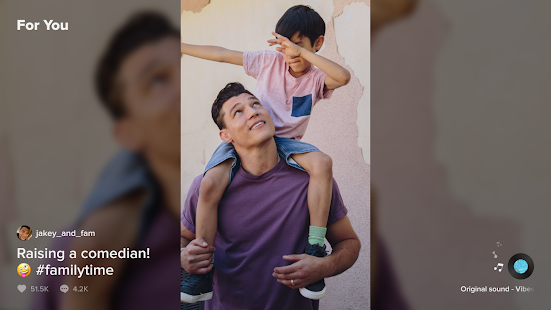
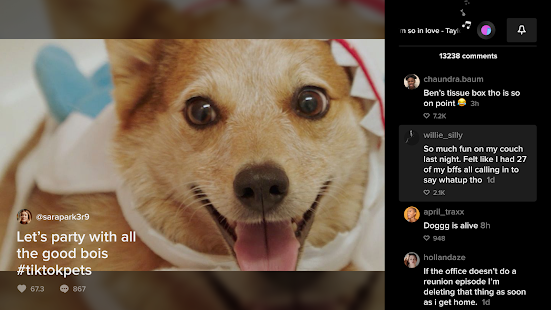
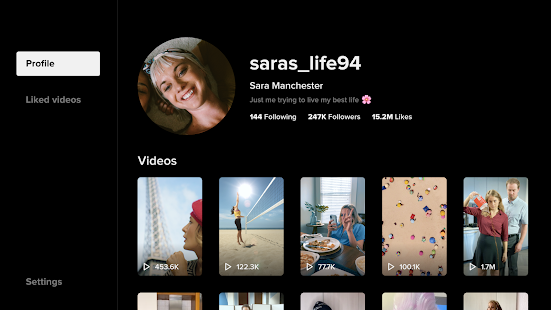
Grab your friends and experience TikTok like never before—on TV!
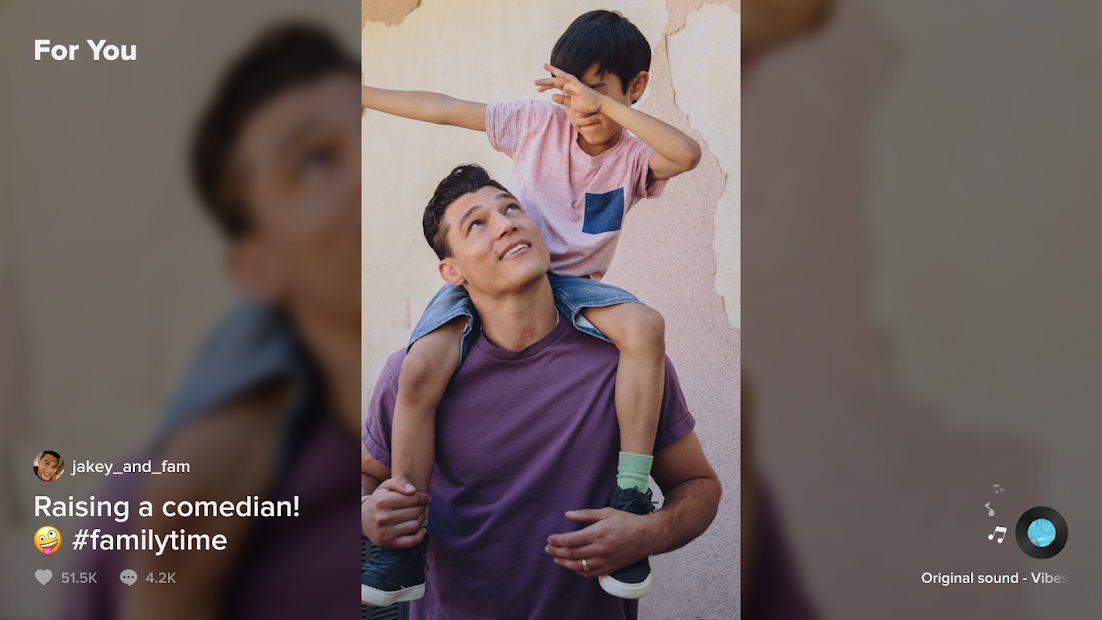
TikTok's shortform videos are fun, genuine and creative. And now, we’re bringing that fun content to your television.
Whether you’re a sports fanatic, a pet enthusiast, or just looking for a laugh, there’s something for everyone on TikTok. All you have to do is watch, engage with what you like, skip what you don’t, and you’ll find an endless stream of short videos that feel personalized just for you. All from the comfort of your couch.
■ Watch endless amount of videos customized specifically for you
A personalized video feed based on what you watch, like and share. TikTok offers you real, interesting, and fun videos that will make your day.
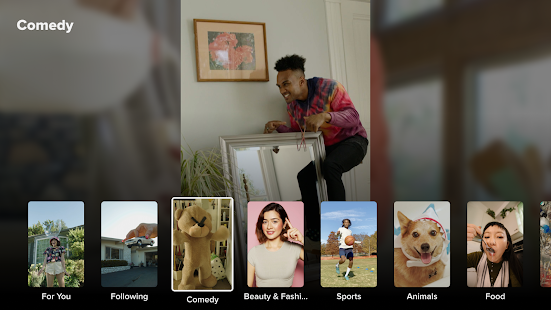
■ Explore videos, just one click away
Watch all types of videos, from Comedy, Gaming, DIY, Food, Sports, Memes and Pets, to Oddly Satisfying and ASMR, and everything in between.
■ Be entertained and inspired by a global community of creators
Millions of creators are on TikTok showcasing their incredible skills and everyday life. Let yourself be inspired.
Show more

1. Download MEmu installer and finish the setup

2. Start MEmu then open Google Play on the desktop

3. Search TikTok for Android TV in Google Play
Install
4. Download and Install TikTok for Android TV
5. On install completion click the icon to start

6. Enjoy playing TikTok for Android TV on PC with MEmu
MEmu Play is the best Android emulator and 100 million people already enjoy its superb Android gaming experience. The MEmu virtualization technology empowers you to play thousands of Android games smoothly on your PC, even the most graphic-intensive ones.
Bigger screen with better graphics; Long duration, without limitation of battery or mobile data.
Full Keymapping support for precise control of keyboard and mouse or gamepad.
Multiple game accounts or tasks on single PC at one time with Multi-Instance manager.
Use TikTok for Android TV on PC by following steps: