VK Mail
Updated
Current Version
2.17.0.99891
Offered By

Stop worrying about high battery drain when using VK Mail on your phone. Free yourself from the tiny screen and enjoy the app on a much larger display. From now on, get a full-screen experience of your app with the convenience of a keyboard and mouse. MEmu offers you all the surprising features you’d expect: quick installation and easy setup, intuitive controls, and no more worries about battery life, mobile data, or unexpected calls. The all-new MEmu 9 is the choice for using VK Mail on your computer. With the MEmu multi-instance manager, you can run two or more accounts at the same time. Most importantly, our exclusive emulation engine unlocks your PC’s full potential, delivering smooth and enjoyable performance.
Show more
Enjoy superb experience of using VK Mail on PC with MEMU App Player. It's a powerful free Android emulator which provides you with thousands of android apps for their desktop version. Enjoy connecting with friends and polishing your work with higher efficiency! VK Mail: email client for Yandex, Gmail, SFR Mail, Rambler, Mail.
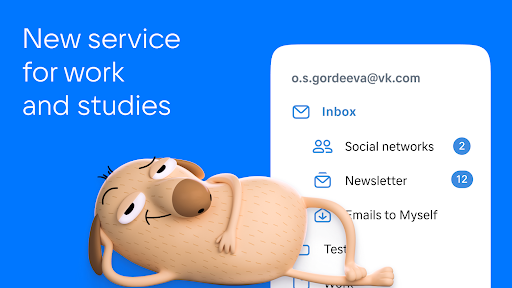
VK Mail: email client for Yandex, Gmail, SFR Mail, Rambler, Mail.ru , Outlook.com and other email services. Nothing superfluous, just emails.
Minimalistic design. There is nothing superfluous in the VK Mail app, such as ads. Just what you need for comfortable work with emails.
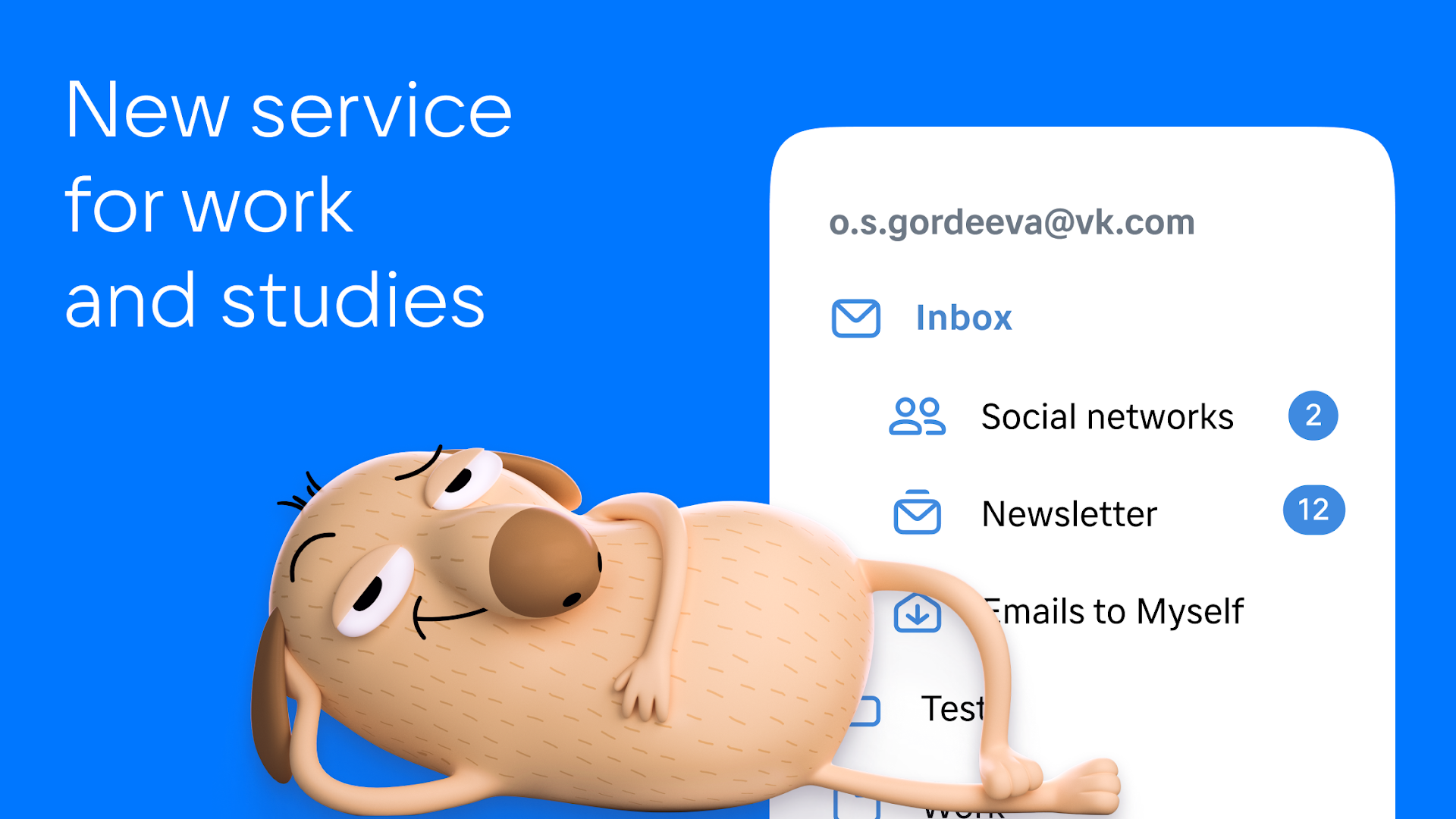
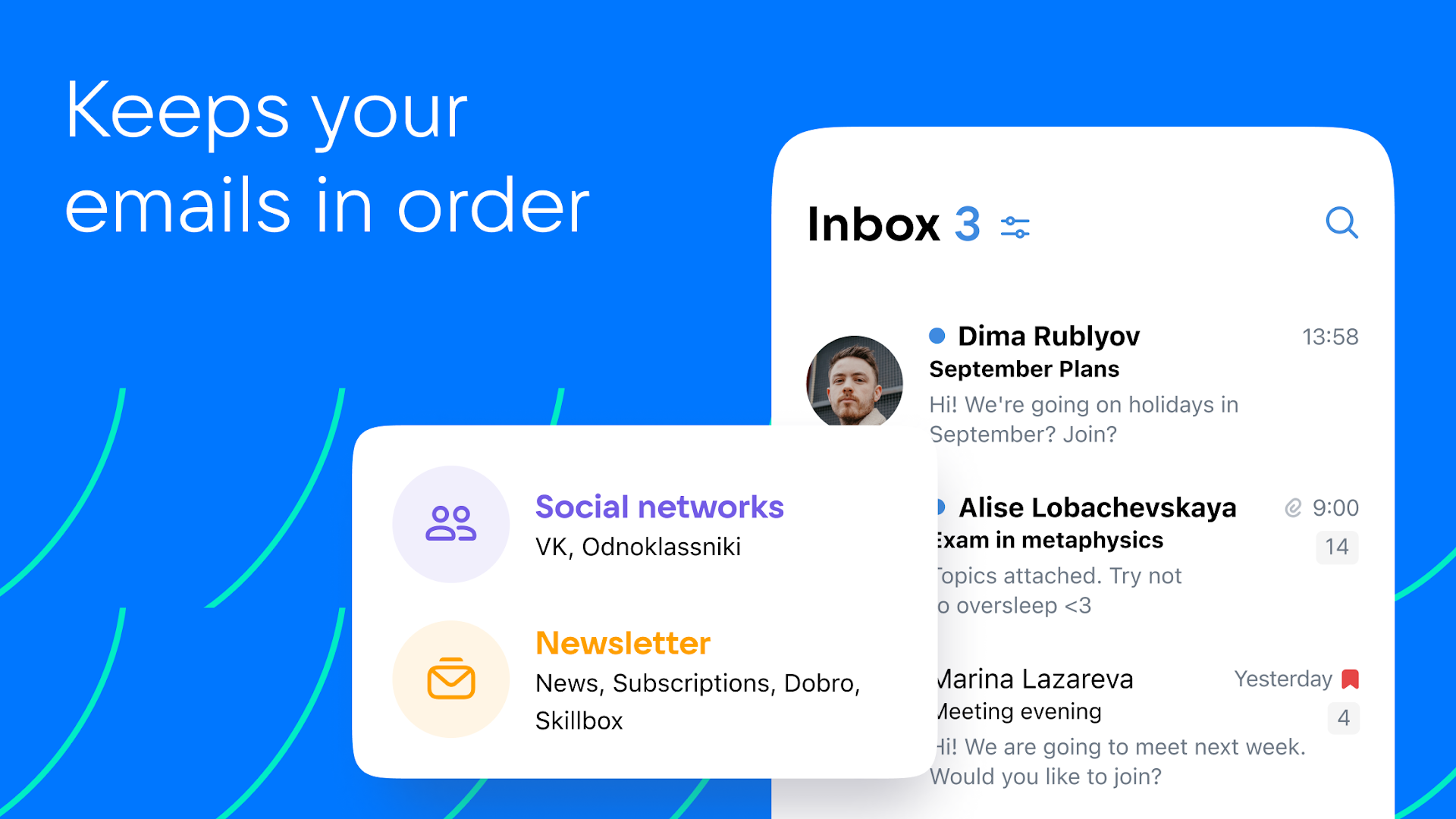
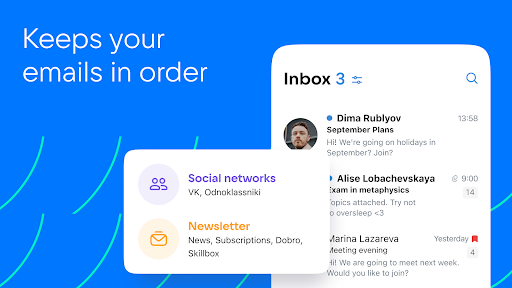
Smart sorting. VK Mail agent automatically sorts newsletters, notifications from social nets, news and emails to yourself into folders. Everything is neatly organized and easy to find.
Custom filters. Set your own filters for a clean and orderly inbox. You can set them so that emails from the selected senders are moved straight to dedicated folders or trash and are marked as read.
The unsubscribe wizard. All your newsletters are collected on one page to make it easy to unsubscribe from the ones you don't need. Go to your account settings, select "Manage Newsletters" and unsubscribe from those newsletters which you don't read.
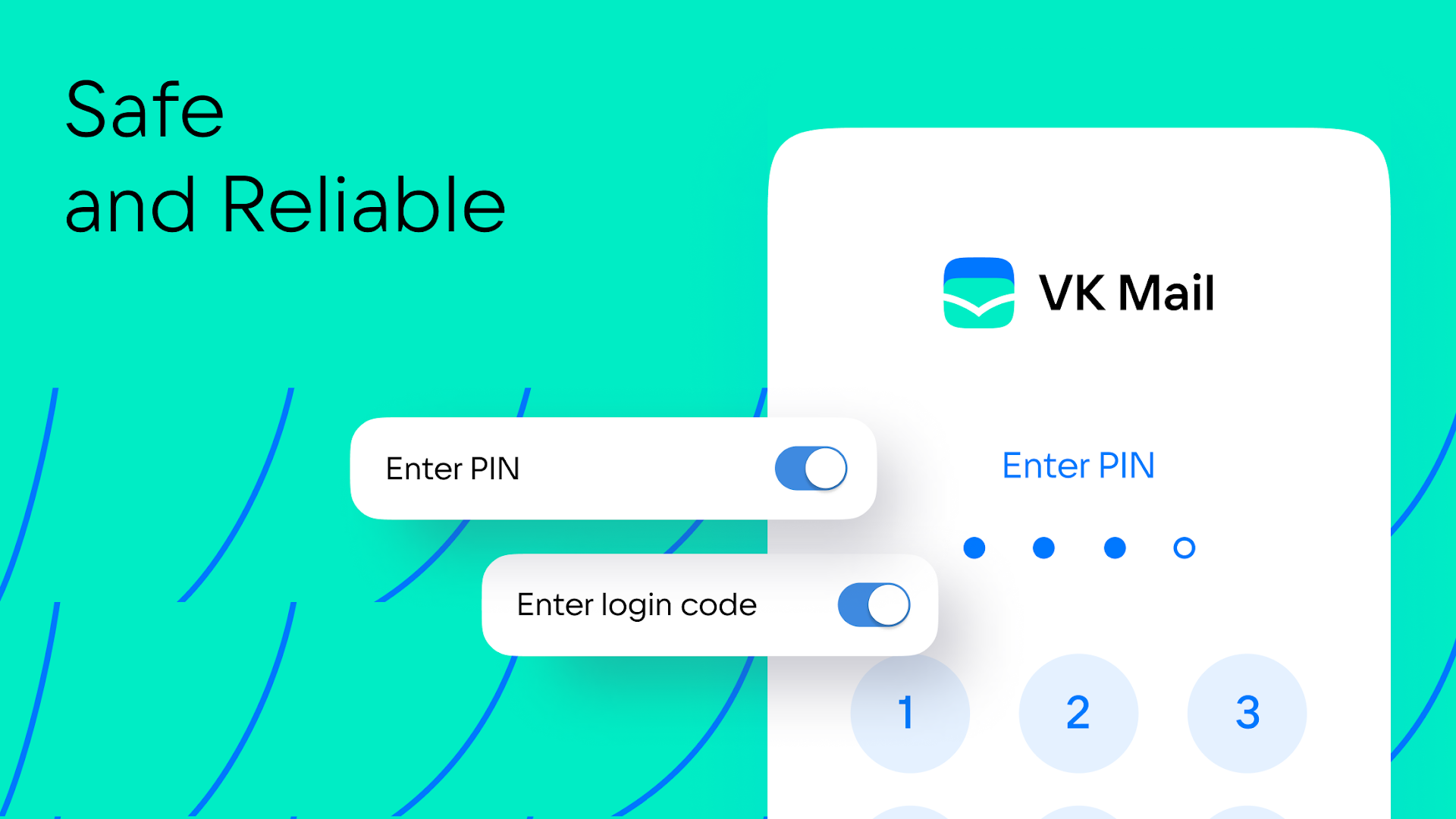
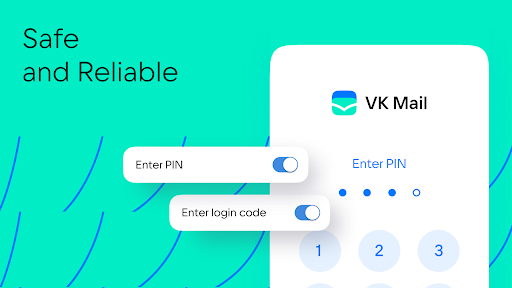
Reliable protection. Powerful spam filters and email login confirmation via SMS, PIN, Touch ID or Face ID. You can choose an access protection method in the app settings and settings for personal data.
All email accounts in one place. If you already have an account with Mail.ru, Gmail, Yahoo, SFR, Yandex or another service, connect them in the VK Mail app and switch between them in a couple of taps. To add an account, tap “Account” and “+”.
Quick swipe actions. You can work with emails without even opening them! Swipe the message from left to right and select an action for this gesture: delete the message, mark it as read or move to spam.
Sending large files. You can attach an entire movie or all photos from your vacation to an email: VK Mail agent can send files up to 2GB without compressing them and turning them into links.
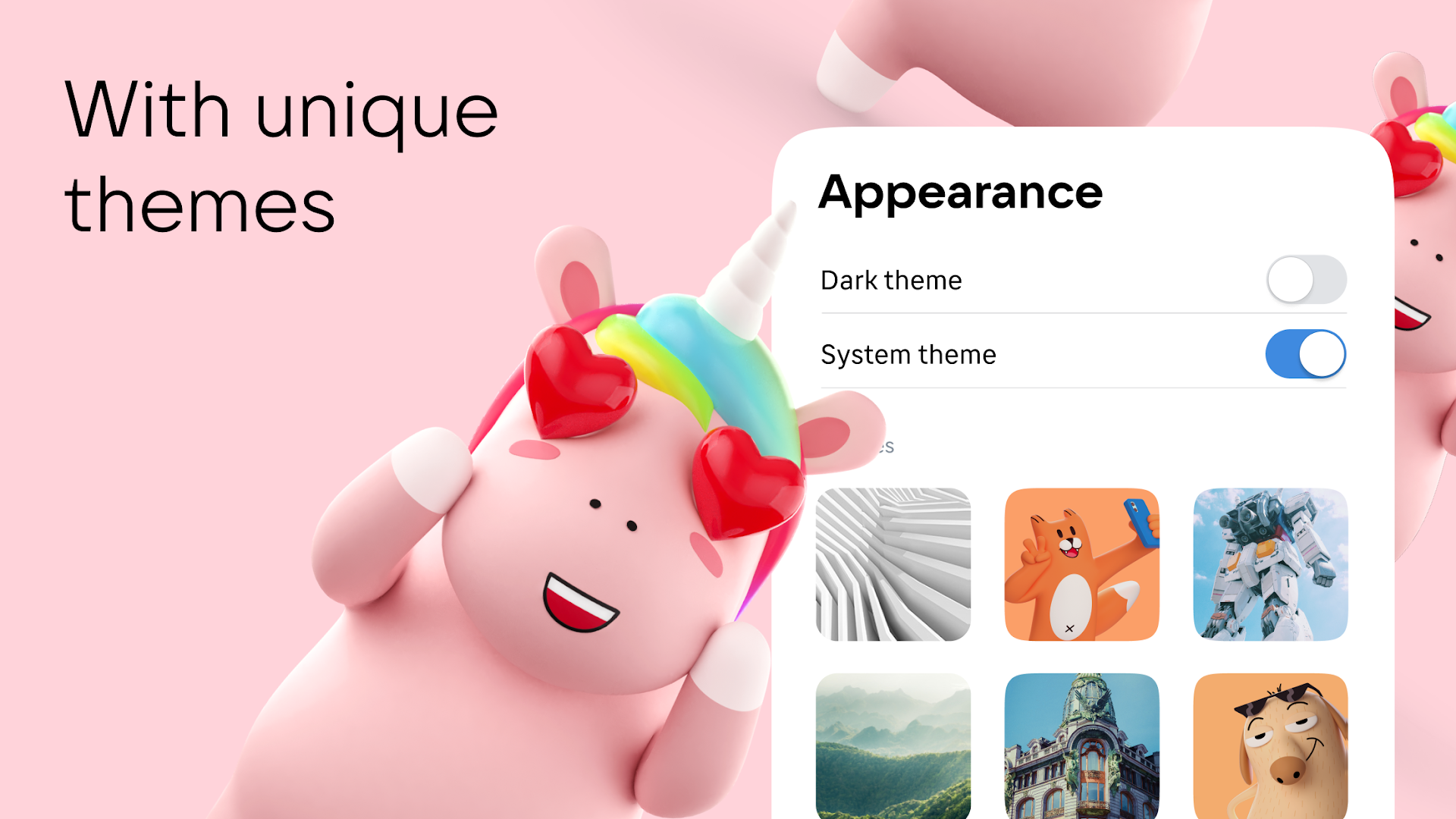
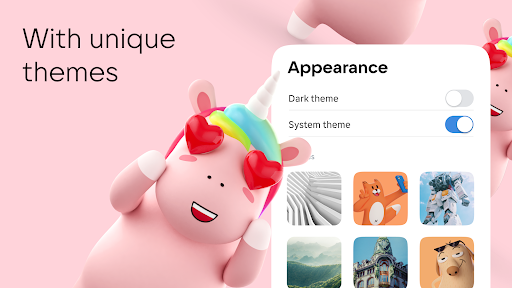
Cool themes from VK. Themes from VK will help you express your style and give your inbox an appealing look without distracting attention from emails. And there is also a dark theme to make reading emails at night more comfortable. You can choose a design in the account settings.
Catchy address. Come up with a terse and expressive name with the domain @vk.com, and your email will be easy to remember — both for you and your recipients.
Download VK Mail agent, configure it as you like, and use it as a single email client for accounts from any services: Gmail, Yandex, SFR Mail, Rambler, Mail.ru and many others.
Show more

1. Download MEmu installer and finish the setup

2. Start MEmu then open Google Play on the desktop

3. Search VK Mail in Google Play
Install
4. Download and Install VK Mail
5. On install completion click the icon to start

6. Enjoy using VK Mail on PC with MEmu
MEmu Play is the best Android emulator, and 100 million users already enjoy its superb Android app experience. Powered by advanced virtualization technology, it lets you enjoy thousands of Android apps smoothly on your PC—including the most graphics-intensive ones.
Bigger screen with better graphics; Long duration, without limitation of battery or mobile data.
Full Keymapping support for precise control of keyboard and mouse or gamepad.
Multiple game accounts or tasks on single PC at one time with Multi-Instance manager.
Use VK Mail on PC by following steps: