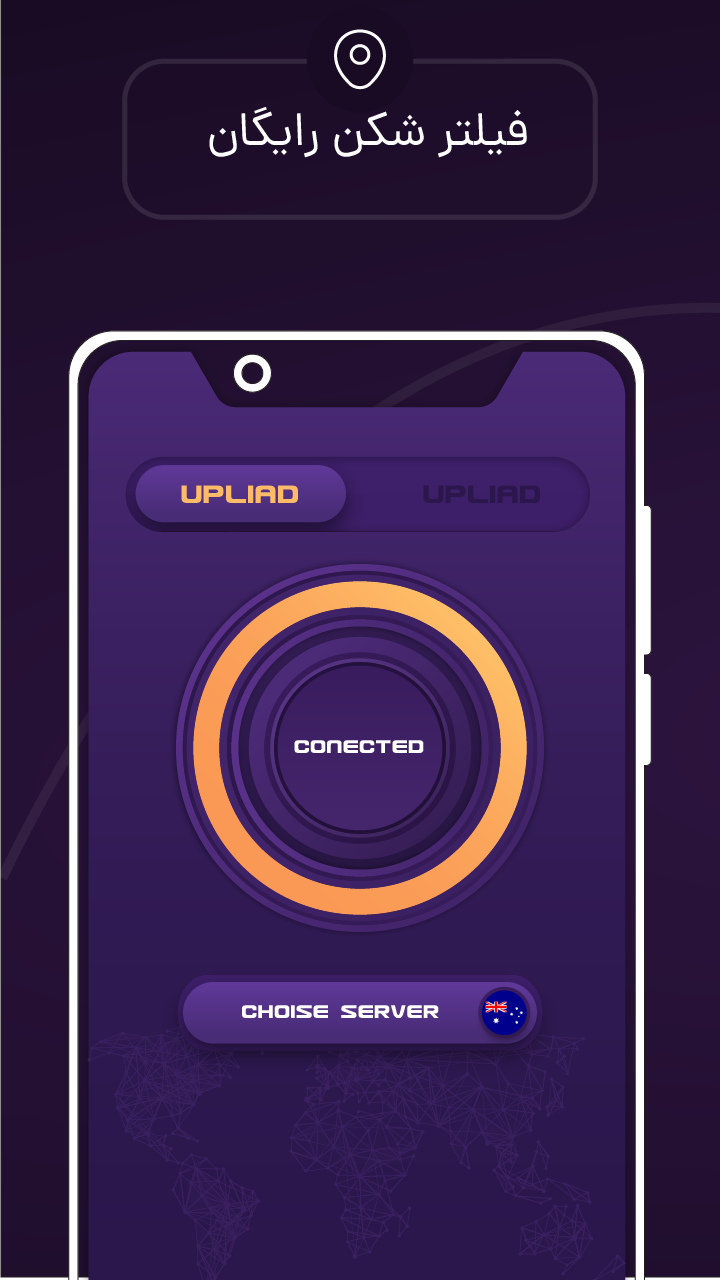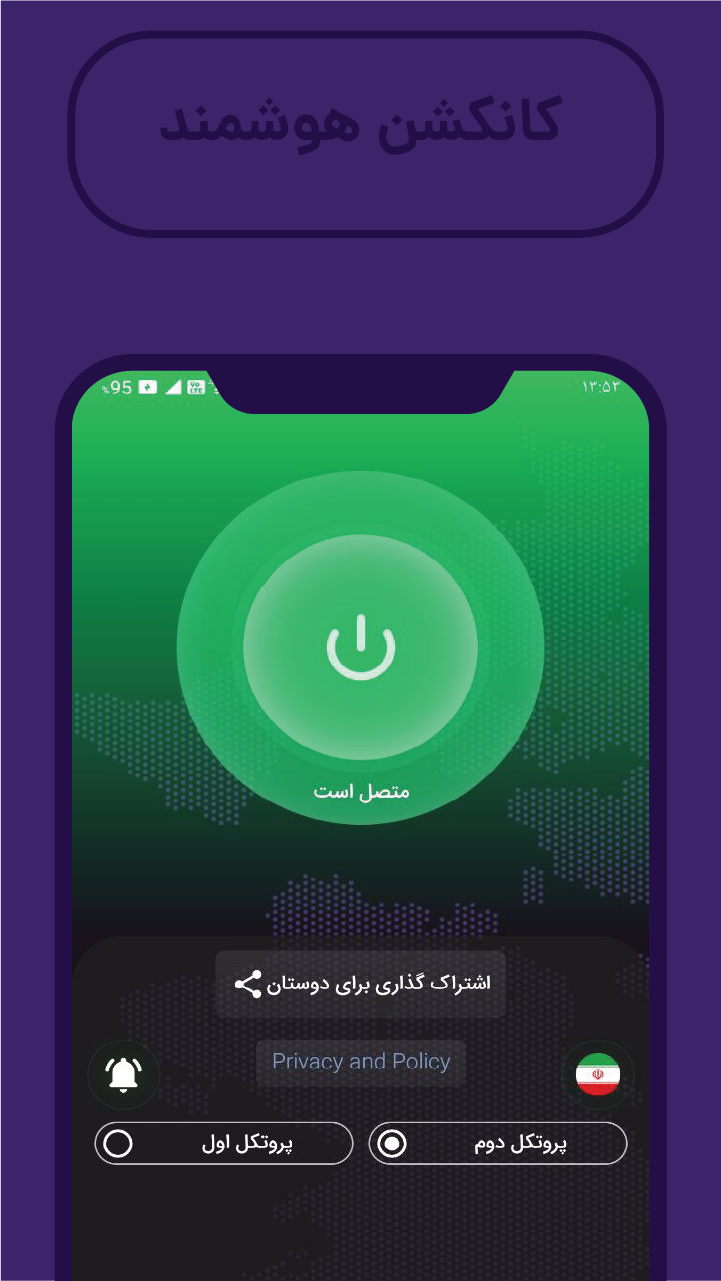
فیلتر شکن قوی vpn
Updated
Current Version
253.0
Offered By

Stop worrying about high battery drain when using فیلتر شکن قوی vpn on your phone. Free yourself from the tiny screen and enjoy the app on a much larger display. From now on, get a full-screen experience of your app with the convenience of a keyboard and mouse. MEmu offers you all the surprising features you’d expect: quick installation and easy setup, intuitive controls, and no more worries about battery life, mobile data, or unexpected calls. The all-new MEmu 9 is the choice for using فیلتر شکن قوی vpn on your computer. With the MEmu multi-instance manager, you can run two or more accounts at the same time. Most importantly, our exclusive emulation engine unlocks your PC’s full potential, delivering smooth and enjoyable performance.
Show more
Enjoy superb experience of using فیلتر شکن قوی vpn on PC with MEMU App Player. It's a powerful free Android emulator which provides you with thousands of android apps for their desktop version. Enjoy connecting with friends and polishing your work with higher efficiency! Why use a VPN service?
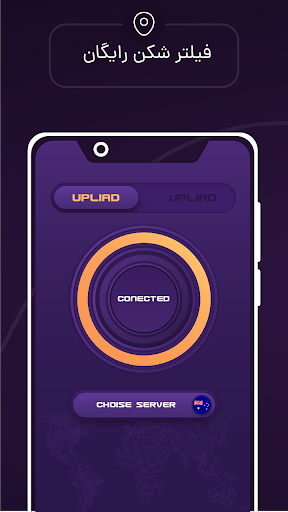
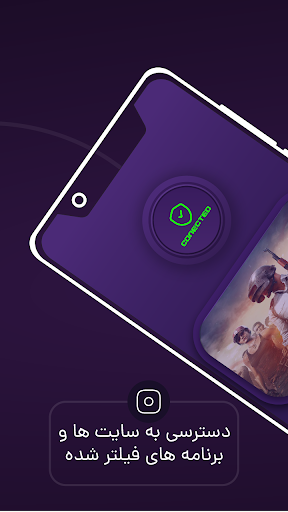

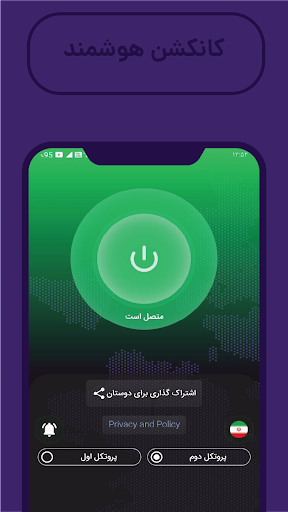
Why use a VPN service?
A virtual private network (VPN) is an Internet security service that allows users to access the Internet as though they were connected to a private network. VPNs use encryption to create a secure connection over unsecured Internet infrastructure.
How do VPNs help secure data?
Encryption is a way of scrambling data so that only authorized parties can understand the information. It takes readable data and alters it so that it appears random to attackers or anyone else who intercepts it. In this way, encryption is like a "secret code."
A VPN works by establishing encrypted connections between devices. All devices that connect to the VPN set up encryption keys, and these keys are used to encode and decode all information sent between them.
The effect of this encryption is that VPN connections remain private even if they stretch across public Internet infrastructure. Imagine John is shopping online from his hotel room. Now suppose that a criminal has secretly infiltrated the hotel’s network infrastructure and is monitoring all data passing through (sort of like tapping a telephone line). John’s data is still secure because of the VPN. All the criminal can see is the encrypted version of the data.
When you make a transaction or when you need to send or receive sensitive information, a VPN will enhance your security.
Do I Need a VPN On All My Devices?
Yes, you will need to install a VPN client on each device you want to connect to the VPN.
Fortunately, all of the VPNs recommended on our site allow you to hook up to multiple devices under one account.
So whether you have a Windows PC, laptop, Macbook, iPhone, or Android mobile you can hook up to your VPN account easily with any device and without having to register for another account.
How We Chose The Best VPNs
We tested, reviewed, and ranked dozens of the leading VPN offers to come up with this top 10 list. To figure out which VPNs are really worth your money, we looked at the features, reputations, and prices of each brand.
The main reason for getting a VPN in the first place is security. That's why we chose VPNs that have military-grade encryption, a range of protocols (OpenVPN, L2TP, IKEv2, and more), DNS leak protection, and a kill-switch. We also compared each VPN brand’s number of servers and where they are situated, as well as their speed and latency.
We then looked at ease-of-use, customer support, and reviews via sites like Trustpilot.
Lastly, we checked out the price of each VPN service to help us root out the best offers with the best value for money.
Disclaimer
Top10Vpn.Guide is offered as a free service. We are reader-supported and only receive commissions from the VPN services we recommend on this page if you click our links and make a purchase via our site. This impacts the ranking, score, and order in which the services we work with (and their products) are presented. VPN listings on this site DO NOT imply endorsement. We do not feature all of the available VPN services, only those we have reviewed. We try to keep all of the information on this site as up-to-date and fresh as possible, but cannot guarantee that this will always be the case. All prices quoted on this site are based on USD so there could be slight discrepancies due to currency fluctuations.
Show more

1. Download MEmu installer and finish the setup

2. Start MEmu then open Google Play on the desktop

3. Search فیلتر شکن قوی vpn in Google Play
Install
4. Download and Install فیلتر شکن قوی vpn
5. On install completion click the icon to start

6. Enjoy using فیلتر شکن قوی vpn on PC with MEmu
MEmu Play is the best Android emulator, and 100 million users already enjoy its superb Android app experience. Powered by advanced virtualization technology, it lets you enjoy thousands of Android apps smoothly on your PC—including the most graphics-intensive ones.
Bigger screen with better graphics; Long duration, without limitation of battery or mobile data.
Full Keymapping support for precise control of keyboard and mouse or gamepad.
Multiple game accounts or tasks on single PC at one time with Multi-Instance manager.
Use فیلتر شکن قوی vpn on PC by following steps: