Koala Sampler
Updated
Current Version
1.4090
Offered By

Stop worrying about high battery drain when using Koala Sampler on your phone. Free yourself from the tiny screen and enjoy the app on a much larger display. From now on, get a full-screen experience of your app with the convenience of a keyboard and mouse. MEmu offers you all the surprising features you’d expect: quick installation and easy setup, intuitive controls, and no more worries about battery life, mobile data, or unexpected calls. The all-new MEmu 9 is the choice for using Koala Sampler on your computer. With the MEmu multi-instance manager, you can run two or more accounts at the same time. Most importantly, our exclusive emulation engine unlocks your PC’s full potential, delivering smooth and enjoyable performance.
Show more
Enjoy superb experience of using Koala Sampler on PC with MEMU App Player. It's a powerful free Android emulator which provides you with thousands of android apps for their desktop version. Enjoy connecting with friends and polishing your work with higher efficiency! Koala is the ultimate pocket-sized sampler.
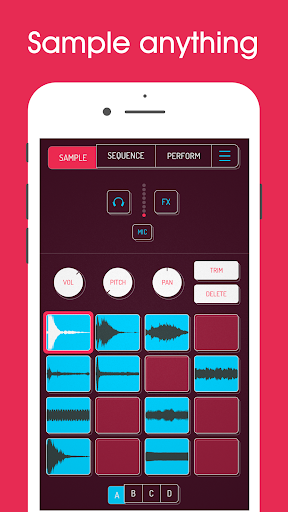
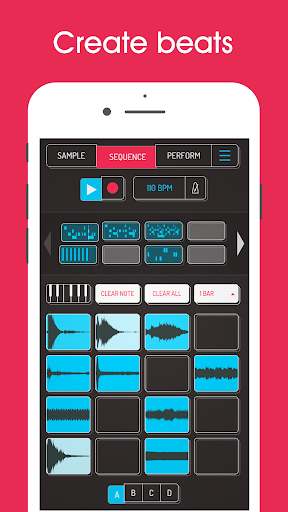
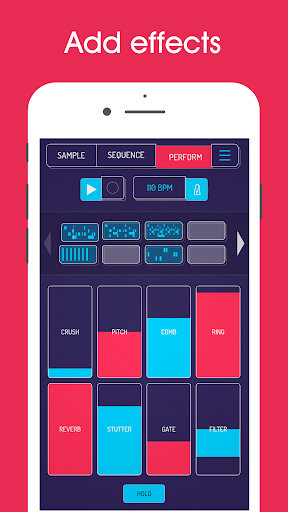
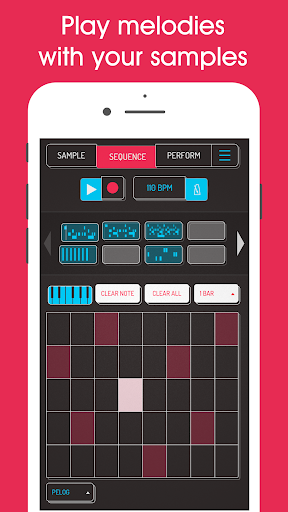
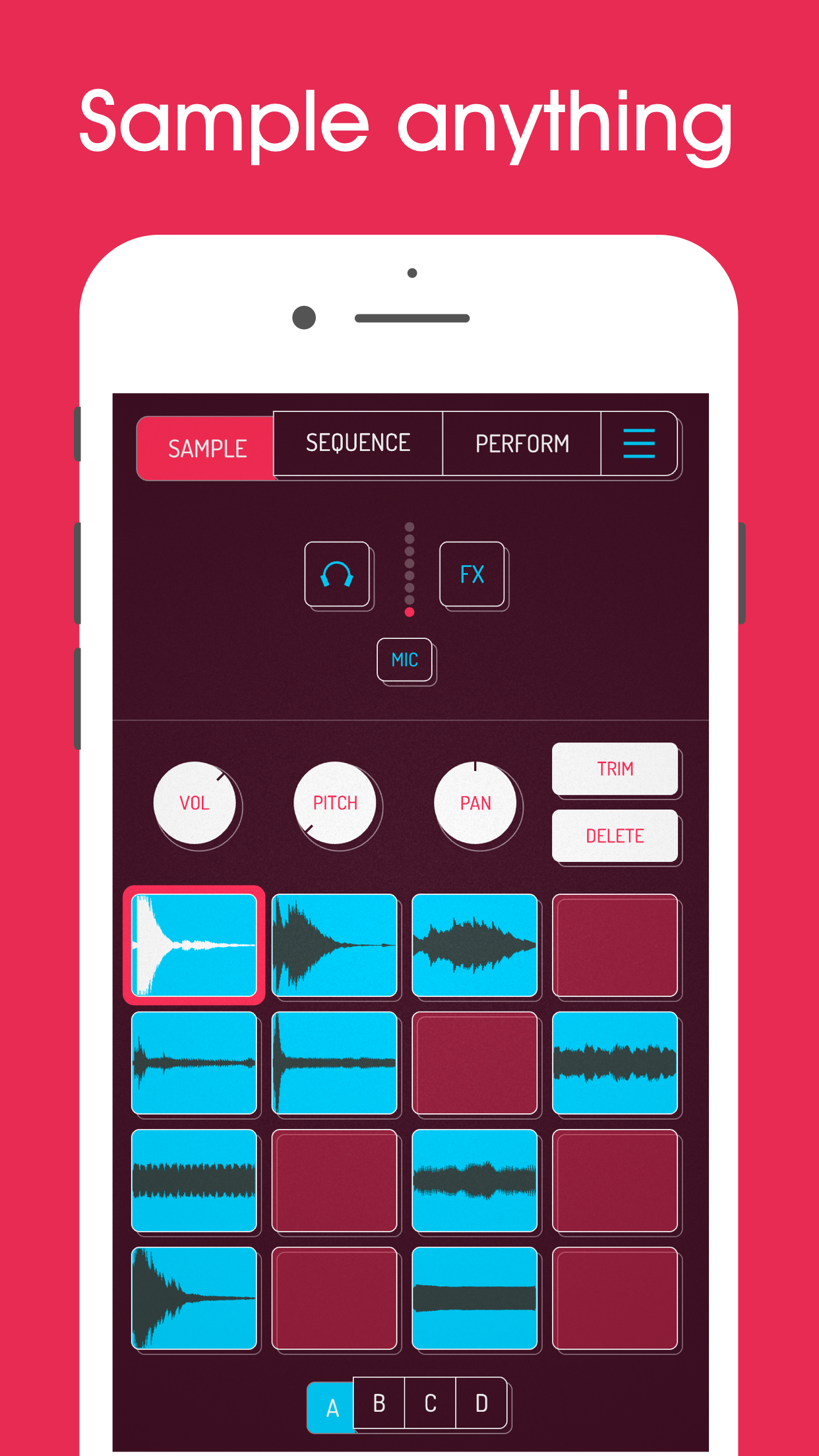
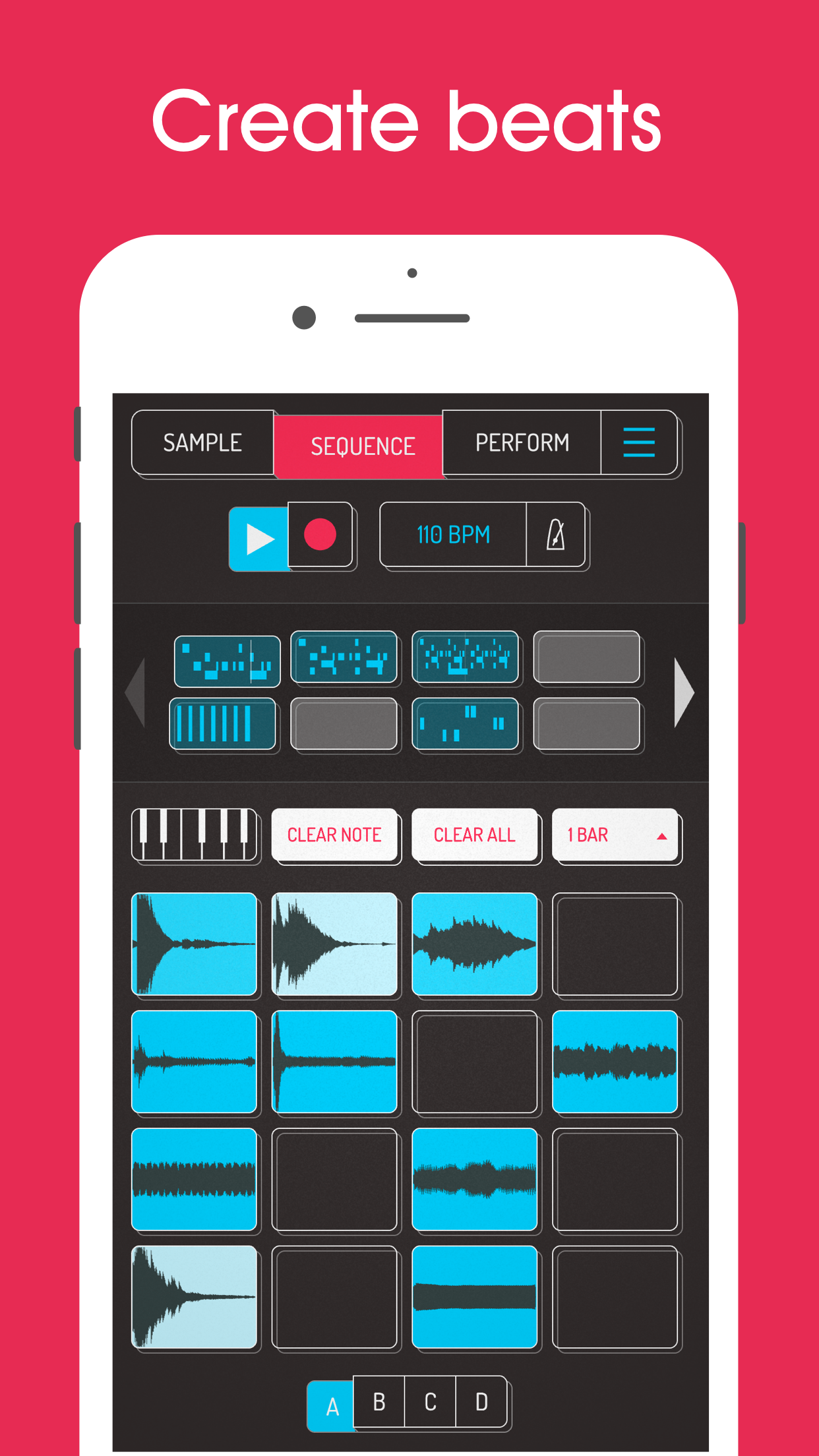
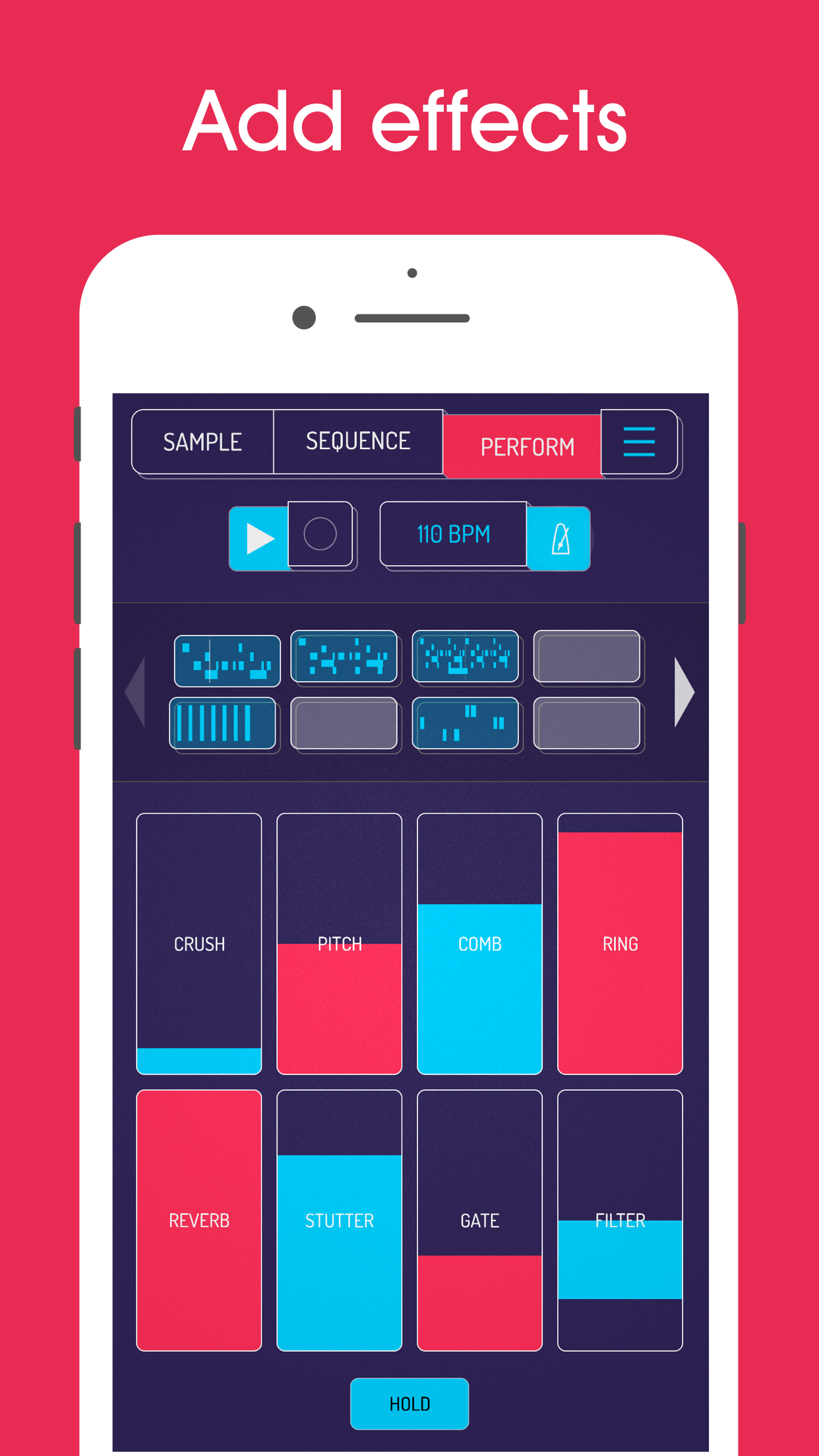
Koala is the ultimate pocket-sized sampler. Record anything with your phone's mic or load your own sounds. Use Koala to create beats with those samples, add effects and create a track!
Koala’s super intuitive interface helps you make a tracks in a flash, there is no brake pedal. You can also resample the output of the app back into the input, through the effects, so the sonic possibilities are endless.
Koala's design focuses totally on making the music making progress instant, keeping you in the flow and keeping it fun, not getting bogged down by pages of parameters and micro-editing.
"Been putting that $4 koala sampler to good use lately. Undeniably great tool that puts some of these expensive beat boxes to shame. A must cop."
-- flying lotus, twitter
* Record up to 64 different samples with your mic
* Transform your voice or any other sound with 16 superb built-in fx
* Resample the output of the app back into a new sample
* Export loops or entire tracks as professional quality WAV files
* Copy/paste or merge sequences just by dragging them
* Create beats with the high-resolution sequencer
* Import your own samples
* Use AI to separate samples into individual instruments (drums, bass, vocals and other)
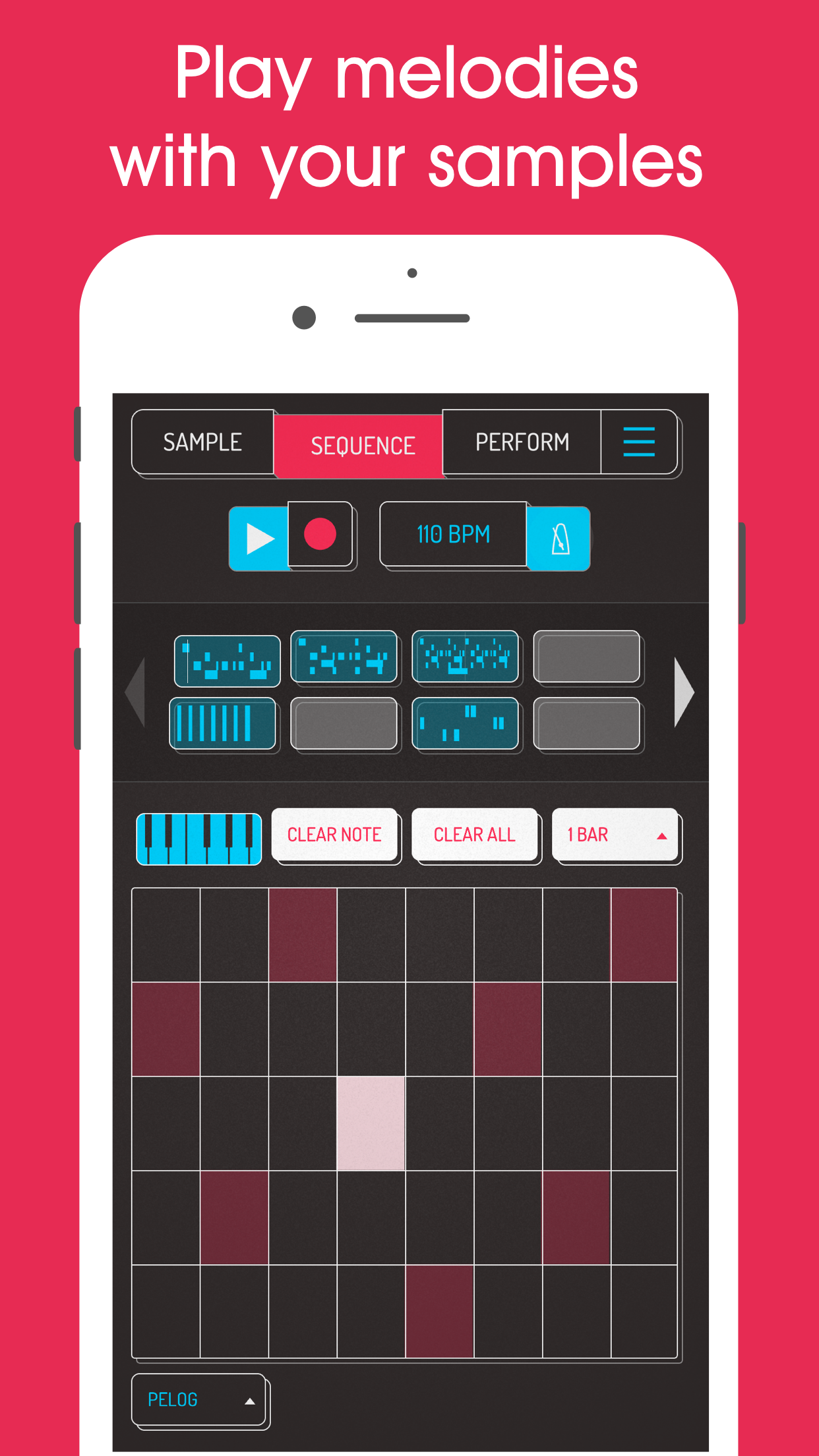
* Keyboard mode lets you play chromatically or one of 9 scales
* Quantize, add swing to get the right feel
* Normal/One-shot/Loop/Reverse playback of samples
* Attack, release and tone adjustable on each sample
* Mute/Solo controls
* Note repeat
* Add any (or all) of the 16 effects to the entire mix
* MIDI controllable - play your samples on a keyboard
NOTE: If you’re having trouble with microphone input please turn off "OpenSL" in Koala's audio settings.
8 Built-in Microphone FX:
* More Bass
* More Treble
* Fuzz
* Robot
* Reverb
* Octave up
* Octave down
* Synthesizer
16 Built-in DJ Mix FX:
* Bit-crusher
* Pitch-shift
* Comb filter
* Ring modulator
* Reverb
* Stutter
* Gate
* Resonant High/Low Pass Filters
* Cutter
* Reverse
* Dub
* Tempo Delay
* Talkbox
* VibroFlange
* Dirty
* Compressor
Features included in SAMURAI In-App Purchase
* Pro-quality Timestretch (4 modes: Modern, Retro, Beats and Re-pitch)
* Piano roll editor
* Auto-chop (auto, equal, and lazy chop)
* Pocket operator sync out
Show more

1. Download MEmu installer and finish the setup

2. Start MEmu then open Google Play on the desktop

3. Search Koala Sampler in Google Play
Install
4. Download and Install Koala Sampler
5. On install completion click the icon to start

6. Enjoy using Koala Sampler on PC with MEmu
MEmu Play is the best Android emulator, and 100 million users already enjoy its superb Android app experience. Powered by advanced virtualization technology, it lets you enjoy thousands of Android apps smoothly on your PC—including the most graphics-intensive ones.
Bigger screen with better graphics; Long duration, without limitation of battery or mobile data.
Full Keymapping support for precise control of keyboard and mouse or gamepad.
Multiple game accounts or tasks on single PC at one time with Multi-Instance manager.
Use Koala Sampler on PC by following steps: