Simple: Intermittent fasting and meal tracking
Updated
Current Version
7.0.49
Offered By

Stop worrying about high battery drain when using Simple: Intermittent fasting and meal tracking on your phone. Free yourself from the tiny screen and enjoy the app on a much larger display. From now on, get a full-screen experience of your app with the convenience of a keyboard and mouse. MEmu offers you all the surprising features you’d expect: quick installation and easy setup, intuitive controls, and no more worries about battery life, mobile data, or unexpected calls. The all-new MEmu 9 is the choice for using Simple: Intermittent fasting and meal tracking on your computer. With the MEmu multi-instance manager, you can run two or more accounts at the same time. Most importantly, our exclusive emulation engine unlocks your PC’s full potential, delivering smooth and enjoyable performance.
Show more
Enjoy superb experience of using Simple: Intermittent fasting and meal tracking on PC with MEMU App Player. It's a powerful free Android emulator which provides you with thousands of android apps for their desktop version. Enjoy connecting with friends and polishing your work with higher efficiency! The health coaching app that delivers long-term weight loss without calorie counting or food restrictions.
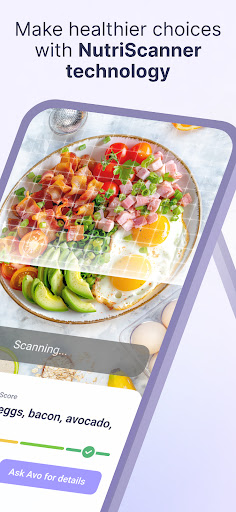
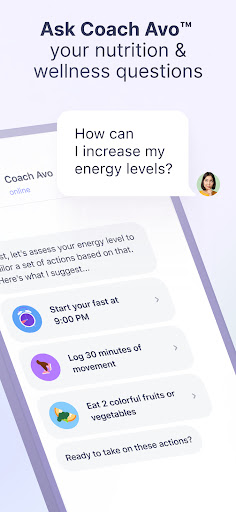
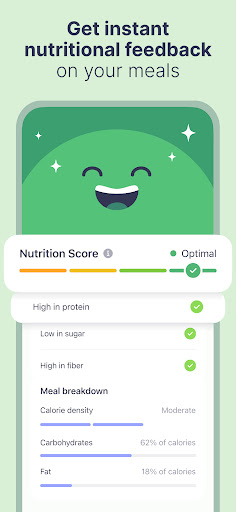
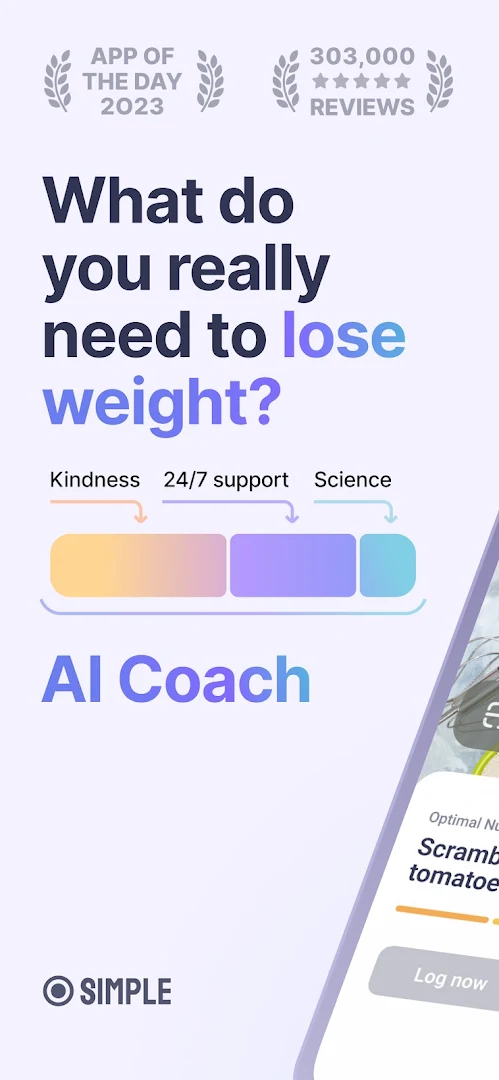
The health coaching app that delivers long-term weight loss without calorie counting or food restrictions. Trained by behavioral change experts and dietitians to help you make healthy, sustainable choices — now with Avo Vision for on-the-go instant feedback.
What you get with Simple:
An AI Coach Trained by Health Experts
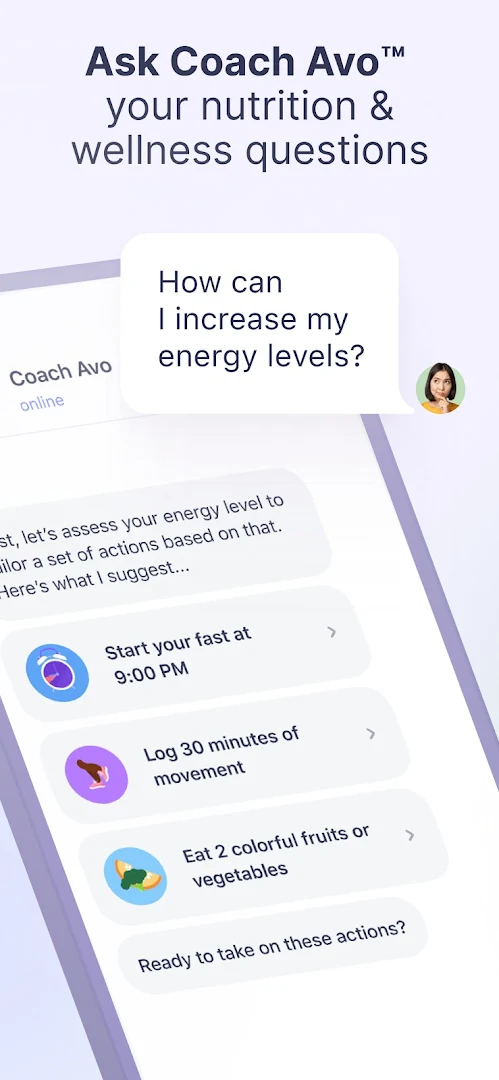
Avo™ is your in-app coach, guiding you through your weight loss journey. With positive encouragement and motivational coaching, Avo provides expert-level advice tailored to your unique goals anytime, anywhere.
The Power of Avo Vision
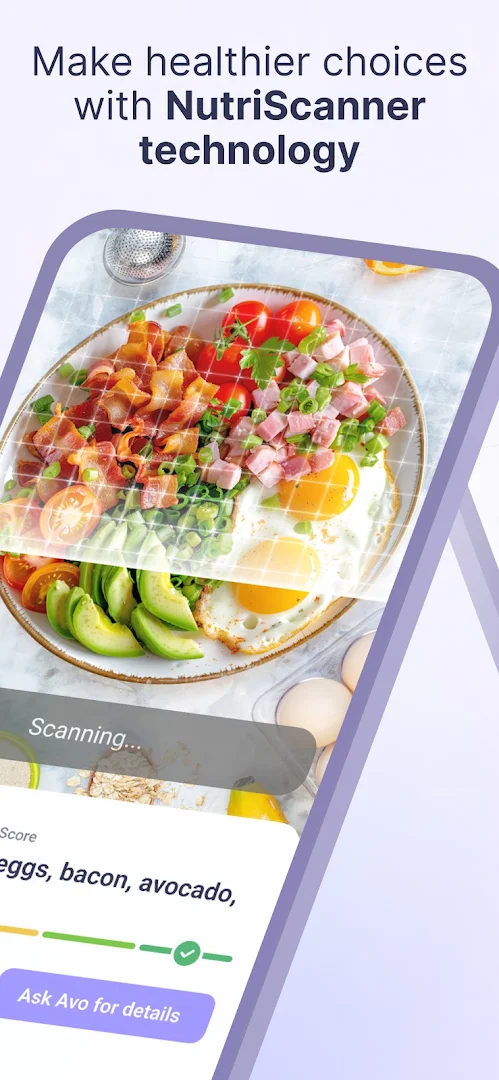
Take a photo of the menu, your groceries, or your next meal, and get instant suggestions, recipes, and feedback.
The Info You Need, Fast:
Avoid searching for calories or sugar content—simply use Avo Vision and get guidance.
Stress Less, Enjoy Food More:
Avo Vision turns photos into useful information, recipes, and nutritional feedback, making your weight loss journey enjoyable.
Love Choice, Love Yourself:
Focus on feeling happy and healthy rather than just the numbers.
Get Inspired on the Spot:
Unleash your inner chef with easy recipes based on what you have on hand.
Expert-Backed Tools and Techniques
Our approach is guided by up-to-date research and a global team of health, nutrition, and behavioral change experts. With Avo Vision, get detailed nutritional information, recipes, and feedback with just a photo.
Simple, Sustainable Steps to Lose Weight
Avo helps you develop healthy, sustainable habits to:
- Reach and maintain your weight loss goals.
- Build a healthy relationship with food.
- Explore options and live a happier life.
Features You’ll Love:
- Positive, Proactive Coaching Conversations:
Get supportive suggestions on nutrition, recipes, stress relief, workouts, and more.
- Personalized Nutritional Feedback:
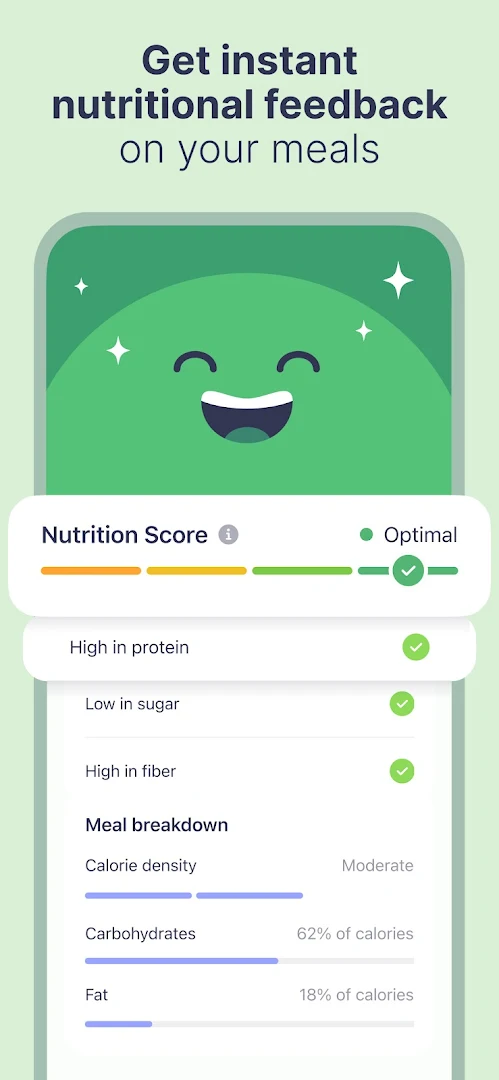
Use Nutrition Scores to learn about your meals and how they fit your goals.
- Faster Answers with Avo Vision:
Get instant recommendations and personalized feedback from photos.
- Food Tracker:
Improve habits by tracking your meals easily through typing, voice, or photos.
- Hydration Tracker:
Stay hydrated to enhance physical and mental wellness.
- Activity Tracker:
Track physical activity to build fitness alongside your nutritional journey.
- Weight Loss Tracker:
Stay motivated by tracking your progress.
- Flexible Intermittent Fasting:
Lose weight by focusing on when to eat, with no calorie counting.
- Easy-to-Understand Expert Articles:
Learn about nutrition, physical activity, fasting, mindset, and more.
- Timely Reminders:
Stay focused on fasting, meal tracking, fitness, and hydration.
-App Integrations:
Easily connect Simple with your favorite health tracking apps to sync your steps, weight, water intake, and sleep data.
For full access to all these features, get the Premium subscription.
Subscription Details:
Payment will be charged to your Play account at confirmation of purchase. The subscription automatically renews unless auto-renew is turned off in your Play account settings at least 24 hours before the end of the subscription period. Any unused part of a free trial, if offered, will be forfeited if you purchase a subscription during the free trial period.
For more information, please visit Google Play Support: https://support.google.com/googleplay/answer/7018481?sjid=13036779822414607866
Privacy Policy: simple.life/privacy.htm](http://simple.life/privacy.htm
Terms of Use: simple.life/tos.htm](http://simple.life/tos.htm
Still reading? We love that energy. You must have the same appetite for well-being as we do. See you soon!
Show more

1. Download MEmu installer and finish the setup

2. Start MEmu then open Google Play on the desktop

3. Search Simple: Intermittent fasting and meal tracking in Google Play
Install
4. Download and Install Simple: Intermittent fasting and meal tracking
5. On install completion click the icon to start

6. Enjoy using Simple: Intermittent fasting and meal tracking on PC with MEmu
MEmu Play is the best Android emulator, and 100 million users already enjoy its superb Android app experience. Powered by advanced virtualization technology, it lets you enjoy thousands of Android apps smoothly on your PC—including the most graphics-intensive ones.
Bigger screen with better graphics; Long duration, without limitation of battery or mobile data.
Full Keymapping support for precise control of keyboard and mouse or gamepad.
Multiple game accounts or tasks on single PC at one time with Multi-Instance manager.
Use Simple: Intermittent fasting and meal tracking on PC by following steps: