Macrorify - Image Auto Clicker
Updated
Current Version
1.5.1.3
Offered By

Stop worrying about high battery drain when using Macrorify - Image Auto Clicker on your phone. Free yourself from the tiny screen and enjoy the app on a much larger display. From now on, get a full-screen experience of your app with the convenience of a keyboard and mouse. MEmu offers you all the surprising features you’d expect: quick installation and easy setup, intuitive controls, and no more worries about battery life, mobile data, or unexpected calls. The all-new MEmu 9 is the choice for using Macrorify - Image Auto Clicker on your computer. With the MEmu multi-instance manager, you can run two or more accounts at the same time. Most importantly, our exclusive emulation engine unlocks your PC’s full potential, delivering smooth and enjoyable performance.
Show more
Enjoy superb experience of using Macrorify - Image Auto Clicker on PC with MEMU App Player. It's a powerful free Android emulator which provides you with thousands of android apps for their desktop version. Enjoy connecting with friends and polishing your work with higher efficiency! Tell Me About Yourself.
Tell Me About Yourself
Hi, I’m Macrorify and I’m a Macro Maker. You might know me as an Auto Clicker.
However, I can do more than any other auto clicker. Using Image Detection and Text Recognition, I can help make your macros as powerful as possible.
What Are Your Strengths?
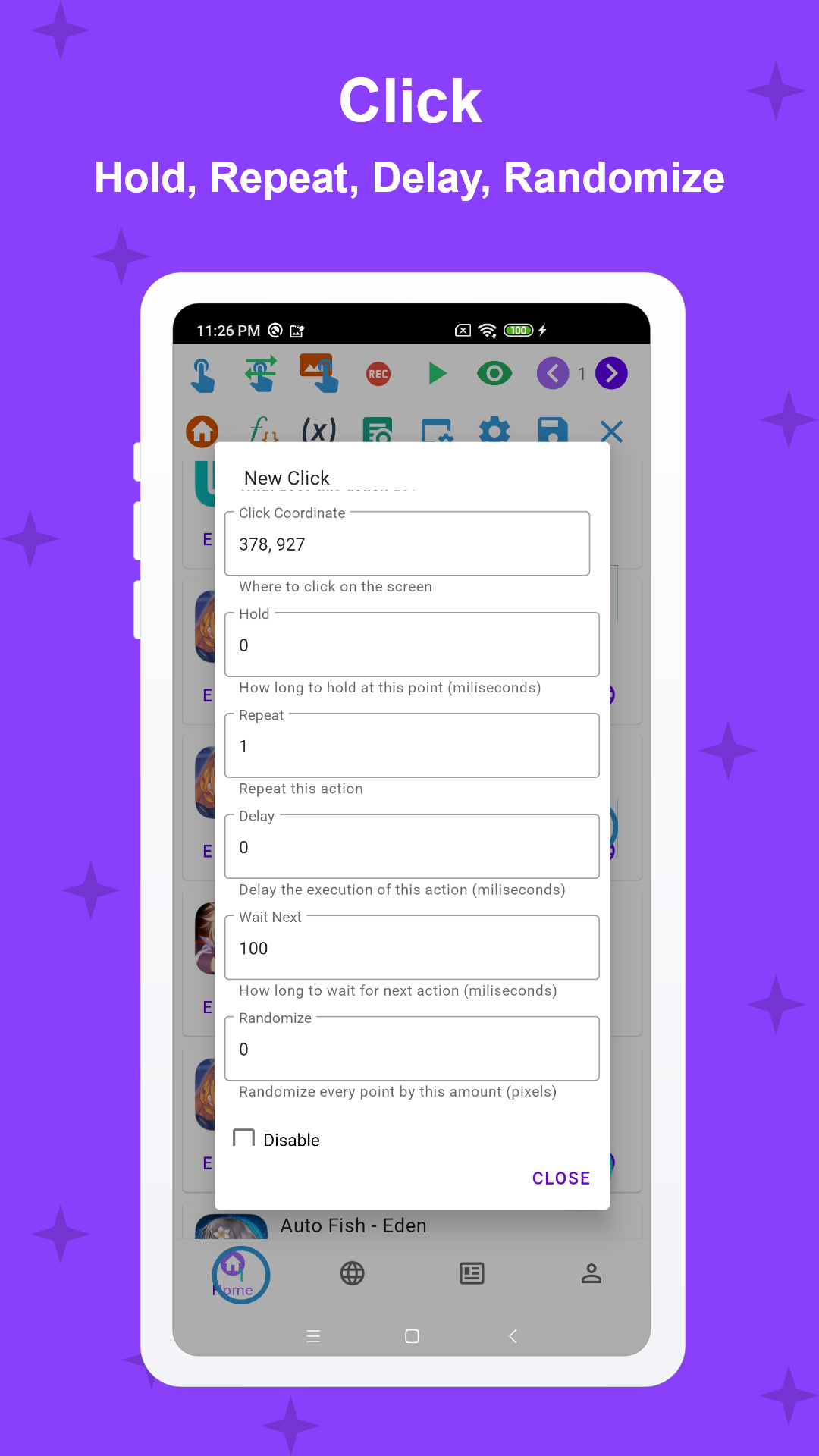
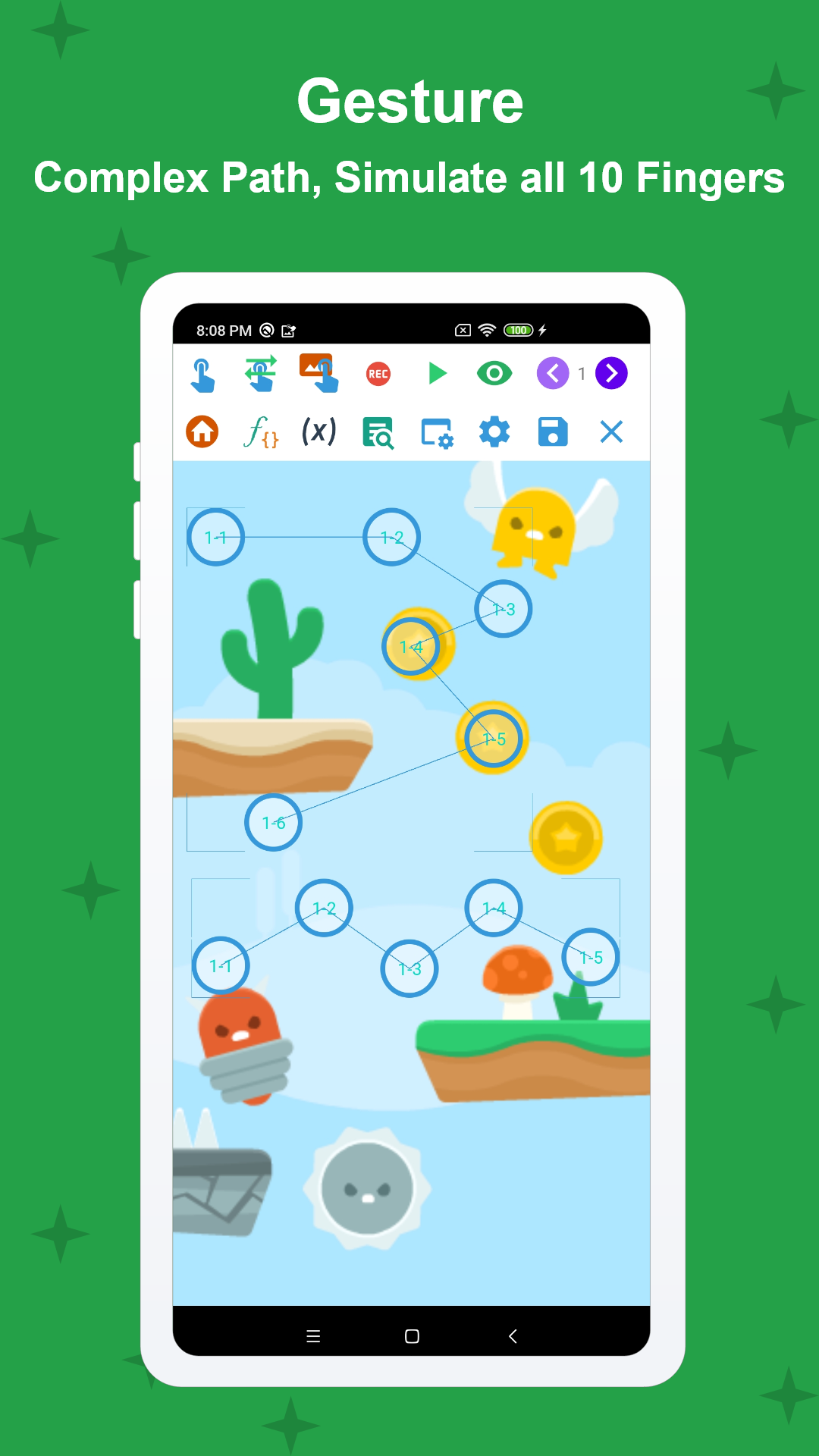
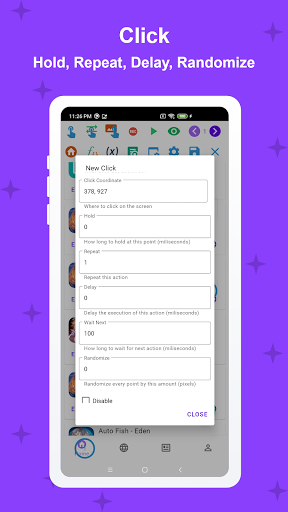
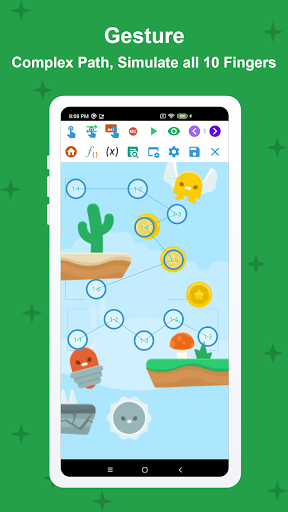
• Click, Swipe: Long clicks, double clicks,...Any swipes or gestures (drag and drop, pinch, zoom,...) and I can do it with all 10 fingers!
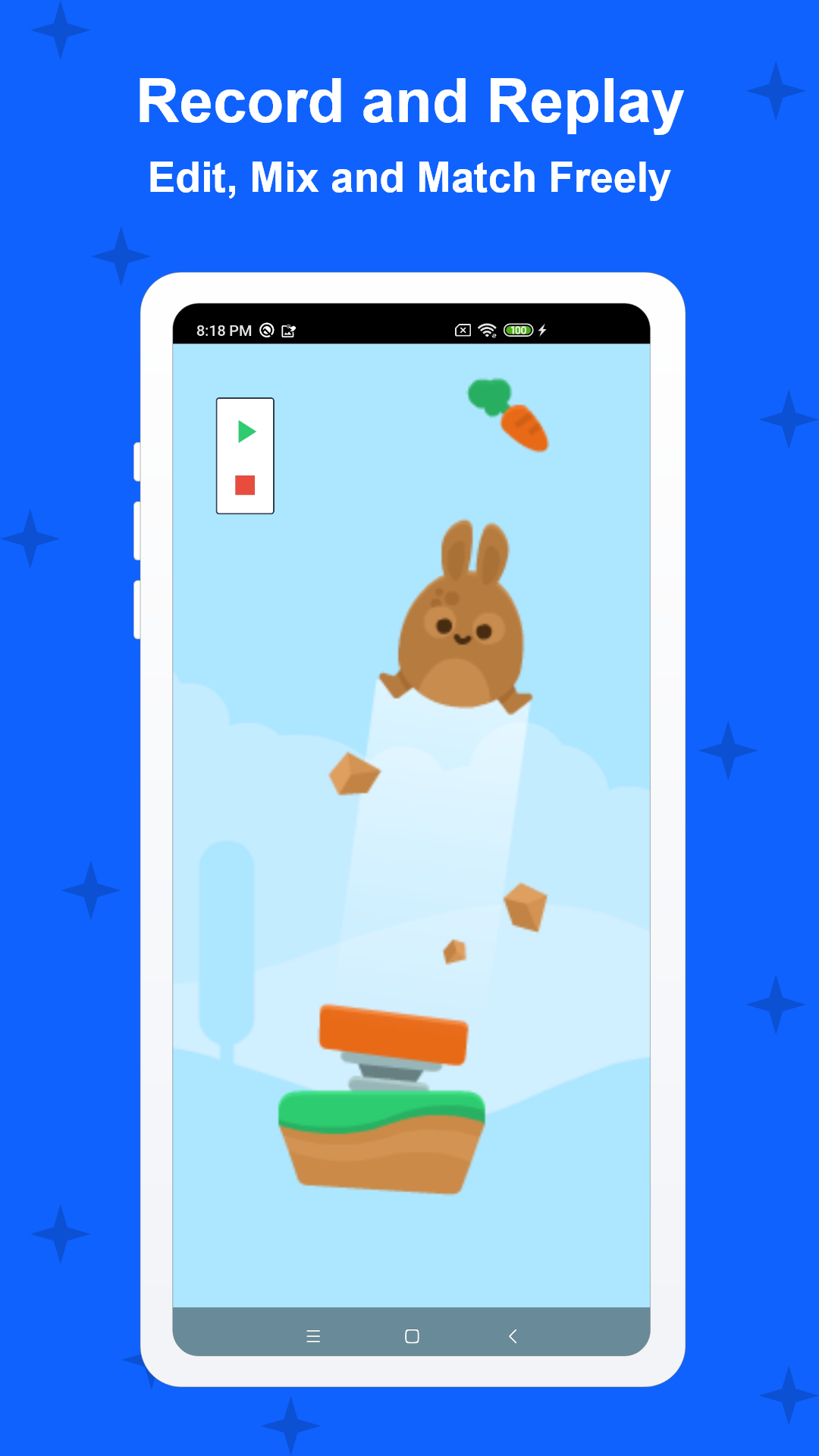
• Record and Replay: Record your touches and replay them. This recording can be edited freely, mixed and matched in any order, played at different speeds and intervals. You can even randomize every touch point in it.
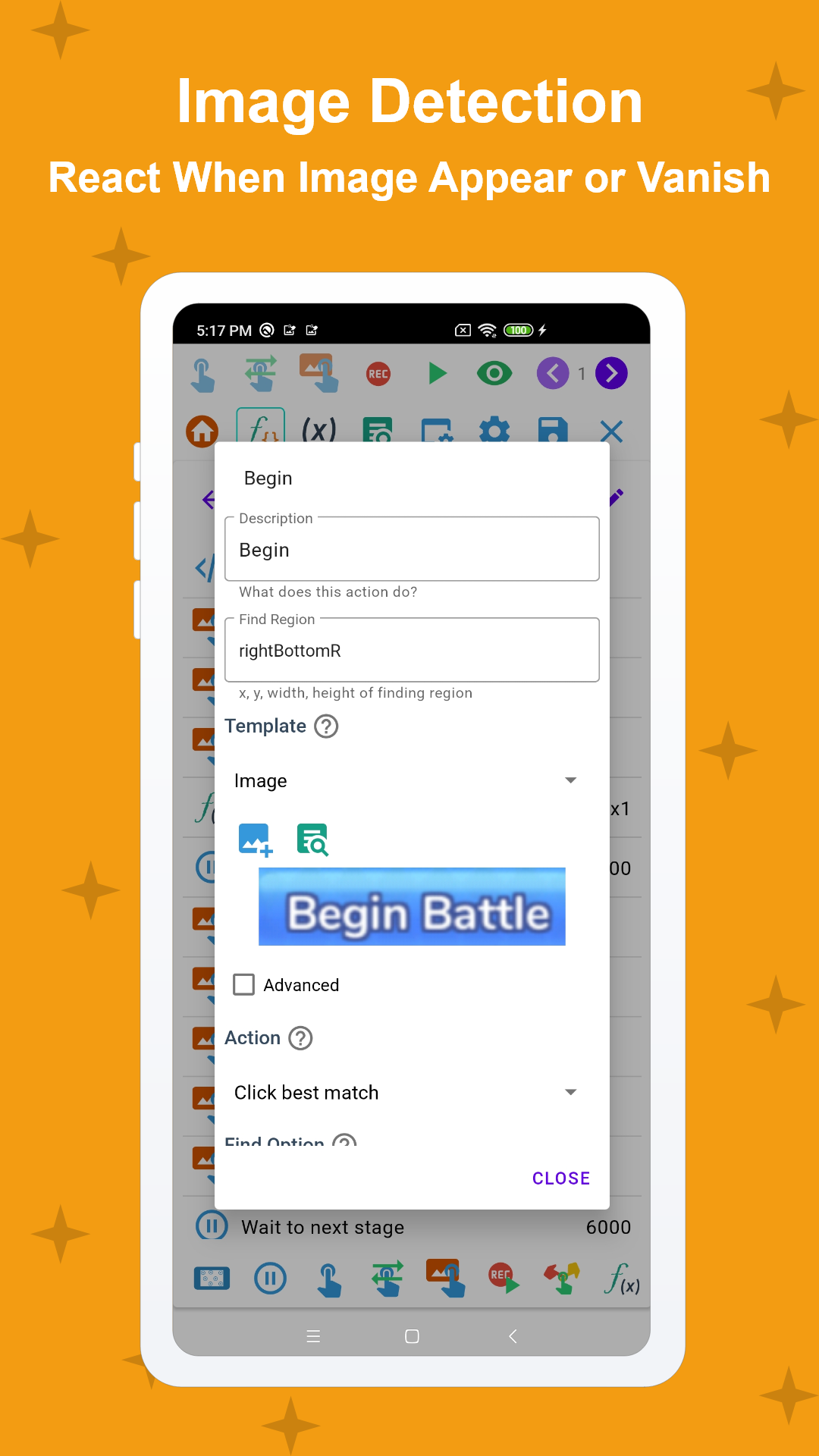
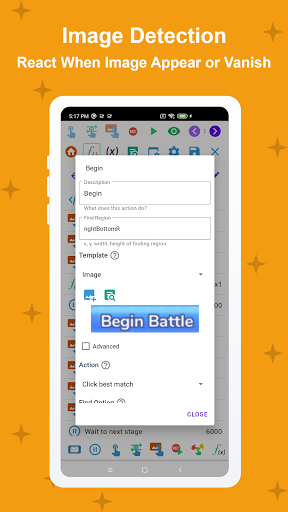
• Image Detection: This is what I do best. I click on an image when it appears and react to it when it disappears. I can detect multiple images, one after another, and chain multiple triggers together to create complex conditional logic statements.
• Text Recognition: I can also see words too, those are images too right?. I can recognize if there is text on the screen or not and let you decide what you want me to do from there.
• Intuitive UI: Everything from simple clicks and swipes to Image Detection can be set up in an easy-to-use interface. You can even create your own custom UI.
• Compatibility: Best of all, you don't need to root your device! It works from Kitkat onwards and even in emulators!
• Optional Scripting: You can write code with me. EMScript is easy to learn and work with. If you're looking to up your macro-making game, this will open the door to limitless possibilities!
• Built-in Macro Store: Don’t feel like doing the work? You can also download macros from other users and earn rewards from uploading your own.
What Are Your Hobbies and Interests?
Some other things I'm good at? Well, I can:
• Auto turn screen off to save battery life.
• Pause and resume macros.
• Adjust the area you want me to click.
• Limit the number of items shown on screen.
• Run specific actions for testing purposes.
What Are Your Weaknesses?
In an app my size, there are bound to be mistakes, bugs. Please contact my developer on my website or reach them on Discord if you run into any problems.
** For Android 6 and below users: You need to install a Native Service using a PC for me to work correctly. Please follow the Installation Guide in the app carefully
Thank you for your time, we’ll get back to you soon
Thank you for having me. I hope you'll give me a chance to show you just how much I can do.
Note
The app requires Accessibility Service to perform auto-clicking, paste text, press navigation button, etc. No data is collected or shared
Show more

1. Download MEmu installer and finish the setup

2. Start MEmu then open Google Play on the desktop

3. Search Macrorify - Image Auto Clicker in Google Play
Install
4. Download and Install Macrorify - Image Auto Clicker
5. On install completion click the icon to start

6. Enjoy using Macrorify - Image Auto Clicker on PC with MEmu
MEmu Play is the best Android emulator, and 100 million users already enjoy its superb Android app experience. Powered by advanced virtualization technology, it lets you enjoy thousands of Android apps smoothly on your PC—including the most graphics-intensive ones.
Bigger screen with better graphics; Long duration, without limitation of battery or mobile data.
Full Keymapping support for precise control of keyboard and mouse or gamepad.
Multiple game accounts or tasks on single PC at one time with Multi-Instance manager.
Use Macrorify - Image Auto Clicker on PC by following steps: