MateAI-AI Chat Bot Assistant
Updated
Current Version
1.3.3
Offered By

Stop worrying about high battery drain when using MateAI-AI Chat Bot Assistant on your phone. Free yourself from the tiny screen and enjoy the app on a much larger display. From now on, get a full-screen experience of your app with the convenience of a keyboard and mouse. MEmu offers you all the surprising features you’d expect: quick installation and easy setup, intuitive controls, and no more worries about battery life, mobile data, or unexpected calls. The all-new MEmu 9 is the choice for using MateAI-AI Chat Bot Assistant on your computer. With the MEmu multi-instance manager, you can run two or more accounts at the same time. Most importantly, our exclusive emulation engine unlocks your PC’s full potential, delivering smooth and enjoyable performance.
Show more
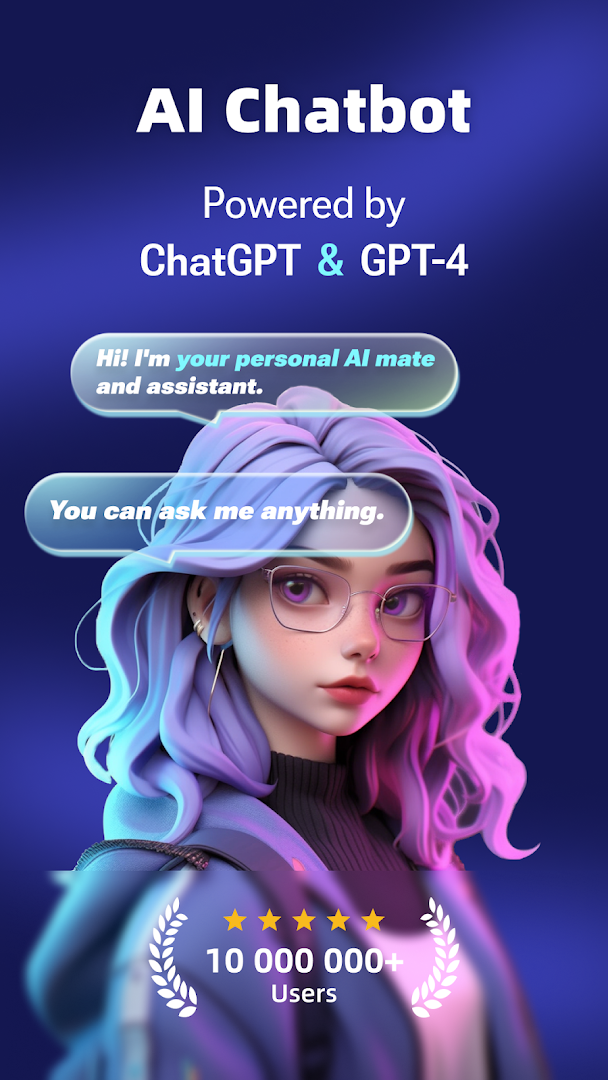
Enjoy superb experience of using MateAI-AI Chat Bot Assistant on PC with MEMU App Player. It's a powerful free Android emulator which provides you with thousands of android apps for their desktop version. Enjoy connecting with friends and polishing your work with higher efficiency! MateAI, powered by Chatgpt and gpt-4, is here to become your loyal AI assistant for writing, problem-solving helper and conversational partner.
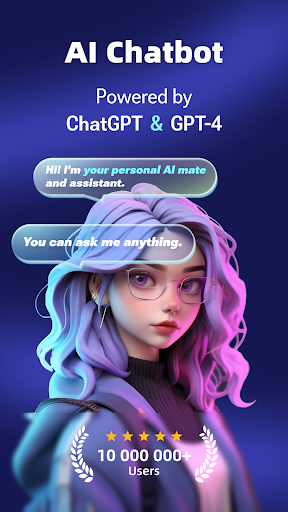
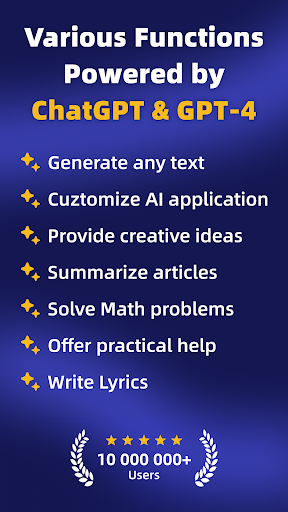
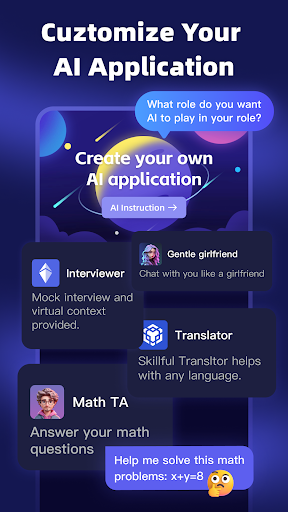
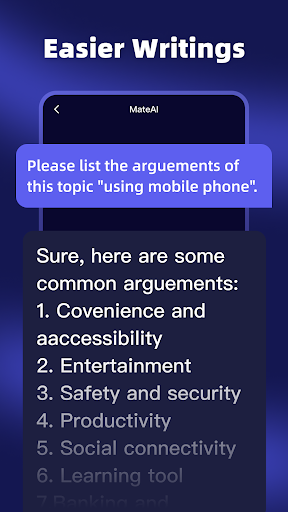
MateAI, powered by Chatgpt and gpt-4, is here to become your loyal AI assistant for writing, problem-solving helper and conversational partner.
Key Features:
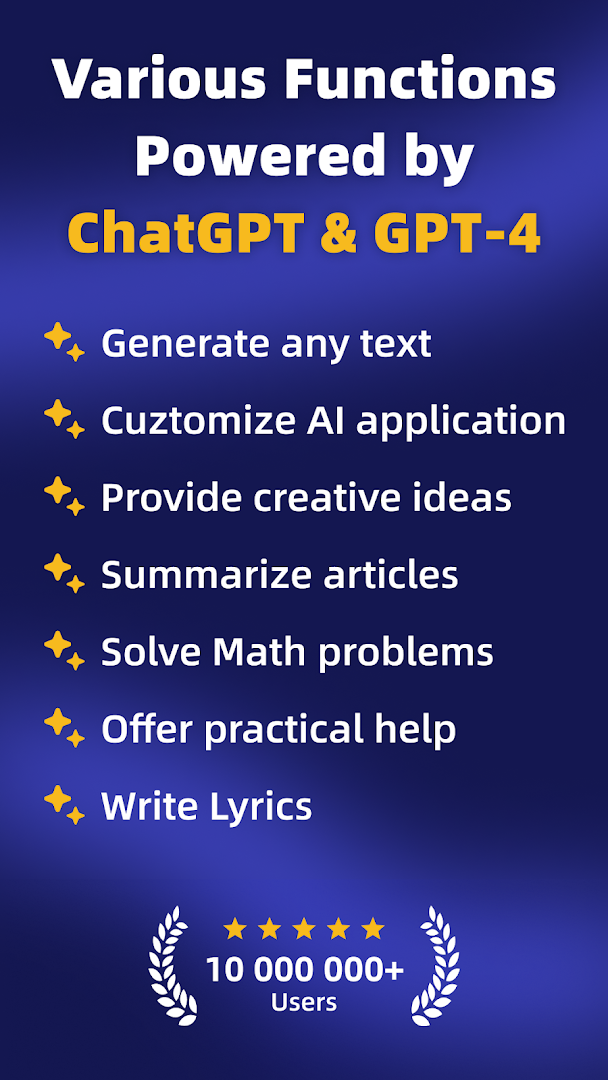
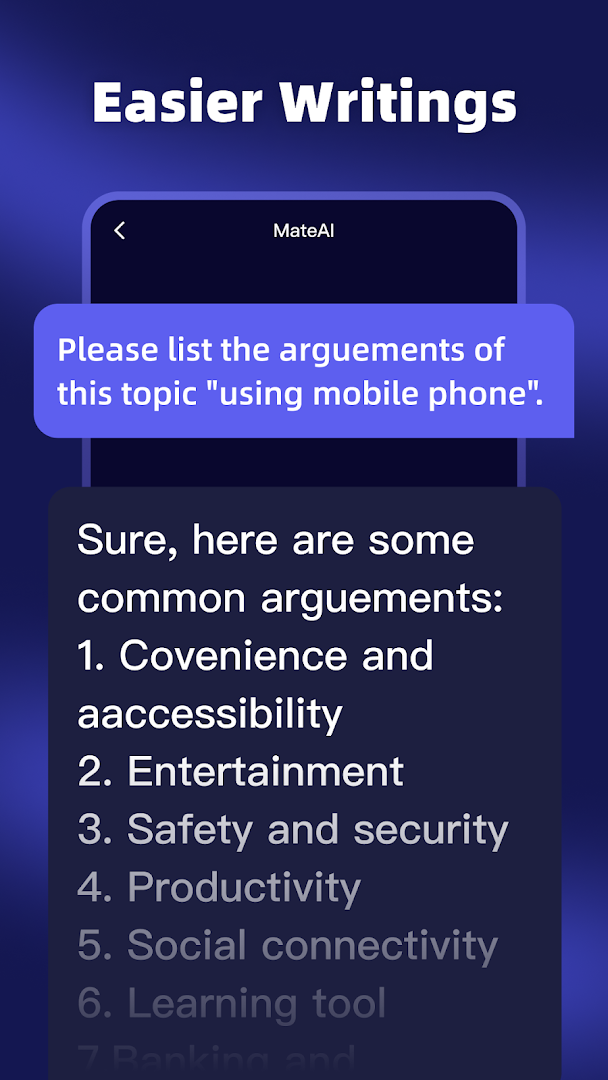
[MAKE WRITING LIKE A PIECE OF CAKE]
With advanced AI tech, driven by Chatgpt and gpt-4, MateAI offers professional and objective answers from databases. Whenever you need assistance on writing tasks, AI chatbot will help you solve the problems but not limited on:
-Construct an outline
-List the argument points of essay
-Write an essay on a given topic
-Generate abstract of a book, research, essay or news
-Summarise someone’s theories or concepts
-Check and correct grammar and spelling
-Optimise rewrite and expand articles
-Any writing project, from emails and speeches to song lyrics and poems
[EMPOWER PRODUCTIVITY]
Powered by Chatgpt and gpt-4, your problem-solving assistant and AI chatbot will tackle a multitude of tasks and improve your efficiency.
For Work
-Professional CV & interview tips
-Entrepreneur/freelancer ideas & Earning
-Write and check any programming code
-Generate Meeting Summaries
-PPT Outlines
-SWOT Analysis Assistance
For Study
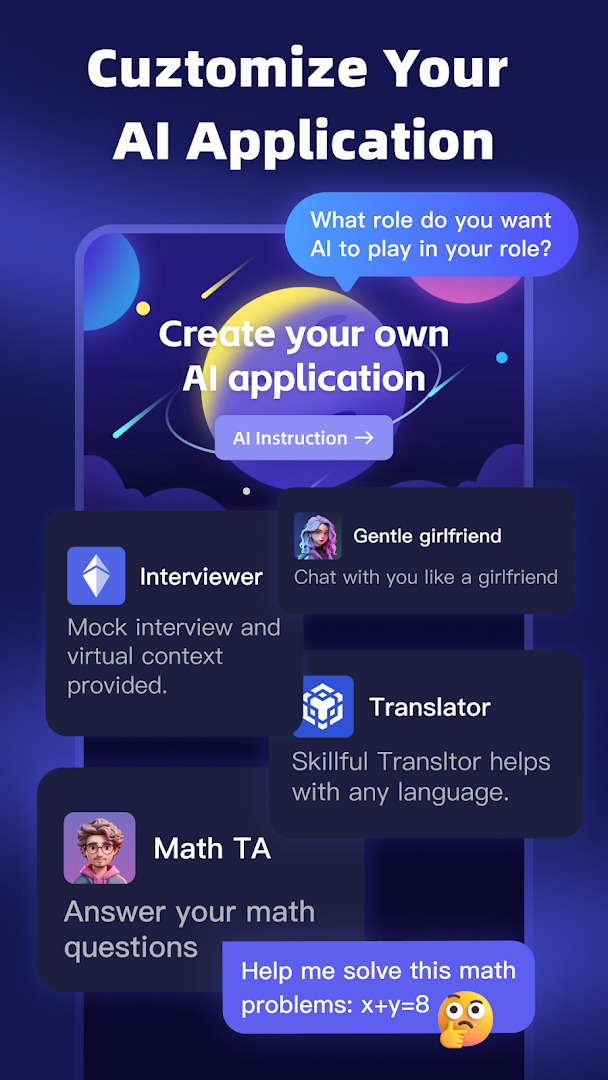
-Quickly solve math equation
-Giving simple explanations for new concepts
-Text translation
For Life
-Healthy diet & recipes
-Plan 1-week trip to Hawaii
-How to cure procrastination
[BE MORE CREATIVE]
MateAI, utilising Chatgpt and gpt-4 technology, AI chatbot here to release your brainstorming pressure:
-Write a digital marketing strategy for new products to earn money
-Create attractive Tiktok, Instagram, Facebook posts
-Provide novel entrepreneur ideas
-Rewrite the ending of Little Women by Louisa May Alcott
-Write a poem of Human Beings
[ASK ANYTHING AND GET INSTANT ANSWERS]
Do not know how to ask the question with accurate sentences and language? Never mind, based on Chatgpt and gpt-4, MateAI will offer help. Just offering the keywords according to ai chatbot’s guide, MateAI will find the answer to your inquiry.
[MULTILINGUAL CHATTING]
MateAI is available in 500+ languages with Chatgpt and gpt-4 advanced ai. You can engage in conversation in any language that you prefer. It’s an efficient helper to translate text, acquire as well as practise a new language. MateAI to be your mentor!
[LIMITLESS TOPICS TO CHOOSE]
MateAI is your go-to source for chatting about any topic you want. Whether you’re in sports, politics, science, arts, entertainment or anything else. MateAI is always up for a chat backed by Chatgpt and gpt-4.. With a new level of Human-like interaction, MateAI, as an advanced AI chatbot will provide you with real and mundane conversation like chatting with a friend.
-Ask me how to comfort my annoying mate
-Ask me what’s the best and affordable gift for family
-Ask me how to politely refuse someone
【Subscription】
Subscriptions are auto-renewable and are billed weekly, monthly or annually at the rate selected depending on the subscription plan.
Weekly subscription
Annual subscription
Payment will be charged to your chosen payment method at confirmation of purchase.
The account will be charged for renewal within 24-hours prior to the end of the current period, and identify the cost of the renewal.
Subscription automatically renews unless auto-renew is turned off at least 24-hours before the end of the current period.
By using the app, you confirm that you acknowledge and accept our Privacy Policy and Terms of Use:
Privacy Policy: https://wenan.saetatech.com/protocol/privacypolicy.html
Terms of Service: https://wenan.saetatech.com/protocol/usegreement.html
Do you have a question for us? Please contact mai_feedback@outlook.com
Show more

1. Download MEmu installer and finish the setup

2. Start MEmu then open Google Play on the desktop

3. Search MateAI-AI Chat Bot Assistant in Google Play
Install
4. Download and Install MateAI-AI Chat Bot Assistant
5. On install completion click the icon to start

6. Enjoy using MateAI-AI Chat Bot Assistant on PC with MEmu
MEmu Play is the best Android emulator, and 100 million users already enjoy its superb Android app experience. Powered by advanced virtualization technology, it lets you enjoy thousands of Android apps smoothly on your PC—including the most graphics-intensive ones.
Bigger screen with better graphics; Long duration, without limitation of battery or mobile data.
Full Keymapping support for precise control of keyboard and mouse or gamepad.
Multiple game accounts or tasks on single PC at one time with Multi-Instance manager.
Use MateAI-AI Chat Bot Assistant on PC by following steps: