PDF Reader: View All PDFs
Updated
Current Version
1.2.5
Offered By

Stop worrying about high battery drain when using PDF Reader: View All PDFs on your phone. Free yourself from the tiny screen and enjoy the app on a much larger display. From now on, get a full-screen experience of your app with the convenience of a keyboard and mouse. MEmu offers you all the surprising features you’d expect: quick installation and easy setup, intuitive controls, and no more worries about battery life, mobile data, or unexpected calls. The all-new MEmu 9 is the choice for using PDF Reader: View All PDFs on your computer. With the MEmu multi-instance manager, you can run two or more accounts at the same time. Most importantly, our exclusive emulation engine unlocks your PC’s full potential, delivering smooth and enjoyable performance.
Show more
Enjoy superb experience of using PDF Reader: View All PDFs on PC with MEMU App Player. It's a powerful free Android emulator which provides you with thousands of android apps for their desktop version. Enjoy connecting with friends and polishing your work with higher efficiency! ⁉Looking for an easy way to work with your PDF files?
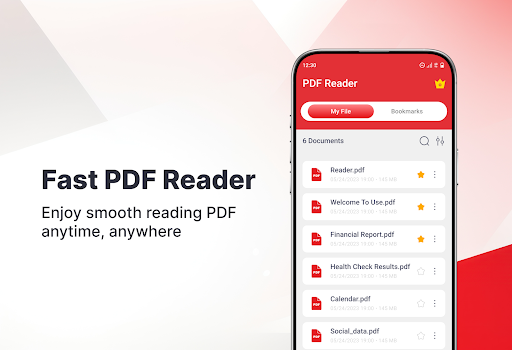
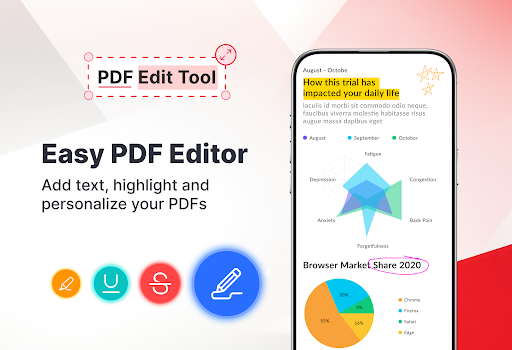
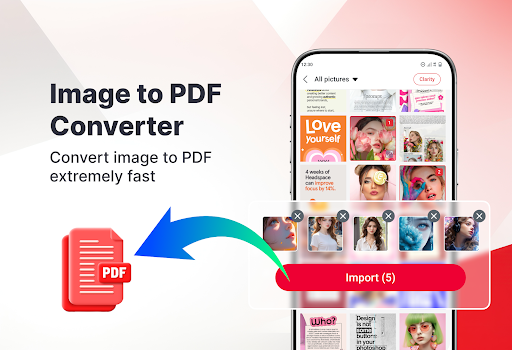
⁉Looking for an easy way to work with your PDF files? PDF Reader lets you open and read PDFs smoothly. You can also edit documents and create ZIP files. Download now!
MAIN FEATURES OF PDF READER APP:
View PDFs easily
Edit text, highlight, or draw on files.
Scan documents and save as PDFs.
Create ZIP files easily
Convert image to PDF
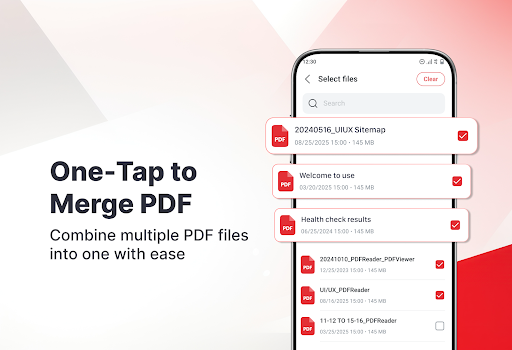
Easy Merge or Split PDF
Read HWP files
PDF Viewer
Open and read all your PDF documents quickly. Enjoy a smooth reading experience with clear text, simple navigation. You can comfortably read eBooks, reports, or work documents anytime.
PDF Editor
You can draw or highlight important parts, add text or notes for reference, and move to any page instantly. This makes reviewing, commenting, and updating documents more convenient.
PDF Scanner
Use your camera to scan paper documents, receipts, or notes, and instantly save them as high-quality PDF files. This feature helps you organize your papers digitally and keep all your important files in one place.
Create ZIP
Easily create Zip files to combine multiple documents into one folder. You can save storage space, share several files at once.
Image to PDF
Turn your photos into PDF files quickly. You can select images from your gallery or camera and convert them into clean, high-quality PDFs.
Merge PDF
Combine multiple PDF files into a document. This helps you keep your files organized and easy to share.
Split PDF
Separate large PDF files into smaller parts. You can choose specific pages and save them as new PDF documents for easier use.
Other Features:
︎ Rename PDF
︎ Sort by modified date/file size
︎ Bookmark your important PDF
Thank you for using PDF Reader! We hope you enjoy the app. Your feedback means a lot to us and helps make PDF Reader even better. Please rate the app or share your thoughts. We would love to hear from you.
Show more

1. Download MEmu installer and finish the setup

2. Start MEmu then open Google Play on the desktop

3. Search PDF Reader: View All PDFs in Google Play
Install
4. Download and Install PDF Reader: View All PDFs
5. On install completion click the icon to start

6. Enjoy using PDF Reader: View All PDFs on PC with MEmu
MEmu Play is the best Android emulator, and 100 million users already enjoy its superb Android app experience. Powered by advanced virtualization technology, it lets you enjoy thousands of Android apps smoothly on your PC—including the most graphics-intensive ones.
Bigger screen with better graphics; Long duration, without limitation of battery or mobile data.
Full Keymapping support for precise control of keyboard and mouse or gamepad.
Multiple game accounts or tasks on single PC at one time with Multi-Instance manager.
Use PDF Reader: View All PDFs on PC by following steps: