SlashZero
Diupdate
Versi Saat Ini
Ditawarkan Oleh

Dengan sepenuh kebulatan hati Anda dalam memainkan SlashZero, tangan Anda tak seharusnya hanya terbatas pada layar kecil handphone Anda.Bermainlah layaknya seorang profesional dan dapatkan kendali penuh dalam permainan Anda dengan papan ketik dan tetikus.MEmu menawarkan seluruh hal yang Anda harapkan.Unduh dan mainkan SlashZero pada PC. Bermainlah selama yang Anda inginkan, tanpa keterbatasan dari baterai, data seluler dan panggilan yang mengganggu.MEmu 9 baru merupakan pilihan terbaik untuk memainkan SlashZero pada PC. Dipersiapkan bersama teknologi ahli kami, sistem pemetaan kunci preset yang canggih menjadikan SlashZero sebagai permainan PC sejati.Manajer banyak hal dari MEmu memungkinkan Anda untuk memainkan 2 atau banyak akun pada perangkat yang sama.Dan yang terpenting, mesin emulasi eksklusif kami bisa melepaskan potensi penuh PC Anda, membuat segalanya berjalan lancar.
Tampilkan Lebih banyak
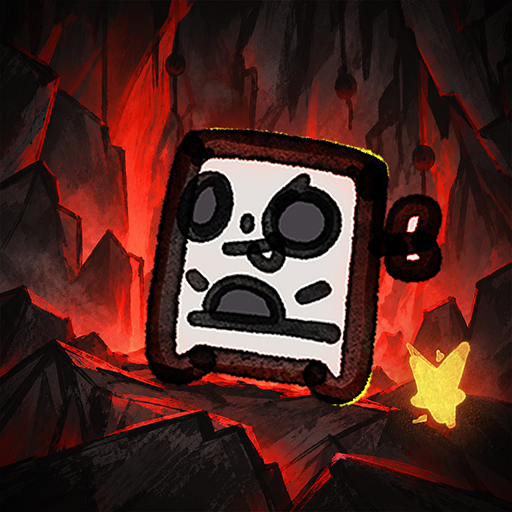
Unduh SlashZero di PC dengan Emulator Android MEmu. Nikmati permainan pada layar yang besar. SlashZero is a 3D anime-style side-scrolling action roguelike game.
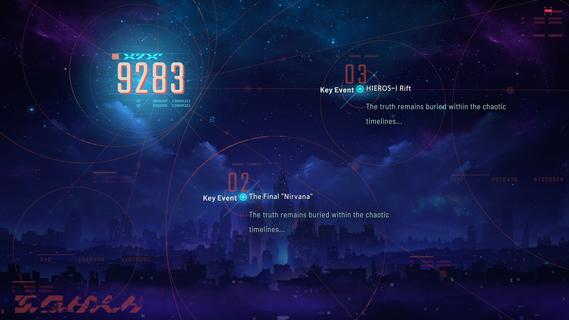
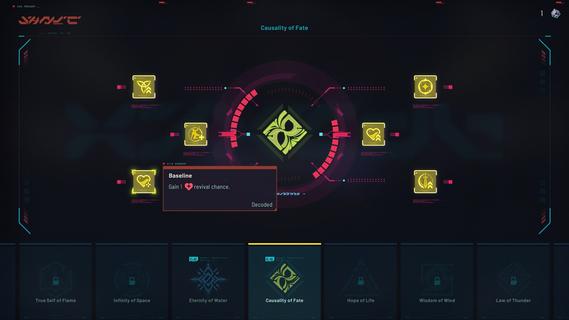
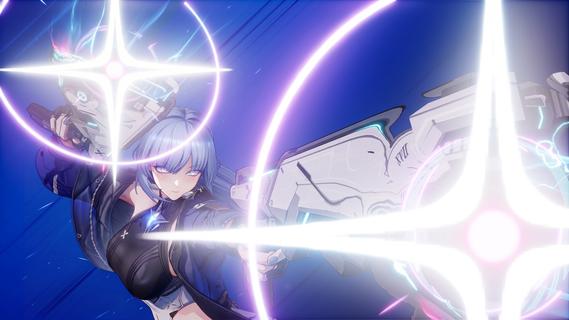
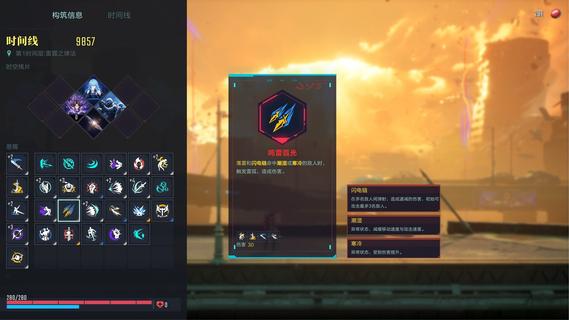
SlashZero is a 3D anime-style side-scrolling action roguelike game. In this game, you can unleash flashy moves, dive into thrilling combat and customize endless builds to suit your playstyle. Fight, power up, collect items and uncover the hidden truth beneath this stunning cyberpunk world!Master rich movesets and in-depth combat combos featuring signature aerial strings. Dash, vault, and fight across multi-layered maps for smooth, parkour-style action!Feel every strike with precise hit feedback. Diverse level designs keep every battle fresh and challenging. Dominate foes by blending acrobatic finesse with tactical combat strategy to claim victory!Try out different Timehackers and find the combat playstyle that suits you best. Are you a melee expert? A ranged specialist? Or do you prefer something more flexible in both offense and defense? Find your style as you experience each character's unique movesets and explore their stories!Mix and match a wide range of in-run and out-of-run systems to shape your own combat build. In every run, you can choose a path and grow stronger as you follow it. Combine the power of Blessings from different Authorities, harness the run-changing effects of Temporal Fragments, and equip Upgrade Chips that can fundamentally reshape how your character plays. Back at the base, unlock permanent progression options to prepare for what comes next. Increase your stats, acquire Dual Blessings, gain additional rerolls, and more! You may even get to bring your own preset builds into future runs!As the timelines collapse, HIEROS-I descends, and he intends to drag every timeline toward destruction. As a Timehacker, the fate of the world falls to you. Guided by the mysterious voice known as Silver, travel across timelines, gather greater power, seek out Timeline Zero, hunt down the Lord of the Void, and put an end to HIEROS-I before everything is lost.
Tampilkan Lebih banyak

1. Unduh dan instal MEmu APP

2. Menjalankan MEmu lalu buka Google Play di halaman

3. Cari SlashZero di Google Play
Install
4. Unduh dan instal SlashZero
5. Setelah insatl APP selesai,klik ikon untuk mulai

6. Nikmati bermain SlashZero di PC dengan MEmu
MEmu App Player adalah emulator Android gratis terbaik dan 50 Juta orang sudah menikmati pengalaman luar biasa dalam bermain gim Android. Teknologi virtualisasi MEmu memberi kekuasaan untuk memainkan ribuan gim Android dengan lancar di PC anda, bahkan gim dengan grafis yang paling tinggi.
Layar lebih besar dengan grafis yang lebih baik; durasi panjang, tanpa batasan baterai atau data seluler.
Didukung penuh oleh Pemetaan tombol yang lengkap untuk keakuratan kontrol keyboard dan mouse maupun gamepad.
Membuka beberapa akun game atau tugas di waktu yang sama hanya pada satu PC, dengan Multi-Instance manager.
Play SlashZero on PC by following steps: