
SlashZero
Updated
Current Version
Offered By

With your passion for SlashZero, you shouldn’t have to limit yourself to the small screen of a phone. Play like a pro and take full control of the game using a keyboard and mouse. MEmu gives you everything you’re looking for. Download and play SlashZero on PC. Play as long as you want — no more worries about battery life, mobile data, or unexpected calls. The all-new MEmu 9 is the best way to play SlashZero on PC. With our expertly designed keymapping system, SlashZero feels just like a real PC game. The MEmu multi-instance manager lets you run two or more accounts on the same device at the same time. Most importantly, our exclusive emulation engine unlocks your PC’s full potential, delivering smooth and seamless performance.
Show more
Download SlashZero on PC with MEmu Android Emulator. Enjoy playing on big screen. SlashZero is a 3D anime-style side-scrolling action roguelike game.
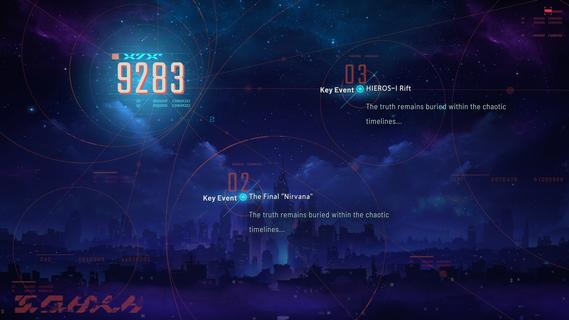
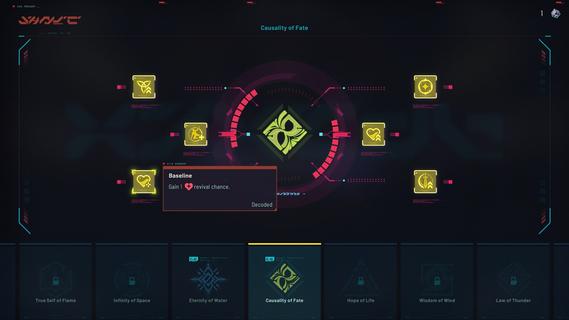
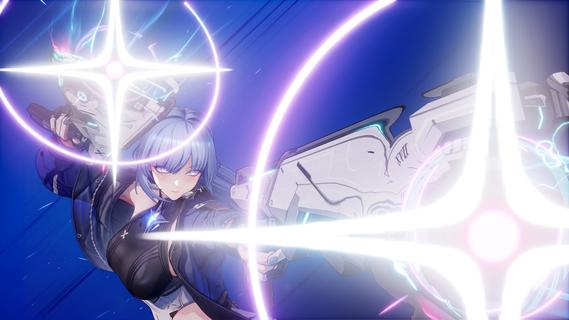
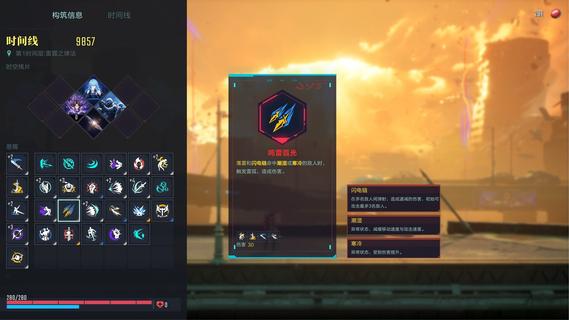
SlashZero is a 3D anime-style side-scrolling action roguelike game. In this game, you can unleash flashy moves, dive into thrilling combat and customize endless builds to suit your playstyle. Fight, power up, collect items and uncover the hidden truth beneath this stunning cyberpunk world! Master rich movesets and in-depth combat combos featuring signature aerial strings. Dash, vault, and fight across multi-layered maps for smooth, parkour-style action! Feel every strike with precise hit feedback. Diverse level designs keep every battle fresh and challenging. Dominate foes by blending acrobatic finesse with tactical combat strategy to claim victory! Try out different Timehackers and find the combat playstyle that suits you best. Are you a melee expert? A ranged specialist? Or do you prefer something more flexible in both offense and defense? Find your style as you experience each character's unique movesets and explore their stories! Mix and match a wide range of in-run and out-of-run systems to shape your own combat build. In every run, you can choose a path and grow stronger as you follow it. Combine the power of Blessings from different Authorities, harness the run-changing effects of Temporal Fragments, and equip Upgrade Chips that can fundamentally reshape how your character plays. Back at the base, unlock permanent progression options to prepare for what comes next. Increase your stats, acquire Dual Blessings, gain additional rerolls, and more! You may even get to bring your own preset builds into future runs! As the timelines collapse, HIEROS-I descends, and he intends to drag every timeline toward destruction. As a Timehacker, the fate of the world falls to you. Guided by the mysterious voice known as Silver, travel across timelines, gather greater power, seek out Timeline Zero, hunt down the Lord of the Void, and put an end to HIEROS-I before everything is lost.
Show more

1. Download MEmu installer and finish the setup

2. Start MEmu then open Google Play on the desktop

3. Search SlashZero in Google Play
Install
4. Download and Install SlashZero
5. On install completion click the icon to start

6. Enjoy playing SlashZero on PC with MEmu
MEmu Play is the best Android emulator and 100 million people already enjoy its superb Android gaming experience. The MEmu virtualization technology empowers you to play thousands of Android games smoothly on your PC, even the most graphic-intensive ones.
Bigger screen with better graphics; Long duration, without limitation of battery or mobile data.
Full Keymapping support for precise control of keyboard and mouse or gamepad.
Multiple game accounts or tasks on single PC at one time with Multi-Instance manager.
Play SlashZero on PC by following steps:

















































