GDPS Editor
Aggiornata
Versione corrente
2.2.12
Offerta da

Vista tutta la passione dimostrata nel giocare a GDPS Editor, le tue mani non dovrebbero essere limitate al minuscolo schermo di un telefono. Gioca come un professionista e ottieni il pieno controllo del gioco con tastiera e mouse. MEmu ti offre tutto ciò che ti aspetti. Scarica e gioca a GDPS Editor su PC. Gioca quanto vuoi, niente più limitazioni di batteria, dati mobili e chiamate inquietanti. Il nuovissimo MEmu 9 è la scelta migliore per giocare a GDPS Editor su PC. Realizzato sulla base della nostra esperienza, lo squisito sistema di mappatura dei tasti preimpostati rende GDPS Editor un vero e proprio gioco per PC. MEmu è un gestore multi-instanza che permette di giocare con 2 o più account sullo stesso dispositivo. E la cosa più importante, il nostro esclusivo motore di emulazione può liberare tutto il potenziale del tuo PC, rendendo tutto fluido.
Mostra altro
Scarica GDPS Editor su PC con MEmu Android Emulator. Divertiti giocando sul grande schermo. Geometry Dash took the mobile gaming community by storm when they were looking for a good challenge.
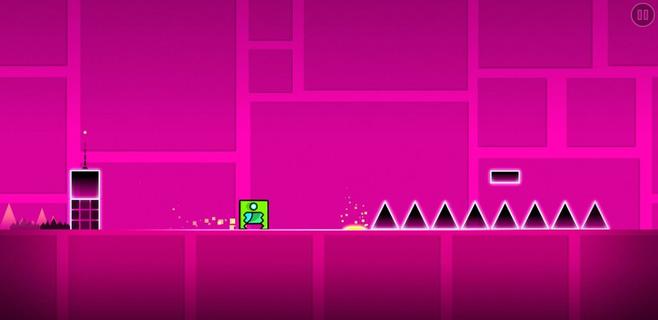
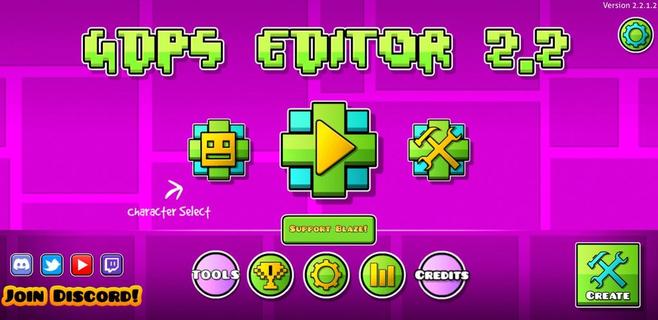
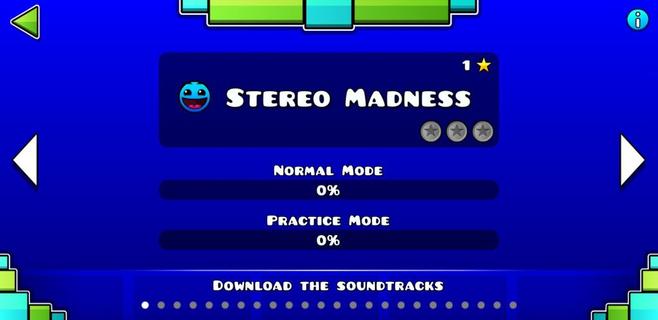
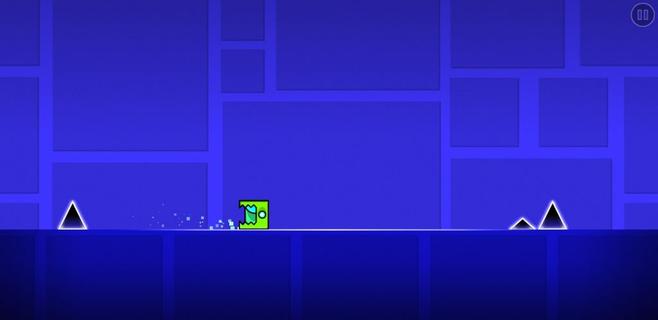
Geometry Dash took the mobile gaming community by storm when they were looking for a good challenge. It was an extremely fast and complicated game with cool music where you had to jump over obstacles and enemies with a square character that moved on its own. Now, this loyal community of players has gone one step further. GDPS Editor, or Geometry Dash Private Server Editor, is an excellent working MOD where, in addition to being able to play the SubZero version of Geometry Dash, players will be able to become editors and create their own levels. Main features These are the features of this Geometry Dash SubZero Mod with a level editor to create impossible levels: It lets you play all levels of the classic game. The player accessing the level editor will be able to change the world and physics of the game. It lets you create, delete, customize, and add objects to the game. Players can add their favorite songs to the game for an even more immersive experience. It includes an object inserter to add custom platforms, enemies, and obstacles to the levels. The physics of the game can also be modified (gravity, speed, and friction). And everything from an easy and user-friendly interface, ideal for beginners, that offers simple controls so anyone can start creating their own videogame.
Mostra altro

1. Scarica il programma di installazione di MEmu e completa l'installazione

2. Avvia il Memu e apri il Google Play sulla homepage

3. Cerca GDPS Editor in Google Play
Install
4. Scarica e installa GDPS Editor
5. Al termine dell'installazione, fai clic sull'icona per avviar

6. Divertiti giocando a GDPS Editor su PC con MEmu
MEmu App Player è il miglior emulatore Android gratuito, utilizzato da 50 milioni di persone per ottenere un'esperienza di gioco Android superba. La tecnilogia di virtualizzazione MEmu ti permette di giocare a migliaia di giochi Android con semplicità sul tuo computer, anche i giochi con la grafica più esigente.
Schermo più grande con una grafica migliore; Lunga durata, senza limitazione di batteria o dati mobili.
Supporto completo per mappa di tastiera per un controllo preciso di tastiera e mouse o gamepad.
Multipli account di gioco o attività su un singolo PC contemporaneamente con il gestore di multi istanza.
Play GDPS Editor on PC by following steps: