GDPS Editor
تازہ کاری
موجودہ ورژن
2.2.12
پیشکش بذریعہ

GDPS Editor کھیلنے کے اپنے پورے جنون کے دوران آپ کے ہاتھ آپ کے فون کی ایک چھوٹی سی اسکرین تک محدود نہیں ہونے چاہئیں۔ پرو کی طرح کھیلیں اور کی بورڈ اور ماؤس کے سہارے اپنے گیم پر مکمل کنٹرول حاصل کریں۔ MEmu آپ کو وہ تمام چیزیں پیش کرتا ہے جس کی آپ امید کرتے ہیں۔ پی سی پر GDPS Editor ڈاؤن لوڈ کریں اور کھیلیں۔ جتنی دیر تک آپ چاہیں کھیلیں، بیٹری، موبائل ڈیٹا کی کوئی حد نہیں ہے اور پریشان کن کالز نہیں ہیں۔ نئے برانڈ کا MEmu 9 پی سی پر GDPS Editor کھیلنے کا بہترین اختیار ہے۔ ہماری مہارت کی مدد سے تیار کردہ، شاندار پری سیٹ کی میپنگ سسٹم GDPS Editor کو ایک ریئل پی سی گیم بناتا ہے۔ MEmu کثیر نظیری منیجرایک ہی ڈیوائس پر 2 یا زیادہ اکاؤنٹس پلے کرنا ممکن بناتا ہے۔ اور سب سے اہم بات یہ ہے کہ، ہمارا خصوصی ایمولیشن انجن آپ کے پی سی کی مکمل طاقت ریلیز کرتے ہوئے ہر چیز ہموار بنا سکتا ہے۔
مزید دکھائیں
MEmu Play کے ساتھ PC پر GDPS Editor ڈاؤن لوڈ کریں۔ بڑی اسکرین پر کھیلنے کا لطف اٹھائیں۔ Geometry Dash took the mobile gaming community by storm when they were looking for a good challenge.
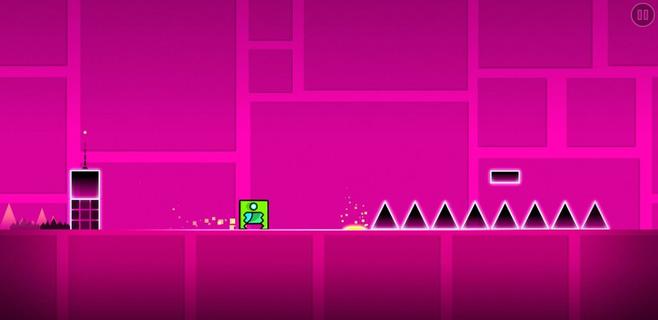
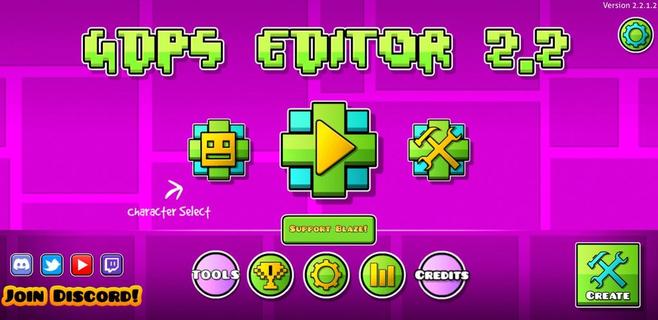
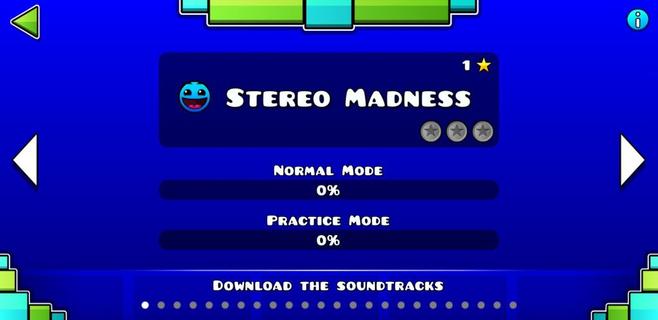
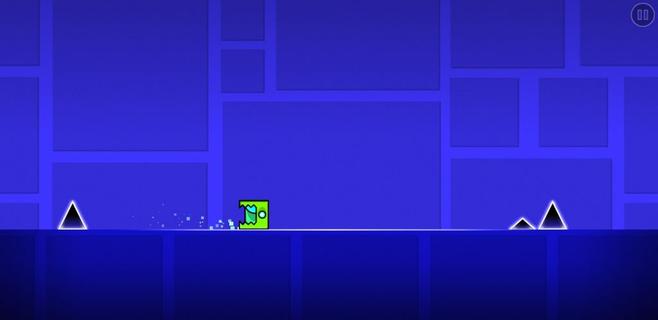
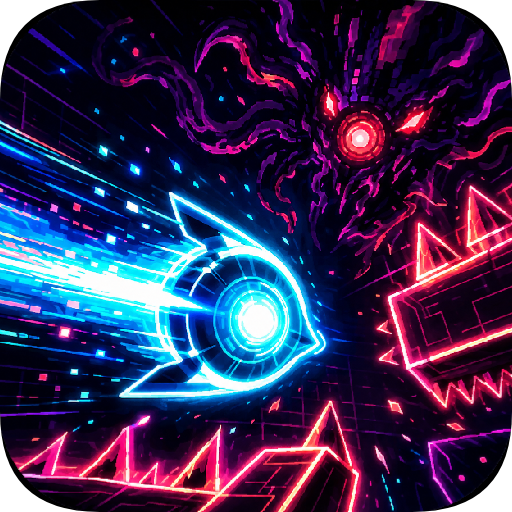
Geometry Dash took the mobile gaming community by storm when they were looking for a good challenge. It was an extremely fast and complicated game with cool music where you had to jump over obstacles and enemies with a square character that moved on its own. Now, this loyal community of players has gone one step further. GDPS Editor, or Geometry Dash Private Server Editor, is an excellent working MOD where, in addition to being able to play the SubZero version of Geometry Dash, players will be able to become editors and create their own levels. Main features These are the features of this Geometry Dash SubZero Mod with a level editor to create impossible levels: It lets you play all levels of the classic game. The player accessing the level editor will be able to change the world and physics of the game. It lets you create, delete, customize, and add objects to the game. Players can add their favorite songs to the game for an even more immersive experience. It includes an object inserter to add custom platforms, enemies, and obstacles to the levels. The physics of the game can also be modified (gravity, speed, and friction). And everything from an easy and user-friendly interface, ideal for beginners, that offers simple controls so anyone can start creating their own videogame.
مزید دکھائیں

1. MEmu انسٹالر ڈاؤن لوڈ کریں اور سیٹ اپ مکمل کریں

2. MEmu شروع کریں اسکے بعد ڈیسکٹاپ پر Google Play کھولیں

3. Google Play میں GDPS Editor تلاش کریں
Install
4. GDPS Editor ڈاؤن لوڈ کریں اور انسٹال کریں
5. انسٹال مکمل ہونے کے بعد سٹارٹ کرنے کے لیے آئیکن پر کلک کریں

6. MEmu کے ساتھ پی سی پر GDPS Editor کھیلنے کا لطف لیں
MEmu پلے بہترین اینڈرائڈ ایمولیٹر ہے اور 100 ملین لوگ اس کے زبردست اینڈرائڈ گیمنگ تجربہ سے لطف اندوز ہو رہے ہیں۔ MEmu کی ورچولائزیشن ٹیکنالوجی آپ کو اپنے PC پر ہزاروں اینڈرائڈ گیمز یہاں تک کہ انتہائی گرافک والے گیمز باسہولت کھیلنے کی طاقت دیتی ہے۔
بہتر گرافکس کے ساتھ بڑی اسکرین؛ طویل دورانیہ، بیٹری یا لامحدود موبائل ڈیٹا کے بغیر۔
کی بورڈ اور ماؤس یا گیم پیڈ کے عین مطابق کنٹرول کے لیے کی میپنگ کا پورا سپورٹ۔
کثیر مثالی منیجر کے ساتھ بیک وقت ایک پی سی پر متعدد گیم اکاؤنٹس یا ٹاسکس۔
پی سی پر درج ذیل مراحل پر عمل کرتے ہوئے GDPS Editor کھیلیں: