GDPS Editor
Aktualisiert
Aktuelle Version
2.2.12
Angeboten von

Bei all Ihrer Leidenschaft für das Spielen von GDPS Editor sollten Ihre Hände nicht auf einen winzigen Bildschirm Ihres Telefons beschränkt sein. Spielen Sie wie ein Profi und übernehmen Sie die volle Kontrolle über Ihr Spiel mit Tastatur und Maus. MEmu bietet Ihnen all die Dinge, die Sie erwarten. Laden Sie GDPS Editor herunter und spielen Sie es auf dem PC. Spielen Sie so lange, wie Sie wollen, ohne Grenzwerte für Akku, mobile Daten und störende Anrufe. Das brandneue MEmu 9 ist die beste Wahl, um GDPS Editor auf dem PC zu spielen. Das exquisite voreingestellte Tastaturbelegungssystem, das mit unserem Fachwissen vorbereitet wurde, macht GDPS Editor zu einem echten PC-Spiel. Der MEmu Multi-Instanz-Manager ermöglicht das Spielen von 2 oder mehr Konten auf demselben Gerät. Und das Wichtigste: Unsere exklusive Emulations-Engine kann das volle Potenzial Ihres PCs freisetzen und für reibungslose Abläufe sorgen.
Mehr anzeigen
Laden Sie Play GDPS Editor auf dem PC mit MEmu Android Emulator. Viel Spaß beim Spielen auf großmundieren. Geometry Dash took the mobile gaming community by storm when they were looking for a good challenge.
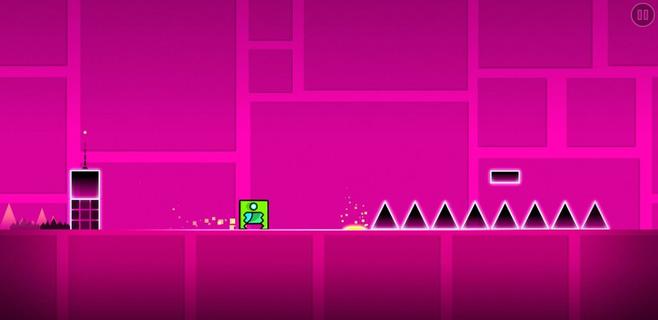
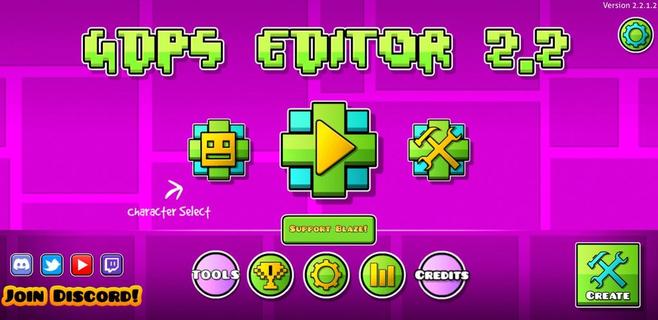
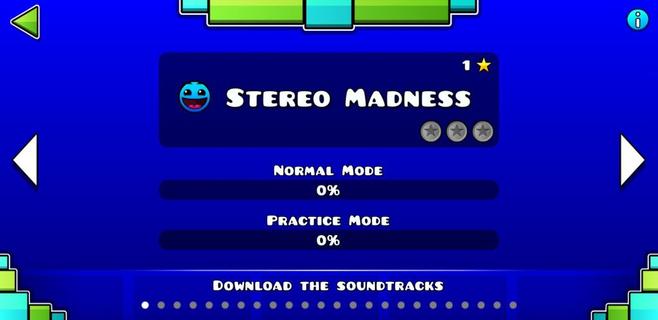
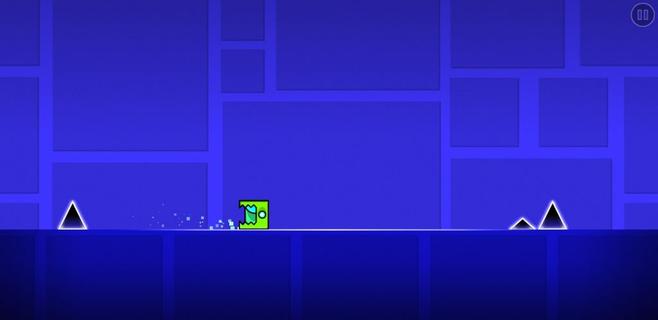
Geometry Dash took the mobile gaming community by storm when they were looking for a good challenge. It was an extremely fast and complicated game with cool music where you had to jump over obstacles and enemies with a square character that moved on its own. Now, this loyal community of players has gone one step further. GDPS Editor, or Geometry Dash Private Server Editor, is an excellent working MOD where, in addition to being able to play the SubZero version of Geometry Dash, players will be able to become editors and create their own levels. Main features These are the features of this Geometry Dash SubZero Mod with a level editor to create impossible levels: It lets you play all levels of the classic game. The player accessing the level editor will be able to change the world and physics of the game. It lets you create, delete, customize, and add objects to the game. Players can add their favorite songs to the game for an even more immersive experience. It includes an object inserter to add custom platforms, enemies, and obstacles to the levels. The physics of the game can also be modified (gravity, speed, and friction). And everything from an easy and user-friendly interface, ideal for beginners, that offers simple controls so anyone can start creating their own videogame.
Mehr anzeigen

1. Laden das MEmu-Installationsprogramm herunter und beenden die Installation

2. MEmu starten und Google Play auf der Homepage öffnen

3. Suchen GDPS Editor in Google Play
Install
4. Herunterladen und Installieren GDPS Editor
5. Klicken nach Abschluss der Installation auf das Symbol, um es zu starten

6. Viel Spaß beim Spielen von GDPS Editor auf dem PC mit MEmu
MEmu App Player ist der beste kostenlose Android-Emulator und 50 Millionen Menschen genießen bereits seine hervorragende Android-Gaming-Erfahrung. Mit der MEmu-Virtualisierungstechnologie können Sie Tausende von Android-Spielen problemlos auf Ihrem PC spielen, selbst bei grafikintensiven Spielen.
BGrößeres Bild mit besserer Grafik; Keine unterbrechungen, keine sorgen um Akku
Komplette Tastenbelegung unterstützt mit Maus und Tastatur oder Controller
Mit dem „Multi-Instance-Manager“ können Sie mehrere Spielkonten oder Spiele gleichzeitig auf einem PC ausführen.
Play GDPS Editor on PC by following steps: