
Aviassembly
更新日
現在のバージョン
提供元

スマホ不要!プロ選手のようにキーボードとマウスで操作しよう。MEmuエミュはあなたにすべての期待を与える。電池が切れてしまうとか画面が小さいとかの問題を心配する必要がなくて、存分Aviassemblyを楽しんでください。新しいMEmuエミュ7はPCでAviassemblyをプレイするのに最適!完璧なキーマッピングシステムにより、まるでパソコンゲームみたい。マルチインスタンスで複数のゲームやアプリを同時に実行!唯一無二な仮想化エンジンがパソコンの可能性を最大限になる。遊べるだけでなく、より楽しめる!
もっと見る
AviassemblyをPCでダウンロード!大画面でより楽しむ。電源が落ちてしまうとか通信料が足りないとかの問題を心配する必要がなく、PCの大画面でより快適にゲームを楽しましょう! Aviassembly invites players to construct and optimize their own planes while tackling various missions across an expansive open world.
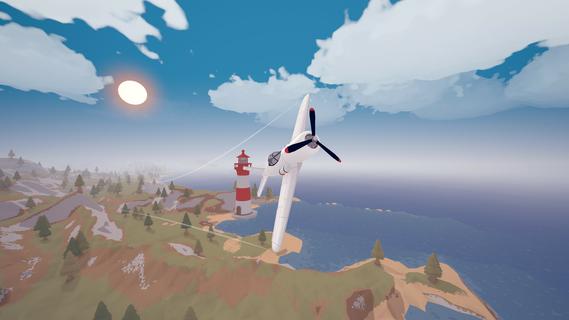
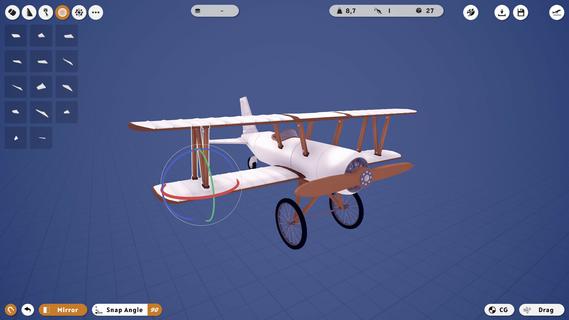
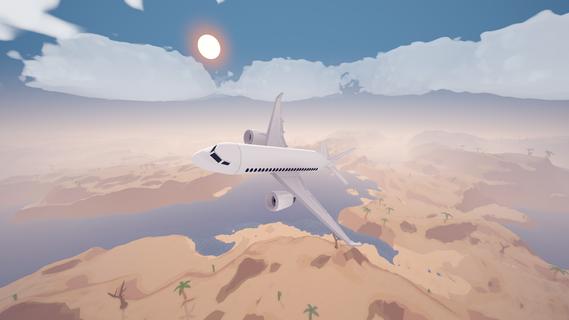
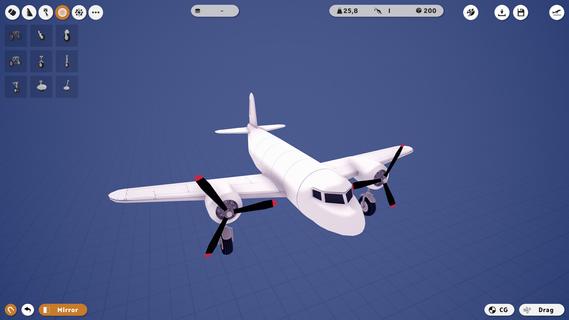
Aviassembly invites players to construct and optimize their own planes while tackling various missions across an expansive open world. Balancing weight, speed, and cargo space, players must meticulously design their aircraft for efficient flight. The game encourages exploration and upgrading of designs as players face unique challenges at different airports and islands. Features of Aviassembly- Custom Plane Building: Create your own airplane and fine-tune its performance by managing factors like fuel capacity, weight, and speed. Make careful choices when selecting parts to achieve the ideal flight characteristics, giving you total control over your aircraft's design. - Realistic Flight Controls: Experience the thrill of flight with physics-based controls that require skillful taking off, flying, and landing. The realistic mechanics add a challenge that enhances the gameplay, making each flight feel authentic and rewarding. - Open World Exploration: Venture into a vast open world filled with new biomes, airports, and islands. Each location offers unique challenges and cargo types, providing endless opportunities for players to push their plane designs to the limit. - Diverse Cargo Missions: Test your designs by transporting various cargo types, each presenting its own set of challenges. Planning and strategy are key as you ensure that you do not run out of fuel or miss your delivery deadlines. - Creative Mode: Unleash your imagination in creative mode where infinite resources allow for limitless building possibilities. Construct anything you envision without the constraints of mission requirements, offering a playful escape that complements the main gameplay.
もっと見る

1. MEmuインストーラーをダウンロードしてセットアップを完了する

2. MEmuを起動し、デスクトップでのPlayストアを開く

3. PlayストアでAviassemblyを検索する
Install
4. Aviassemblyをダウンロードしてインストールする
5. インストールが完了したら、アイコンをクリックしてスタート

6. MEmuを使用してPCでAviassemblyを楽しむ
MEmu App Playerは最高の無料で提供されるAndroidエミュレータで、5,000万人がすでに優れたAndroidゲーム体験を楽しんでいます。 MEmuの仮想化技術は、あなたのPCで何千ものAndroidゲームを快適にプレイすることを可能にします。
大画面でより精細;無限の待機、電池とドラフィックの極限を超え
キーボード・マウス・コントローラーを全力でサポート、より快適
マルチインスタンスで複数のゲームを同時に実行
Play Aviassembly on PC by following steps: