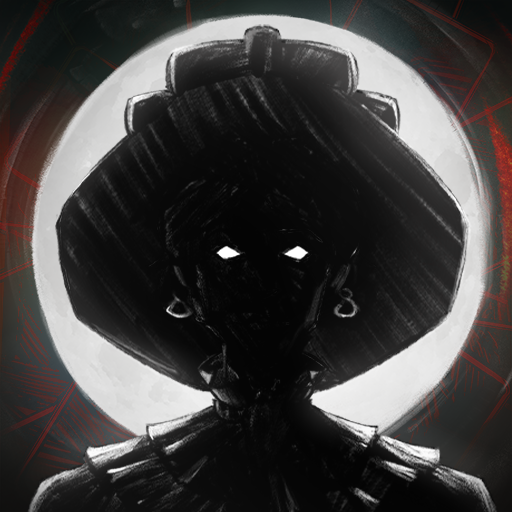
Nowhere
更新日
現在のバージョン
提供元

スマホ不要!プロ選手のようにキーボードとマウスで操作しよう。MEmuエミュはあなたにすべての期待を与える。電池が切れてしまうとか画面が小さいとかの問題を心配する必要がなくて、存分Nowhereを楽しんでください。新しいMEmuエミュ7はPCでNowhereをプレイするのに最適!完璧なキーマッピングシステムにより、まるでパソコンゲームみたい。マルチインスタンスで複数のゲームやアプリを同時に実行!唯一無二な仮想化エンジンがパソコンの可能性を最大限になる。遊べるだけでなく、より楽しめる!
もっと見る
NowhereをPCでダウンロード!大画面でより楽しむ。電源が落ちてしまうとか通信料が足りないとかの問題を心配する必要がなく、PCの大画面でより快適にゲームを楽しましょう! Nowhere is a Nordic inspired narrative mystery/horror game.
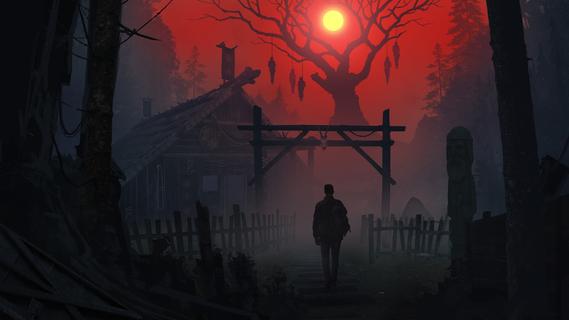
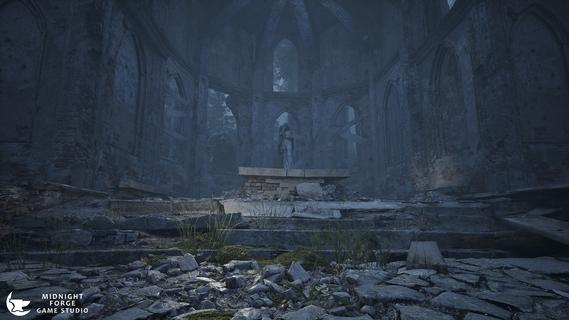
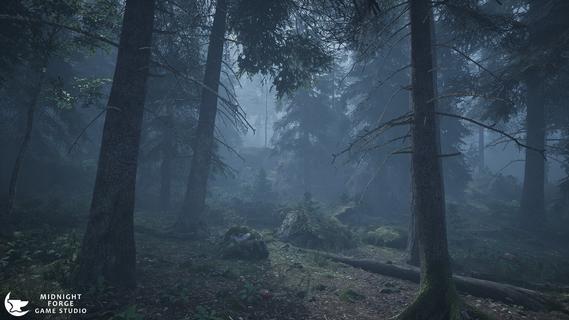
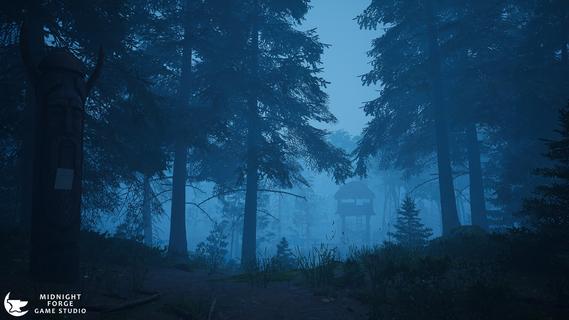
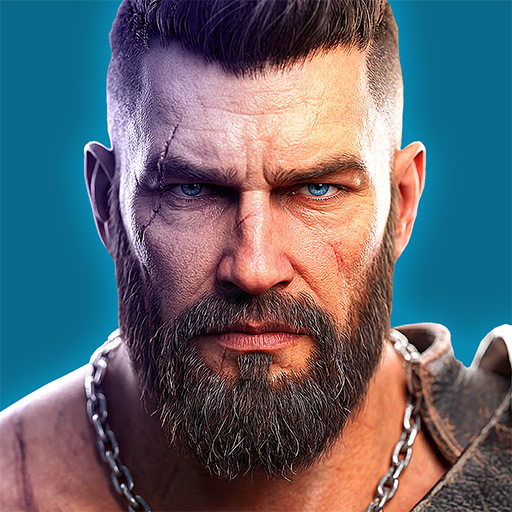
Nowhere is a Nordic inspired narrative mystery/horror game. Focusing on immersive and atmospheric creepy Scandinavian locations and a realistic investigation system, you play a detective trapped in the forests of Norway while searching for a group of missing tourists when you find there's more to the story than meets the eye. Tension slowly builds as you explore the world, never shaking the feeling you're being watched. Nowhere uses a unique blend of detective gameplay and survival horror in Nordic aesthetics.A unique tale on Norse mythology, the conflicts of religion during the Viking Age and what happened to the Gods in the final years of their worship.Game FeaturesA blend of Detective Mystery and Survival Horror filled with suspense and slow build ups of tension, not jumpscares.Non-Linear Open World exploring all the atmospheric and creepy locations across the forests.Realistic Investigation Mechanics that will make you feel like a real detective. The game relies on you to make your own connections and work things out for yourself, giving you the ability to interact with the environments around you, searching for clues, inspecting sites of interest while making your investigations.At the sound of a horn in the distance, the forests around you twist and corrupt into a nightmare version of itself. The monsters stalking you from the shadows, waiting until your back is turned. Run! Hide! Fight! Survive!
もっと見る

1. MEmuインストーラーをダウンロードしてセットアップを完了する

2. MEmuを起動し、デスクトップでのPlayストアを開く

3. PlayストアでNowhereを検索する
Install
4. Nowhereをダウンロードしてインストールする
5. インストールが完了したら、アイコンをクリックしてスタート

6. MEmuを使用してPCでNowhereを楽しむ
MEmu App Playerは最高の無料で提供されるAndroidエミュレータで、5,000万人がすでに優れたAndroidゲーム体験を楽しんでいます。 MEmuの仮想化技術は、あなたのPCで何千ものAndroidゲームを快適にプレイすることを可能にします。
大画面でより精細;無限の待機、電池とドラフィックの極限を超え
キーボード・マウス・コントローラーを全力でサポート、より快適
マルチインスタンスで複数のゲームを同時に実行
Play Nowhere on PC by following steps: