Galaxy Eメール
更新日
現在のバージョン
6.2.00.4
提供元

スマートフォンは不要!パソコンと同じようにキーボードとマウスで操作できます。MEmu Playは、あなたが待ち望んでいたすべての楽しみをお届けします。バッテリー残量や小さな画面を気にすることなく、Galaxy Eメールをご利用ください。最新のMEmu 9は、Galaxy EメールをPCで体験するのに最適です!完璧なキーマッピングシステムにより、PCのようなスムーズな操作性を実現します。マルチインスタンス機能により、複数のアプリケーションを同時に実行できます。独自の仮想化エンジンがPCのパフォーマンスを最大限に引き出します。アプリを使用するだけでなく、高品質な体験を得ることができます。
もっと見る
Galaxy EメールをPCでダウンロード!大画面でより楽しむ。電源が落ちてしまうとか通信料が足りないとかの問題を心配する必要がなく、PCの大画面でより快適にゲームを楽しましょう! This update is available for Samsung Mobile with Android OS.
This update is available for Samsung Mobile with Android OS.
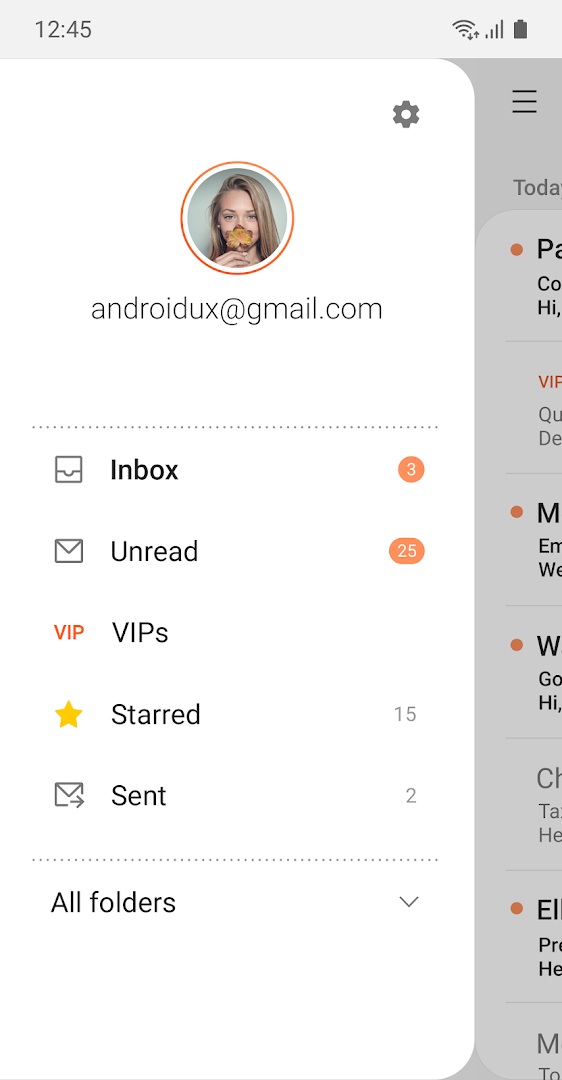
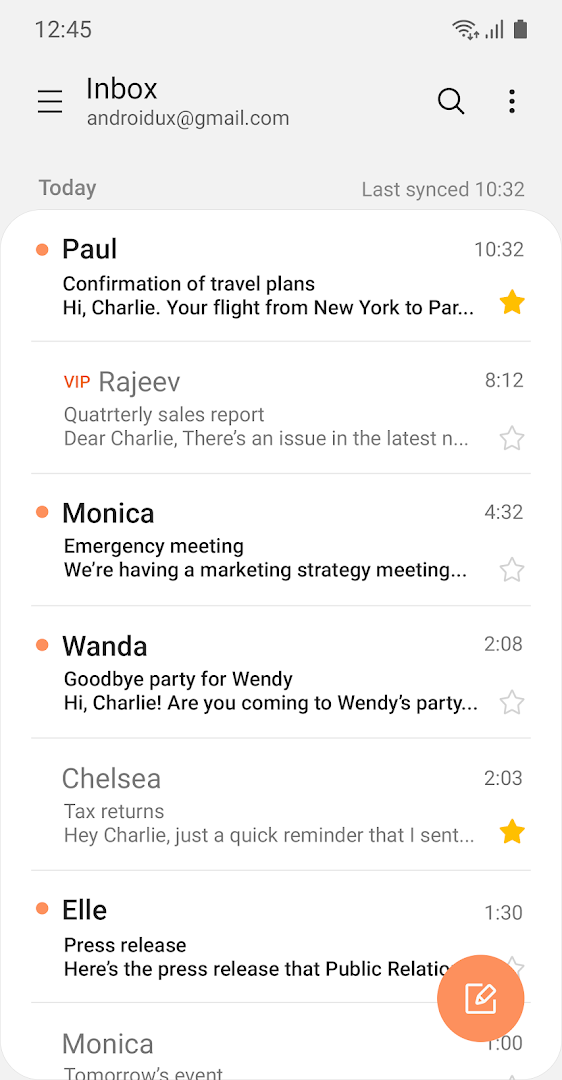
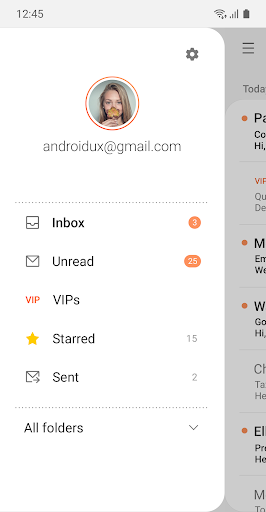
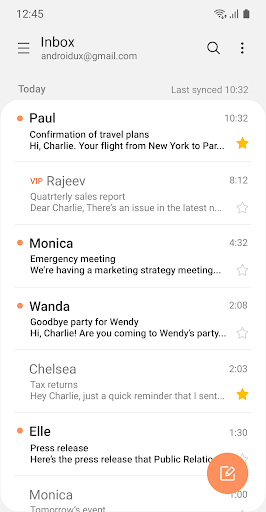
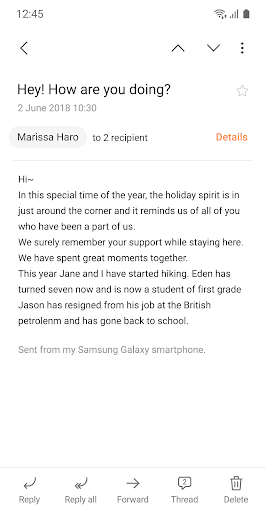
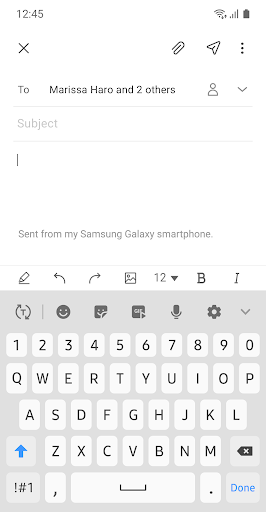
Samsung Email enables users to manage multiple personal and business email accounts seamlessly. Samsung Email also offers EAS integration for business, encryption using S/MIME to safeguard data and ease-of-use features such as insightful notifications, SPAM management. Furthermore, organizations can administer various policies as needed.
Key features
· POP3 and IMAP support for managing personal email accounts
· Exchange ActiveSync (EAS) integration for synchronizing Exchange Server based business email, calendars, contacts and tasks
· Encryption using S/MIME for secure email communication
Additional features
· Customizable user experience with notifications, schedule synchronization, SPAM management, and combined mailboxes
· Policy administration with comprehensive, built-in EAS support
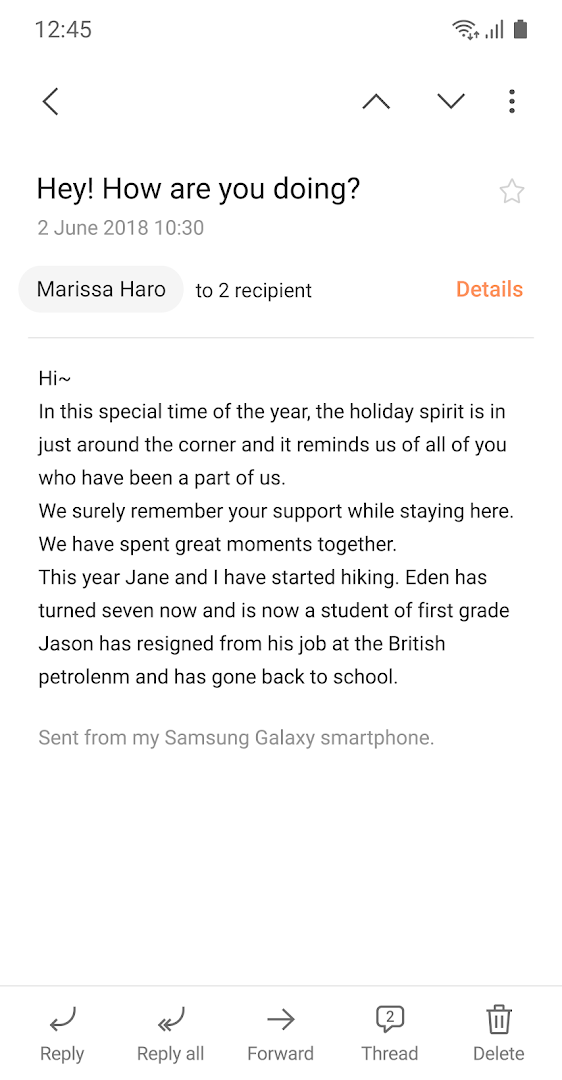
· Conversation and thread view to read related mail
--- Regarding the App Access Permission ---
The following permissions are required for the app service. For optional permissions, the default functionality of the service is turned on, but not allowed.
[Required permissions]
- None
[Optional permissions]
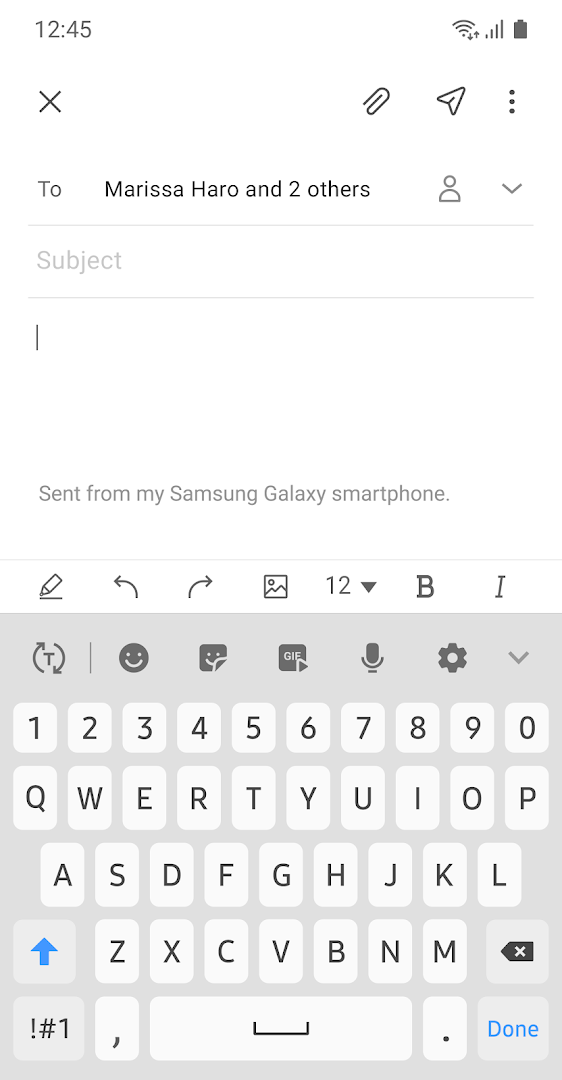
- Camera: Used to attach photos to email
- Location: Used to attach current location information to email
- Contacts: Used to link email recipients/senders with contacts and synchronize contact information when using Microsoft Exchange account
- Calendar: Used to synchronize calendar infomation when using Microsoft Exchange account
- Notification : Used to display notification when sending or receiving emails
- Music and audio (Android 13 or higher) : Used to attach or save files such as music and audio
- File and Media (Android 12) : Used to attach(insert) or save files and media.
- Storage (Android 11 or less) : Used to attach(insert) or save files
[Privacy Policy]
https://v3.account.samsung.com/policies/privacy-notices/latest
もっと見る

1. MEmuインストーラーをダウンロードしてセットアップを完了する

2. MEmuを起動し、デスクトップでのPlayストアを開く

3. PlayストアでGalaxy Eメールを検索する
Install
4. Galaxy Eメールをダウンロードしてインストールする
5. インストールが完了したら、アイコンをクリックしてスタート

6. MEmuを使ってパソコンでGalaxy Eメールを体験する
MEmu Playは現在、最高の無料Androidエミュレーターであり、5,000万人のユーザーが優れたAndroidアプリ体験を楽しんでいます。MEmuの仮想化テクノロジーにより、数千ものAndroidアプリをコンピューターでスムーズに実行できます。
大画面でより精細;無限の待機、電池とドラフィックの極限を超え
キーボード・マウス・コントローラーを全力でサポート、より快適
マルチインスタンスで複数のゲームを同時に実行
Use Galaxy Eメール on PC by following steps: