Baixando MEmu...
Se o download não iniciar, Clique aqui
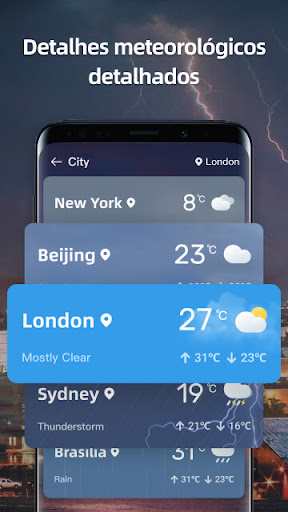
Como Baixar Live Weather: Radar & Widgets no PC
-
![Live Weather: Radar & Widgets para PC]()
1. Faça o download do instalador do MEmu e conclua a instalação
-
![Live Weather: Radar & Widgets para PC]()
2. Inicie o MEmu e depois abra o Google Play na página inicial
-
![Live Weather: Radar & Widgets para PC]()
3. Pesquise Live Weather: Radar & Widgets no Google Play
-
 Install
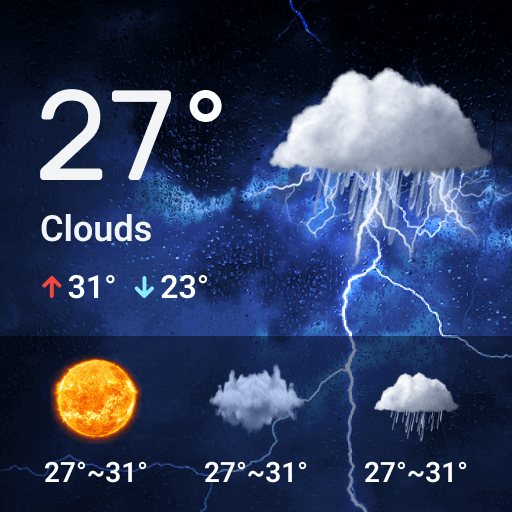
4. Baixe e Instale Live Weather: Radar & Widgets
-
5. Na conclusão da instalação, clique no ícone para iniciar
-
![Live Weather: Radar & Widgets para PC]()
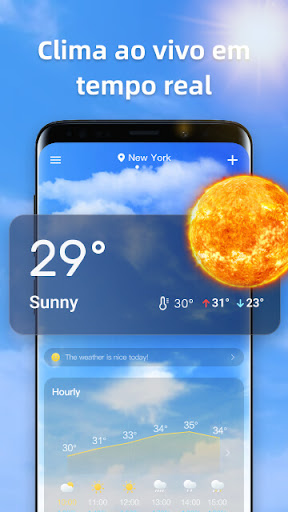
6. º Experimente o Live Weather: Radar & Widgets no PC com o MEmu.






tópicos quentes