Level Maker
Atualizada
Versão atual
2.2.1
Oferecido por

Com toda a sua paixão por jogar Level Maker, não deixe os polegares te atrapalharem em uma pequena tela do seu celular. Jogue como um profissional e tenha controle total do seu jogo com teclado e mouse. O MEmu oferece todas as coisas que você está esperando. Baixe e jogue Level Maker no PC. Jogue o tempo que quiser, sem mais limitações de bateria, dados móveis e aquelas ligações enquanto estiver jogando. O novíssimo MEmu 9 é a melhor escolha de jogar Level Maker no PC. Com grandes novidades no sistema de mapeamento que faz Level Maker um jogo de PC real. Nossa equipe melhorou o gerenciamento de várias instâncias do Android, reduzindo tempo de reprodução de 2 ou mais contas no mesmo dispositivo. O mais importante, nosso mecanimos de emulação exclusivo pode liberar todo o potencial do seu PC sem travamentos, rodando tudo liso. Nós nos preocupamos não apenas com você joga, mas com todo o processo de desfrutar de 100% do seu jogo favorito.
Mostre mais
Download Level Maker on PC with MEmu Android Emulator. Enjoy playing on big screen. Ever dreamed of creating your own video games?
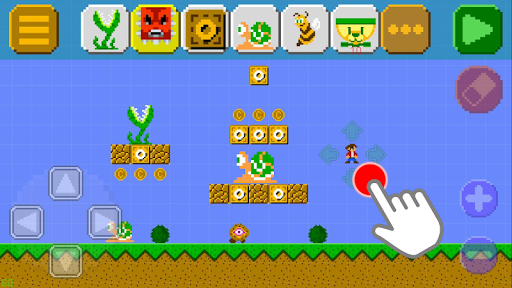
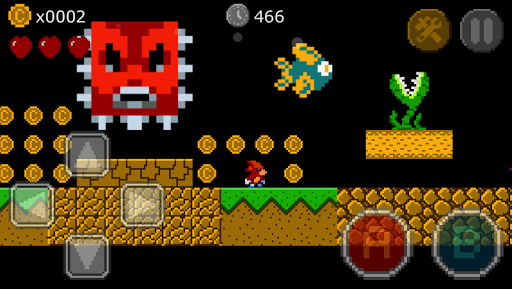
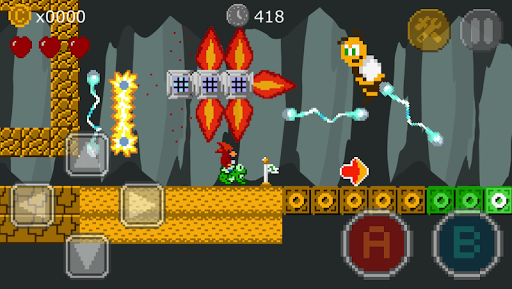
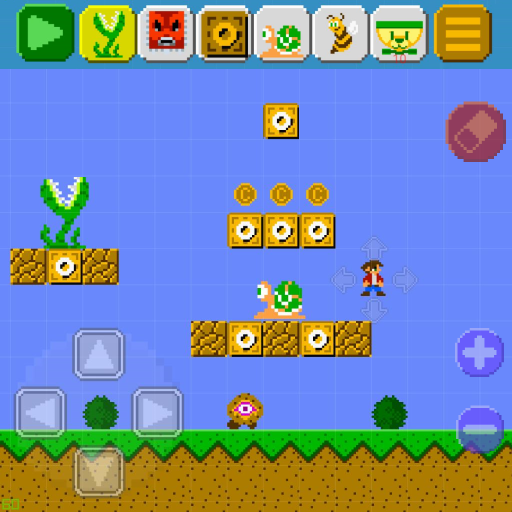
Ever dreamed of creating your own video games? It’s now possible with Level Maker! Become the creator of games. All you need is our app! It’s super easy!
Level Maker is a game of awesome creation and fun. You can Play, Make and Share levels with everyone, so let your imagination run wild! You love super classic platform games, now you can play millions of levels, create and share your own creations to the world!
How do I play?
There are three modes you can play!
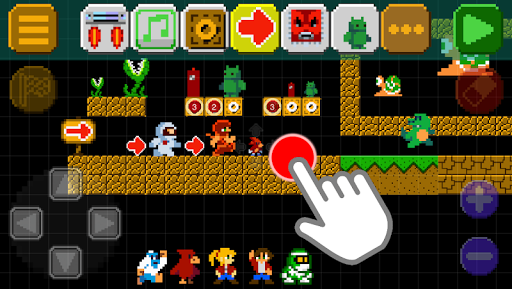
▶ Level Maker: this is where you build your own world with new levels! With hundreds of blocks, items, enemies and characters to choose. Let your imagination run wild! After you are done publish and share it with the world!
▶ Discover: play MILLIONS of levels from all around the world. You choose whatever you want to play! Like, add comments, follow and share the levels.
▶ Challenges: play through levels picked and created by our team.
Features:
• Beautiful Pixel Art!
• Build and share your own levels using the level editor!
• Play, make, and Share levels!
• Lots of levels to play shared by other players!
• Unlock new blocks, items, enemies and characters to make your levels awesome!
• Hundreds of blocks, items, enemies and characters to choose!
• Fly flying saucers, control robots and much more!
FOLLOW US:
Twitter @vkreal
Mostre mais

1. Faça o download do instalador do MEmu e conclua a instalação

2. Inicie o MEmu e depois abra o Google Play na página inicial

3. Pesquise Level Maker no Google Play
Install
4. Baixe e Instale Level Maker
5. Na conclusão da instalação, clique no ícone para iniciar

6. Divirta-se jogando Level Maker no PC com MEmu
O MEmu App Player é o melhor emulador de Android grátis e 50 milhões de pessoas já desfrutam de sua excelente experiência de jogos no Android. A tecnologia de virtualização do MEmu permite que você jogue milhares de jogos do Android sem problemas no seu PC, mesmo os com gráficos mais intensivos.
Tela maior com gráficos melhores; Longa duração e sem limitação de bateria ou dados móveis.
Suporte completo ao Mapaeamento de Teclas para controle preciso do teclado e mouse ou gamepad.
Várias contas de jogos ou tarefas em um único PC de uma só vez com o Gerenciador de várias instâncias.
Play Level Maker on PC by following steps: