MOBOX
Atualizada
Versão atual
1.6.2
Oferecido por

Pare de se preocupar com sobrecargas ao usar MOBOX no seu celular, liberte-se da pequena tela e aproveite o uso do aplicativo numa tela muito maior. A partir de agora, obtenha uma experiência em tela cheia do seu aplicativo com teclado e mouse. O MEmu oferece-lhe todos os recursos surpreendentes que você esperava: instalação rápida e configuração fácil, controles intuitivos, sem mais limitações de bateria, dados móveis e chamadas perturbadoras. O novíssimo MEmu 9 é a melhor opção para usar MOBOX no seu computador. Codificado com a nossa absorção, o gerenciador de multi-instâncias possibilita a abertura de 2 ou mais contas ao mesmo tempo. E o mais importante, nosso mecanismo de emulação exclusivo pode liberar todo o potencial do seu PC, tornando tudo suave e agradável.
Mostre mais
Download do MOBOX no PC com MEmu Android Emulador: Divirta-se jogando na tela grande. MOBOX is a community-driven GameFi platform empowering users by rewarding them for their engagement and enjoyment.
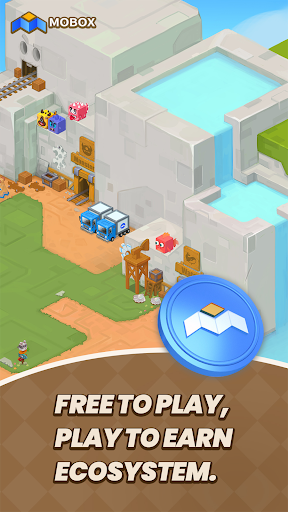
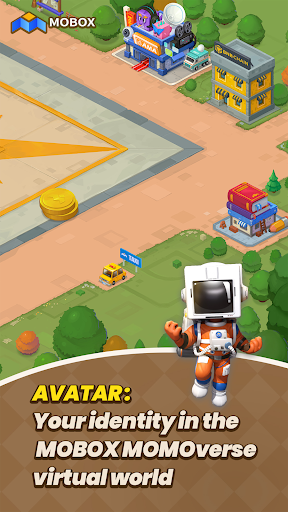
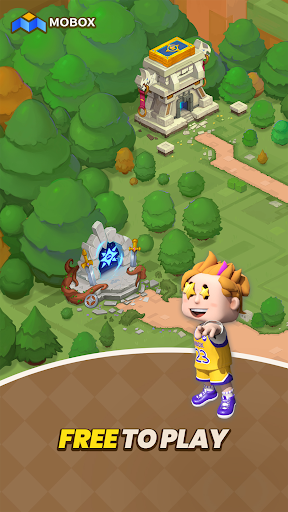
MOBOX is a community-driven GameFi platform empowering users by rewarding them for their engagement and enjoyment. By using innovative tokenomics ($MBOX allocation), utilizing finance and games. Whilst also combining the best of DeFi and NFTs to create a truly unique and everlasting FREE TO PLAY, PLAY TO EARN ECOSYSTEM.
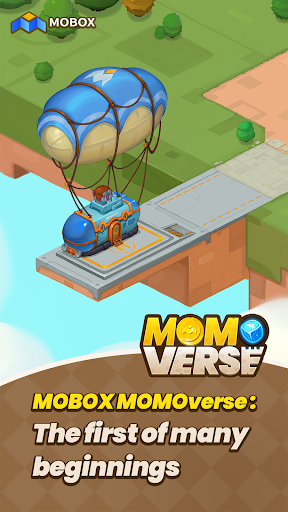
MOBOX vision is that no NFT metaverse should be singular but rather each metaverse can be interconnected giving each unique NFT increased utility through NFT interoperability between games and platforms.
Wallet : The MOBOX platform comes with a decentralized and centralized wallet that allows for a seamless experience for every application on the platform. User’s can also choose to register/login with their social media accounts and having their private keys saved to the cloud. This gives user an onboarding process they are already familiar with while keeping everything decentralized and secure, ensuring that their keys is their money.
Crates : With the goal of providing the best returns for liquidity providers, MOBOX Crates are a set of optimized yield farming Smart Contracts that automatically seek the best yield for users.
NFT Ecosystem : To build a truly user driver NFT ecosystem, the MOBOX platform provides a set of tools for the community to use. Whether you are a game developer, artist, or an NFT collector users can make use of the MOBOX platform to not just create but also to earn.
- The NFT Creator is a platform for artists and designers to create their own unique MOMOs to be used across the MOBOX Games. By removing all the technical barriers with understanding Smart Contracts, MOBOX makes the process as simple as possible and gives all the tools required for the user to be rewarded for their creations.
- The MOBOX NFT marketplace is a decentralized exchange where users can buy and sell MOMO NFTs.
Asset Portfolio Manager : To ensure that user’s get the most relevant information about their assets across platforms, MOBOX provides an easy to use portfolio manager for a range of assets including cryptocurrency, NFTs, and DeFi investments. User’s also have the option to connect to their centralized exchange, giving them a top to bottom breakdown of all their assets across platforms and blockchains. Making it much easier and transparent across the board.
Achievements : MOBOX rewards users just by simply enjoying and interacting with the platform. Whether it is simply signing up for a MOBOX account, collecting MOMOs, or interacting through MOBOX social users can claim MBOX token rewards through the Achievement System.
**The app contains Push Notifications and will collect "Installed Application" information from your phone.
Mostre mais

1. Faça o download do instalador do MEmu e conclua a instalação

2. Inicie o MEmu e depois abra o Google Play na página inicial

3. Pesquise MOBOX no Google Play
Install
4. Baixe e Instale MOBOX
5. Na conclusão da instalação, clique no ícone para iniciar

6. º Experimente o MOBOX no PC com o MEmu.
O MEmu Play é o melhor emulador Android gratuito, com 50 milhões de utilizadores a desfrutar da sua experiência superior com aplicações Android. A tecnologia de virtualização do MEmu permite-lhe executar milhares de aplicações Android sem problemas no seu computador, mesmo as mais exigentes.
Tela maior com gráficos melhores; Longa duração e sem limitação de bateria ou dados móveis.
Suporte completo ao Mapaeamento de Teclas para controle preciso do teclado e mouse ou gamepad.
Várias contas de jogos ou tarefas em um único PC de uma só vez com o Gerenciador de várias instâncias.
Use MOBOX on PC by following steps: