Mimic Party: How to Download and Play on PC with MEmu Emulator
 |
|
Looking for a fun party game that can turn simple voice imitation into a hilarious competition? Mimic Party is a casual voice-based game where players listen to a sound and try to reproduce it with their own voice. Available on Google Play, the game combines funny animal sounds, voice effects, scoring, and unpredictable party mechanics for a lighthearted experience.
Mimic Party
Contents
What Is Mimic Party?
Mimic Party is a voice party game developed by maher majid. Instead of relying on traditional controls, the game challenges you to listen carefully and imitate different sounds using your voice.
According to its Google Play description, everyone at the table hears the same sound and gets one chance to imitate it simultaneously, with no turns. Your performance is evaluated based on factors such as pitch and rhythm, while a wheel determines bonuses and other unexpected outcomes.
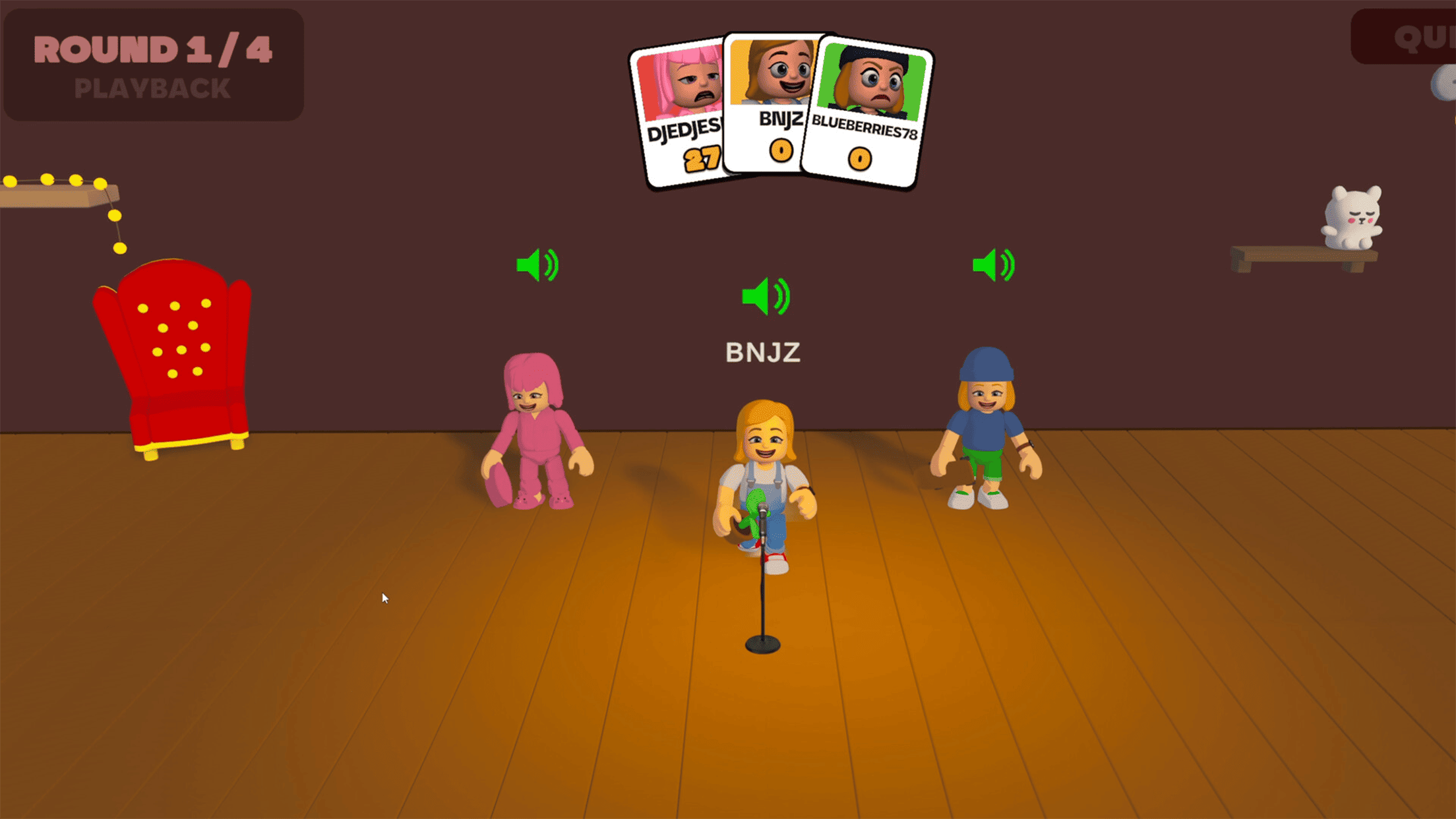
The game also features funny animal sounds and voice effects, making it a good choice for casual sessions with friends or anyone who enjoys humorous voice-based challenges.
Mimic Party Gameplay Features
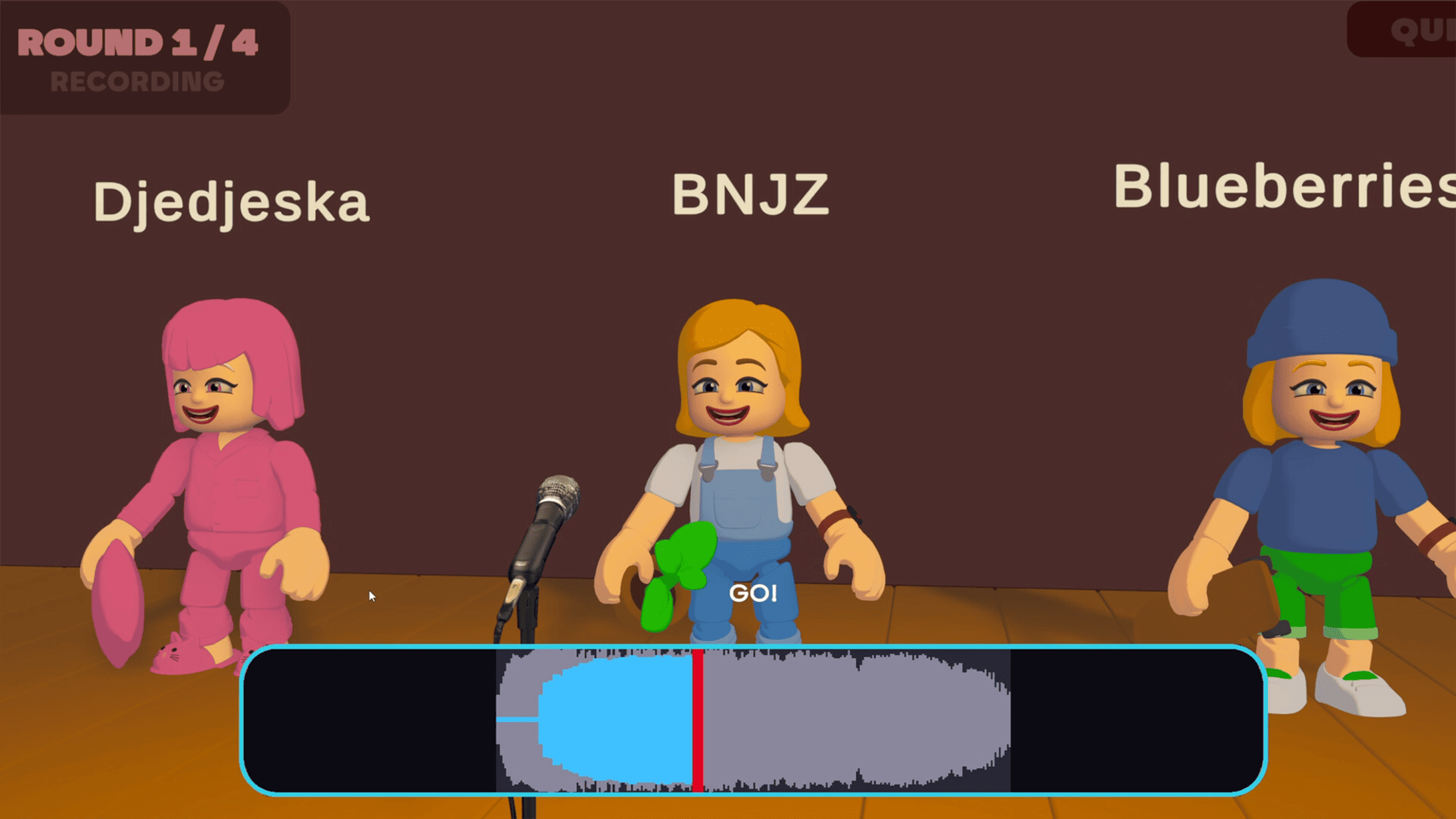
🎤 One-Shot Voice Challenges
Listen to the target sound and try to reproduce it as accurately as possible. Since each round gives you only one attempt, timing and listening skills can make a big difference.
🐶 Funny Animal Sounds
Mimic Party includes playful animal sounds and other voice effects. You can test how closely you can imitate the sounds and see how your performance compares.
🎯 Pitch and Rhythm Scoring
Your imitation isn't simply judged on whether it sounds funny. The game scores your performance according to elements such as pitch and rhythm, adding a competitive element to each challenge.
🎡 Random Party Effects
After the performances, a wheel can determine who receives a bonus and whose imitation gets an amusing twist. This unpredictable mechanic keeps each round entertaining.
😂 Casual Party Fun
With its simple concept and humorous sound effects, Mimic Party is designed for quick, casual entertainment rather than a complicated learning curve.
Why Play Mimic Party on PC with MEmu?
Although Mimic Party is available on Android, playing it on a PC with MEmu Emulator can provide a larger screen and a more comfortable desktop setup.
A PC setup can be particularly useful for a voice-based party game because you can use a computer microphone or headset while keeping the game visible on a larger display. MEmu also lets you run the Android version of the game directly on Windows without needing a separate Android device.
How to Download and Play Mimic Party on PC
You can install the Android version of Mimic Party through Google Play inside MEmu.
Step 1: Download and Install MEmu
Download and install the latest version of MEmu Emulator on your Windows PC.
Step 2: Open Google Play
Launch MEmu and open Google Play Store from the emulator's home screen. Sign in with your Google account if required.
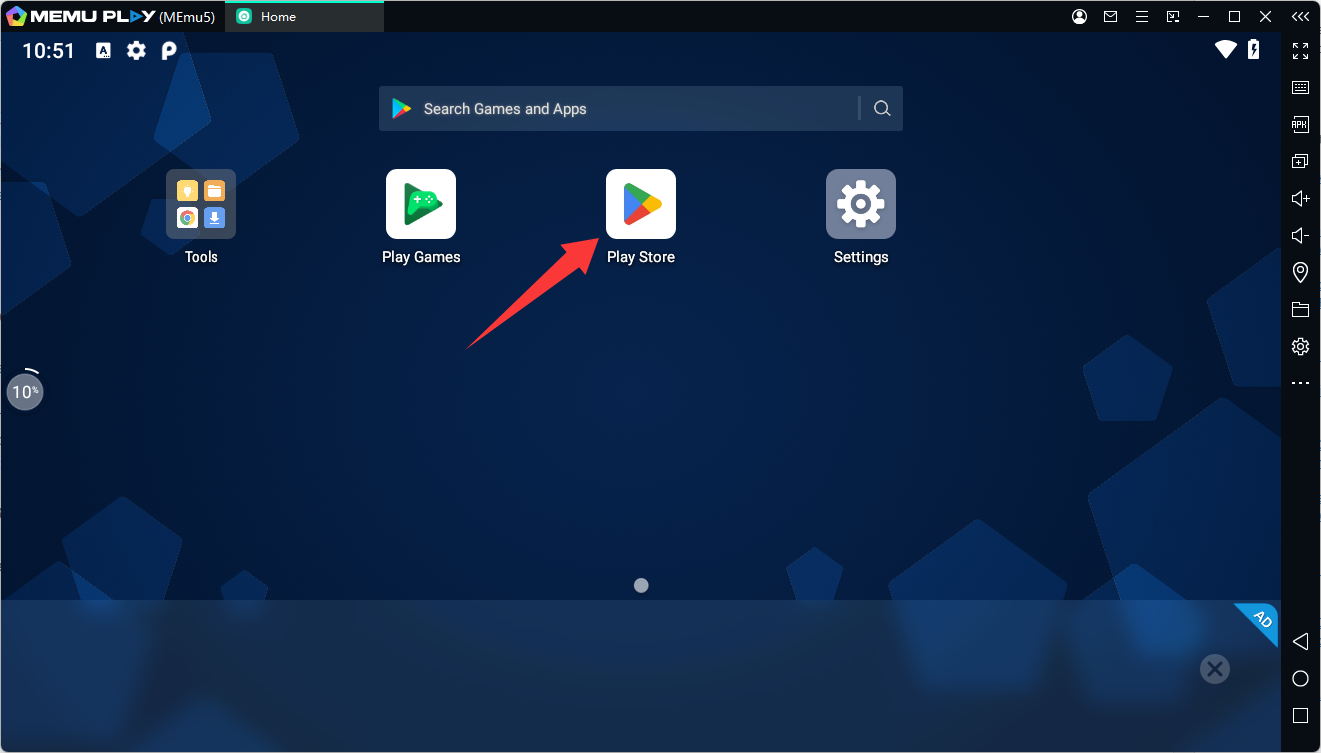
Step 3: Search for Mimic Party
Type Mimic Party into the Google Play search bar. Make sure you select the game with the package ID:
- com.am.animal.voice.fun.zoo
The official Google Play listing currently shows the game with 10K+ downloads and was updated on September 11, 2026.
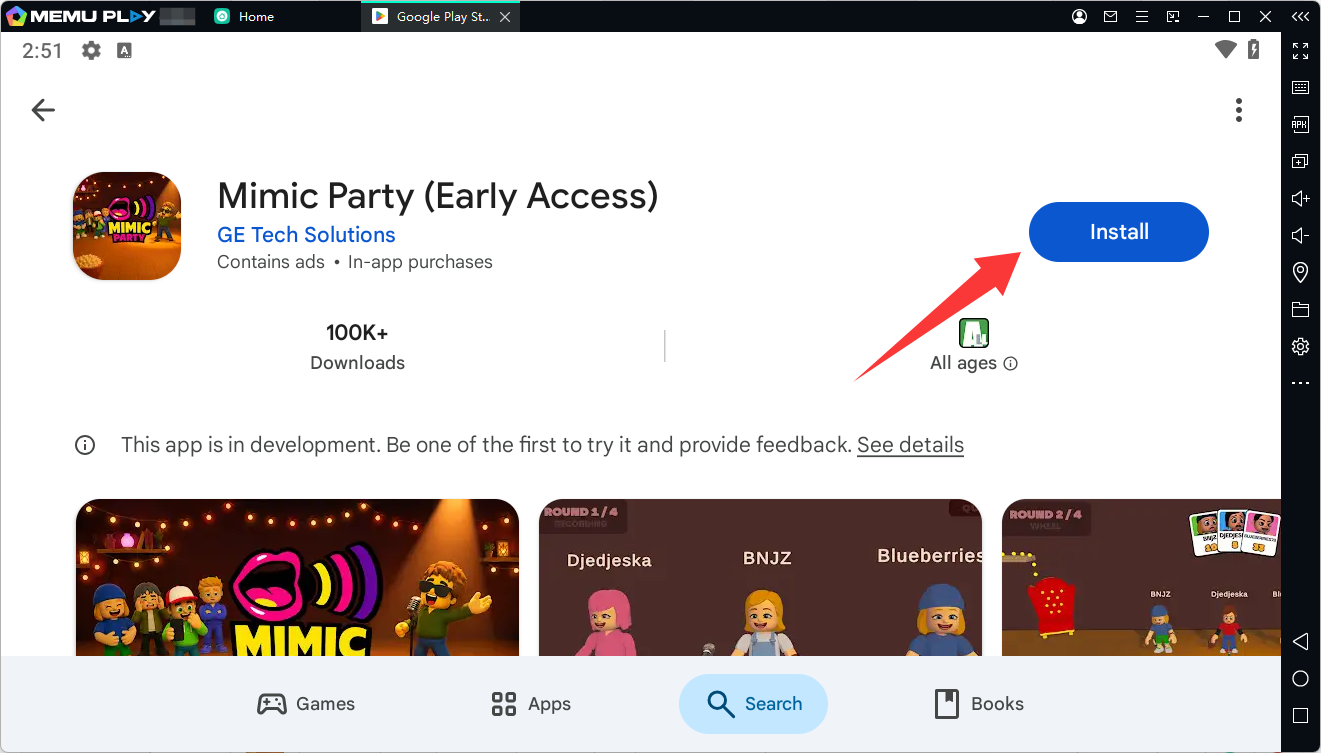
Step 4: Install the Game
Click Install and wait for Mimic Party to finish downloading. Once installation is complete, its icon will appear on the MEmu home screen.
Step 5: Start Mimic Party
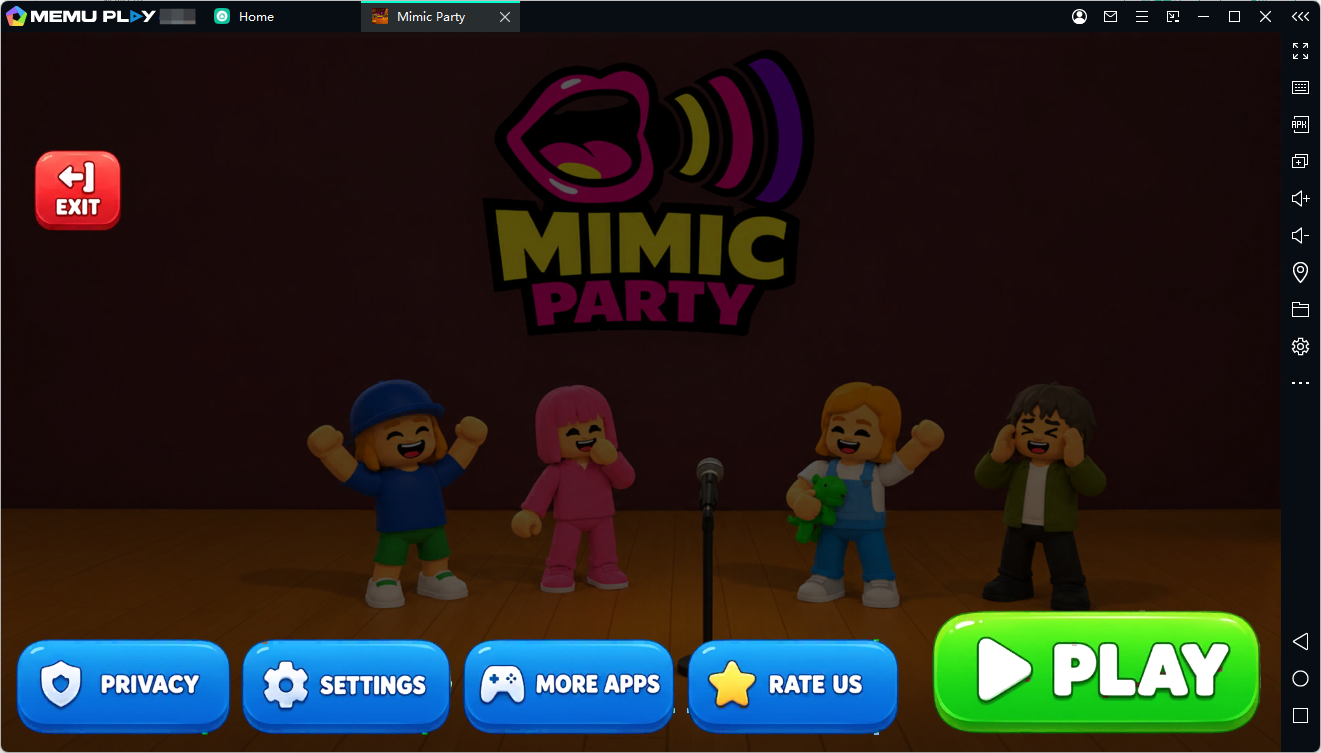
Click the Mimic Party icon to launch the game. Since the gameplay relies on voice input, make sure your PC microphone or headset is properly connected and available to the emulator.
Step 6: Start Mimicking
Listen to the sound, make your best imitation, and see how your pitch and rhythm score. Then let the wheel decide what happens next!
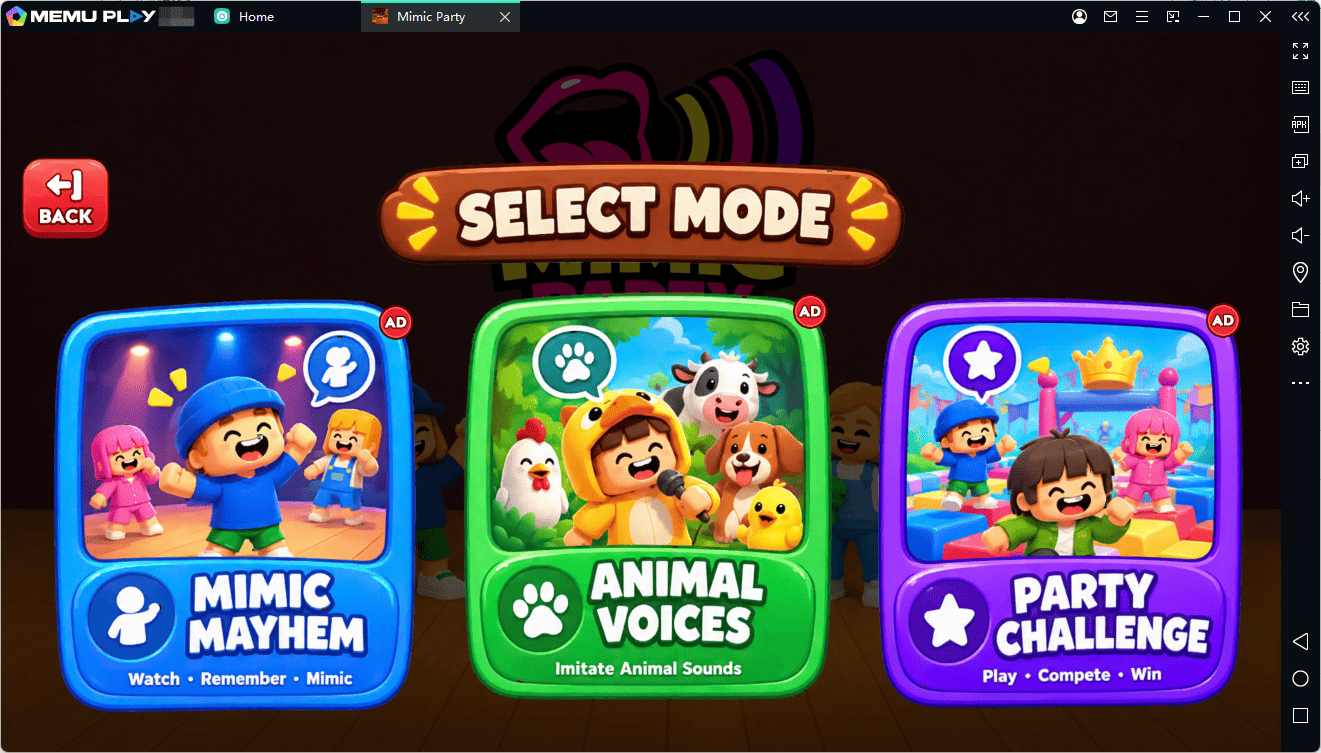
Play Mimic Party on PC with MEmu
Mimic Party offers a simple but entertaining twist on party games by turning voice imitation into a competition. With animal sounds, voice effects, one-shot challenges, scoring, and random bonuses, every round can produce a different result.
With MEmu Emulator, you can bring the Android version of Mimic Party to your Windows PC and enjoy the game on a larger screen while using your PC microphone or headset for voice challenges.
Ready to test your imitation skills? Download MEmu and start playing Mimic Party on PC today.
Mimic Party