Astro Bot
Updated
Current Version
Offered By

With your passion for Astro Bot, you shouldn’t have to limit yourself to the small screen of a phone. Play like a pro and take full control of the game using a keyboard and mouse. MEmu gives you everything you’re looking for. Download and play Astro Bot on PC. Play as long as you want — no more worries about battery life, mobile data, or unexpected calls. The all-new MEmu 9 is the best way to play Astro Bot on PC. With our expertly designed keymapping system, Astro Bot feels just like a real PC game. The MEmu multi-instance manager lets you run two or more accounts on the same device at the same time. Most importantly, our exclusive emulation engine unlocks your PC’s full potential, delivering smooth and seamless performance.
Show more
Download Astro Bot on PC with MEmu Android Emulator. Enjoy playing on big screen. Join ASTRO in a brand-new, supersized space adventure!
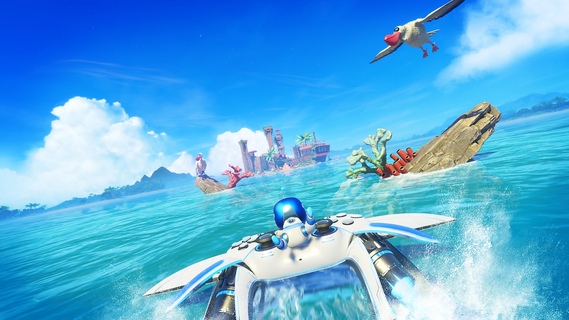
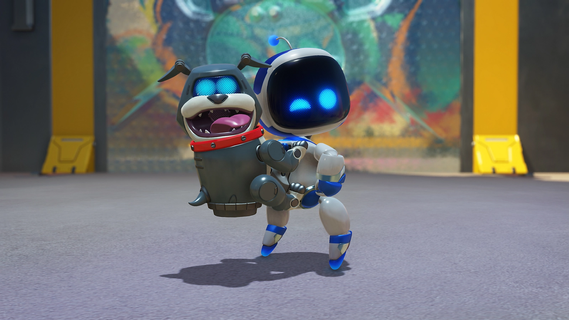
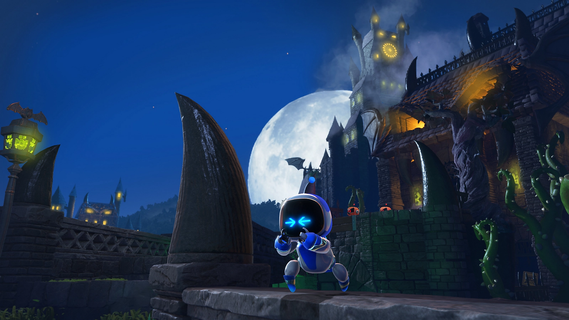
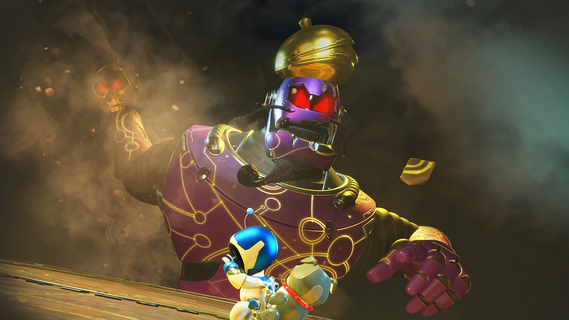
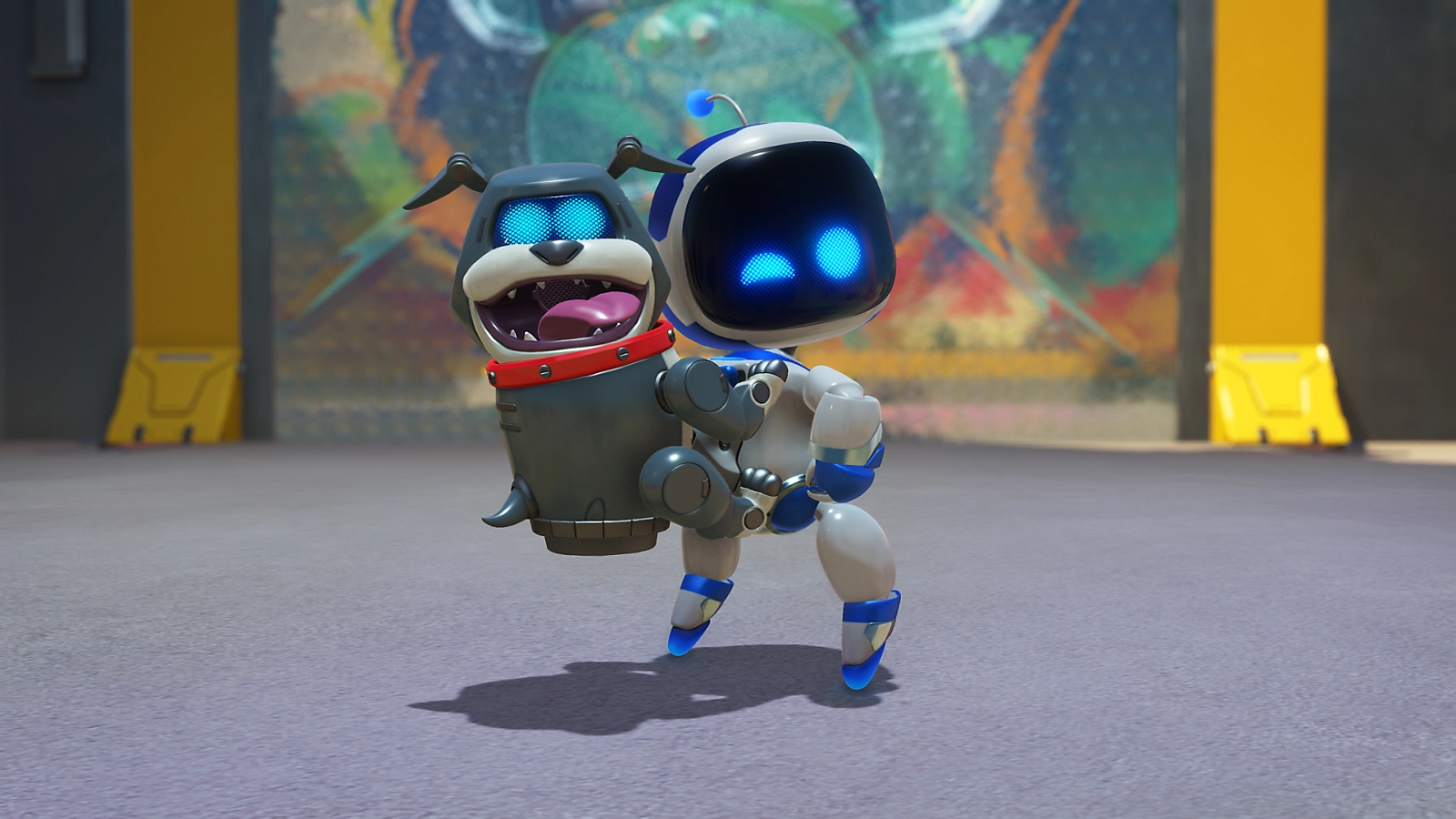
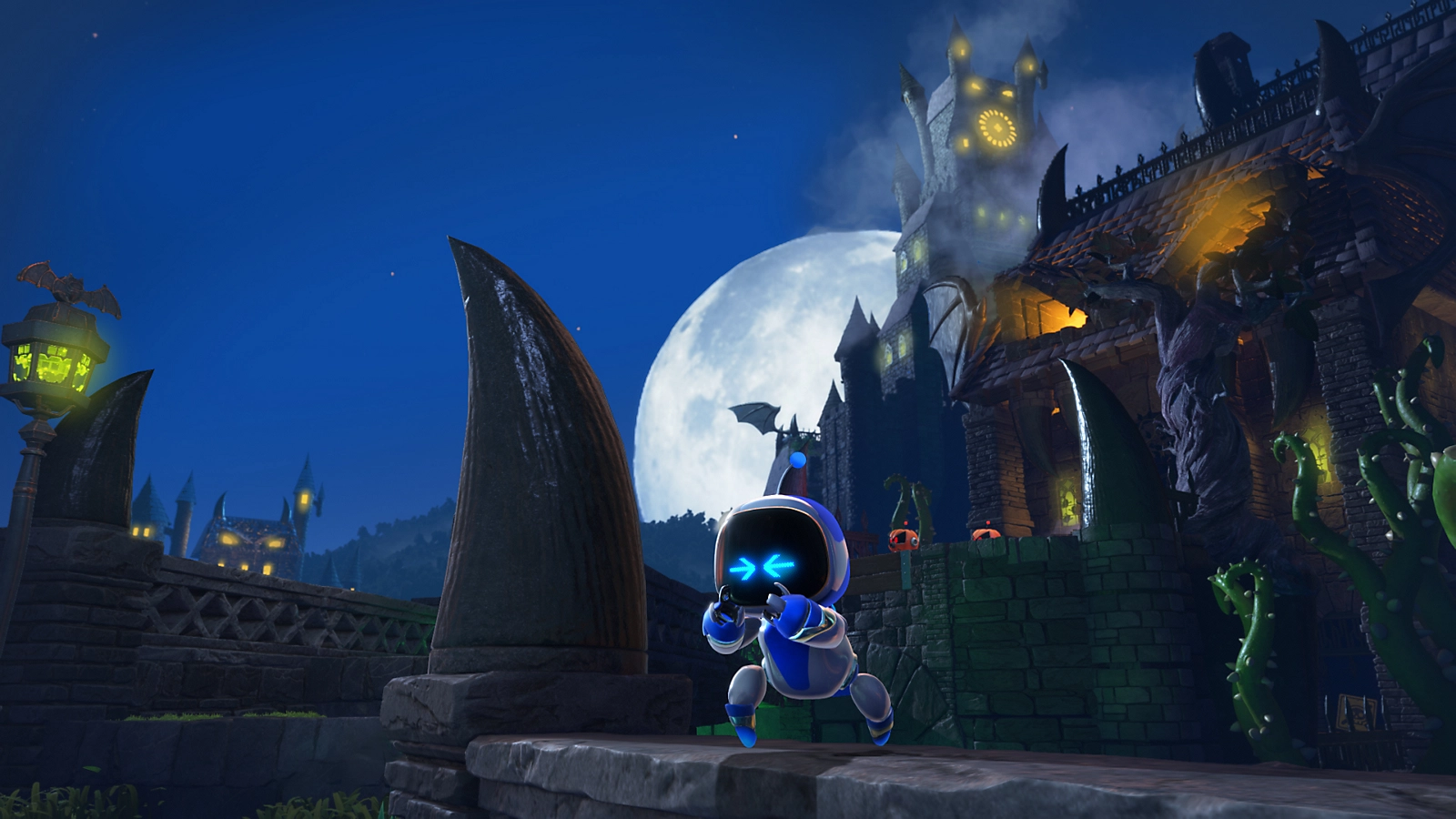
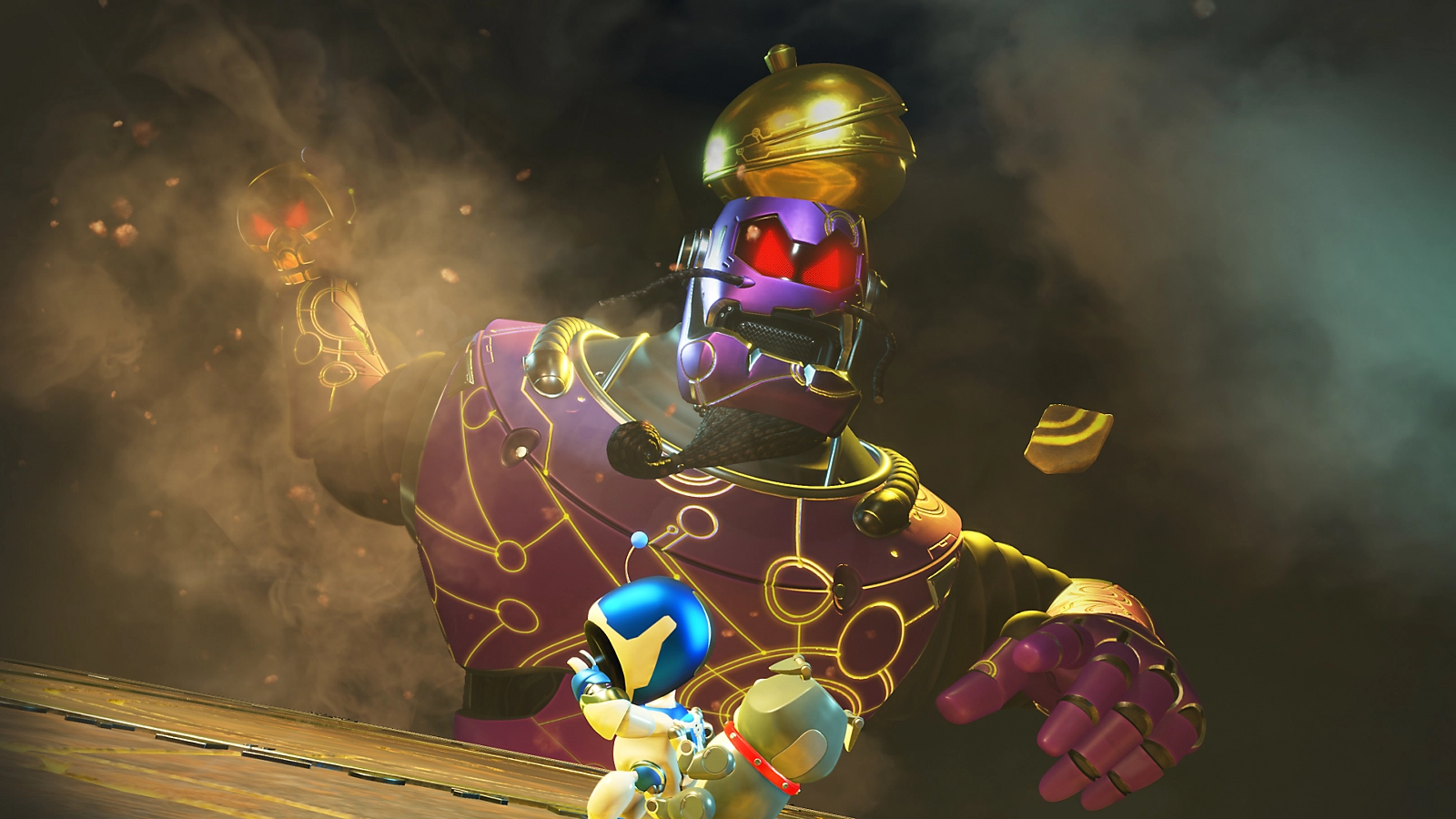
Join ASTRO in a brand-new, supersized space adventure!Board ASTRO's trusty Dual Speeder and get ready for an amazing adventure through spectacular worlds that are full of fun, secrets and surprises. The PS5® mothership has been wrecked by ASTRO’s alien rival, leaving his crew scattered across multiple galaxies. Can you help ASTRO rescue his stranded bot buddies and rebuild the mothership? Enjoy powered-up platforming action over 50 exciting planets. Make the most of ASTRO’s new abilities, from froggy boxing gloves to a giant ASTRO-shaped sponge! Key features Why you should play ASTRO BOT Become a galactic explorerBlast through the galaxy on ASTRO's Dual Speeder in the search for his Bot friends. Explore sky gardens, spooky graveyards, undersea cities, scorching volcanoes and much more! Powered-up platformingTake on crazy enemies and gigantic bosses with awesome new abilities. Feel their power through the DualSense wireless controller! A PlayStation celebrationRescue over 150 iconic VIP Bots inspired by legendary characters from 30 years of PlayStation history.
Show more

1. Download MEmu installer and finish the setup

2. Start MEmu then open Google Play on the desktop

3. Search Astro Bot in Google Play
Install
4. Download and Install Astro Bot
5. On install completion click the icon to start

6. Enjoy playing Astro Bot on PC with MEmu
MEmu Play is the best Android emulator and 100 million people already enjoy its superb Android gaming experience. The MEmu virtualization technology empowers you to play thousands of Android games smoothly on your PC, even the most graphic-intensive ones.
Bigger screen with better graphics; Long duration, without limitation of battery or mobile data.
Full Keymapping support for precise control of keyboard and mouse or gamepad.
Multiple game accounts or tasks on single PC at one time with Multi-Instance manager.
Play Astro Bot on PC by following steps: