Disney Epic Mickey: Rebrushed on PC – How to Download and Play with MEmu Emulator
 |
|
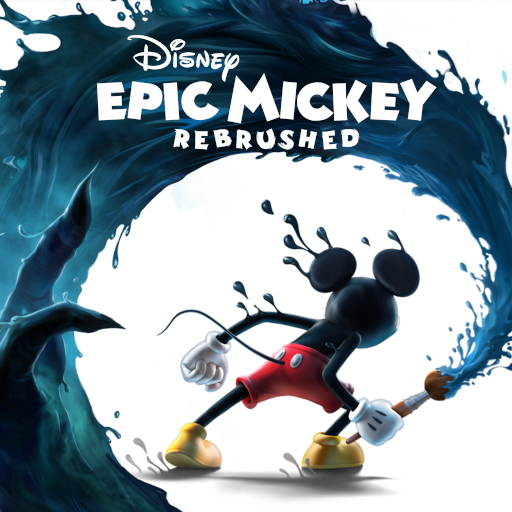
Disney Epic Mickey: Rebrushed brings Mickey Mouse into a vibrant 3D platforming adventure set in Wasteland, a mysterious world filled with forgotten Disney characters. This remake features enhanced visuals, improved controls, new movement abilities, and a choice-driven gameplay system.
In this guide, we'll introduce the game and show you how to download and play Disney Epic Mickey: Rebrushed on PC with MEmu Emulator.
Disney Epic Mickey: Rebrushed
What Is Disney Epic Mickey: Rebrushed?
Disney Epic Mickey: Rebrushed is a 3D action-platformer remake that follows Mickey Mouse on an adventure through Wasteland. Players explore different areas, encounter classic Disney characters, and uncover the secrets of this forgotten world.
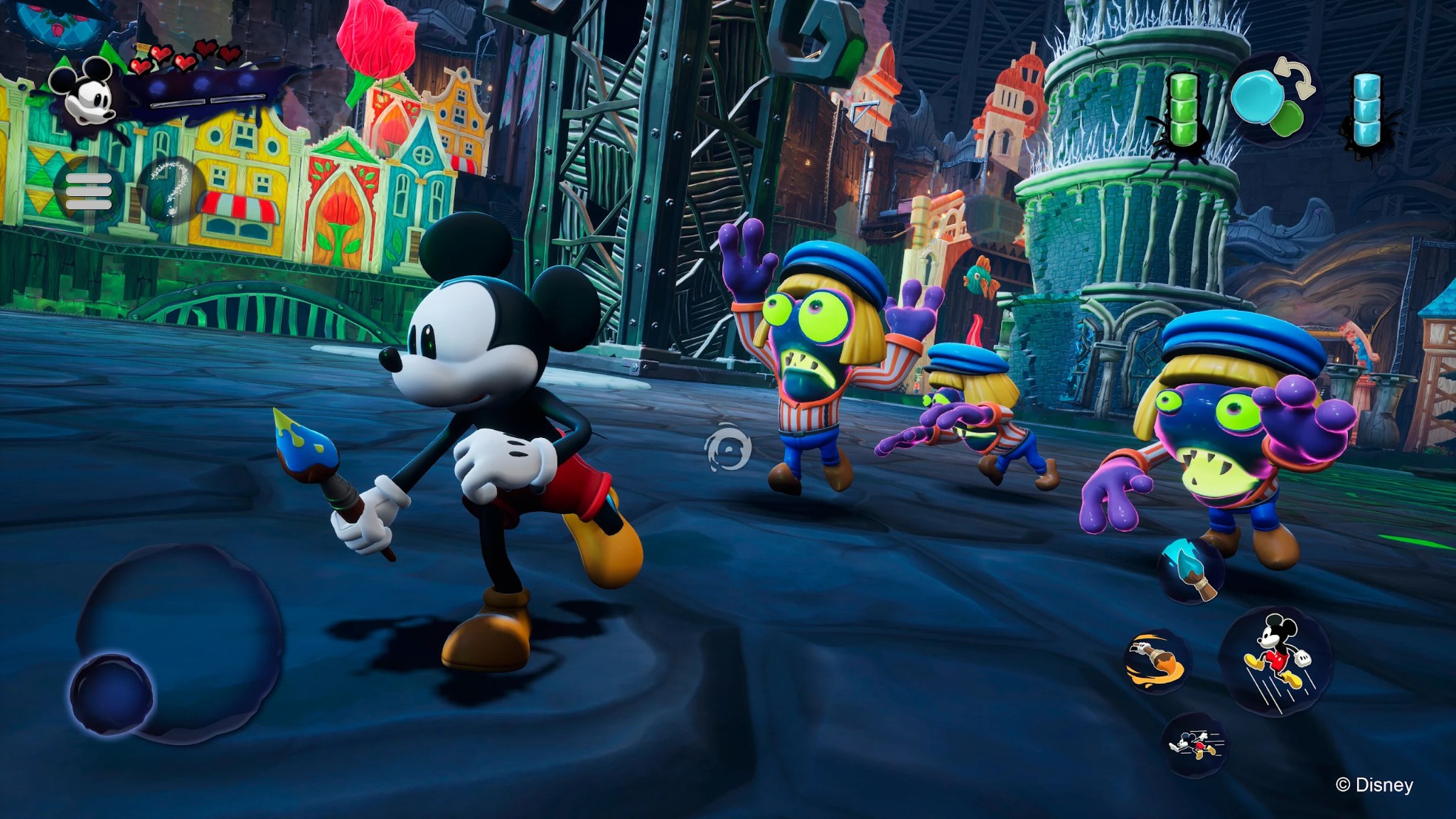
The game's central mechanic revolves around Mickey's magical brush. You can use paint to restore objects and environments or thinner to alter them, allowing your choices to influence the world and the progression of the story.
Explore the World of Wasteland
Wasteland is filled with forgotten Disney characters, creative challenges, hidden secrets, and platforming stages inspired by classic Disney animation.
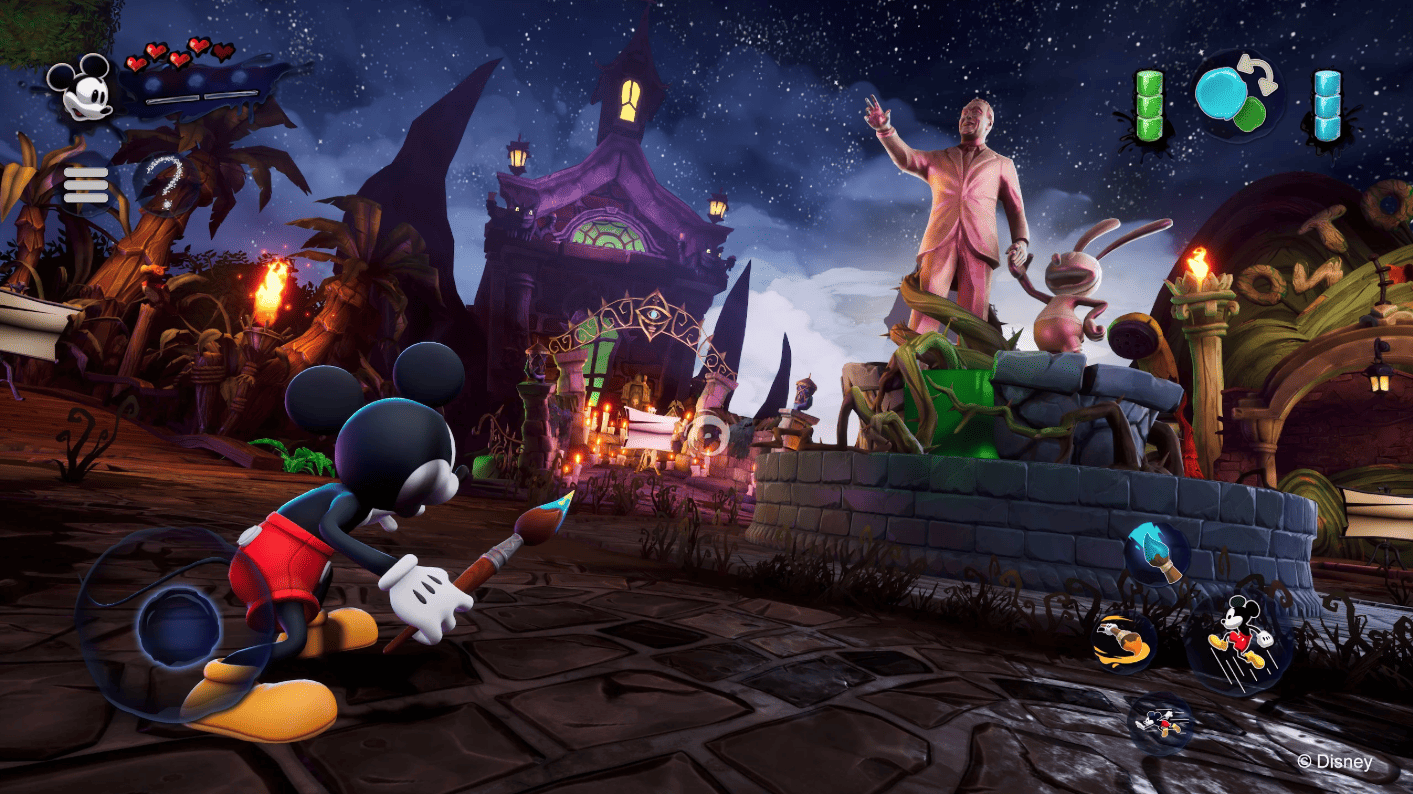
As you progress, you'll meet Oswald the Lucky Rabbit, Disney's original star, and discover more about the mysterious world surrounding Mickey.
Paint and Thinner Create Different Possibilities
The magical brush is one of the most important tools in the game.
- Paint: Restore objects and bring parts of the environment back to life.
- Thinner: Remove or alter elements of the environment.
- Different choices: Your decisions can affect the story and its outcomes.
This system gives players more freedom when exploring Wasteland and creates opportunities to approach certain situations in different ways.
New Abilities for Mickey
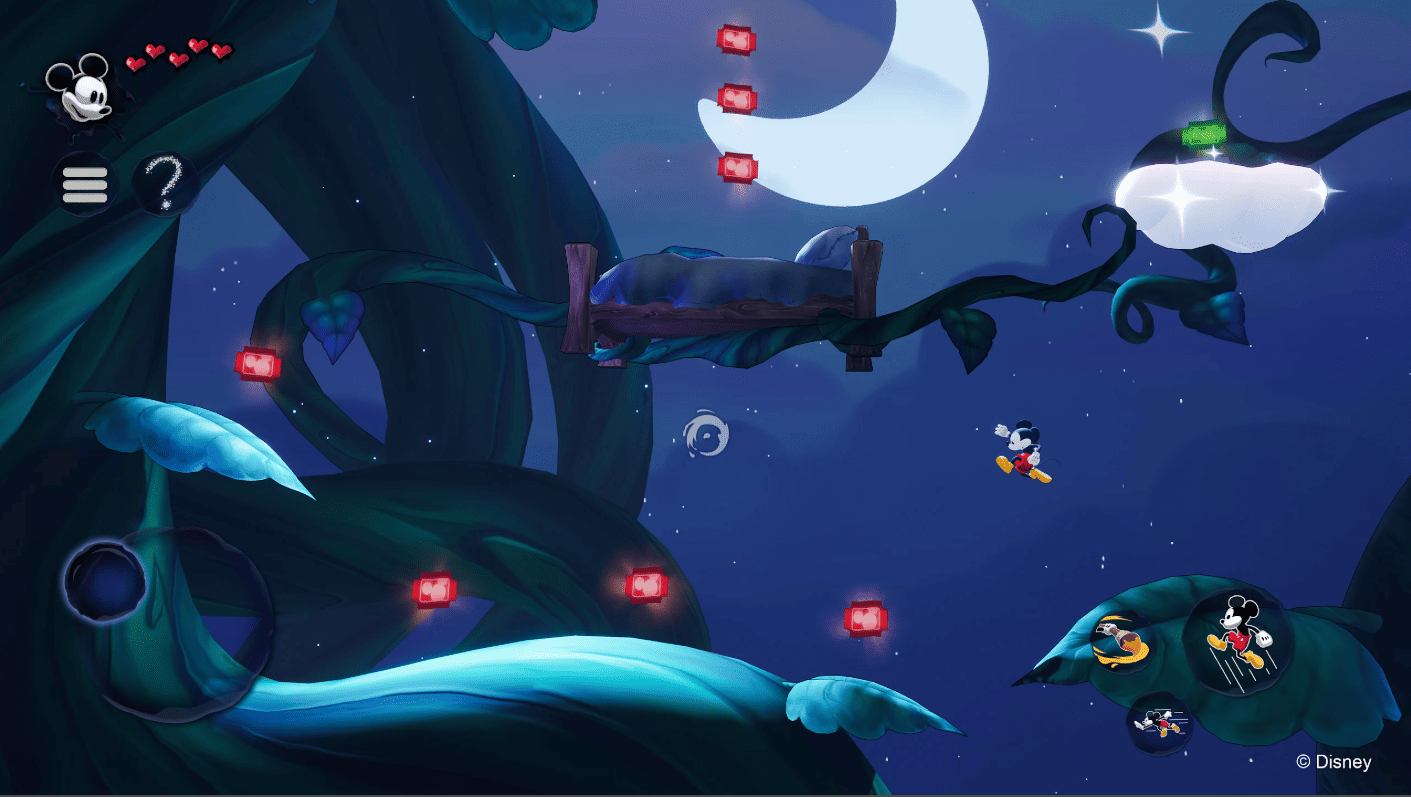
The remake also introduces improved movement and additional abilities. Mickey can use moves such as dash, ground pound, and sprinting, giving platforming and exploration more variety.
The game also features enhanced visuals and improved controls compared with the original version.
Multiple Endings and Replayability
Your playstyle and decisions can influence how the adventure unfolds. Disney Epic Mickey: Rebrushed features multiple endings, giving players reasons to replay the game and experiment with different choices.
How to Download and Play Disney Epic Mickey: Rebrushed on PC with MEmu
If you want to experience the Android version on a larger screen, you can use MEmu Emulator to run it on your PC.
Step 1: Download and Install MEmu
Download and install MEmu Emulator on your Windows PC.
Once the installation is complete, launch MEmu and sign in with your Google account.
Step 2: Open Google Play
Start Google Play Store inside MEmu and search for:
Disney Epic Mickey: Rebrushed
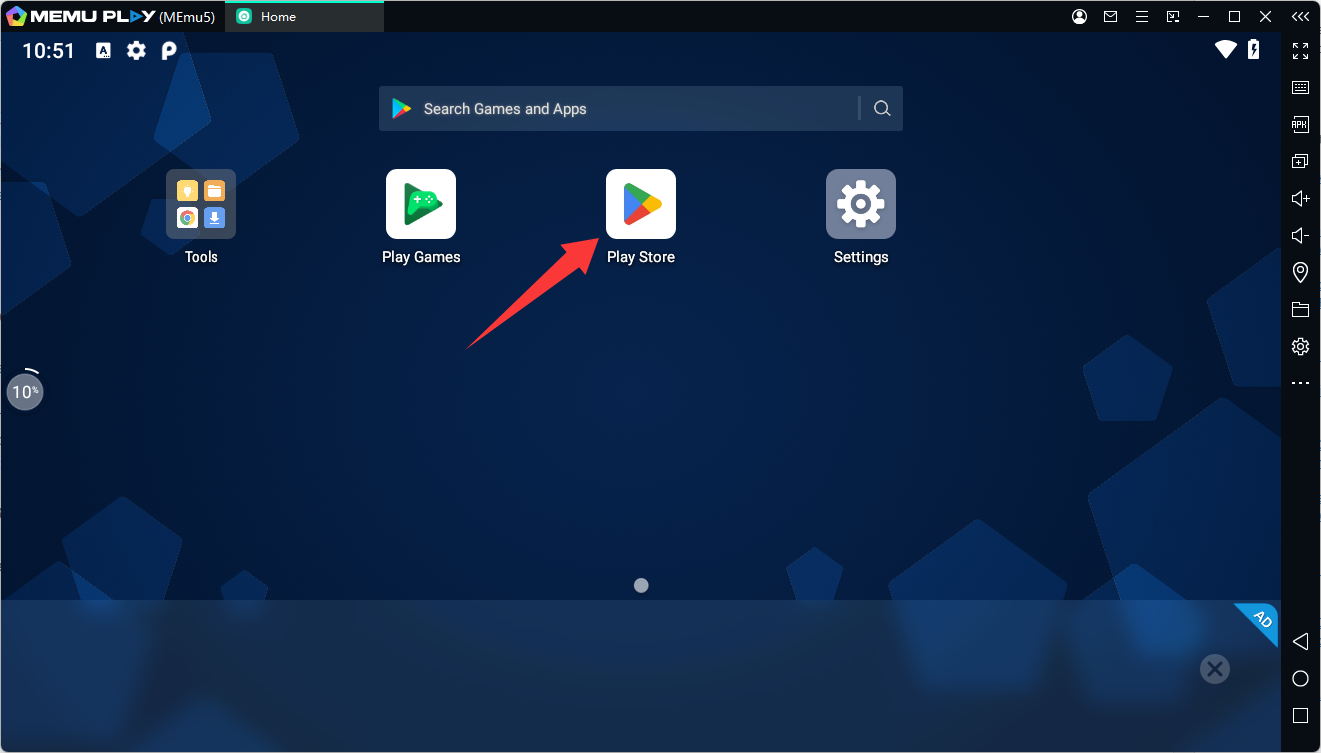
The current Google Play listing is published by THQ Nordic Mobile.
Step 3: Install the Game
Open the official game page and click Buy/Install to download the game.
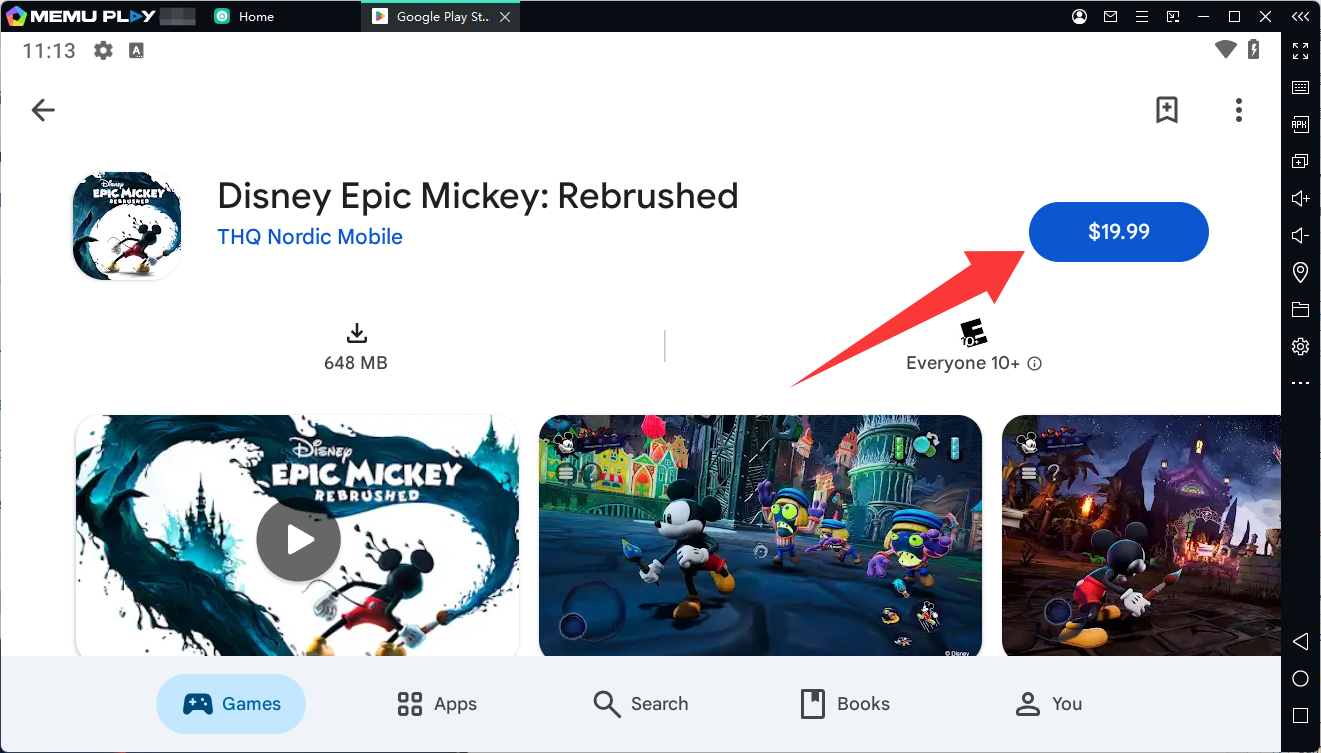
The current Google Play listing shows Disney Epic Mickey: Rebrushed as a paid game, so a purchase may be required before installation.
Step 4: Start Playing on PC
After installation, launch Disney Epic Mickey: Rebrushed from the MEmu home screen.
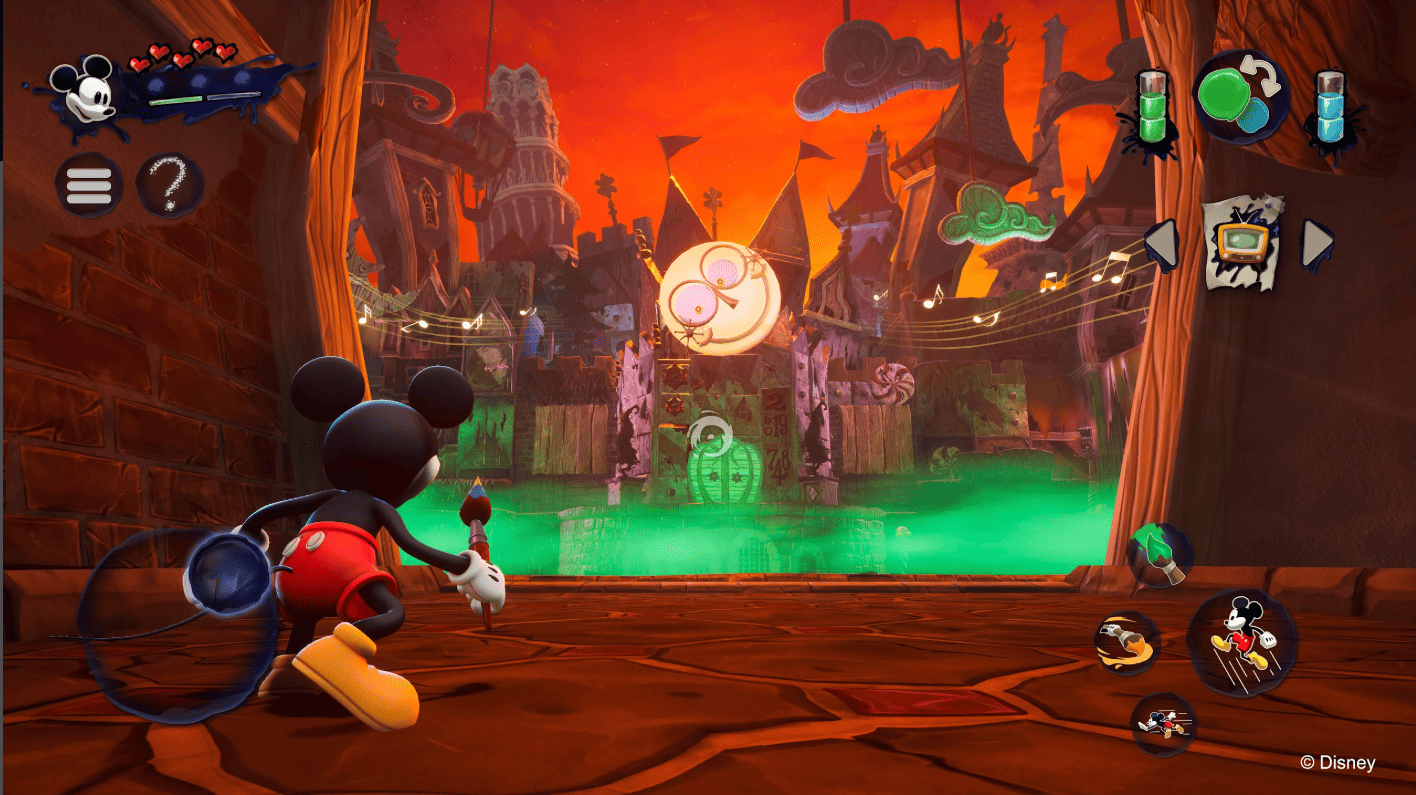
You can then explore Wasteland, use Mickey's magical brush, meet Disney characters, and experience the adventure on your PC.
Why Play Disney Epic Mickey: Rebrushed on PC with MEmu?
Playing the mobile version through MEmu can provide a larger-screen experience and customizable controls.
Key advantages include:
- Large PC screen for easier exploration
- Keyboard and mouse controls
- Custom keymapping for different actions
- Comfortable controls during longer sessions
- PC gaming environment without relying on a phone screen
Final Thoughts
Disney Epic Mickey: Rebrushed combines classic Disney characters with colorful 3D platforming, exploration, and choice-driven gameplay. Its magical paint-and-thinner system gives players different ways to interact with Wasteland, while new movement abilities and multiple endings add more depth to the adventure.
If you want to play the Android version on a PC, MEmu Emulator offers a convenient way to enjoy the game on a larger screen with customizable controls.
Disney Epic Mickey: Rebrushed