Dream Cricket 2026 on PC – Download and Play with MEmu
 |
Looking for a realistic cricket game with exciting multiplayer matches, licensed cricket stars, and immersive 3D gameplay? Dream Cricket 2026 brings the excitement of cricket to your mobile screen with competitive matches, detailed player animations, and plenty of ways to build your dream team. With MEmu Android Emulator, you can also enjoy Dream Cricket on your PC with keyboard and mouse controls and a larger display.
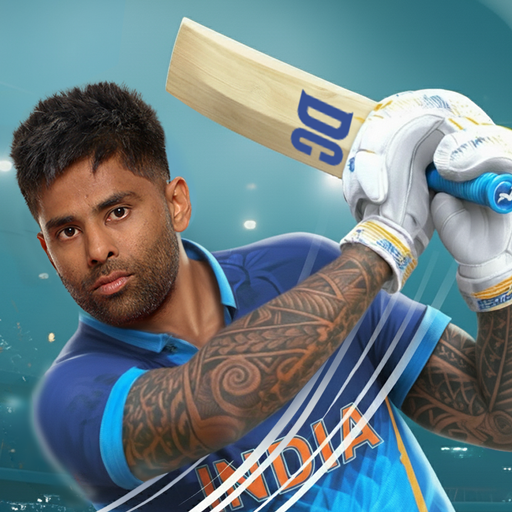
Dream Cricket 2025
What Is Dream Cricket 2026?
Dream Cricket 2026 is a 3D cricket sports game developed by Sporta Technologies Private Limited. It combines realistic cricket mechanics, officially licensed players, and competitive multiplayer modes to deliver an engaging cricket experience.
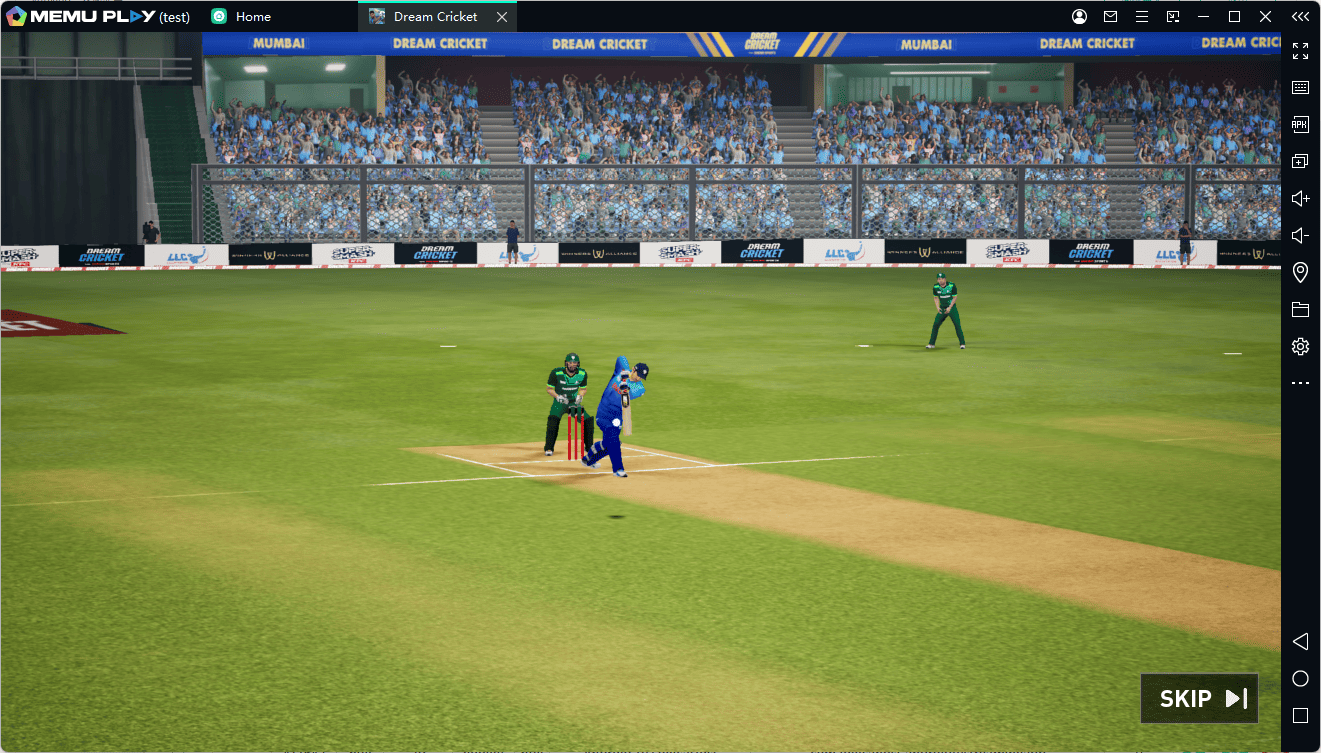
Players can build their own teams, compete in championship challenges, and face opponents in real-time matches. Whether you enjoy carefully timed batting shots or strategic bowling, the game offers plenty of opportunities to develop your skills and lead your team to victory.
Key Features of Dream Cricket 2026
1. Build Your Ultimate Dream Team
Create a competitive cricket squad featuring more than 400 officially licensed players. Recruit international stars and cricket legends, develop your lineup, appoint your captain, and adjust team strategies to suit your playing style.
2. Realistic 3D Cricket Gameplay
Experience detailed 3D player models, realistic ball physics, and dynamic match animations. With more than 450 batting shots and 200 bowling actions, you can experiment with different techniques and strategies on the pitch.
3. Compete in Real-Time Multiplayer Matches
Challenge cricket fans from around the world in real-time multiplayer matches. Enter Dream League, compete in ranked and unranked 1v1 games, climb the leaderboards, and prove your skills against other players. You can also invite friends for friendly matches.
4. Take on World Championship Challenges
Test your cricket skills in World Championship challenges and Match of the Day events. Compete against real opponents, score more runs, and earn rewards through challenging match scenarios.
5. Customize Your Cricket Experience
Make your team stand out by customizing kits, selecting iconic stadiums, and expressing yourself with batting and bowling emotes. The game also features Hindi and English commentary to make matches more immersive.
How to Download and Play Dream Cricket 2026 on PC with MEmu
Want to enjoy Dream Cricket 2026 on a bigger screen? Follow these steps to install and play it using MEmu:
Step 1: Download and Install MEmu
Visit the official MEmu website and download the latest version of the Android emulator.
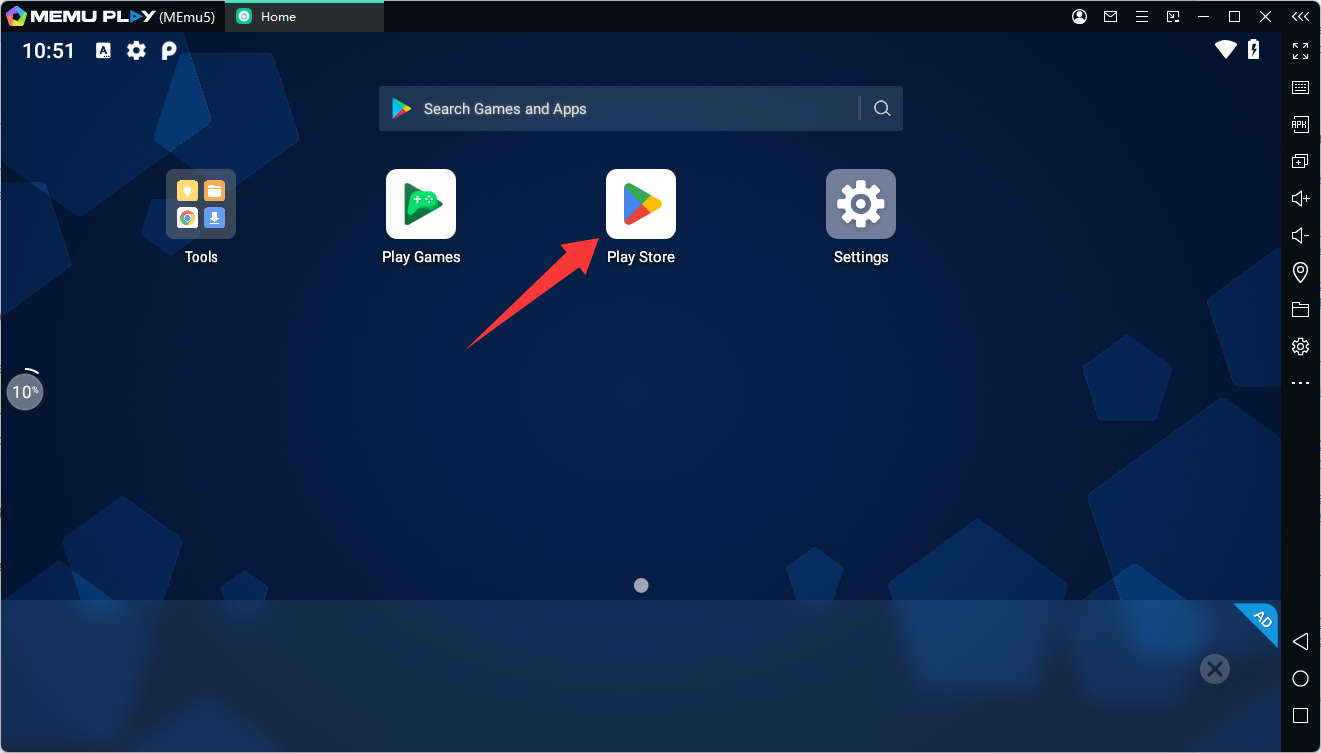
Step 2: Launch MEmu and Open Google Play
Start MEmu on your PC, open the Google Play Store, and sign in with your Google account.
Step 3: Search for Dream Cricket 2026
Type Dream Cricket 2026 into the Google Play search bar. Find the game developed by Sporta Technologies Private Limited and open its store page.
Step 4: Install the Game
Click Install and wait for the download and installation process to finish.
Step 5: Launch and Start Playing
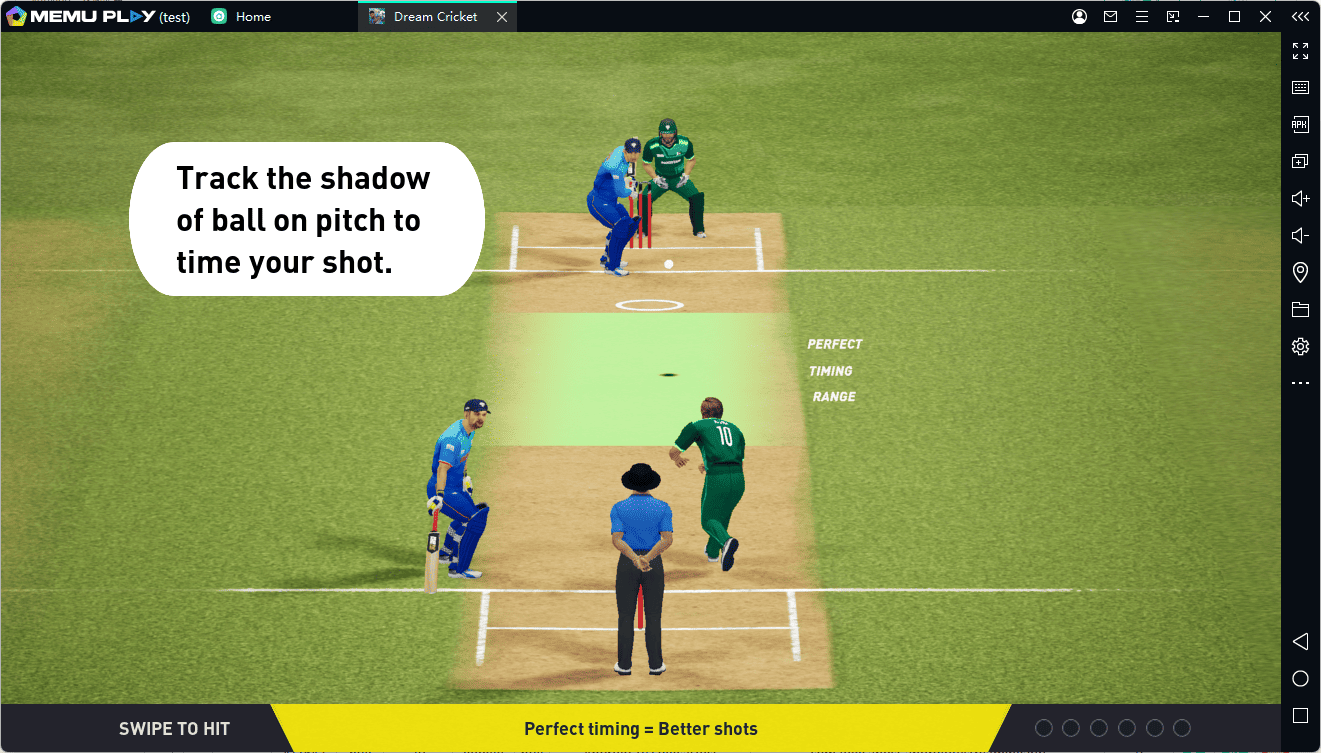
Open Dream Cricket 2026 from the MEmu home screen and jump into the action. You can adjust the controls to suit your preferences for a more comfortable PC gaming experience.
How to Update Dream Cricket 2026 on MEmu
To enjoy the latest features, improvements, and bug fixes, keep your game updated:
- Launch MEmu and open the Google Play Store.
- Search for Dream Cricket 2026.
- Open the game's Google Play page.
- If an Update button is available, click it to install the latest version.
- Once the update is complete, launch the game and enjoy the updated experience.
If Google Play does not show an update, the latest version may not yet be available for your account or region. You can check again later.
Why Play Dream Cricket 2026 on MEmu?
Playing Dream Cricket 2026 on PC with MEmu gives you a different way to enjoy mobile cricket:
- Bigger Screen: Follow every delivery, shot, and wicket on your PC monitor.
- Keyboard and Mouse Controls: Customize keymapping to make batting and other in-game actions more comfortable.
- Flexible Performance Settings: Adjust CPU, memory, and graphics settings according to your PC's capabilities.
- Multitasking: Enjoy the convenience of playing on your PC while keeping other applications accessible.
Frequently Asked Questions
Is Dream Cricket 2026 available on PC?
Dream Cricket 2026 is designed for mobile devices. You can use MEmu Android Emulator to install and play its Android version
Dream Cricket 2025