Dark Doors: Horror Escape on PC – Download and Play with MEmu
 |
Are you ready to face the darkness and uncover its hidden mysteries? Dark Doors: Horror Escape is a suspenseful horror escape game that challenges players to explore creepy environments, solve puzzles, discover hidden clues, and find a way out of dangerous locations. With mysterious rooms, locked doors, and unexpected threats lurking around every corner, every step could bring you closer to freedom—or lead you into another terrifying situation.

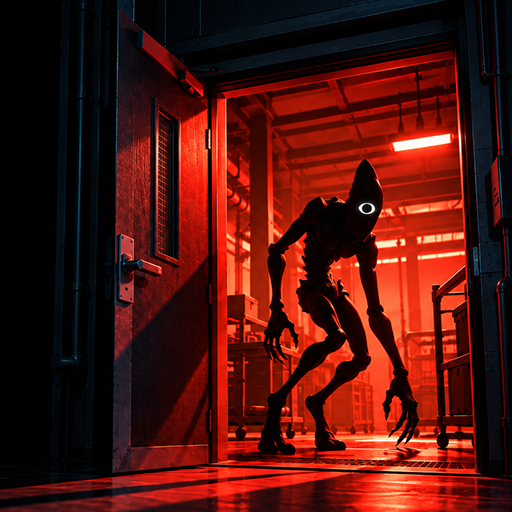
Dark Doors: Horror Escape
Whether you enjoy solving challenging puzzles or exploring eerie environments, Dark Doors: Horror Escape offers an exciting experience for fans of horror and escape room games. Now, you can enjoy this Android horror adventure on a bigger screen with MEmu Android Emulator. Let's take a closer look at the game and learn how to download and play it on your PC.
Contents
What Is Dark Doors: Horror Escape?
Developed by Mati Ur Rehman, Dark Doors: Horror Escape is a survival horror escape game built around exploration, puzzle-solving, and suspense. Players enter mysterious locations filled with dark rooms, locked doors, hidden objects, and disturbing secrets.
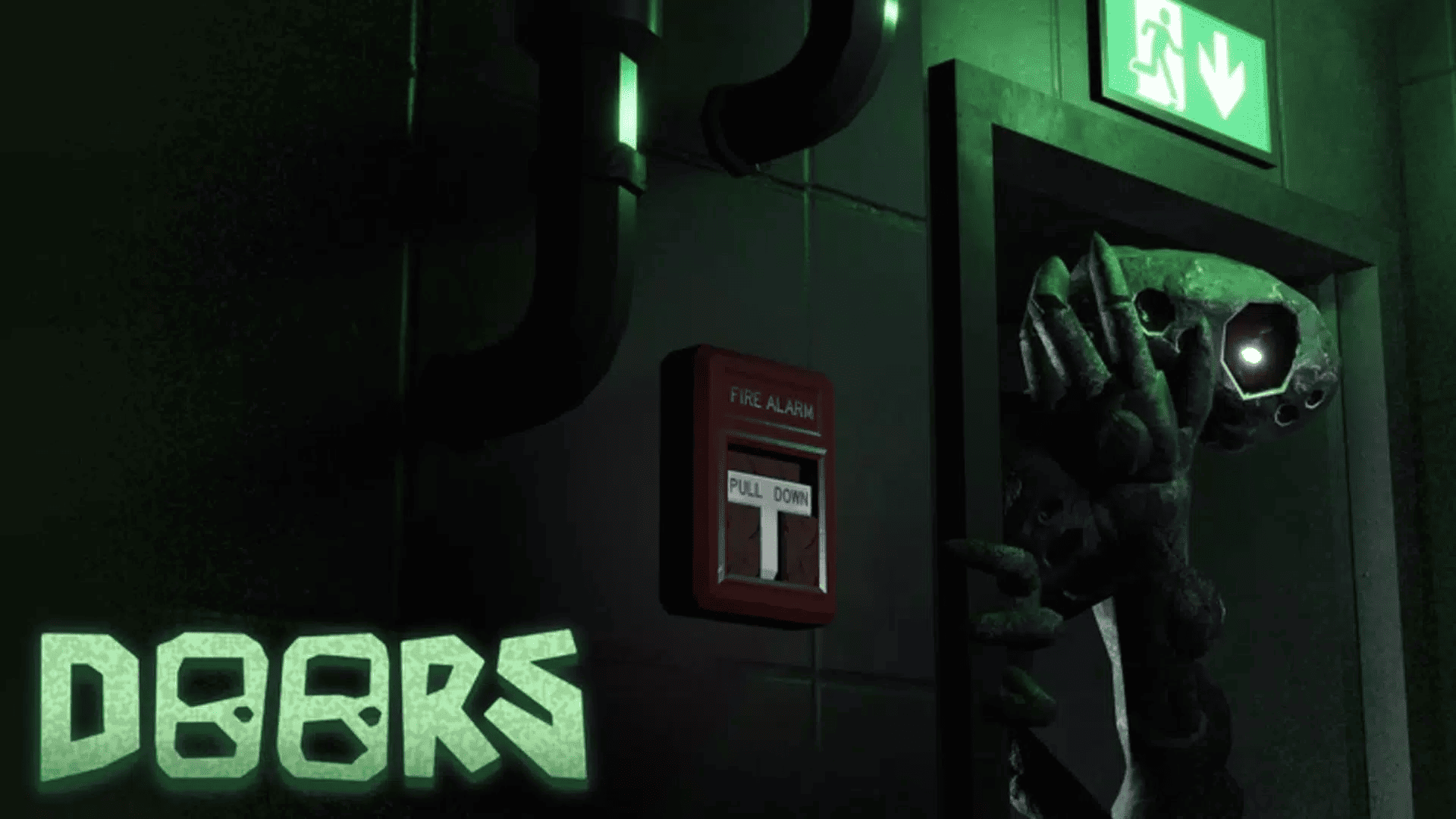
Your main objective is to explore each environment, collect useful items, discover clues, and solve puzzles to unlock new paths. However, the darkness makes every exploration more challenging. A seemingly ordinary room might contain an important clue, a hidden passage, or an unexpected threat.
Unlike traditional action games that focus on combat, Dark Doors: Horror Escape emphasizes observation, exploration, and logical thinking. Players must pay attention to their surroundings and carefully examine objects to uncover the secrets behind each locked door.
If you enjoy horror adventures that combine mysterious environments with escape room challenges, this game is worth checking out.
Key Features of Dark Doors: Horror Escape
1. Suspenseful Horror Atmosphere
Step into creepy environments filled with dark corridors, mysterious rooms, and unsettling surroundings. The game's horror atmosphere keeps players alert as they explore unfamiliar locations and search for a way forward.
2. Challenging Escape Puzzles
Locked doors and hidden mechanisms stand between you and freedom. Search your surroundings for clues, examine mysterious objects, and solve puzzles to discover how to progress through the game.
3. Hidden Rooms and Secret Paths
Not everything is immediately visible. Explore different areas carefully to uncover hidden rooms, secret passages, and useful objects that may help you escape.
4. Survival-Style Exploration
Every exploration requires attention and caution. Search dangerous corridors, identify important clues, and find safe routes through mysterious environments.
5. Simple and Immersive Controls
The game features straightforward controls that make it easy to explore its environments and interact with objects. This allows players to focus on solving puzzles and discovering the mysteries hidden behind each door.
Why Play Dark Doors: Horror Escape on PC with MEmu?
Playing Dark Doors: Horror Escape on a PC with MEmu offers several advantages over playing on a mobile device.
- Bigger Screen: Explore dark environments and examine hidden clues on a larger monitor.
- Keyboard and Mouse Controls: Enjoy more precise movement and interaction with customizable keymapping.
- Better Multitasking: Switch between the game and other desktop applications more conveniently.
- Smooth Performance: Take advantage of your PC's hardware resources for a comfortable gaming experience.
- Longer Gaming Sessions: Play on your computer without worrying about draining your phone's battery.
MEmu makes it easy to enjoy Android games on your PC while retaining the original mobile gaming experience.
How to Download and Play Dark Doors: Horror Escape on PC
Follow these simple steps to start playing Dark Doors: Horror Escape on your Windows computer with MEmu.
Step 1: Download and Install MEmu
Visit the official MEmu website and download the latest version of MEmu Android Emulator.
Install the emulator on your PC by following the on-screen instructions. Once installation is complete, launch MEmu.
Step 2: Open Google Play Store
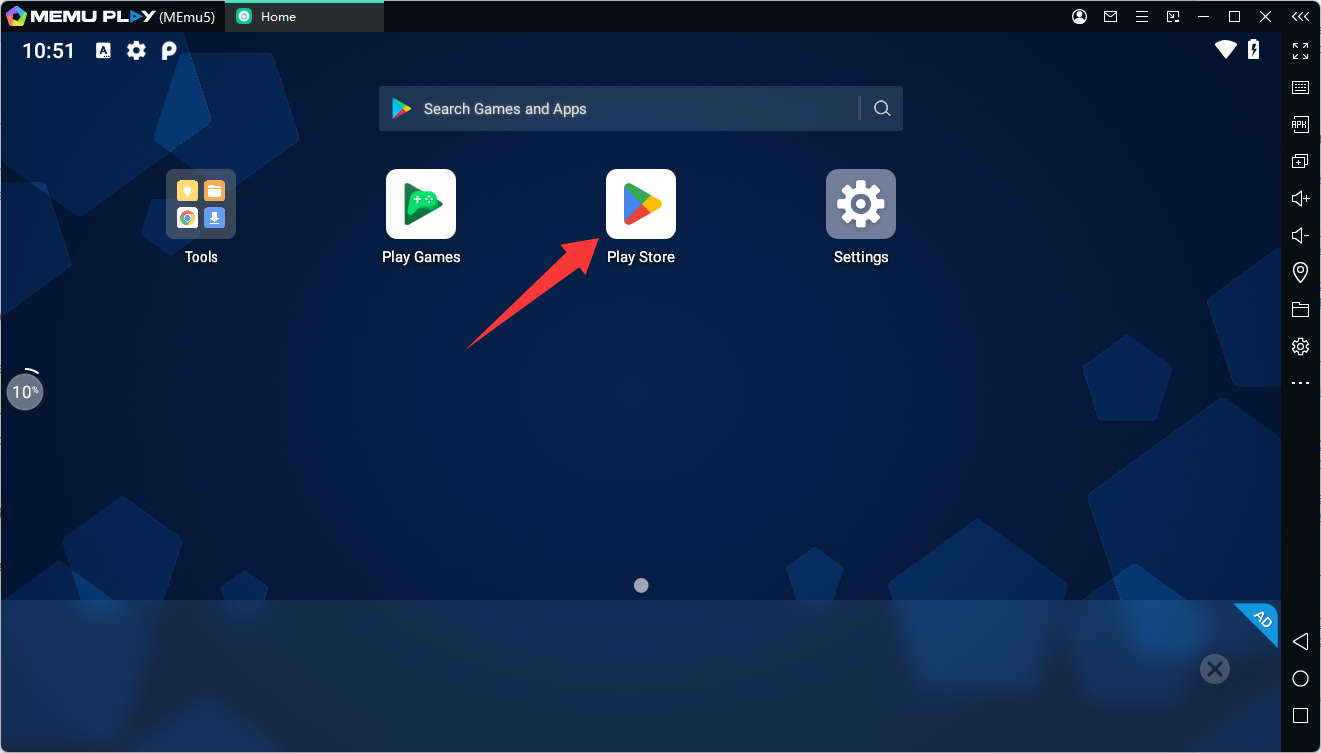
Start MEmu and open Google Play Store from the home screen. Sign in with your Google account to access Android apps and games.
Step 3: Search for Dark Doors: Horror Escape
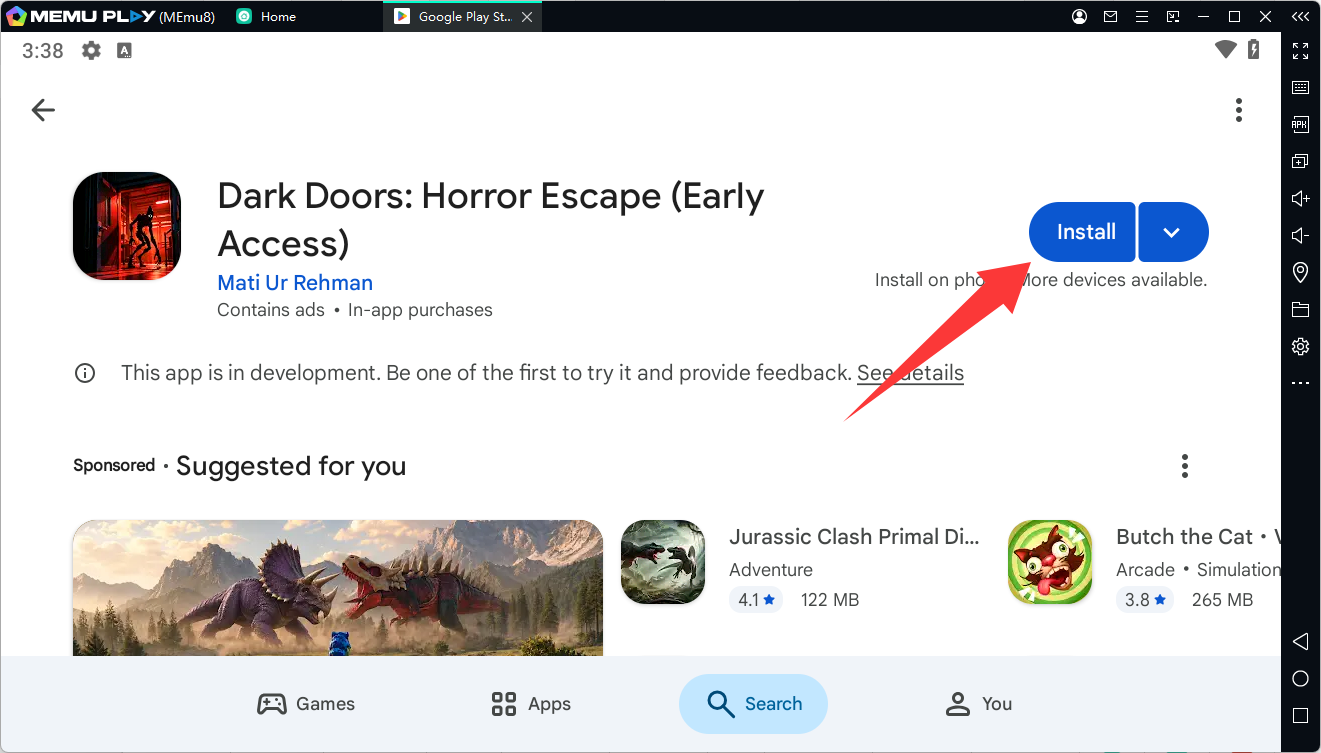
Enter Dark Doors: Horror Escape in the Google Play Store search bar.
Find the game developed by Mati Ur Rehman and open its store page.
Step 4: Install the Game
Click the Install button and wait for the download and installation process to finish.
Step 5: Start Playing on PC
Return to the MEmu home screen and click the Dark Doors: Horror Escape icon to launch the game.
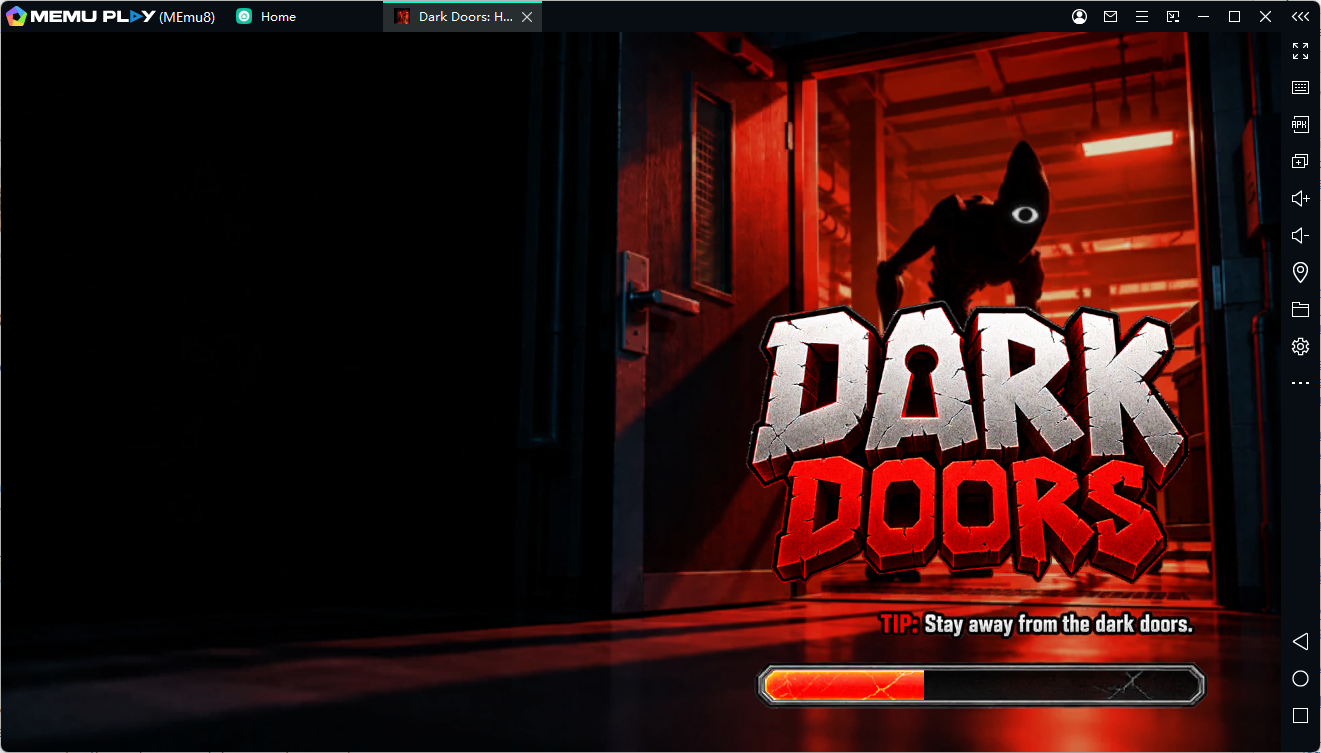
You can now explore mysterious rooms, search for hidden clues, solve escape puzzles, and uncover the secrets behind every door on your PC!
Alternative installation method: If the game is unavailable in your Google Play Store region, you can download its APK from a trusted source such as APKPure and install it in MEmu using the APK installation feature.
Final Thoughts
Dark Doors: Horror Escape is an interesting choice for players who enjoy horror-themed exploration, mysterious environments, and challenging escape puzzles. Its combination of locked doors, hidden clues, secret paths, and suspenseful surroundings creates an experience that encourages players to explore carefully and think strategically.
If you want to experience this horror adventure on a larger screen, MEmu Android Emulator provides a convenient way to play Dark Doors: Horror Escape on your PC with keyboard and mouse controls.
Download MEmu today and start exploring the darkness in Dark Doors: Horror Escape!
Dark Doors: Horror Escape