ARES: THE IRON VANGUARD on PC: How to Download and Play with MEmu Emulator
 |
|
ARES: THE IRON VANGUARD is a stylish sci-fi action RPG featuring real-time suit switching, multiple combat classes, fast-paced battles, and multiplayer co-op. Learn more about the game and how to download and play ARES: THE IRON VANGUARD on PC with MEmu Emulator.

ARES: THE IRON VANGUARD
Contents
What Is ARES: THE IRON VANGUARD?
ARES: THE IRON VANGUARD is a futuristic action RPG from Com2uS Holdings. Set against a massive sci-fi backdrop, the game puts players in the role of a Guardian fighting the threat of Nemesis and defending the Solar System.
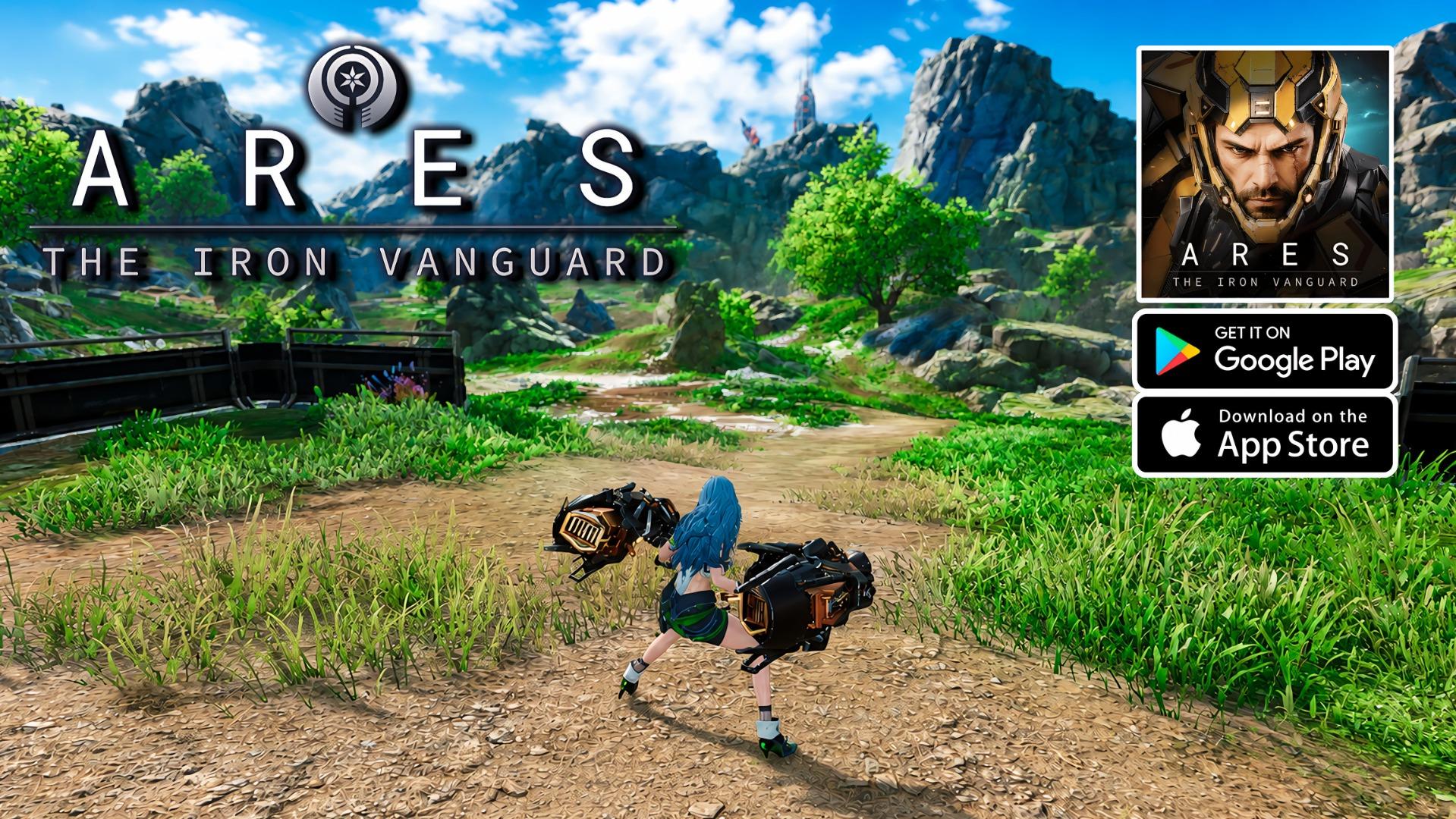
Unlike traditional mobile RPGs that rely heavily on automated combat, ARES focuses on direct player control. Dodges, parries, combos, skills, and combat timing all play an important role in determining the outcome of battles.
The game is free to play and supports multiple languages, including English, Korean, Japanese, Simplified Chinese, Traditional Chinese, French, German, Spanish, Portuguese, Indonesian, Thai, Vietnamese, and Turkish.
ARES: THE IRON VANGUARD Key Features
Switch Between Two Suits in Real Time
One of the main features of ARES is its real-time suit-switching system.
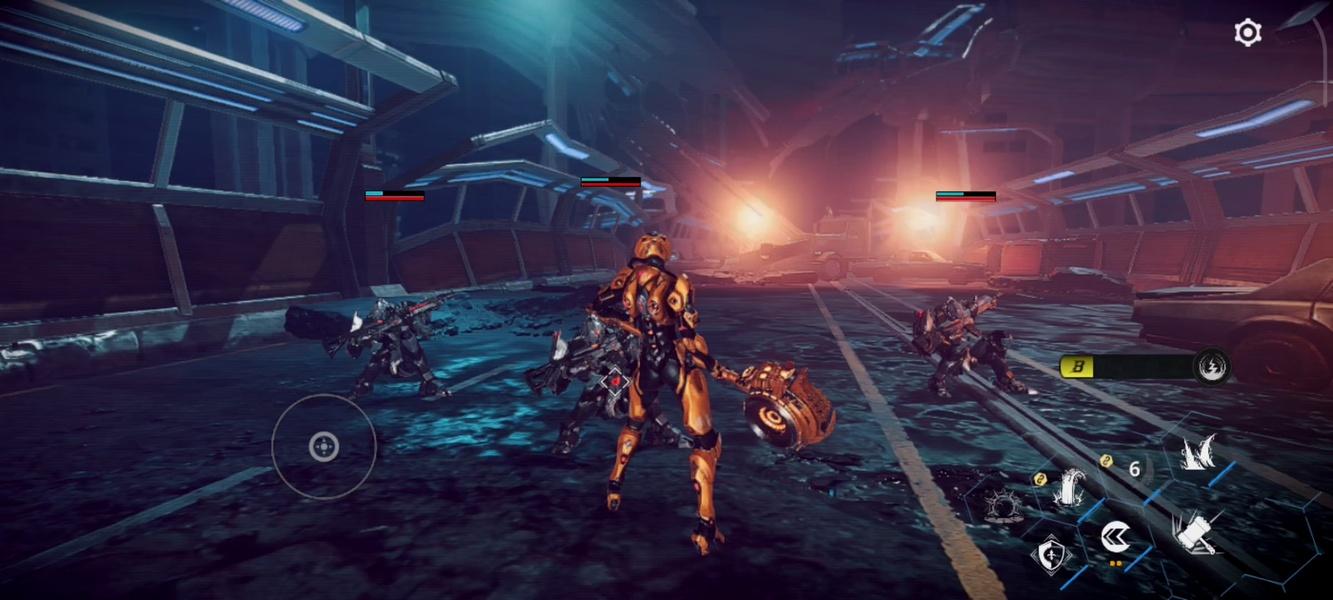
Players can switch between two suits during combat and combine different weapons and skills to create their own fighting style. Changing suits at the right moment can help you adapt to different enemies and situations, giving the combat a more dynamic feel.
Four Combat Classes
ARES offers several distinct combat styles through its suit classes:
- Engineer: Uses heavy gauntlets and drone attacks.
- Warlock: Uses cosmic energy to unleash powerful area-of-effect magic.
- Warlord: Fights on the front line with a rocket hammer and shield.
- Hunter: Uses dual blades for fast and aggressive attacks.
The game's multi-class system also lets players mix and match different suits, creating more possibilities for combat builds.
High Mobility and Powerful Mechs
Combat in ARES isn't restricted to fighting on the ground.

Players can glide across battlefields on a hoverboard, pilot the massive Goliath mech, and take to the skies with the Valkyrie. These systems add another layer of mobility and spectacle to the game's futuristic battles.
Multiplayer Co-op and Raids
Players can team up with other Guardians to tackle powerful enemies.
ARES features raids, strike missions, and other multiplayer activities, allowing players to work together against challenging end-game bosses.
Skill-Based Action Combat
ARES is designed around active combat rather than simply watching characters fight automatically.
The game combines perfect dodges, parries, combos, and skill timing, allowing players to directly influence the flow of battle.
ARES: THE IRON VANGUARD Story
The game takes place in a futuristic Solar System threatened by Nemesis.
As a Guardian, you are sent into the heart of a new war to protect humanity and the Solar System. The game combines futuristic technology, massive battlefields, powered suits, and large-scale enemies to create a cinematic sci-fi RPG experience.
ARES: THE IRON VANGUARD System Requirements
According to the Google Play listing, the Android version requires:
- OS: Android 11 or higher
- RAM: 4GB or higher
The Google Play page also currently lists Android and Windows availability, with the Windows version powered by Intel technology.
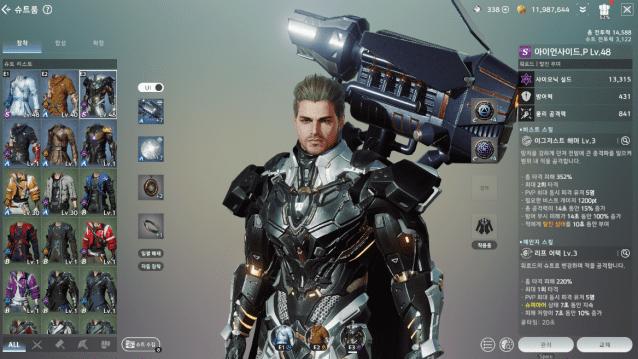
For players who prefer using an Android emulator on PC, MEmu Emulator provides another way to experience the mobile version with a larger screen and keyboard and mouse controls.
How to Download and Play ARES: THE IRON VANGUARD on PC with MEmu Emulator
Playing ARES: THE IRON VANGUARD on PC with MEmu is straightforward.
Step 1: Download and Install MEmu Emulator
Download and install MEmu Emulator on your Windows PC from the official MEmu website.
After installation, launch MEmu and sign in with your Google account.
Step 2: Open Google Play Store
Start MEmu Emulator and open the Google Play Store from the emulator's home screen.
Search for:
ARES: THE IRON VANGUARD
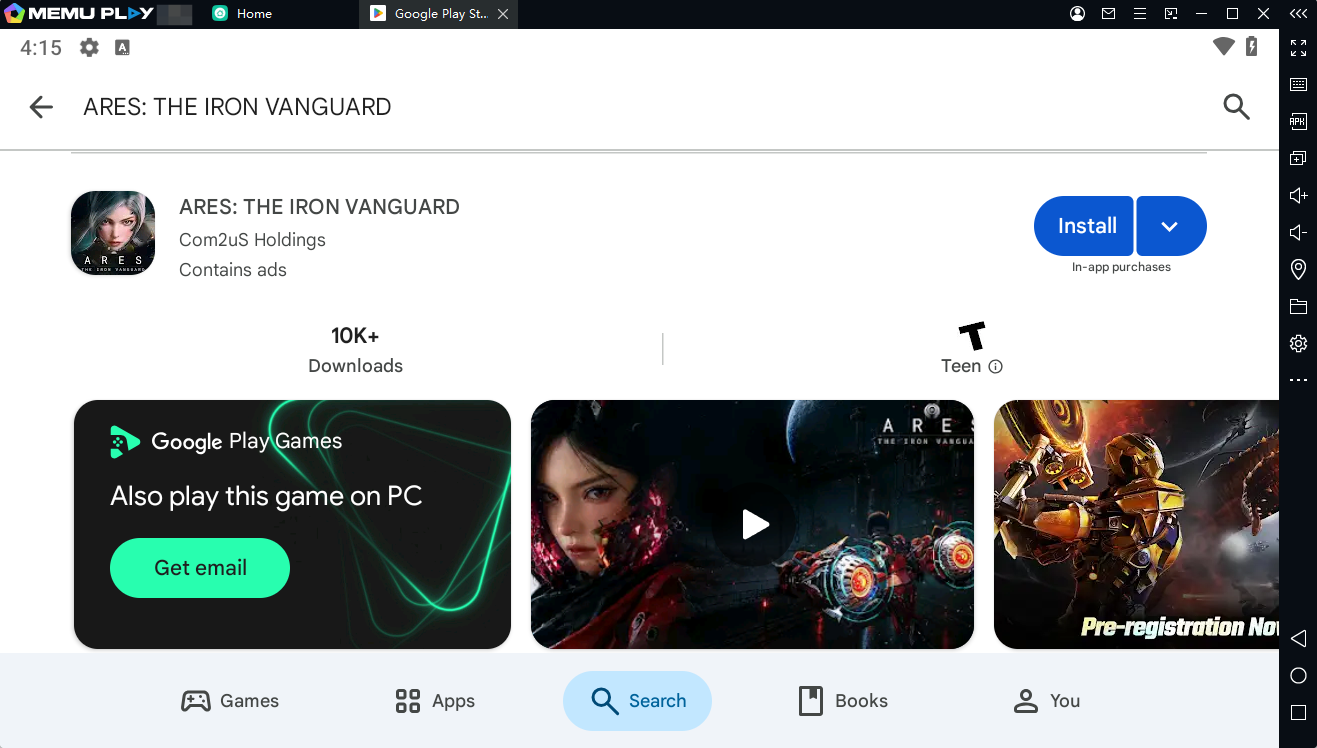
Make sure the developer is listed as Com2uS Holdings.
Step 3: Install ARES: THE IRON VANGUARD
Click Install to download the game.
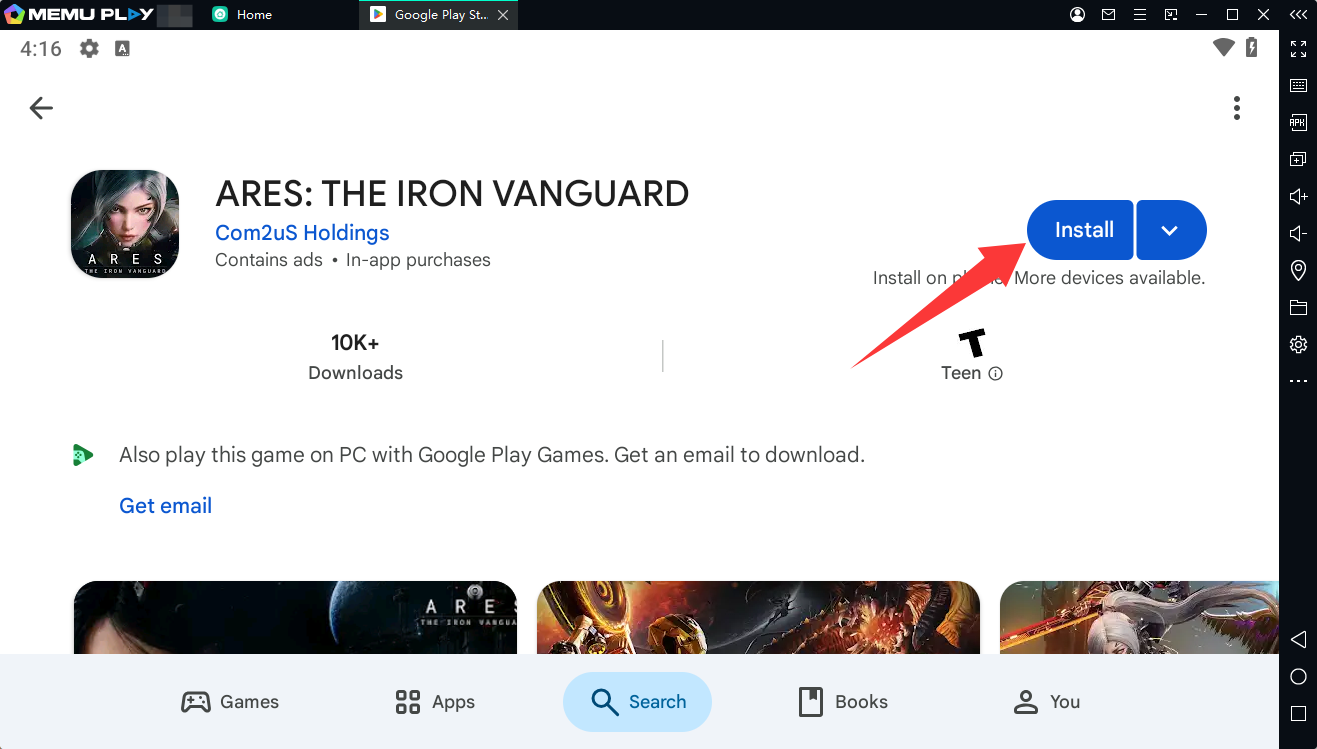
Since the Google Play version requires Android 11 or higher, make sure your MEmu instance uses a compatible Android version.
Step 4: Launch the Game
Once installation is complete, click the ARES: THE IRON VANGUARD icon on the MEmu home screen.
Complete the initial downloads and follow the in-game instructions to begin your journey as a Guardian.
Step 5: Customize Your Controls
Playing an action RPG on PC gives you the opportunity to configure controls around your preferred playstyle.
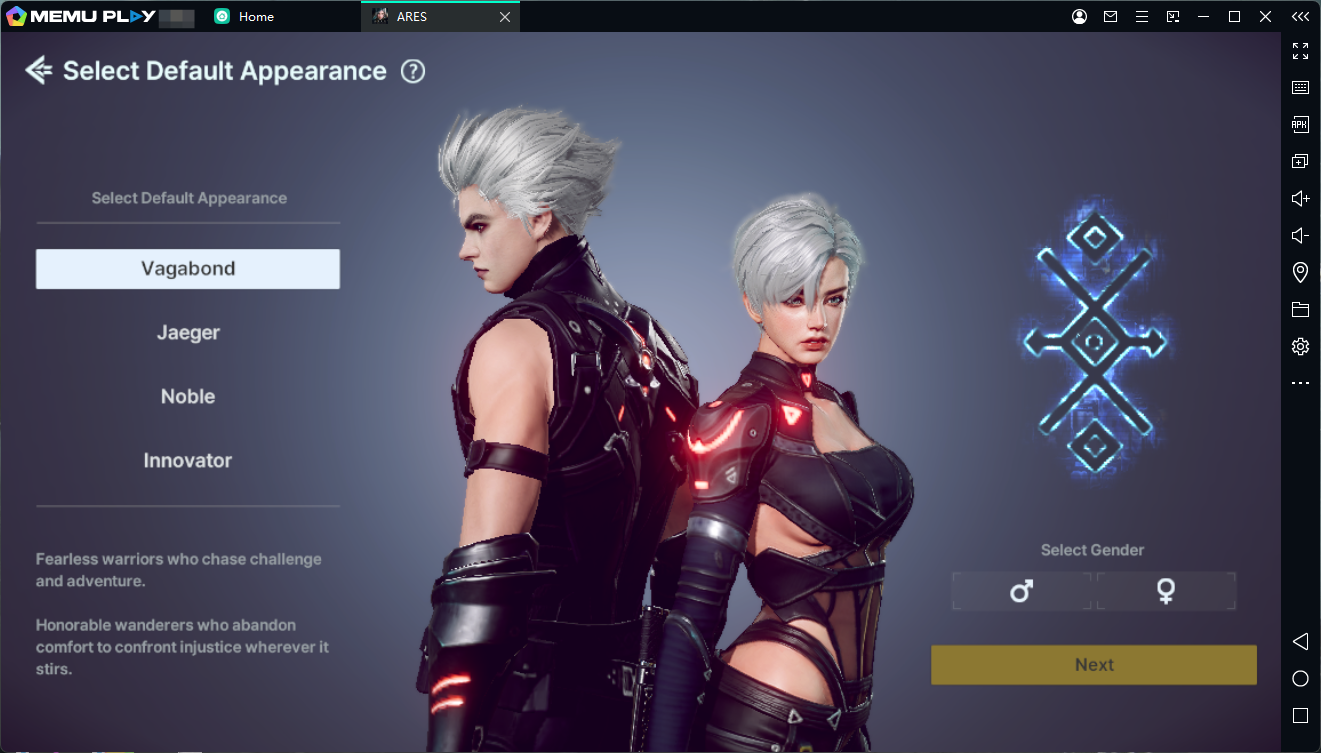
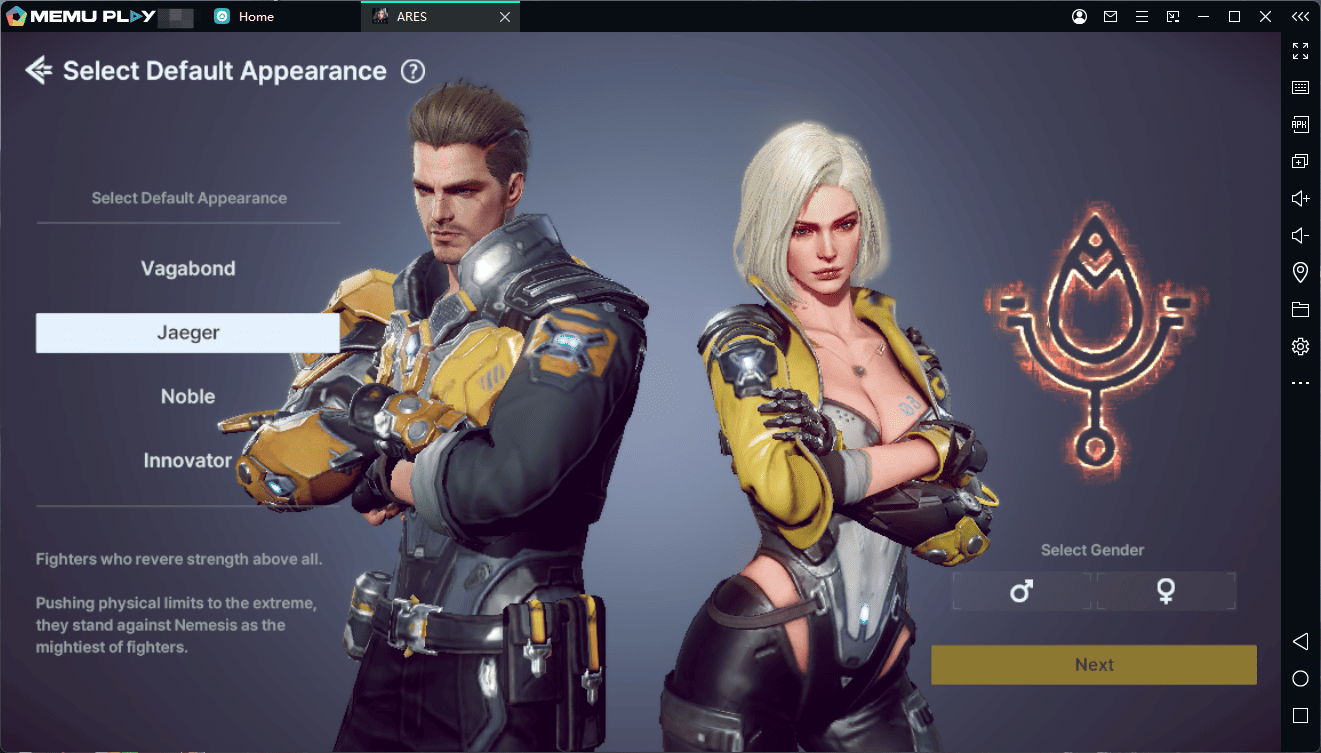
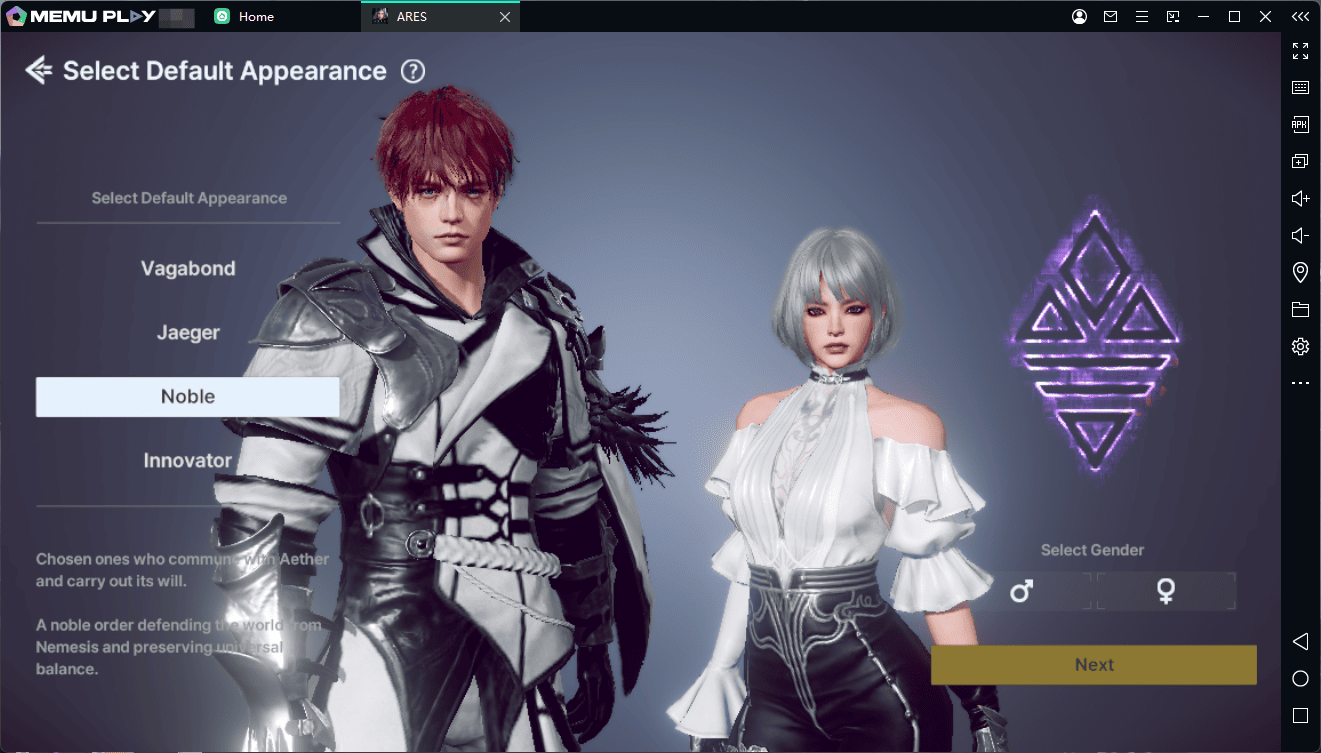
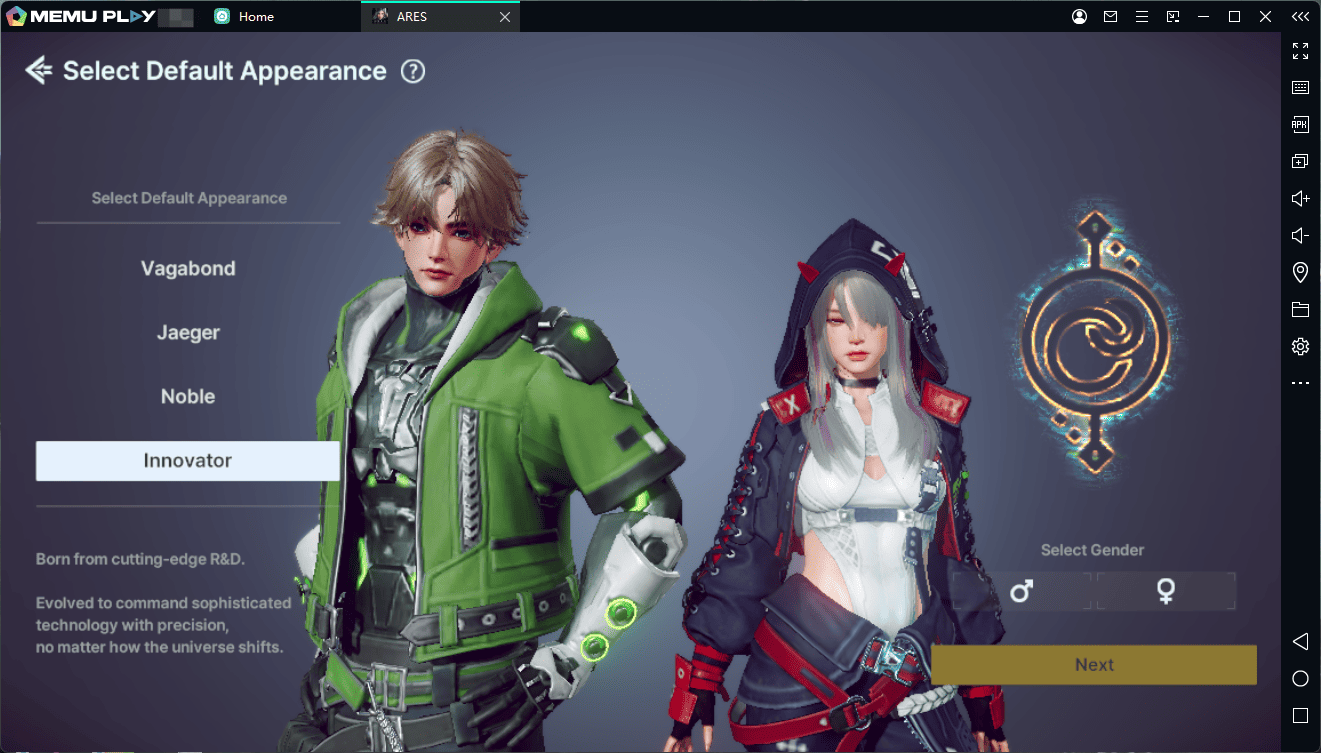
With MEmu, you can use the keyboard and mouse to make combat actions more comfortable, especially when managing movement, dodges, attacks, skills, and suit switching.
Why Play ARES: THE IRON VANGUARD on PC with MEmu?
Playing ARES on a PC can make its fast-paced combat easier to manage, particularly during extended battles and multiplayer content.
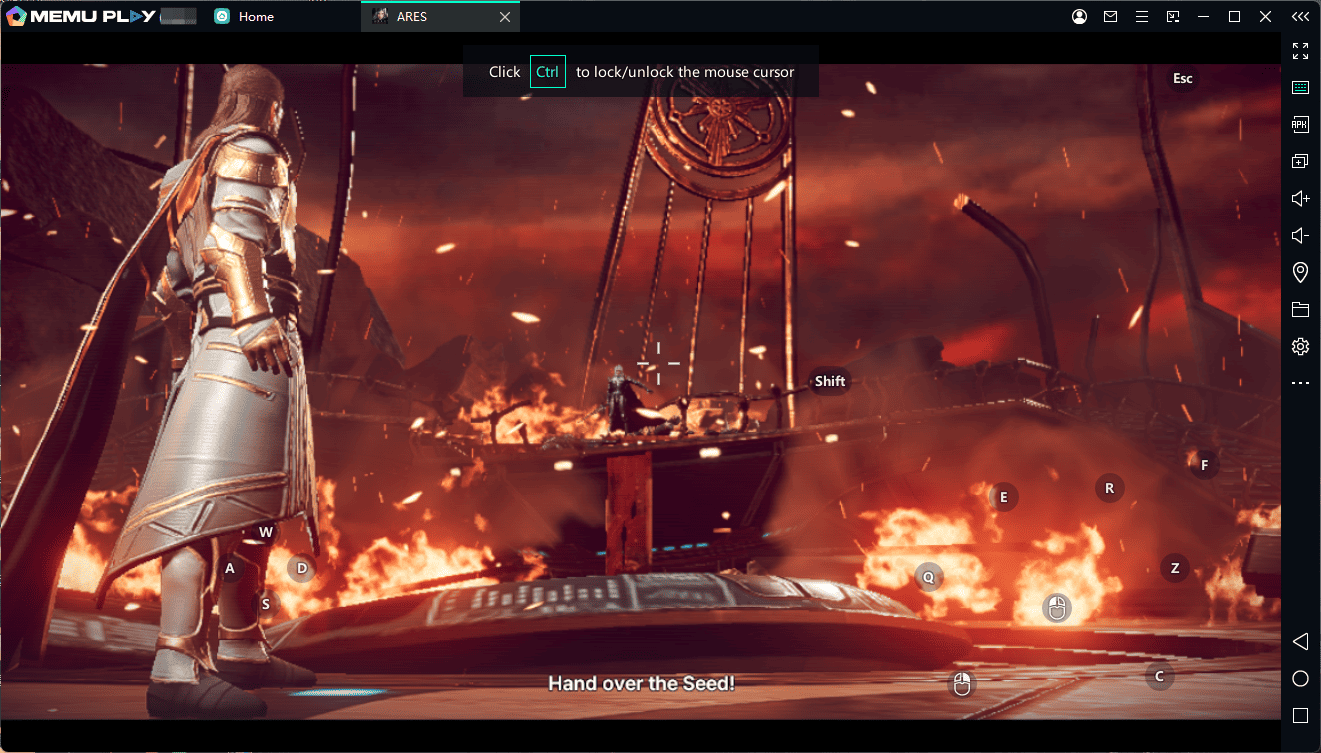
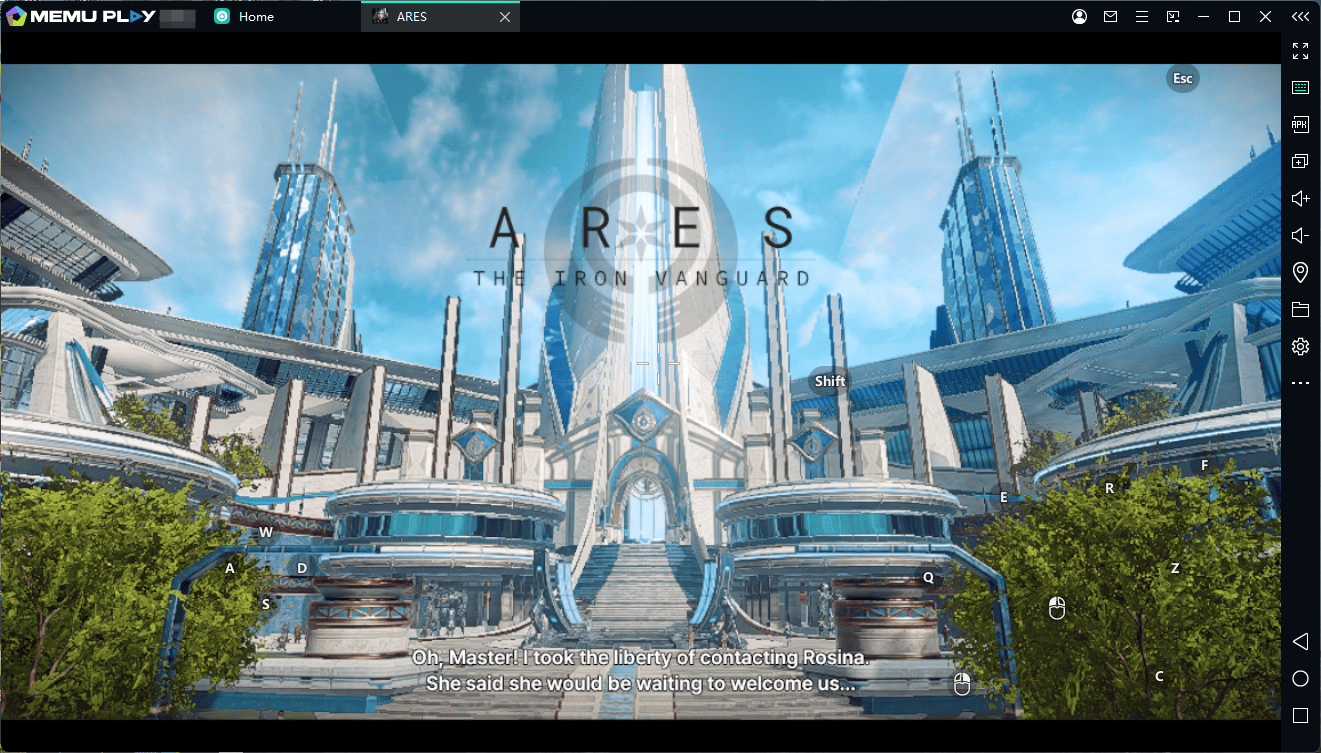
With MEmu Emulator, you can enjoy:
- A larger screen for better visibility during combat
- Keyboard and mouse controls for more precise input
- Custom keymapping for important combat skills
- Better control over movement and dodging
- Longer gaming sessions without relying on a phone battery
- A PC gaming setup for enjoying ARES' futuristic visuals and large-scale battles
If you're looking for a way to experience ARES: THE IRON VANGUARD on PC, MEmu provides a convenient Android-emulation option.
Final Thoughts
ARES: THE IRON VANGUARD combines stylish sci-fi visuals with action-focused RPG combat. Its real-time suit switching, multiple classes, hoverboard movement, Goliath and Valkyrie systems, and multiplayer raids give players plenty of ways to approach combat.
If you enjoy fast-paced mobile RPGs and want to play with more precise controls and a larger display, try ARES: THE IRON VANGUARD on PC with MEmu Emulator.
ARES: THE IRON VANGUARD