Download TikTok on PC
Download TikTok on PC with MEmu Android Emulator. Enjoy using on big screen.
On TikTok, short-form videos are exciting, spontaneous, and genuine. Whether you’re a sports fanatic, a pet enthusiast, or just looking for a laugh, there’s something for everyone on TikTok. All you have to do is watch, engage with what you like, skip what you don’t, and you’ll find an endless stream of short videos that feel personalized just for you. From your morning coffee to your afternoon errands, TikTok has the videos that are guaranteed to make your day. Download TikTok on PC with MEmu to get the best user experience.
How to Download TikTok on Your PC
The following will teach you how to use Tik Tok with MEmu.
Step 1: Download MEmu on your PC
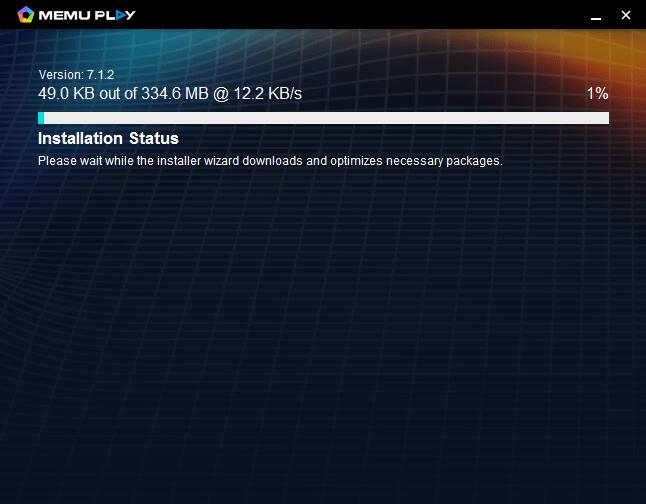
Step 2: Search TikTok in the Play Store
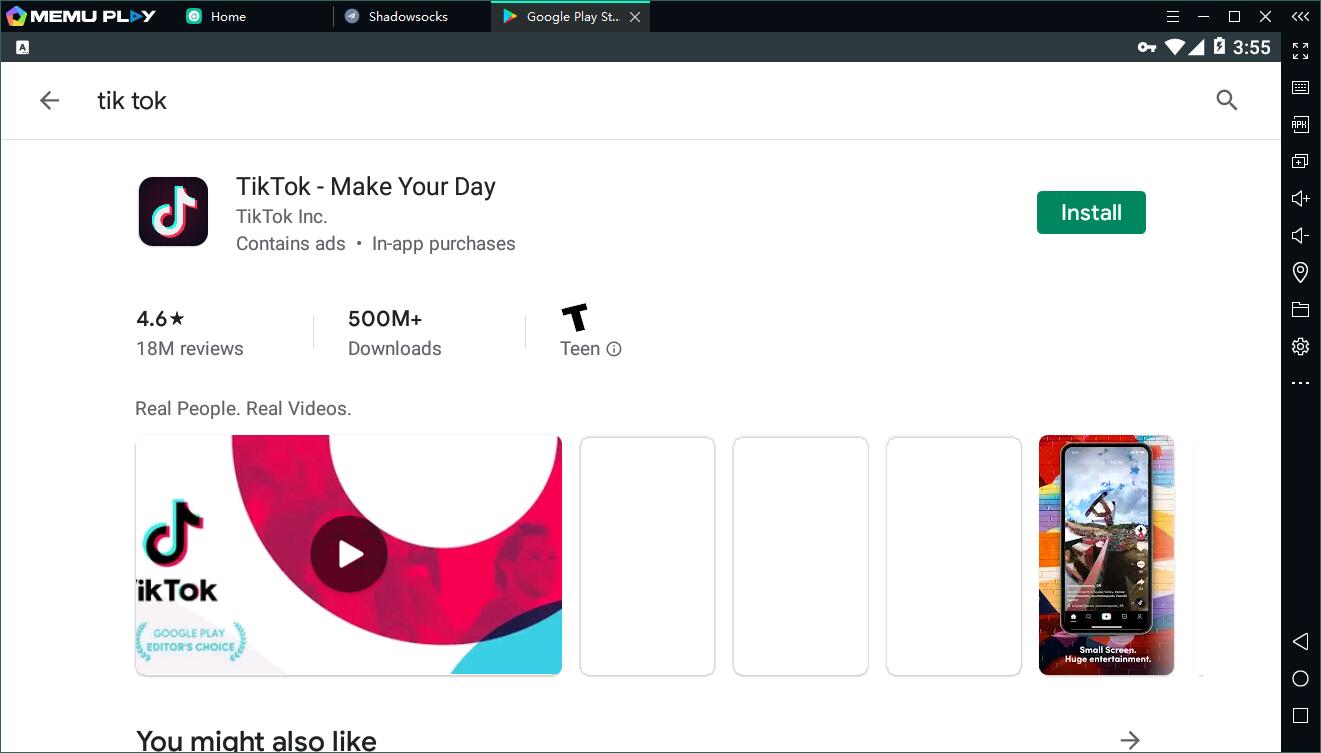
Step 3: Install the App on your emulator
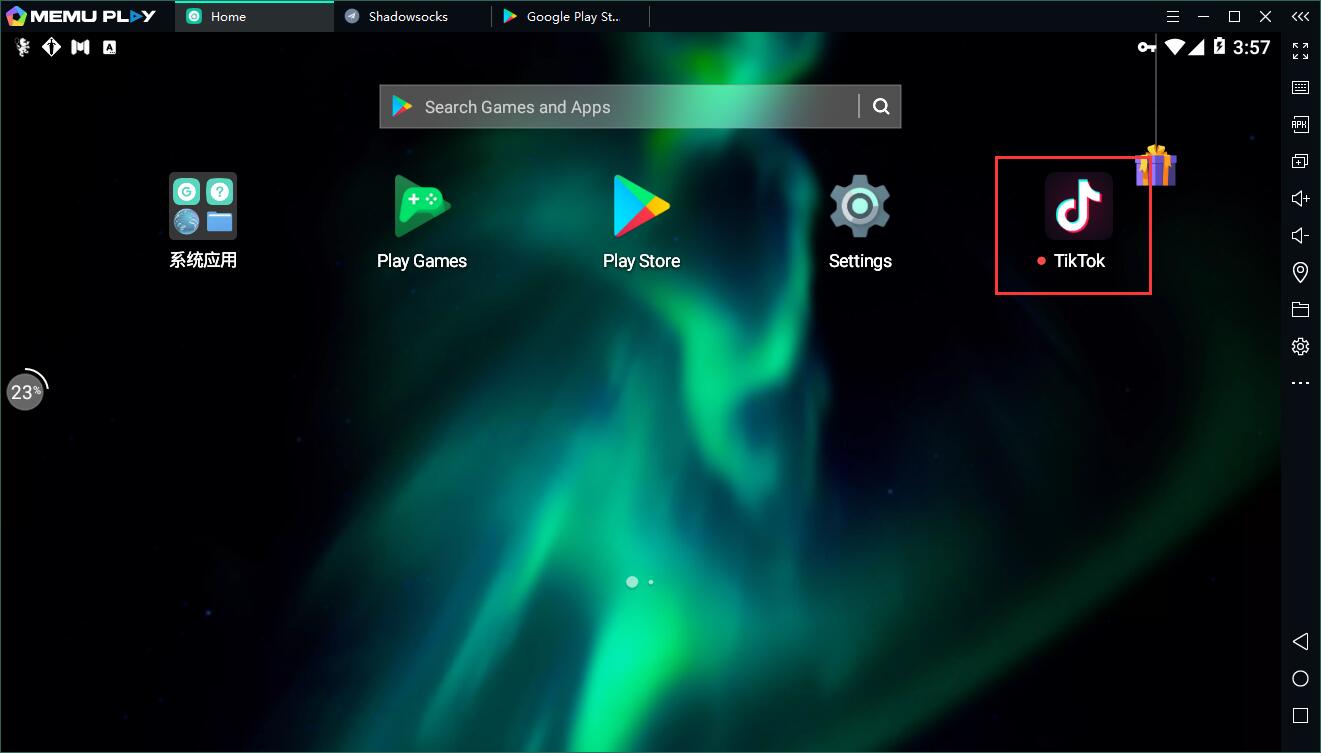
Step 4: Enjoy using TikTok on PC with MEmu
Features of TikTok on PC
- More info: https://www.memuplay.com/how-to-play-com.ss.android.ugc.trill-on-pc.html
- Official Website: https://www.memuplay.com
- Official Twitter: https://twitter.com/MicrovirtMEmu
- Facebook Page: https://www.facebook.com/memuplayer
- MEmu User Group: https://www.facebook.com/groups/memuplayer
- Discord: https://discord.gg/gA4GWV9