DAVE THE DIVER on PC: How to Free Download and Play with MEmu Emulator
 |
|
DAVE THE DIVER is a relaxing yet exciting underwater adventure game that combines deep-sea exploration, fishing, restaurant management, and RPG elements. Learn more about the game features and how to download and play DAVE THE DIVER on PC with MEmu Emulator.
What Is DAVE THE DIVER?
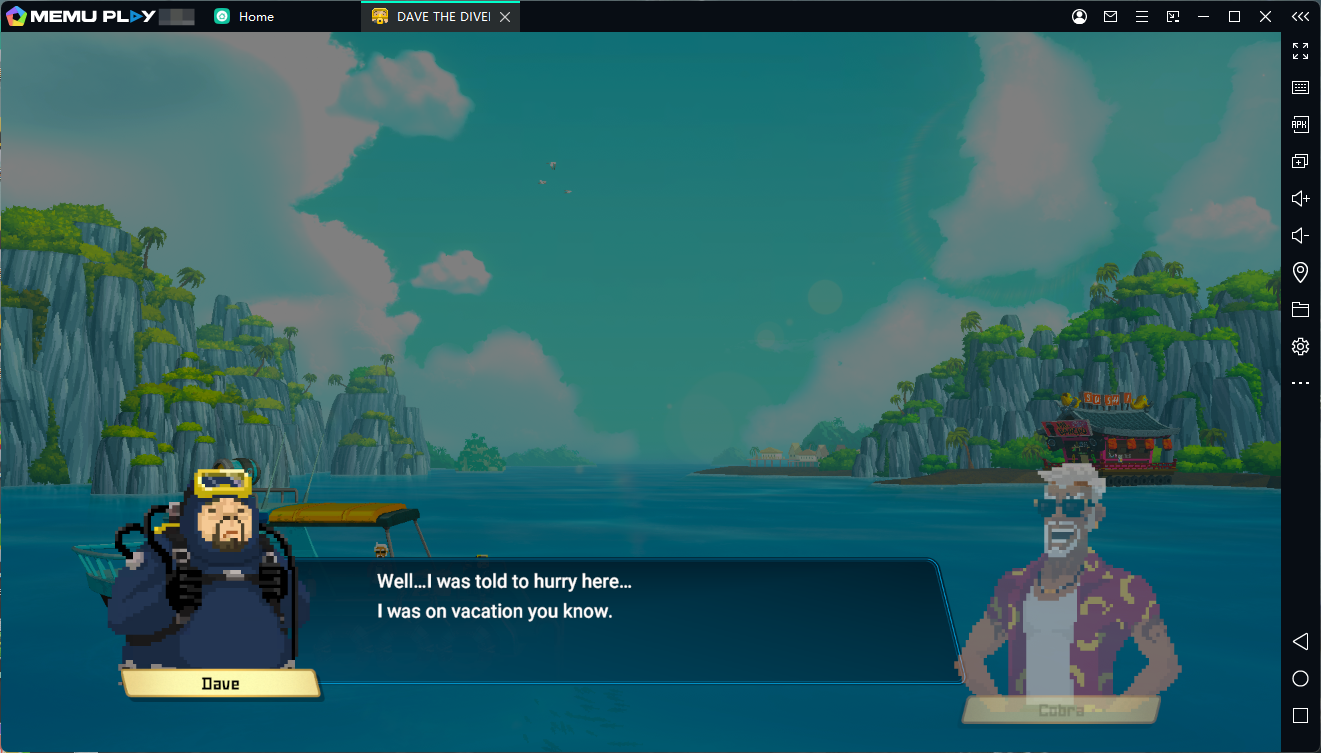
DAVE THE DIVER is a casual adventure RPG developed by MINTROCKET. The game combines multiple genres, including underwater exploration, fishing, resource management, cooking, and story-driven adventures.

DAVE THE DIVER
Players take on the role of Dave, a diver who works at the mysterious Blue Hole during the day by catching fish and discovering hidden secrets, then helps manage a sushi restaurant at night by preparing dishes and serving customers.
With its unique pixel-art style, relaxing gameplay, and surprising story moments, DAVE THE DIVER offers a fresh experience for players who enjoy exploration and management games.
Contents
DAVE THE DIVER Gameplay Features
Explore the Mysterious Blue Hole
The main adventure takes place in the Blue Hole, an underwater area that constantly changes.
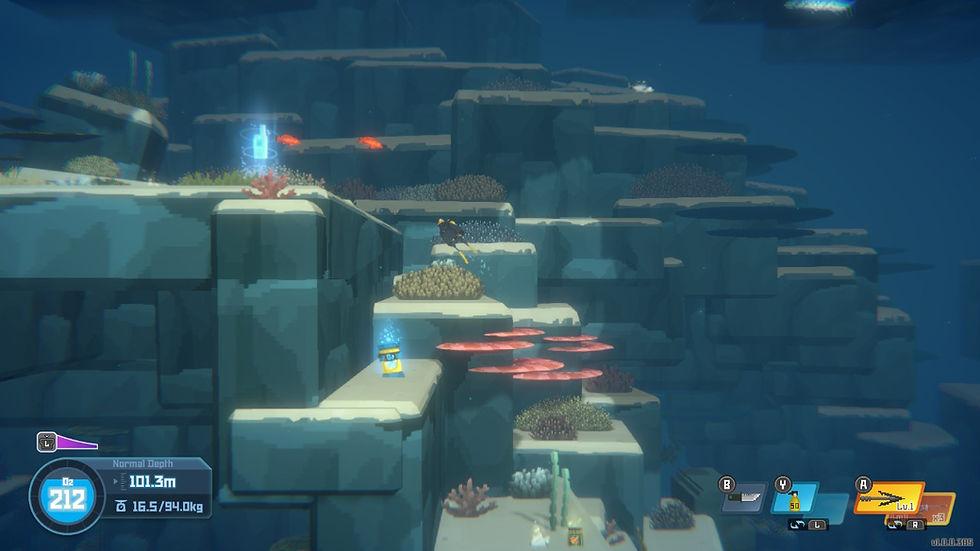
Players can dive into different depths, discover new marine creatures, collect valuable resources, and uncover the secrets hidden beneath the ocean.
Every dive offers new discoveries, making exploration one of the biggest highlights of the game.
Catch Fish and Collect Resources
As a diver, Dave needs to collect ingredients for the sushi restaurant.
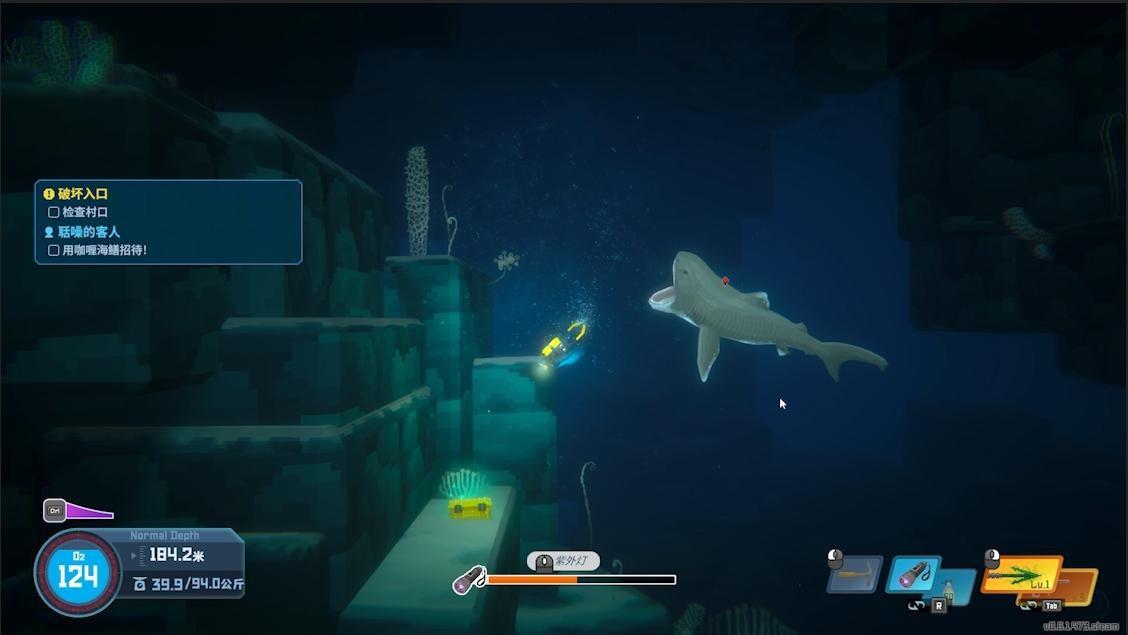
Players can use different tools and weapons to catch various types of fish, from small sea creatures to dangerous underwater predators.
Managing oxygen levels and choosing the right equipment are important parts of each diving trip.
Run Your Own Sushi Restaurant
The adventure continues after sunset.
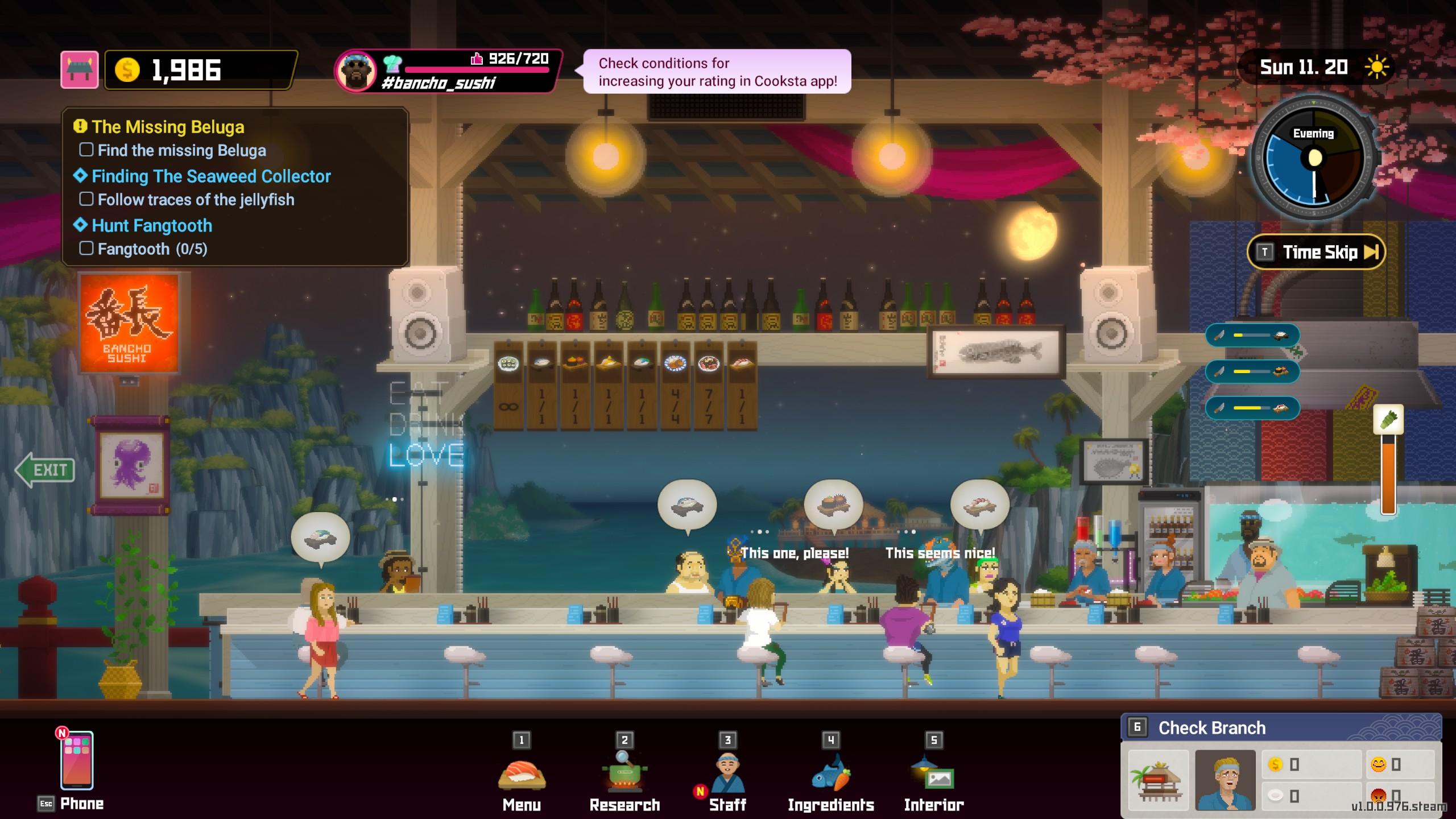
At night, players help operate a sushi restaurant by:
- Preparing sushi dishes
- Managing customer orders
- Improving restaurant popularity
- Unlocking new recipes
- Hiring staff members
The better your restaurant performs, the more resources you can invest into future dives.
Upgrade Equipment and Skills
Players can upgrade Dave's diving equipment to explore deeper areas and capture stronger creatures.
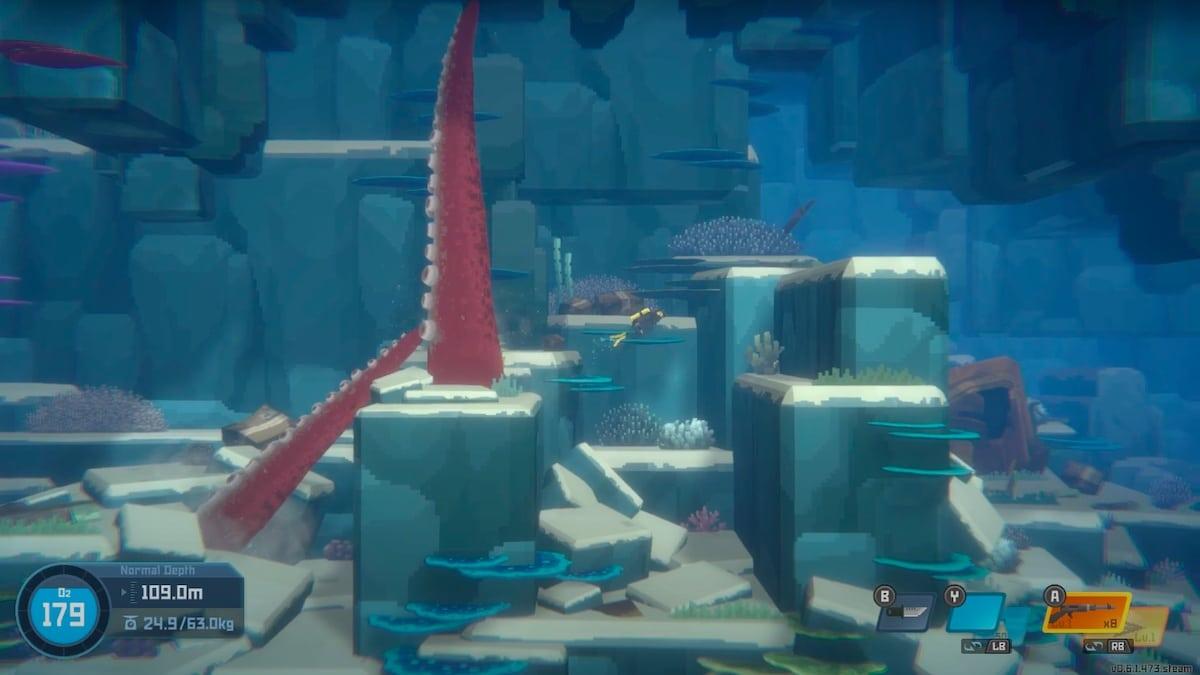
Equipment upgrades include:
- Better diving gear
- Stronger weapons
- Improved storage capacity
- New tools for exploration
These upgrades allow players to access new areas and complete more challenging missions.
Enjoy a Unique Pixel-Art Adventure
DAVE THE DIVER features colorful pixel-art graphics combined with modern effects, creating a unique visual style.
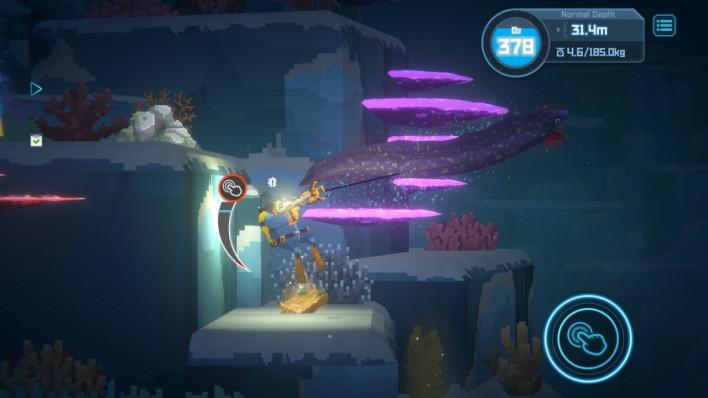
The game mixes relaxing ocean exploration with humorous characters, exciting discoveries, and story-driven missions.
DAVE THE DIVER Mobile Version
The mobile version of DAVE THE DIVER brings the popular adventure experience to Android devices.
Players can enjoy the same combination of diving exploration, fishing, sushi restaurant management, and story content on mobile.
The game supports touch controls optimized for smartphones, making it easier to explore the ocean and manage your restaurant anywhere.
How to Download and Play DAVE THE DIVER on PC with MEmu Emulator
Playing DAVE THE DIVER on PC with MEmu Emulator allows you to enjoy the underwater adventure on a larger screen with more comfortable controls.
Follow these steps:
Step 1: Download MEmu Emulator
Download and install MEmu Emulator on your Windows PC.
After installation, launch MEmu and log in with your Google account.
Step 2: Open Google Play Store
Open the Google Play Store inside MEmu Emulator.
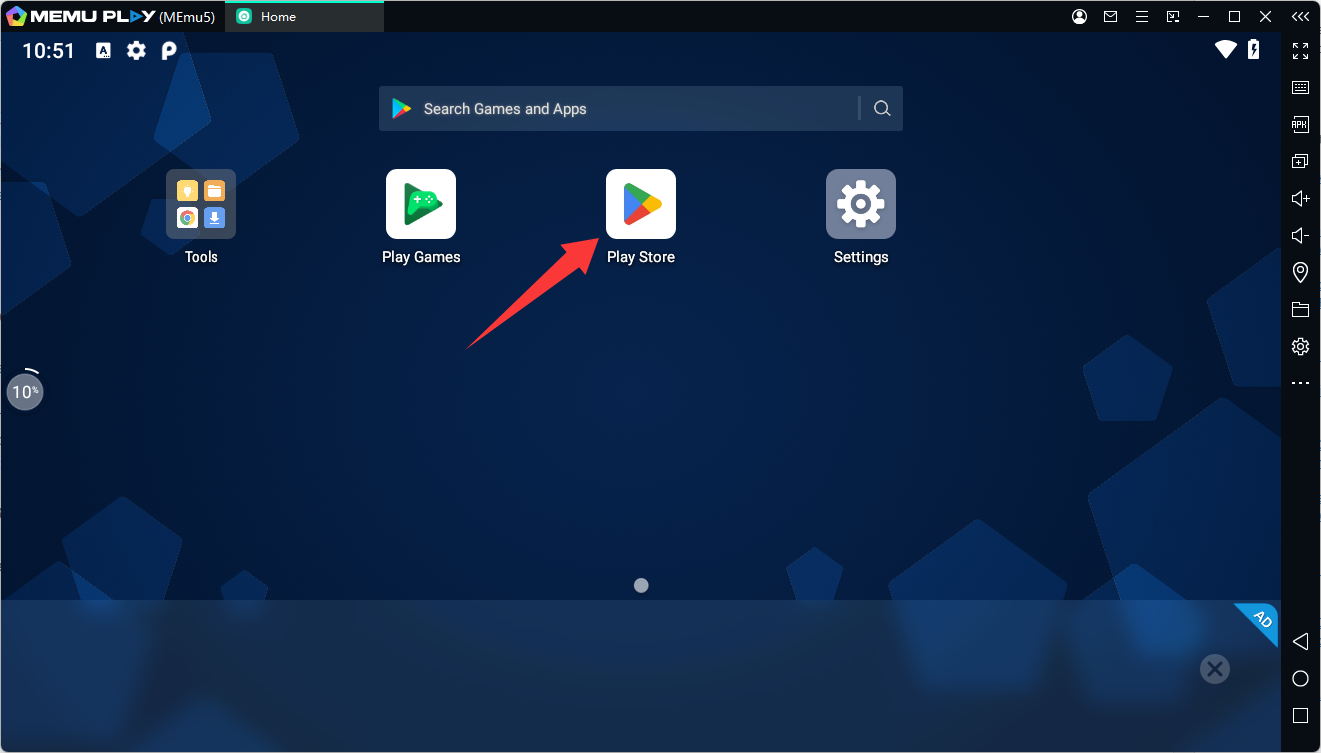
Search for:
DAVE THE DIVER
or download free apk via the following link:
Download DAVE THE DIVER Latest Version 1.0.30 Android APK File
Make sure you select the official version published by MINTROCKET.
Step 3: Install DAVE THE DIVER
Click the Install button to download the game.
Once installation is complete, the game icon will appear on the MEmu home screen.
Step 4: Launch and Start Playing
Open DAVE THE DIVER through MEmu and complete the initial game setup.
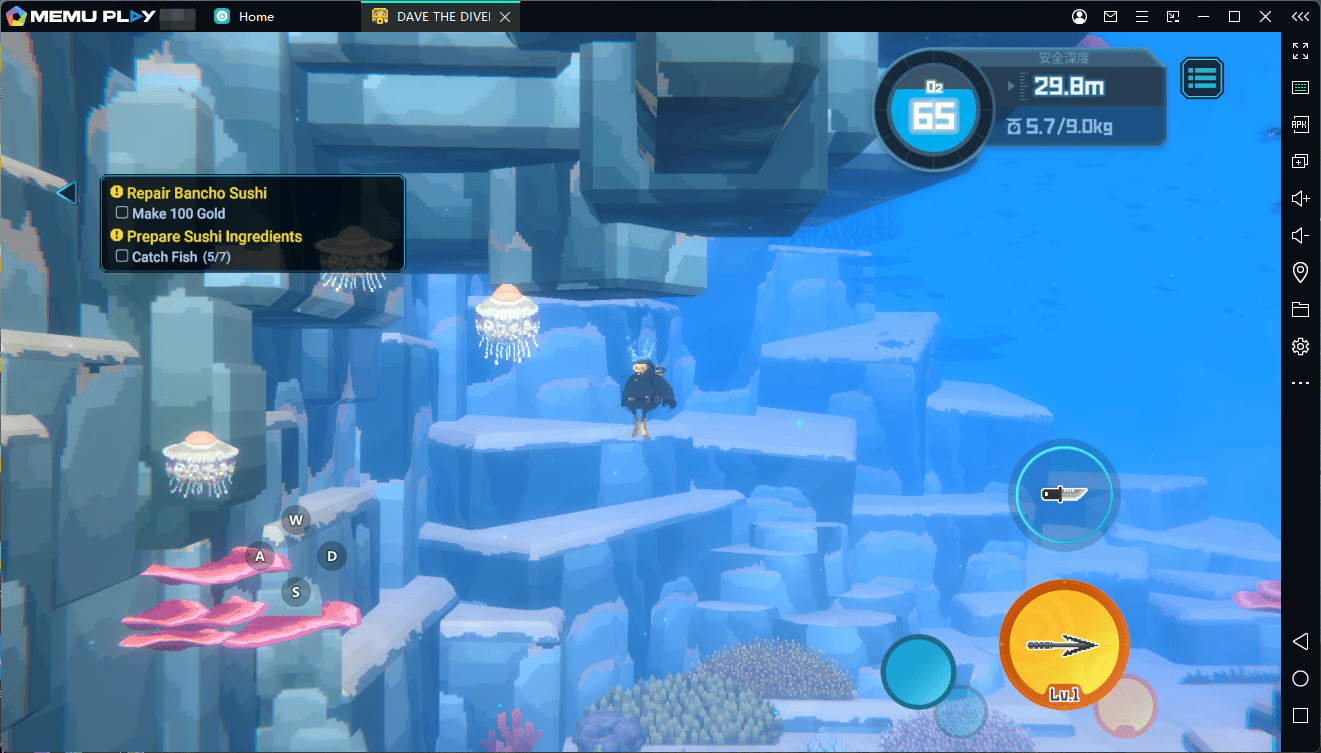
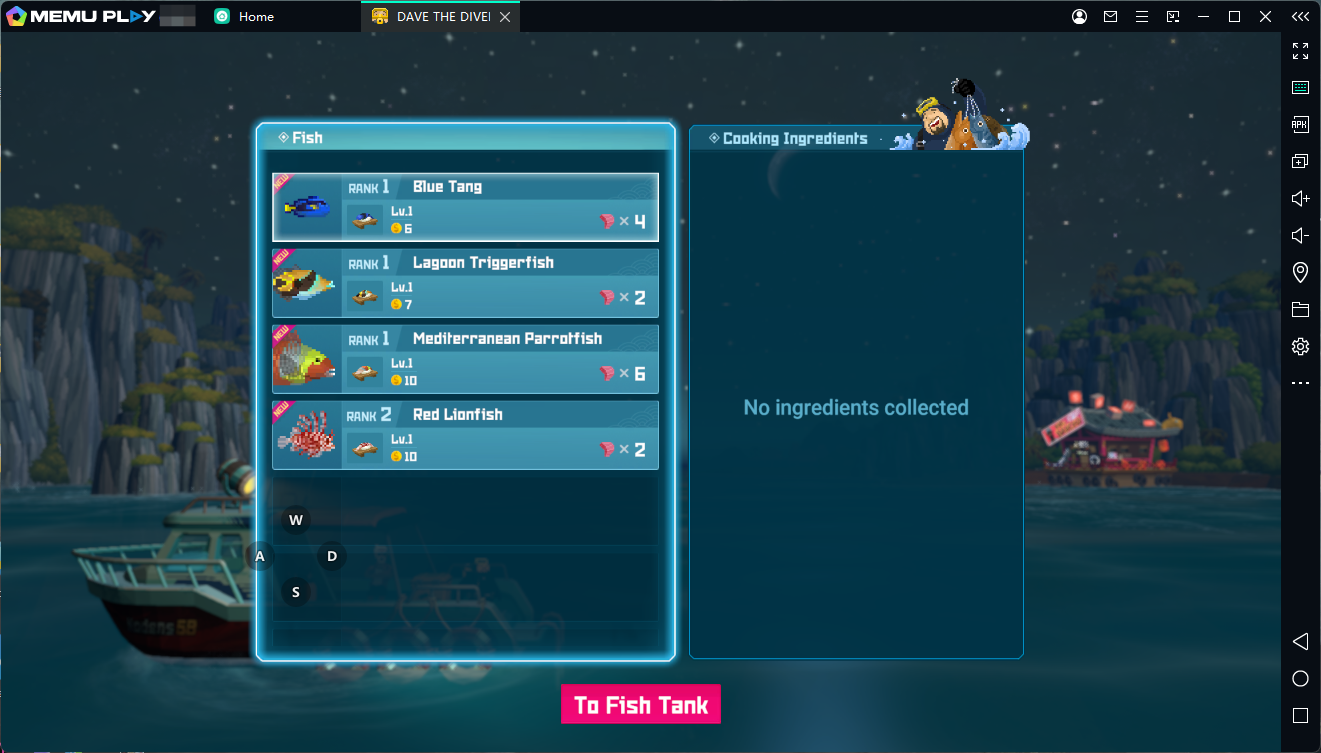
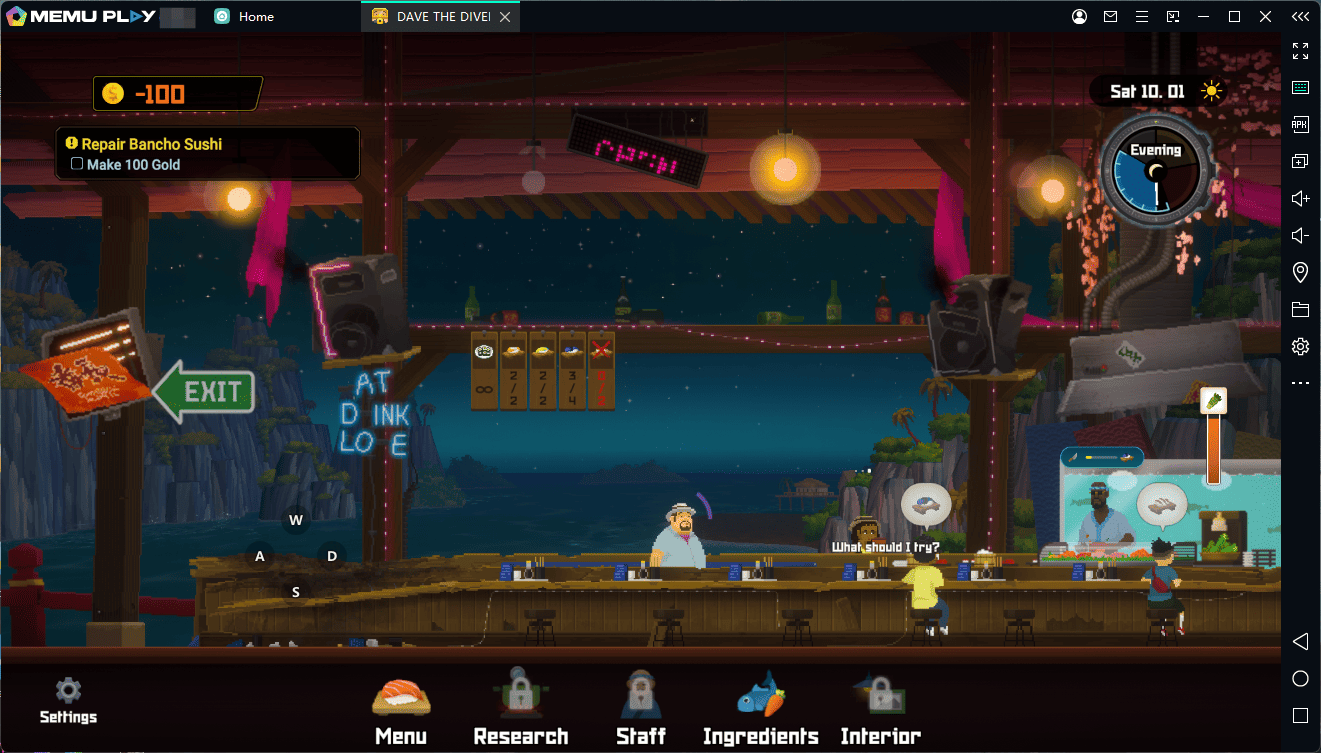
Now you can start exploring the Blue Hole, catching fish, collecting resources, and managing your sushi restaurant on PC.
Why Play DAVE THE DIVER on PC with MEmu?
Playing DAVE THE DIVER with MEmu Emulator provides several advantages:
- Bigger screen experience for exploring underwater environments
- Keyboard and mouse controls for smoother gameplay
- Custom keymapping to improve control accuracy
- Better performance on supported PC hardware
- Long gaming sessions without worrying about mobile battery life
The larger PC display also makes it easier to enjoy the game's detailed pixel-art world and explore every corner of the ocean.
Final Thoughts
DAVE THE DIVER successfully combines underwater exploration, fishing, restaurant management, and RPG elements into one unique adventure.
Whether you want to discover mysterious sea creatures, create new sushi dishes, or uncover the secrets of the Blue Hole, the game offers plenty of content to explore.
For players who want a more comfortable way to experience the adventure, playing DAVE THE DIVER on PC with MEmu Emulator provides a larger screen, customizable controls, and a smoother gaming experience.
DAVE THE DIVER