How to Fish PC: Download & Play Fishing Adventure Game on MEmu
 |
|
How to Fish is a 1–4 player physics-based fishing simulator where you must catch fish, complete jobs, upgrade your gear, and explore dangerous islands with friends.
How to Fish Overview
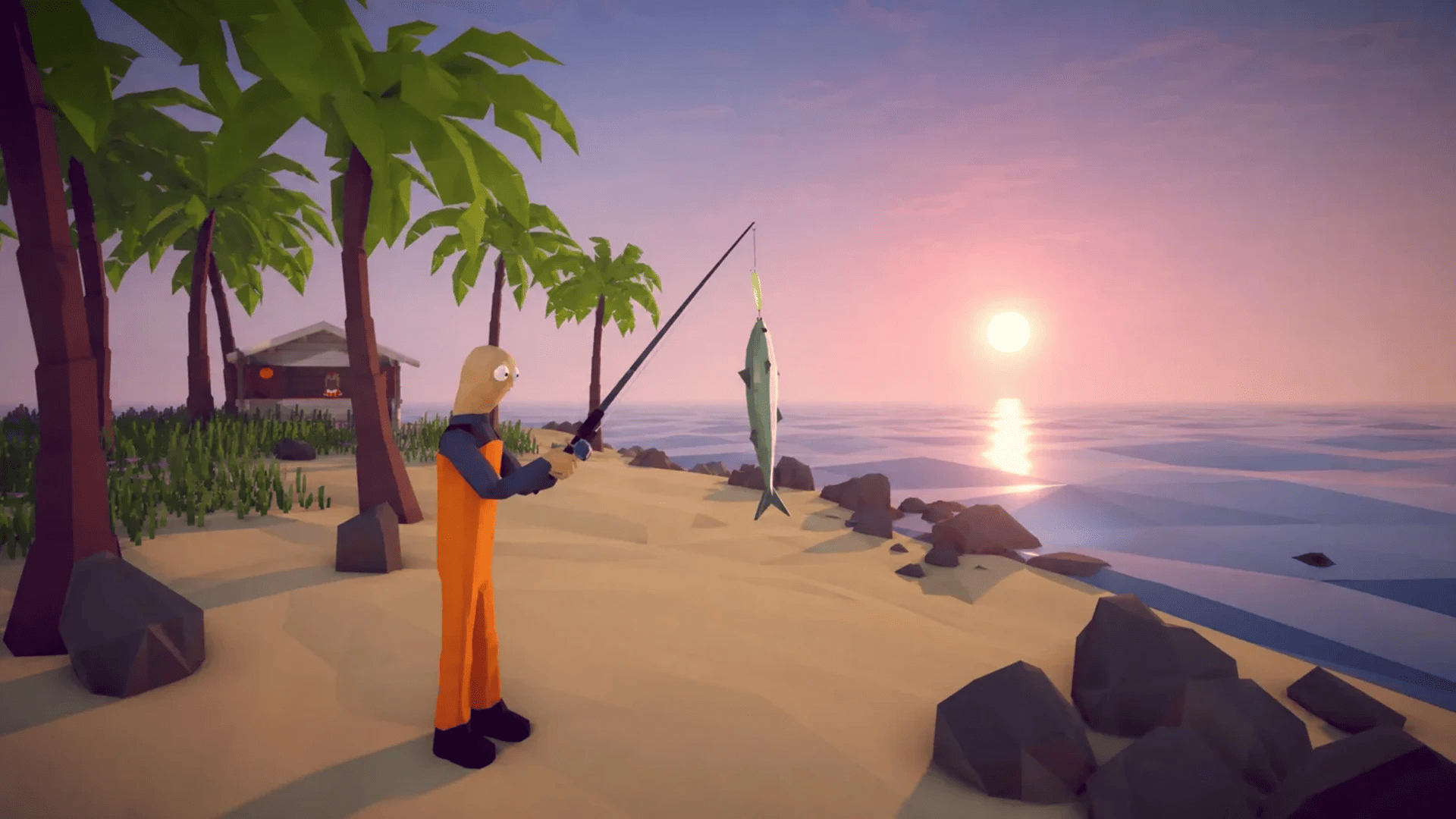
In How to Fish, your journey begins after a boating accident leaves you stranded on a small island. To make your way home, you need to learn how to fish and turn your catches into the resources needed to survive and progress.
How to Fish
The game combines fishing, exploration, physics-based gameplay, and co-op multiplayer. You can cast your line, catch different creatures, sell your catches, and use your earnings to improve your equipment.
Contents
Catch Fish and Upgrade Your Gear
Fishing is at the heart of the gameplay. Cast your line and wait to see what bites. Your catches can range from ordinary fish to unusual aquatic creatures, creating plenty of surprises while you explore the waters.
The money you earn can be spent on better equipment, including longer fishing rods and faster boats. Different ways of processing your catches can also affect their value.
Play How to Fish with Friends
How to Fish supports 1–4 players online, allowing you to team up with friends and divide different tasks while exploring the islands. One player can fish while another handles the boat, making teamwork an important part of the experience.
Explore New Islands
As you progress, you can complete jobs, deal with creatures guarding the waters, and unlock new islands. Each new area offers additional challenges, loot, and opportunities to discover rare fish variants.
How to Download and Play How to Fish on PC with MEmu Emulator
You can play How to Fish on PC with MEmu Emulator for a larger screen and convenient keyboard and mouse controls.
Step 1: Download MEmu Emulator
Download and install MEmu Emulator on your Windows PC.
Step 2: Install How to Fish
- Launch MEmu Emulator.
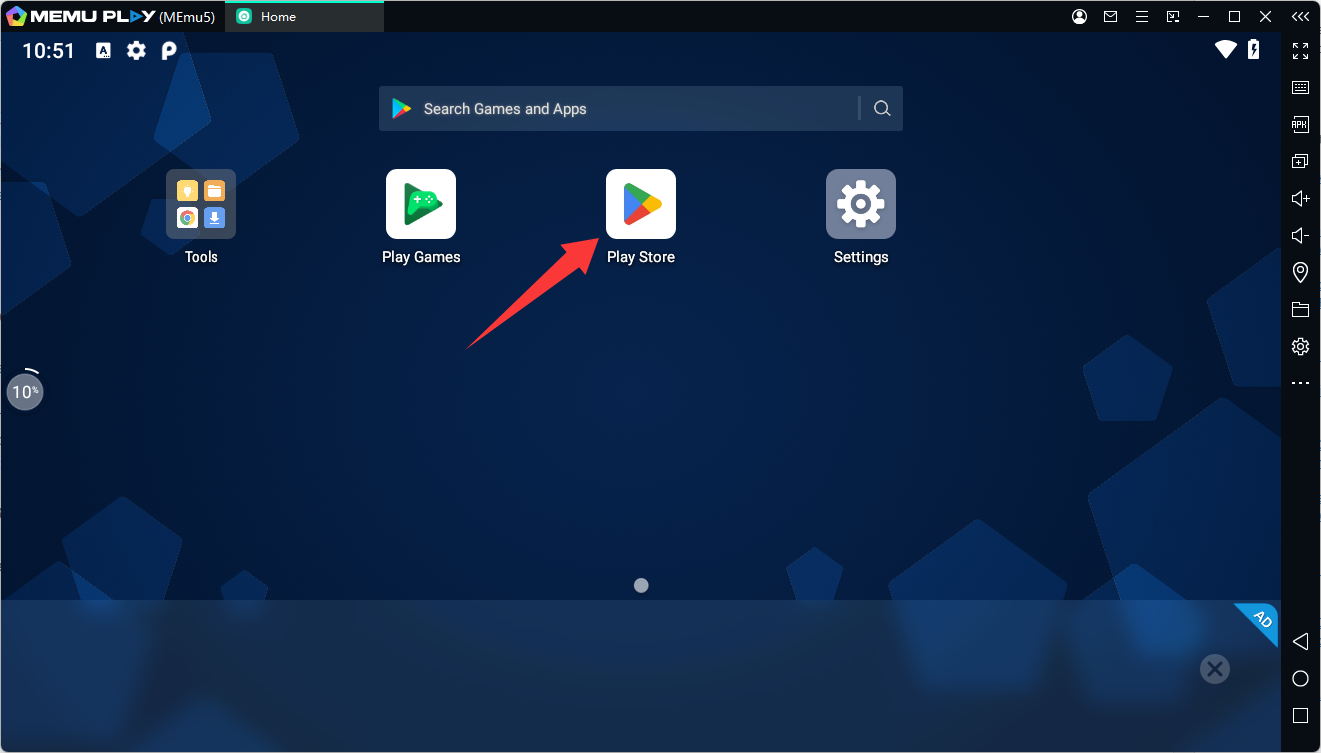
- Open the Google Play Store.
- Sign in with your Google account.
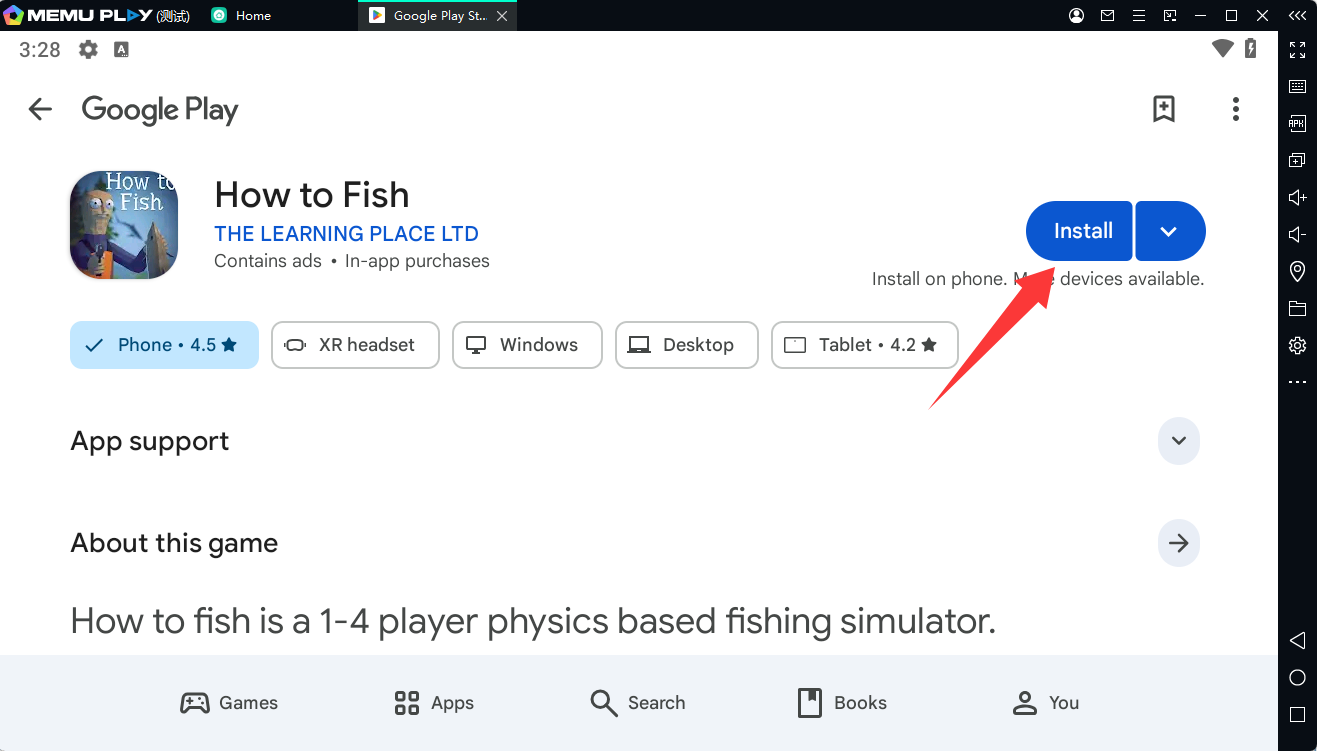
- Search for How to Fish.
- Click Install to download the game.
Step 3: Start Fishing on PC
Once the installation is complete, launch How to Fish from the MEmu home screen and start exploring the islands, catching fish, completing jobs, and upgrading your gear.
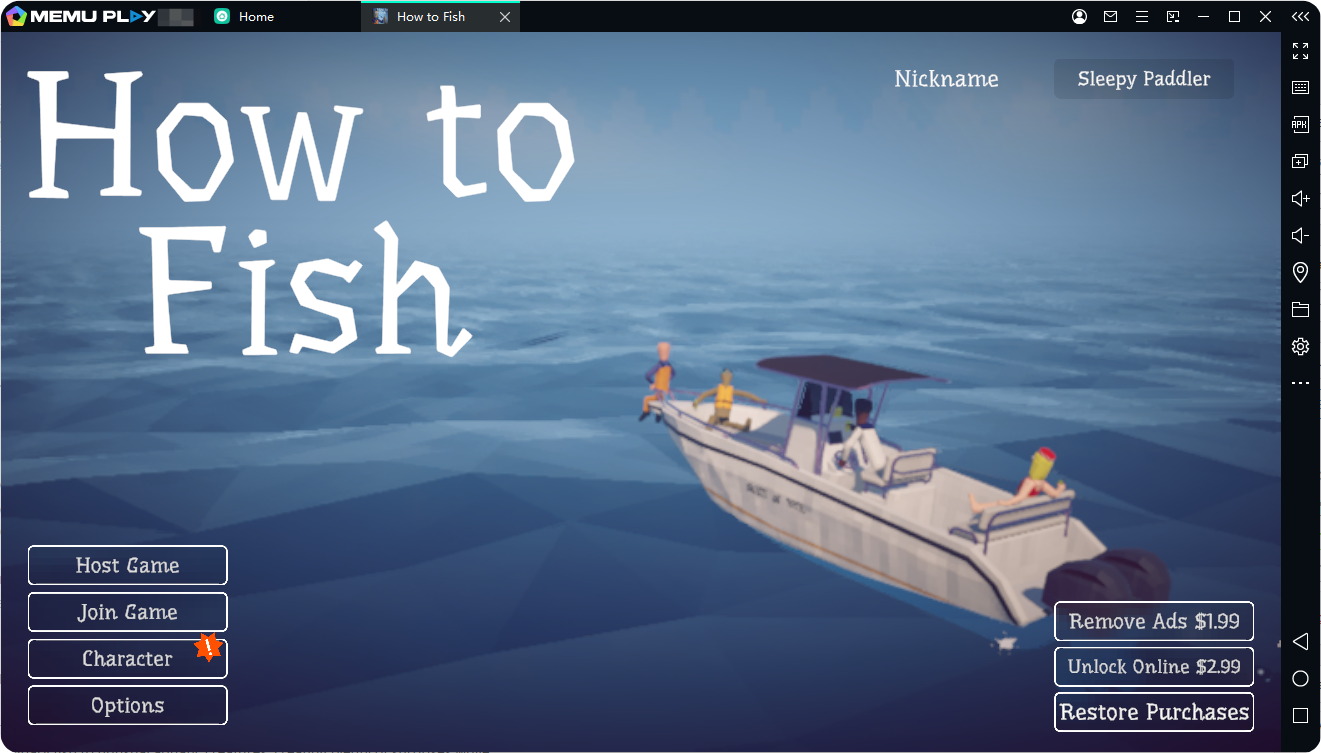
Why Play How to Fish on MEmu Emulator?
- Enjoy fishing and exploration on a larger PC screen.
- Use keyboard and mouse controls for more convenient gameplay.
- Play longer sessions without relying on your mobile device.
- Experience the game's physics-based fishing and co-op gameplay from your PC.
How to Fish combines fishing, exploration, physics-based gameplay, and online co-op for up to four players. Get on the boat, cast your line, and start working your way home.
How to Fish