Downloading MEmu...
If the download doesn't start, click here
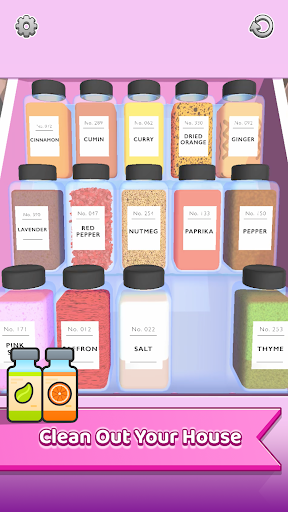
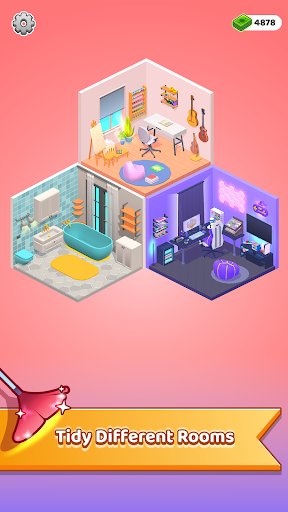
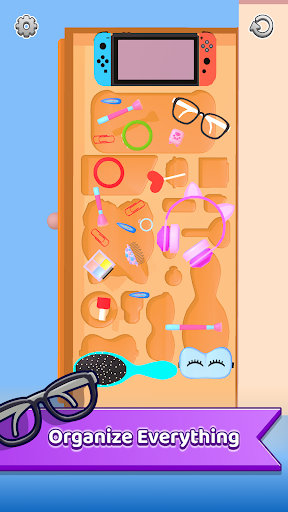
How to Download My Tidy Life on PC
-
![My Tidy Life PC]()
1. Download MEmu installer and finish the setup
-
![My Tidy Life PC]()
2. Start MEmu then open Google Play on the desktop
-
![My Tidy Life PC]()
3. Search My Tidy Life in Google Play
-
 Install
4. Download and Install My Tidy Life
-
5. On install completion click the icon to start
-
![My Tidy Life PC]()

6. Enjoy playing My Tidy Life on PC with MEmu