Flashscore Nigeria
Actualizada
Versión actual
4.1.2
Ofrecida por

Deje de preocuparse por los recargos cuando use Flashscore Nigeria en su teléfono celular, libérese de la pequeña pantalla y disfrute usando la aplicación en una pantalla mucho más grande. A partir de ahora, obtenga una experiencia de pantalla completa de su aplicación con teclado y mouse. MEmu le ofrece todas las características sorprendentes que esperaba: instalación rápida y configuración fácil, controles intuitivos, no más limitaciones de batería, datos móviles y llamadas molestas. El nuevo MEmu 9 es la mejor opción para usar Flashscore Nigeria en su computadora. Codificado con nuestra absorción, el administrador de instancias múltiples hace posible abrir 2 o más cuentas al mismo tiempo. Y lo más importante, nuestro exclusivo motor de emulación puede liberar todo el potencial de su PC, hacer que todo sea fluido y agradable.
Más detalles
Disfruta de una experiencia increíble usando Flashscore Nigeria en tu PC con MEmu Play. Es un potente emulador de Android gratuito que te ofrece miles de aplicaciones de Android en su versión de escritorio. ¡Conéctate con tus amigos y optimiza tu trabajo! With Flashscore, you won't miss a single goal ever again.
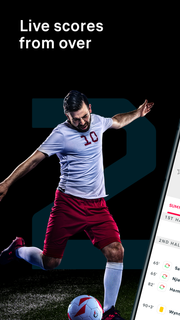
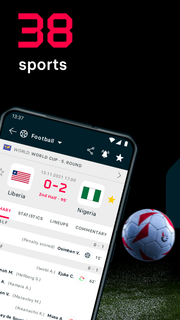
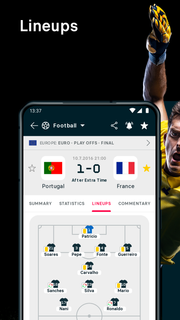
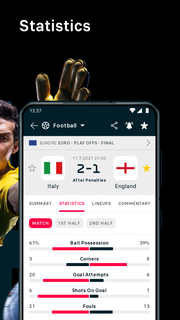
With Flashscore, you won't miss a single goal ever again. Just select your favourite matches, teams or players in any of the 6000+ competitions we cover. Our notifications will then let you know about every important moment of the match.SPORTS SCORES, FAST AND ACCURATE• GREAT COVERAGE: You can find football, tennis, basketball, hockey, rugby and 33 other sports in our app. We cover 6000+ competitions from all around the world - you can follow 1200+ football competitions alone!• SPEED: Whether a goal is scored, red card issued, set or period is over, you will know at the same time as the live audience.NO MORE MISSED MATCHES OR UPDATES• FAVOURITE TEAMS AND MATCHES: Don’t waste your time, and follow only your favourite matches, teams and competitions.• NOTIFICATIONS AND ALERTS: Match starts, line-ups, goals - you will not miss any of it again. Just select your favourite matches and wait for your mobile device to let you know.• STAYING IN SYNC: Do you like to switch between your computer, mobile and tablet? We are prepared for this: as a registered user you will see all of your personalized data across all your devices.TABLES AND MATCH DETAILS• LIVE COMMENTARY: Unable to watch the match on TV? No problem: stay up-to-date with our detailed live text commentary.• LINE-UPS AND HEAD-TO-HEAD: Do you need to know the line-ups before the match starts? We have them in advance. And also the head-to-head history so you can check how both teams have played against each other in the past.• LIVE TABLES: One goal can change a lot. Our live tables will show you if a scored goal has changed the league ranking, as well as the current top scorers table.• MATCH PREVIEWS AND RECAPS: Stats are important, but they don't tell everything. This is why you can find a detailed preview for every match in the most popular leagues - and also the post-match reports.
Más detalles

1. Descargar el instalador de MEmu y finalice la instalación

2. Iniciar MEmu y abrir Google Play en la página de inicio

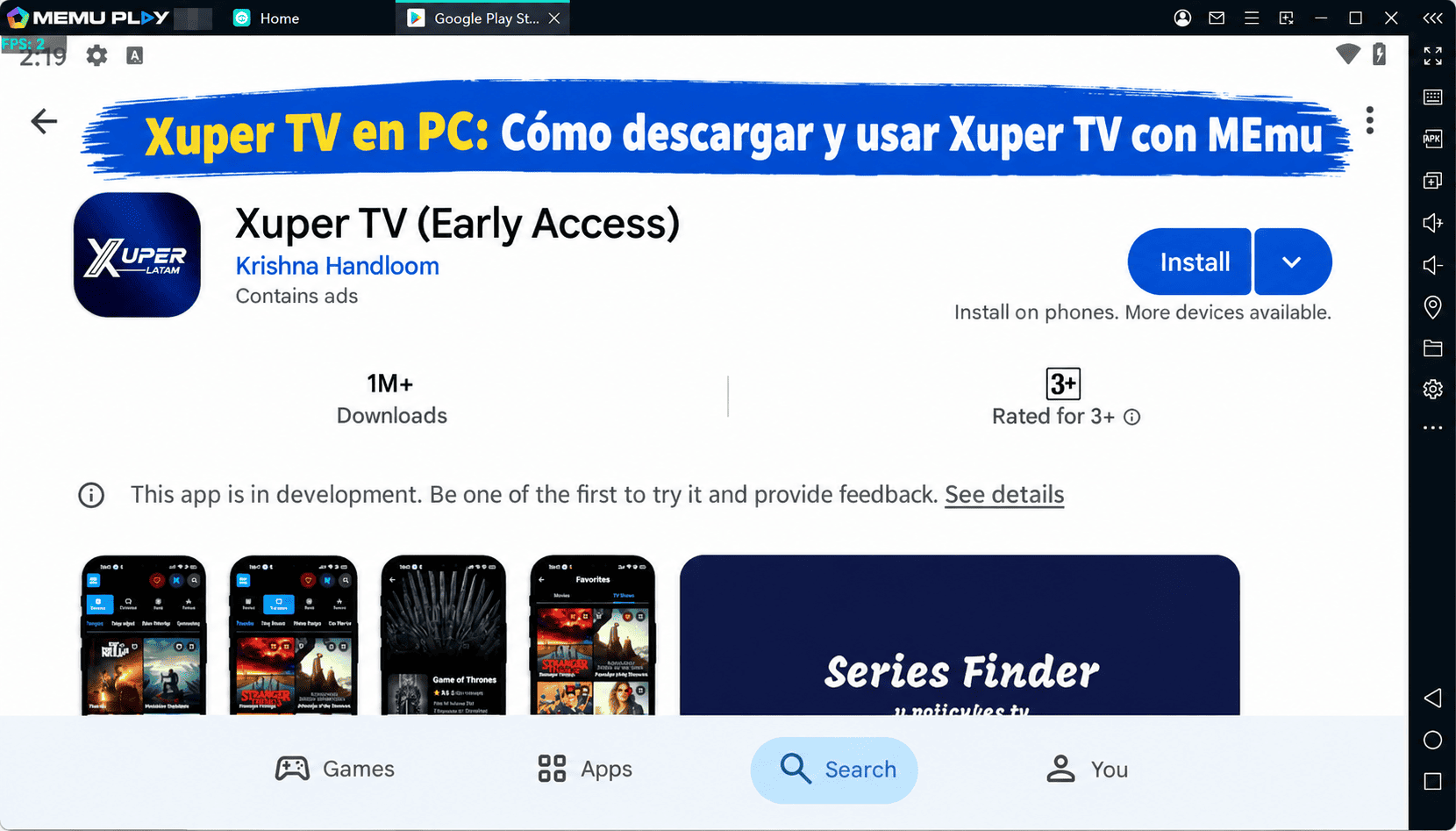
3. Buscar Flashscore Nigeria en Google Play
Install
4. Descargar y instalar Flashscore Nigeria
5. Hacer click al icono para iniciar

6. Experiencia Flashscore Nigeria en PC con MEmu
MEmu App Player es el mejor emulador de Android gratuito y 50 millones de personas ya están disfrutando su magnífica experiencia de aplicación en Android. La tecnología de virtualización de MEmu te permite jugar a miles de aplicaciones Android suavemente en tu PC, incluso los más intensivos gráficamente.
Pantalla más grande con mejores gráficos; Larga duración, sin limitación de batería o datos móviles.
Soporte completo de keymapping para un control preciso del teclado y el mouse o gamepad.
Múltiples cuentas de juegos o tareas en una sola PC a la vez con el administrador de instancias múltiples.
Use Flashscore Nigeria on PC by following steps: