War Steel
Mise à jour
Version actuelle
Proposée par

Avec toute la passion que vous avez à jouer War Steel, vos mains ne sont pas sensées se limiter à l’infime écran de votre téléphone. Jouez comme un pro et ayez le contrôle total de votre jeu à l’aide du clavier et de la souris. MEmu satisfait toutes vos attentes. Téléchargez et jouez War Steel sur PC. Jouez aussi longtemps que vous souhaitez sans aucune limitation de batterie, de données mobiles et d’appels embêtants. La toute nouvelle version de MEmu 9 est la meilleure option de jouer War Steel sur PC. Réalisé par nos experts, l’e magnifique système d’affectation de touches prédéfini fait de War Steel un jeu réaliste sur PC. Le gestionnaire multi-instances de MEmu permet 2 ou plusieurs comptes de jeu sur le même appareil. Et le plus important, le moteur d’émulation exclusif peut libérer le plein potentiel de votre PC, ce qui facilite tout.
Afficher plus
Téléchargez War Steel avec le simulateur d’Android MEmu sur votre PC. Profitez de jouer sur un grand écran. War Steel is a strategy-driven mobile game set in a war-torn world that blends real historical inspiration with an original fictional narrative.
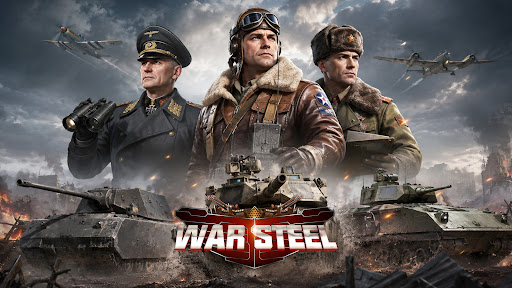
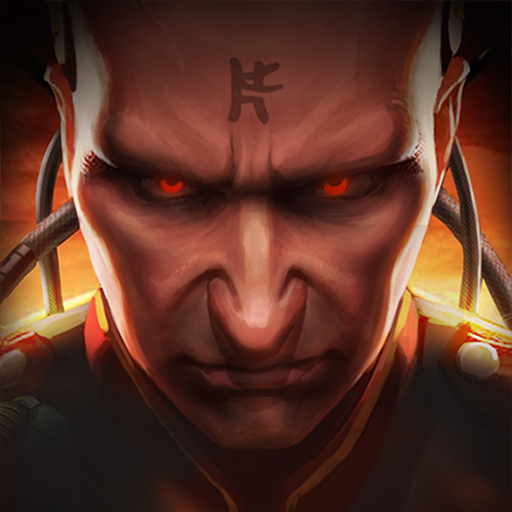
War Steel is a strategy-driven mobile game set in a war-torn world that blends real historical inspiration with an original fictional narrative. Taking place in a reimagined modern warfare era, the game unfolds through an immersive storyline filled with conflict, mystery, and hidden agendas. Players step into the role of a commander, leading forces on the battlefield while uncovering the truth behind the chaos of war. Featuring a realistic military art style with detailed visuals and atmospheric environments, War Steel delivers an intense and immersive combat experience. By combining real-time strategy with tactical command elements, the game offers a dynamic balance between decision-making depth and hands-on control.
[Historical-Inspired World with Fictional Twist]
Experience a unique war universe that merges iconic historical inspirations with original storytelling, creating a familiar yet unpredictable battlefield setting.
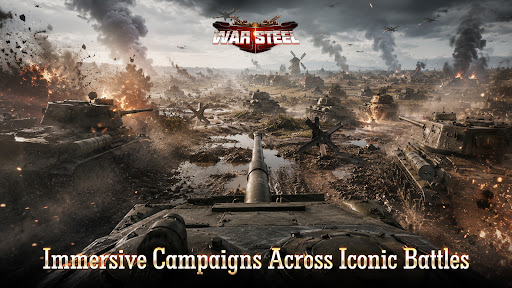
[Immersive Campaigns Across Iconic Battles]
Engage in numerous large-scale war scenarios inspired by classic conflicts, where you take direct command and shape the outcome of each battle.
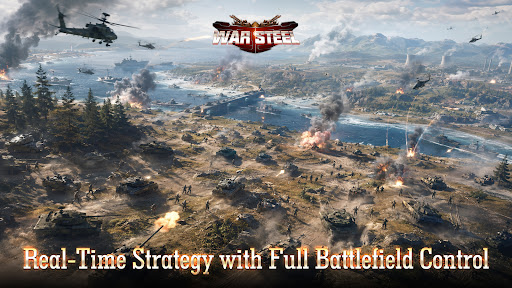
[Real-Time Strategy with Full Battlefield Control]
Take full control in real-time combat, where every decision and action immediately impacts the flow of battle, delivering a highly engaging strategic experience.
[Top-Down Tactical View with Precision Control]
Oversee the entire battlefield from a strategic perspective, allowing precise unit control, positioning, and terrain utilization for deeper tactical gameplay.
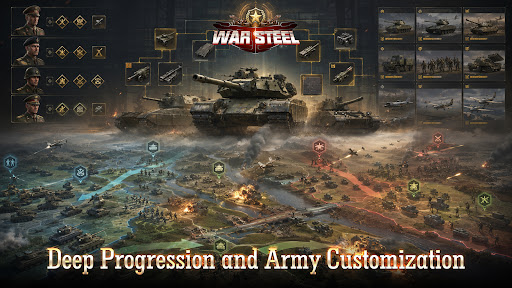
[Deep Progression and Army Customization]
Develop and customize your forces through multiple progression systems, combining units, equipment, and commanders to create powerful strategies.
[Global Competition and Diverse Game Modes]
Compete with players worldwide through various PvP and PvE modes, including global warfare, arenas, and cooperative challenges, for a rich and competitive experience.
Facebook: https://www.facebook.com/gamehollywoodgames
Discord: https://discord.gg/3VFM2eseFq
YouTube: https://www.youtube.com/@WarSteel
Afficher plus

1. Téléchargez l'installateur MEmu et terminez l'installation

2. Démarrez MEmu puis ouvrez Google Play sur la page d'accueil

3. Recherchez War Steel dans Google Play
Install
4. Téléchargez et installez War Steel
5. Une fois l'installation terminée, cliquez sur l'icône pour démarrer

6. Profitez de jouer War Steel sur PC avec MEmu
Le lecteur d'application MEmu est le meilleur émulateur Android gratuit, et 50 millions de personnes profitent déjà de sa fantastique expérience de jeu Android. La technologie de virtualisation MEmu vous donne la possibilité de jouer à des milliers de jeux Android sur votre PC sans aucune difficulté, même aux plus gourmands.
L’écran plus grand avec de meilleurs graphismes; Une longue durée, sans limitation de batterie ou de données mobiles.
Soutien du Keymapping pour un contrôle précis du clavier et de la souris ou de la manette de jeu
Plusieurs comptes de jeu ou tâches sur un seul PC en même temps avec le gestionnaire de multi-instance.
Play War Steel on PC by following steps: