Rocket Royale
Updated
Current Version
2.3.7
Offered By

With your passion for Rocket Royale, you shouldn’t have to limit yourself to the small screen of a phone. Play like a pro and take full control of the game using a keyboard and mouse. MEmu gives you everything you’re looking for. Download and play Rocket Royale on PC. Play as long as you want — no more worries about battery life, mobile data, or unexpected calls. The all-new MEmu 9 is the best way to play Rocket Royale on PC. With our expertly designed keymapping system, Rocket Royale feels just like a real PC game. The MEmu multi-instance manager lets you run two or more accounts on the same device at the same time. Most importantly, our exclusive emulation engine unlocks your PC’s full potential, delivering smooth and seamless performance.
Show more
Download Rocket Royale on PC with MEmu Android Emulator. Enjoy playing on big screen. Rocket Royale is one of a kind Battle Royale game, the main goal is to build a Rocket and fly away from the island!
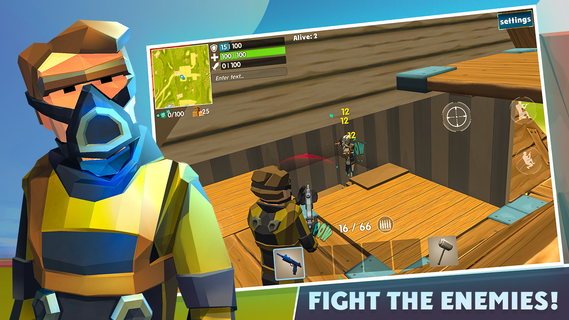
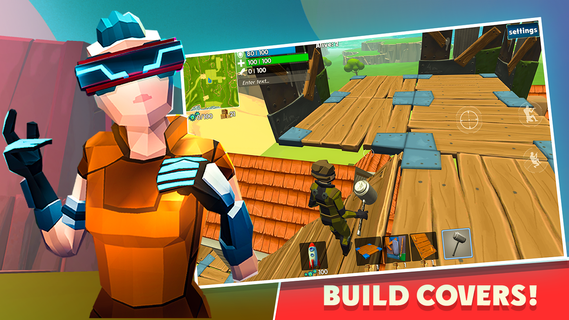
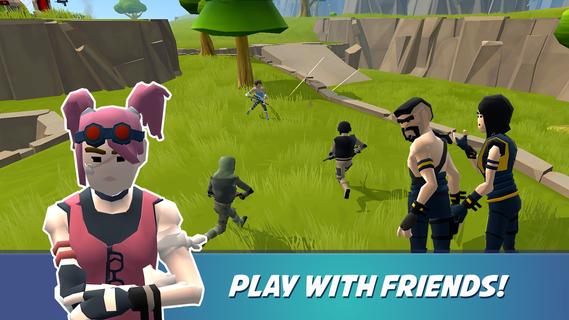
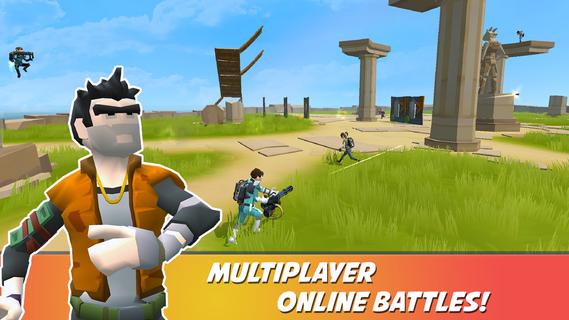
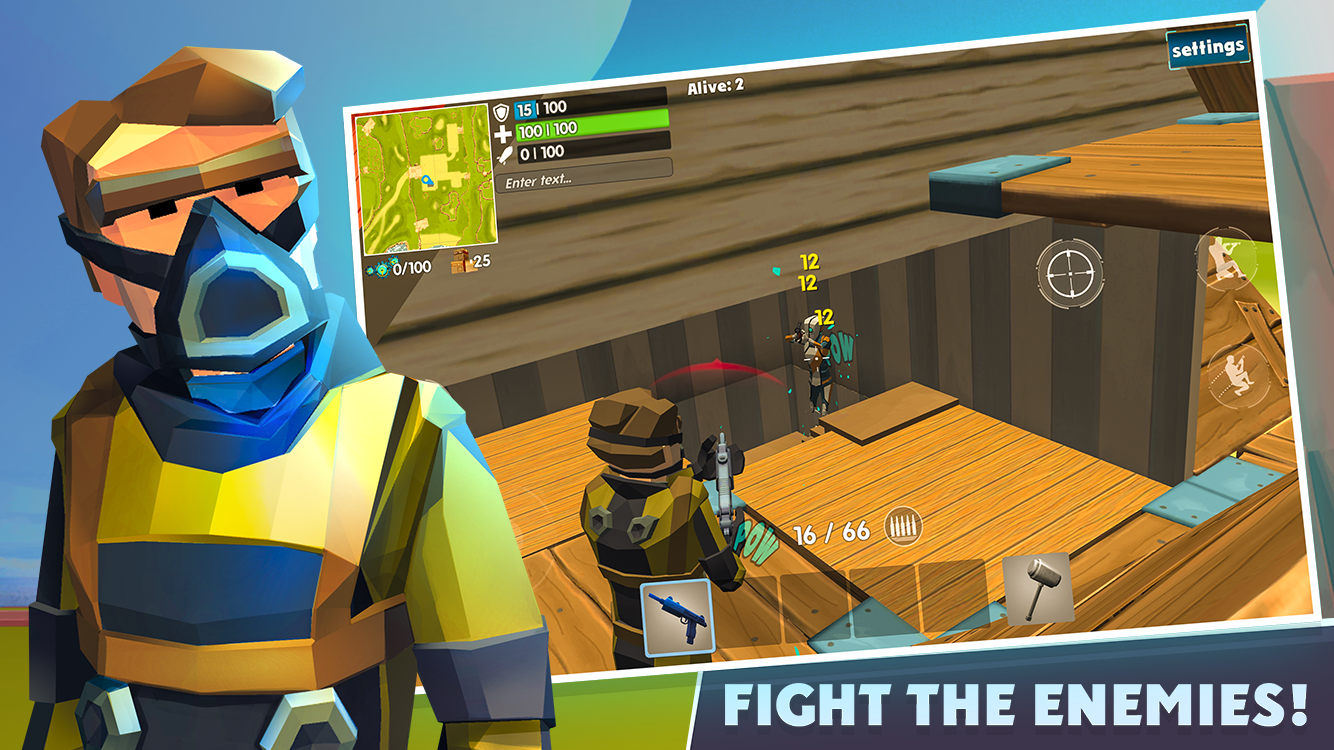
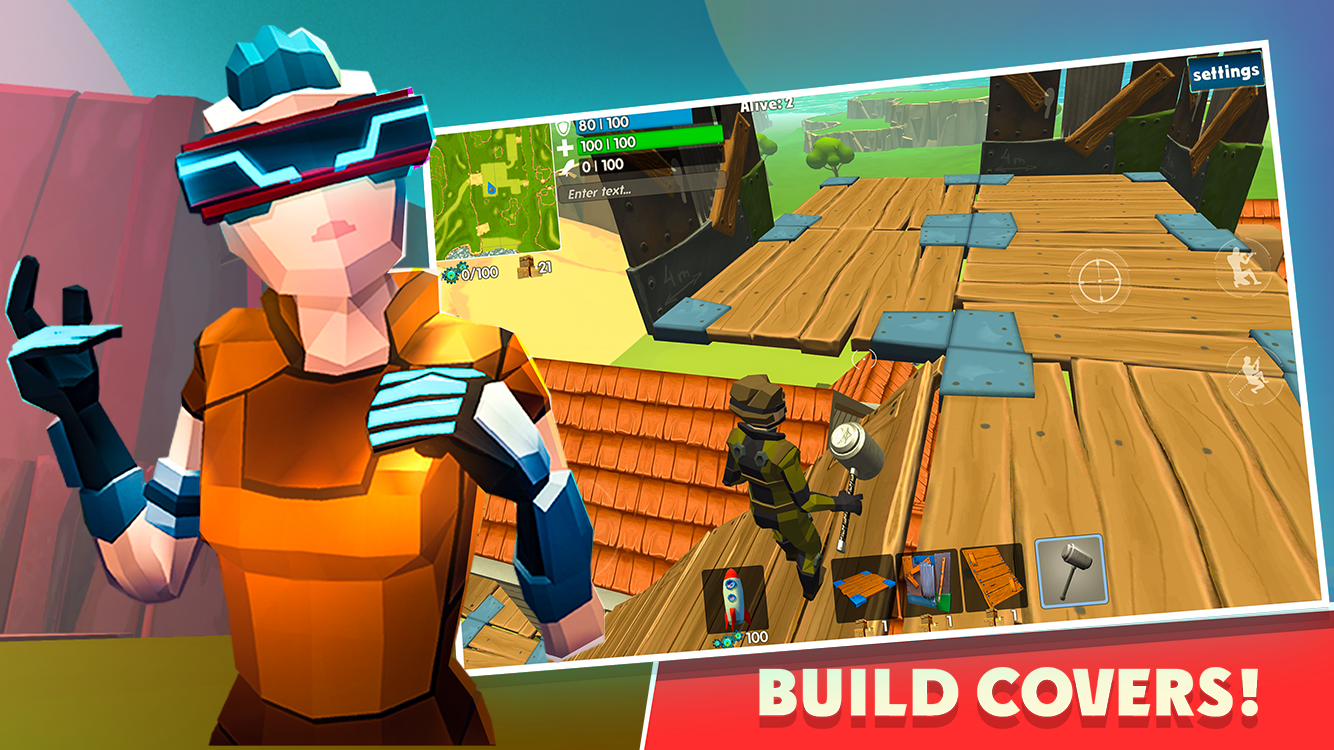
Rocket Royale is one of a kind Battle Royale game, the main goal is to build a Rocket and fly away from the island! To do this you need to find crafting resources from falling meteors. Of course other players will want to hijack your rocket, so defend it! Collect wood and Build a Fort to defend your positions. The unique battle royale game reveals a lot of tactics by crafting and building covers around you! 100% destructible environment, every building can be destroyed or dismantled! Rocket Rocket Royale has no parachutes or shrinking dead zones, but you can use portals to navigate your way around the island instead.
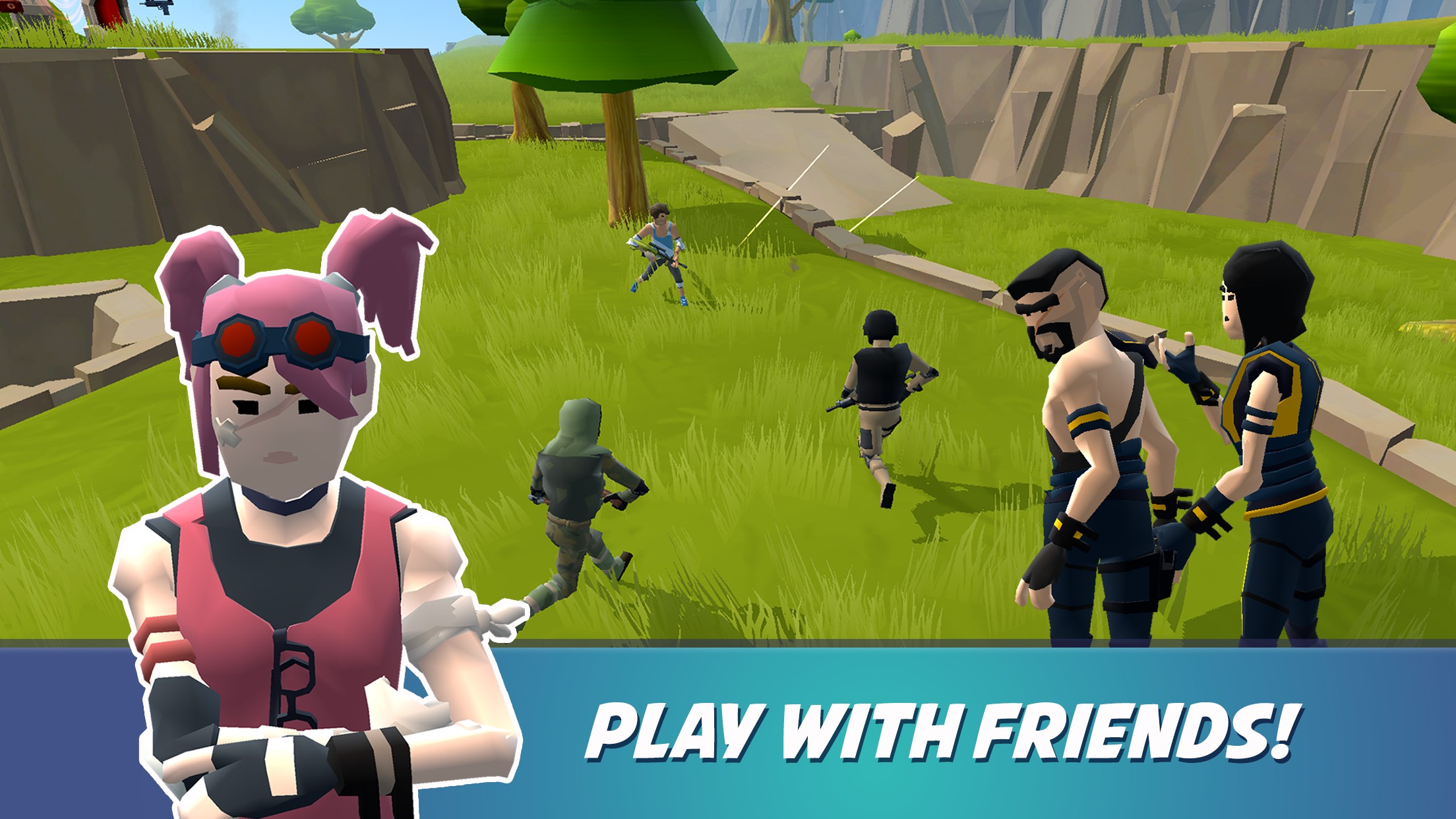
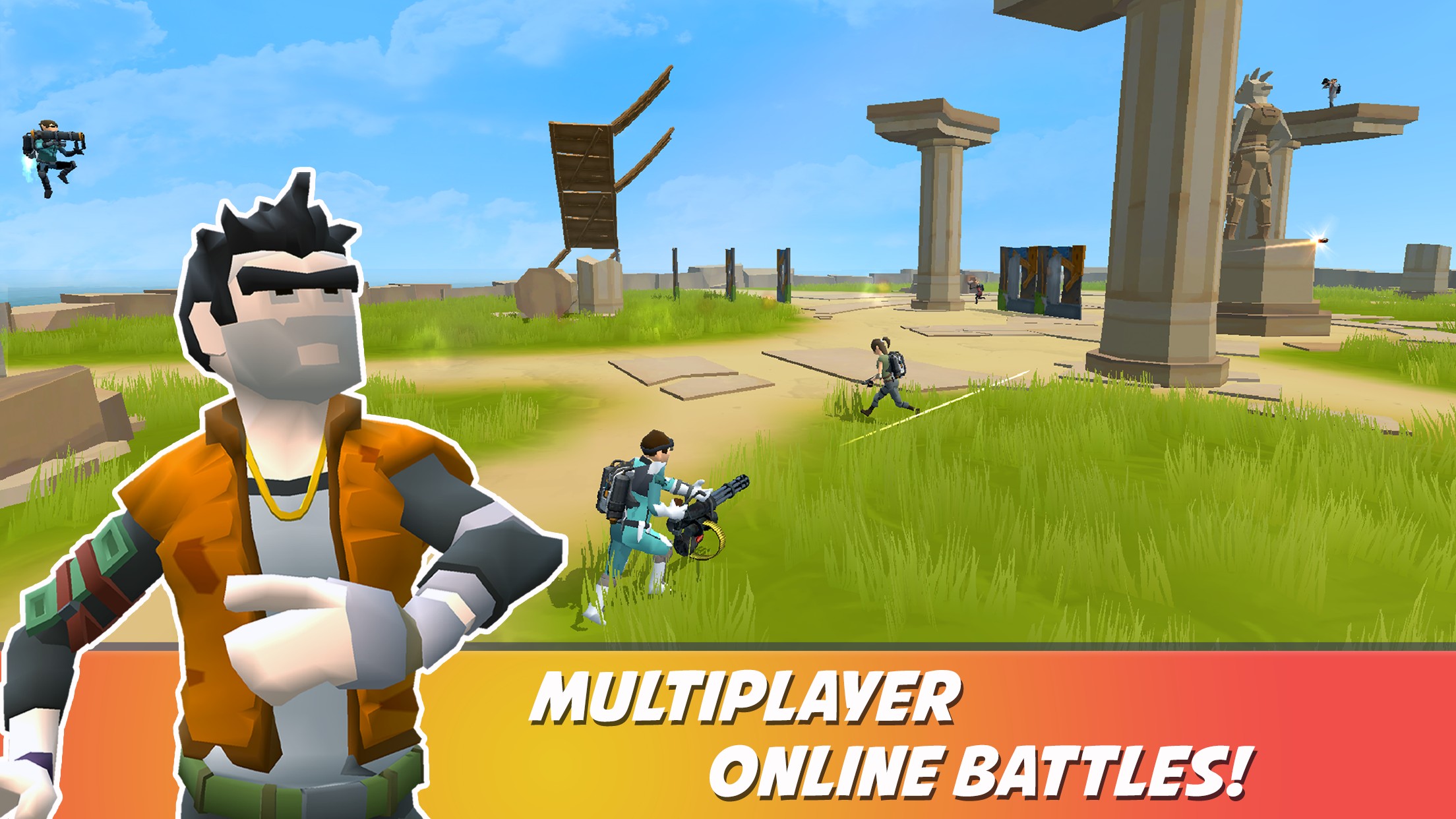
Rocket Royale multiplayer offers Solo, Duo and Squad up to 3 players per team. All players are real people online, no fake bots! There is a lot of content to discover: characters, hammers, avatars, custom rockets, even dances! Progress by gaining XP and levelling up and compete in global Leaderboards!
The game requires less than 100 MB without additional downloads, and very well optimized for low-end devices!
Features:
- Unique Rocket Battle Royale gameplay.
- Everything is destructible! Real Sandbox mode.
- Craft Defenses, Forts, Towers, Sky Bridges, anything possible!
- Real-time fast-paced 25-Players online matches!
- Play with your friends online, connect to your friend game via friend list.
- Highest FPS (frames-per-second) you can get!
- Tons of items and weapons to loot!
- Large open world battlefield.
Are you ready to be creative, act smart and cause massive destruction? Welcome to Rocket Royale!
Here is the promo code for a free reward: XXXYYZZZ
Join us on Facebook: https://facebook.com/groups/rocketroyale/
Follow us on Twitter: https://twitter.com/GameSpire_org
Show more

1. Download MEmu installer and finish the setup

2. Start MEmu then open Google Play on the desktop

3. Search Rocket Royale in Google Play
Install
4. Download and Install Rocket Royale
5. On install completion click the icon to start

6. Enjoy playing Rocket Royale on PC with MEmu
MEmu Play is the best Android emulator and 100 million people already enjoy its superb Android gaming experience. The MEmu virtualization technology empowers you to play thousands of Android games smoothly on your PC, even the most graphic-intensive ones.
Bigger screen with better graphics; Long duration, without limitation of battery or mobile data.
Full Keymapping support for precise control of keyboard and mouse or gamepad.
Multiple game accounts or tasks on single PC at one time with Multi-Instance manager.
Play Rocket Royale on PC by following steps: