Age of History 3
Updated
Current Version
1.035
Offered By

With your passion for Age of History 3, you shouldn’t have to limit yourself to the small screen of a phone. Play like a pro and take full control of the game using a keyboard and mouse. MEmu gives you everything you’re looking for. Download and play Age of History 3 on PC. Play as long as you want — no more worries about battery life, mobile data, or unexpected calls. The all-new MEmu 9 is the best way to play Age of History 3 on PC. With our expertly designed keymapping system, Age of History 3 feels just like a real PC game. The MEmu multi-instance manager lets you run two or more accounts on the same device at the same time. Most importantly, our exclusive emulation engine unlocks your PC’s full potential, delivering smooth and seamless performance.
Show more
Download Age of History 3 on PC with MEmu Android Emulator. Enjoy playing on big screen. Embark on an epic journey with Age of History 3, which takes you through the vast timeline of human history.
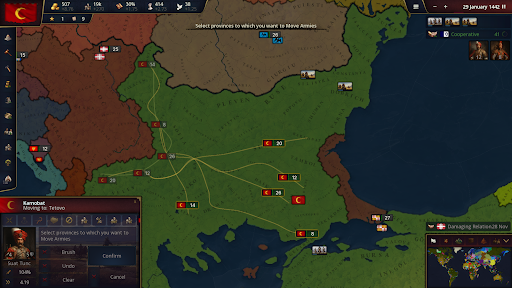
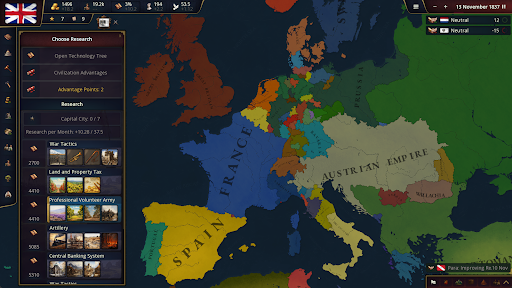
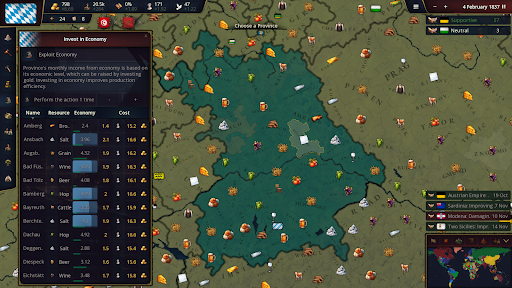
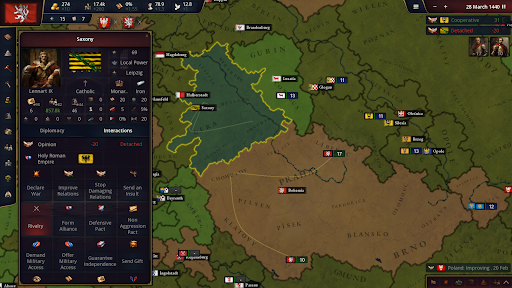
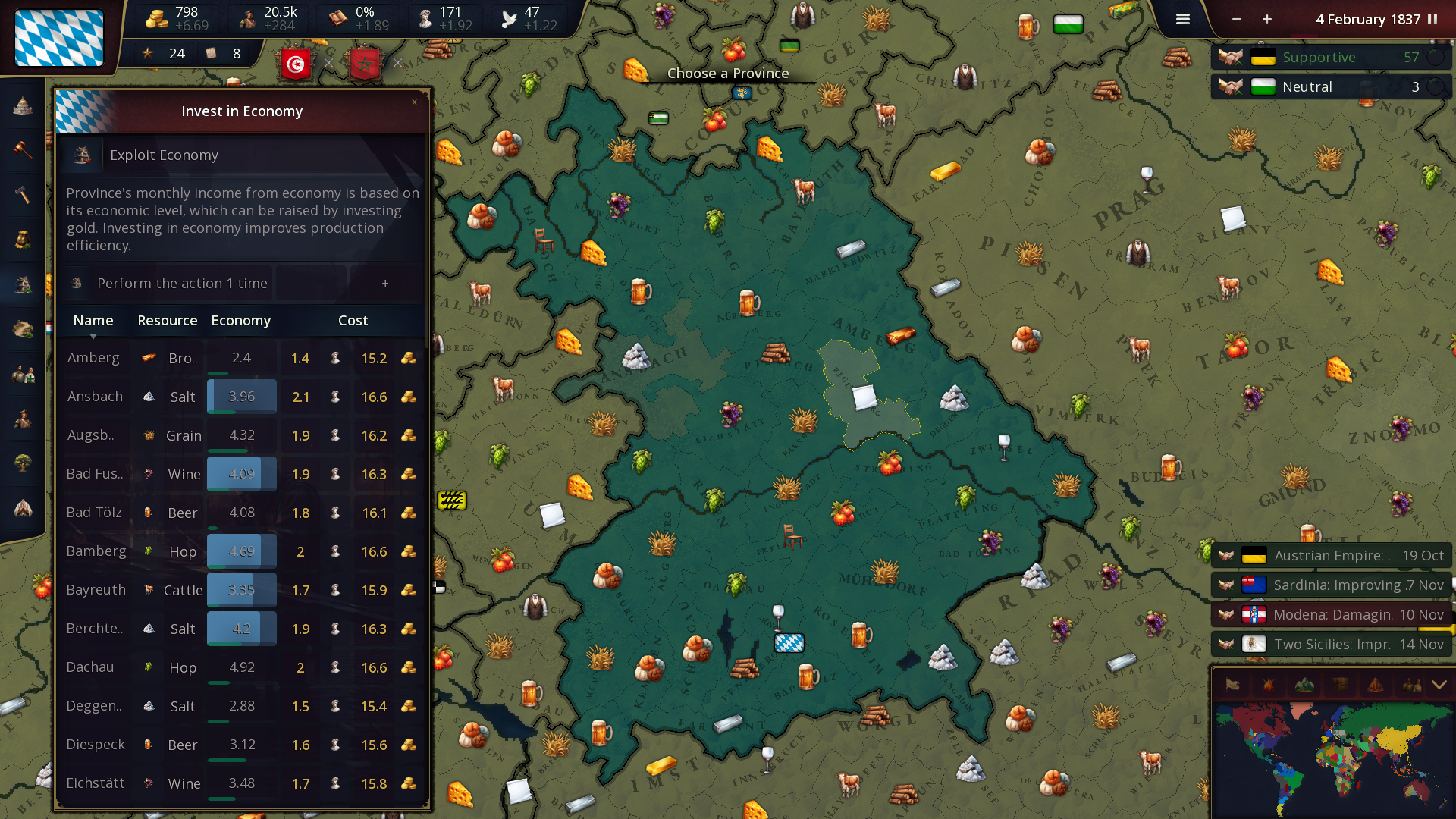
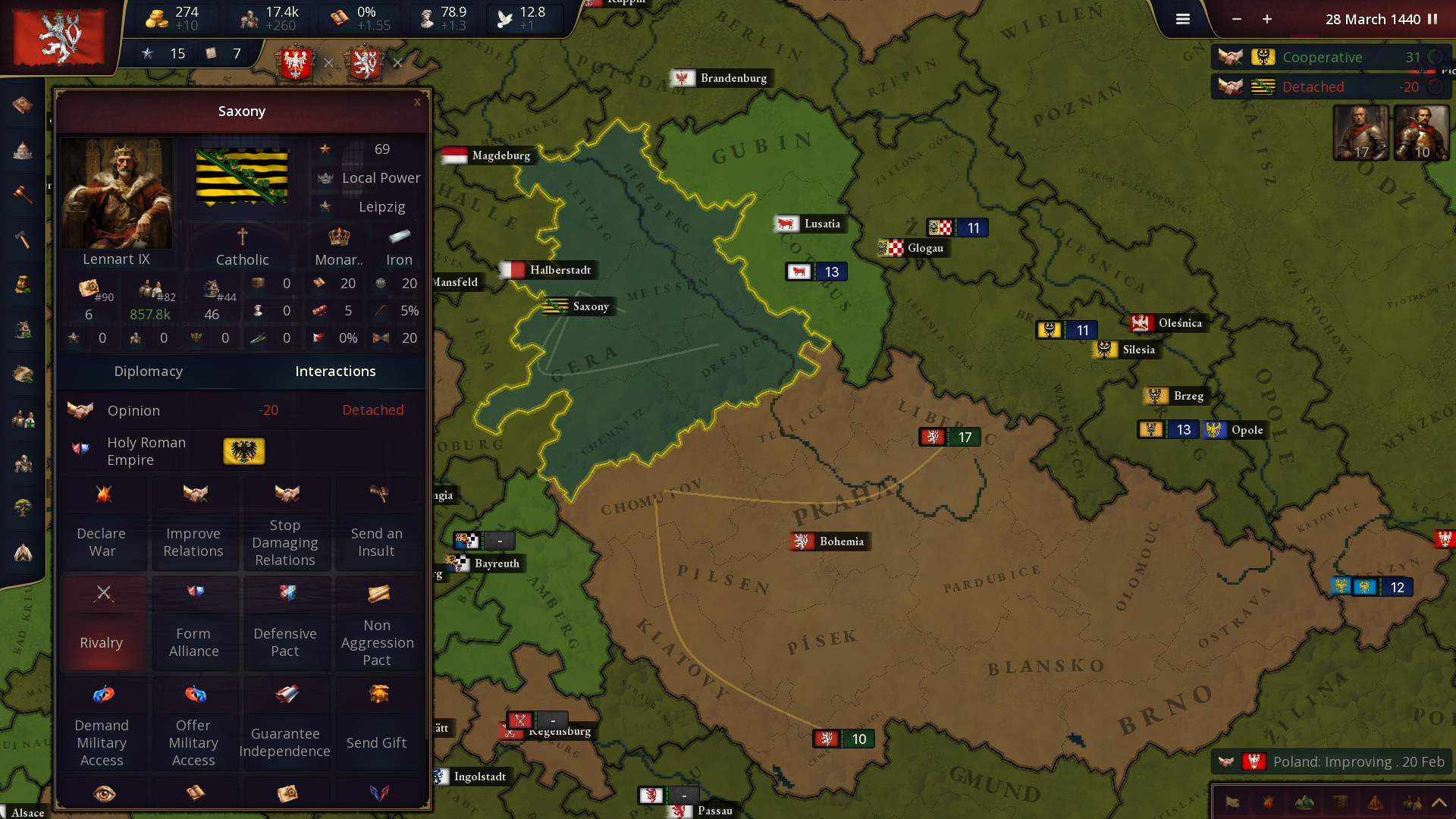
Embark on an epic journey with Age of History 3, which takes you through the vast timeline of human history. From the Age of Civilization to the realms of the far future, play as various Civilizations ranging from dominant empires to small tribes.
Technology
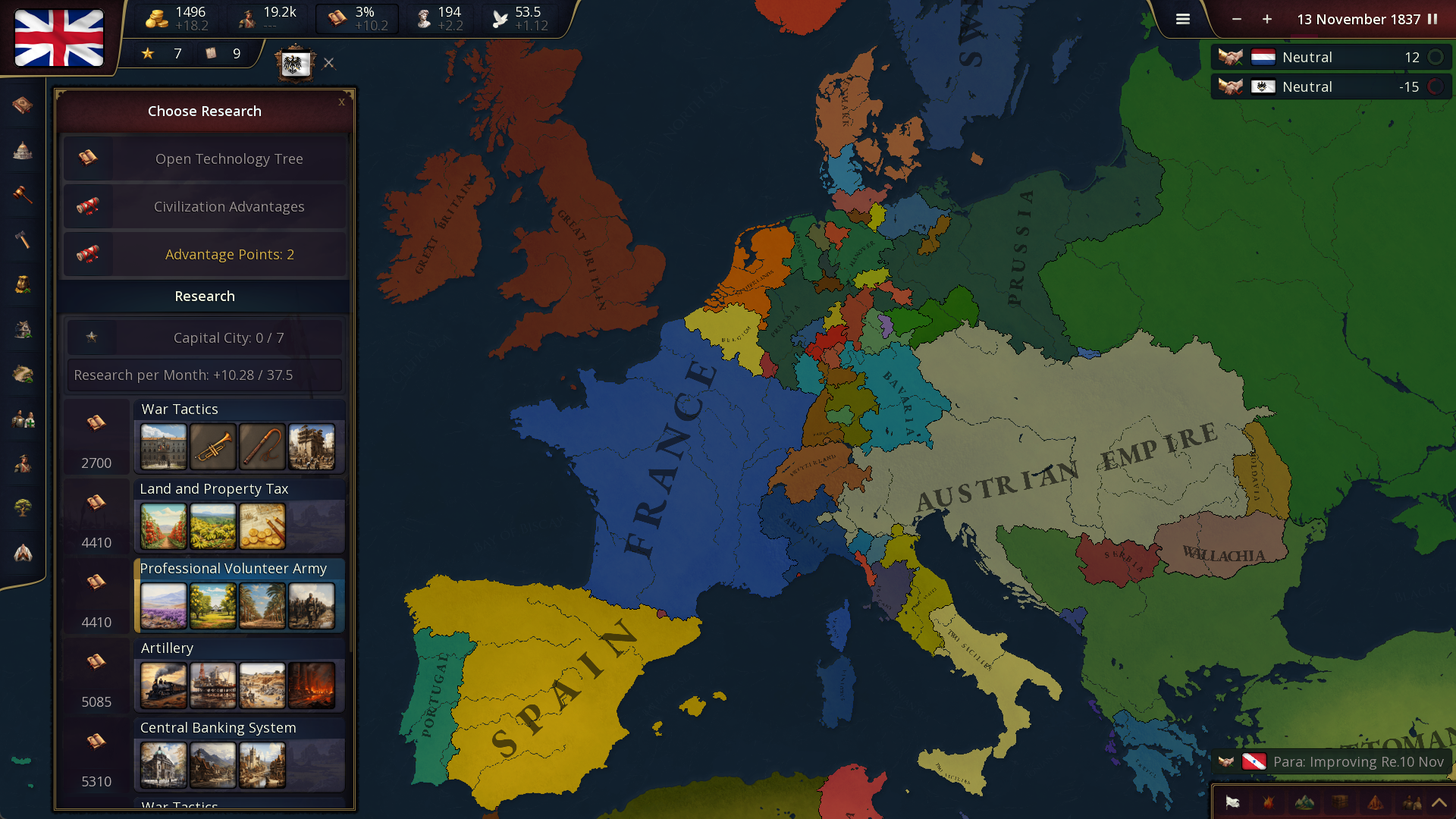
Advance in the technology tree to unlock better buildings and stronger units, improving your Civilization. Each technological breakthrough opens up new possibilities, reflecting the evolution and growth of your Civilization through History.
Army Composition
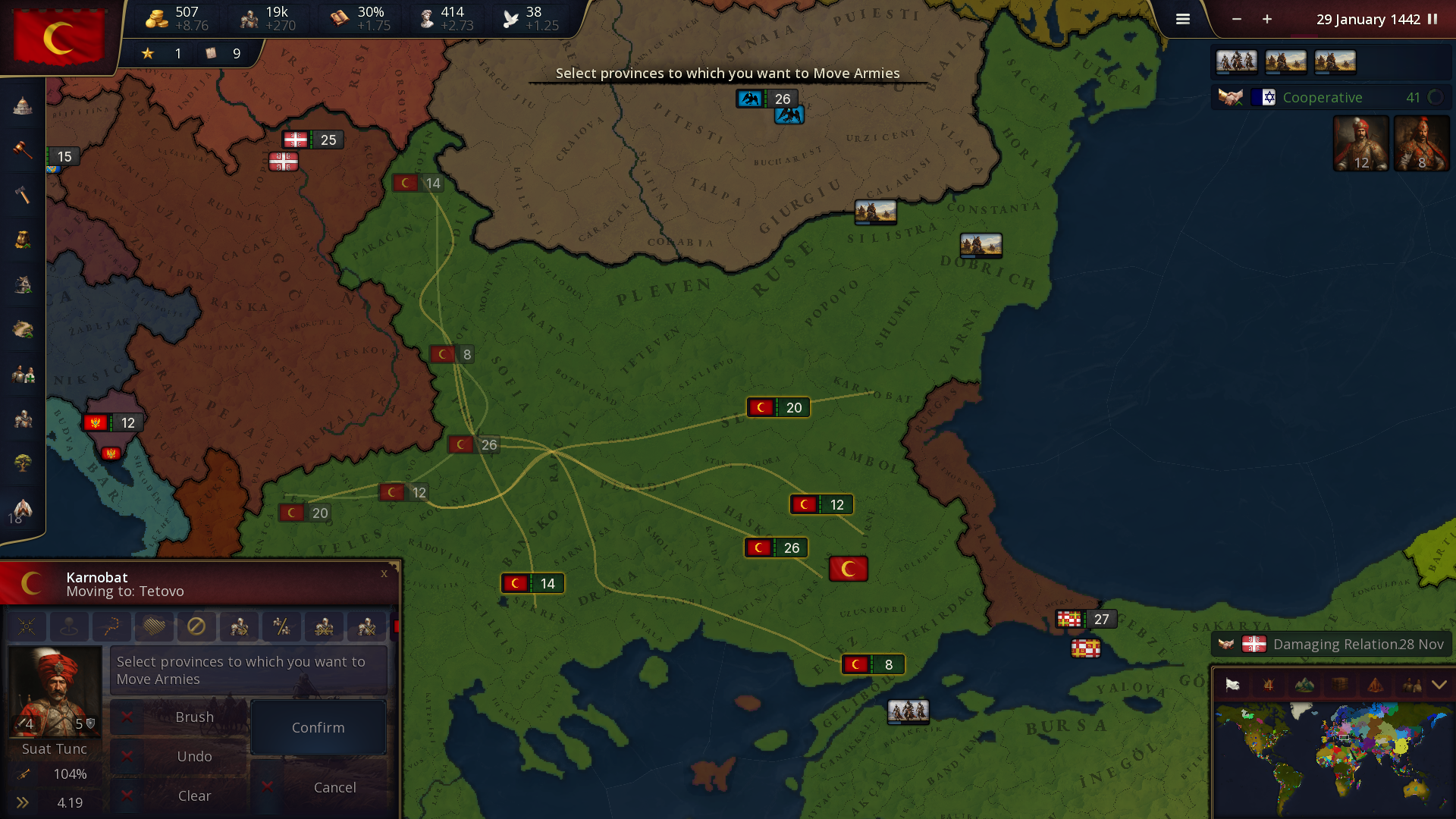
The choice of units in the front and second line is vital. Front-line units need to be resilient and capable of dealing with direct combat, while second-line units should provide support, range attacks, or specialized functions.
With more than 63 unique unit types available, you have a vast array of army compositions to select from, offering a diverse range of strategic options.
New Battle System
Each day, the front-line units of both armies engage in combat with the enemy's front-line, provided they are within attack range. Simultaneously, the second-line units also participate by attacking the enemy's front-line units if they fall within their range.
The combat results in casualties, the retreat of troops, and the loss of morale.
Manpower
Manpower represents the stock of individuals eligible for military service within a Civilization. It is a critical resource used for recruiting new troops and reinforcing existing armies, embodying the Civilization's capacity to wage war and defend itself.
Manpower replenishes over time, reflecting natural population growth and recovery from previous military engagements.
Since manpower replenishes over time, players must plan their military campaigns considering their current and future manpower availability.
Show more

1. Download MEmu installer and finish the setup

2. Start MEmu then open Google Play on the desktop

3. Search Age of History 3 in Google Play
Install
4. Download and Install Age of History 3
5. On install completion click the icon to start

6. Enjoy playing Age of History 3 on PC with MEmu
MEmu Play is the best Android emulator and 100 million people already enjoy its superb Android gaming experience. The MEmu virtualization technology empowers you to play thousands of Android games smoothly on your PC, even the most graphic-intensive ones.
Bigger screen with better graphics; Long duration, without limitation of battery or mobile data.
Full Keymapping support for precise control of keyboard and mouse or gamepad.
Multiple game accounts or tasks on single PC at one time with Multi-Instance manager.
Play Age of History 3 on PC by following steps: