Ancient Seal: The Exorcist
Updated
Current Version
2.2
Offered By

With your passion for Ancient Seal: The Exorcist, you shouldn’t have to limit yourself to the small screen of a phone. Play like a pro and take full control of the game using a keyboard and mouse. MEmu gives you everything you’re looking for. Download and play Ancient Seal: The Exorcist on PC. Play as long as you want — no more worries about battery life, mobile data, or unexpected calls. The all-new MEmu 9 is the best way to play Ancient Seal: The Exorcist on PC. With our expertly designed keymapping system, Ancient Seal: The Exorcist feels just like a real PC game. The MEmu multi-instance manager lets you run two or more accounts on the same device at the same time. Most importantly, our exclusive emulation engine unlocks your PC’s full potential, delivering smooth and seamless performance.
Show more
Download Ancient Seal: The Exorcist on PC with MEmu Android Emulator. Enjoy playing on big screen. In the ancient era full of chaos, the world was not yet clear and everything was shrouded in fog.

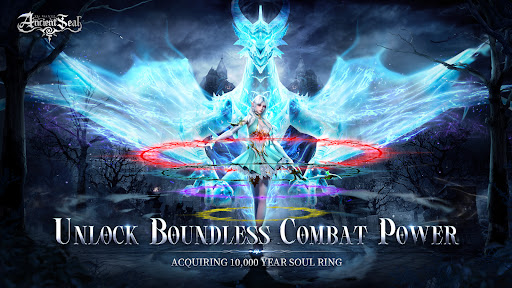
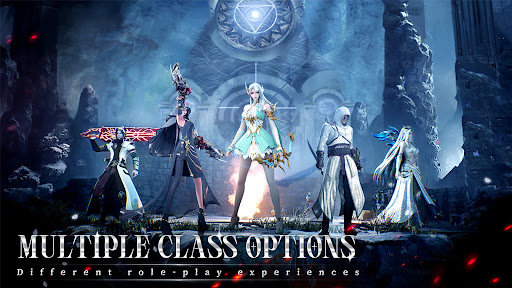
In the ancient era full of chaos, the world was not yet clear and everything was shrouded in fog.
When the original fire ignited, the world began to awaken. Heat and cold, life and death, light and darkness, these opposite and unified elements, began to shape the world.
The original fire brought not only life and civilization, but also the desire for power and the ambition for domination.
Under the influence of desire and ambition, the ancient war between good and evil broke out.
[Exquisite Picture]
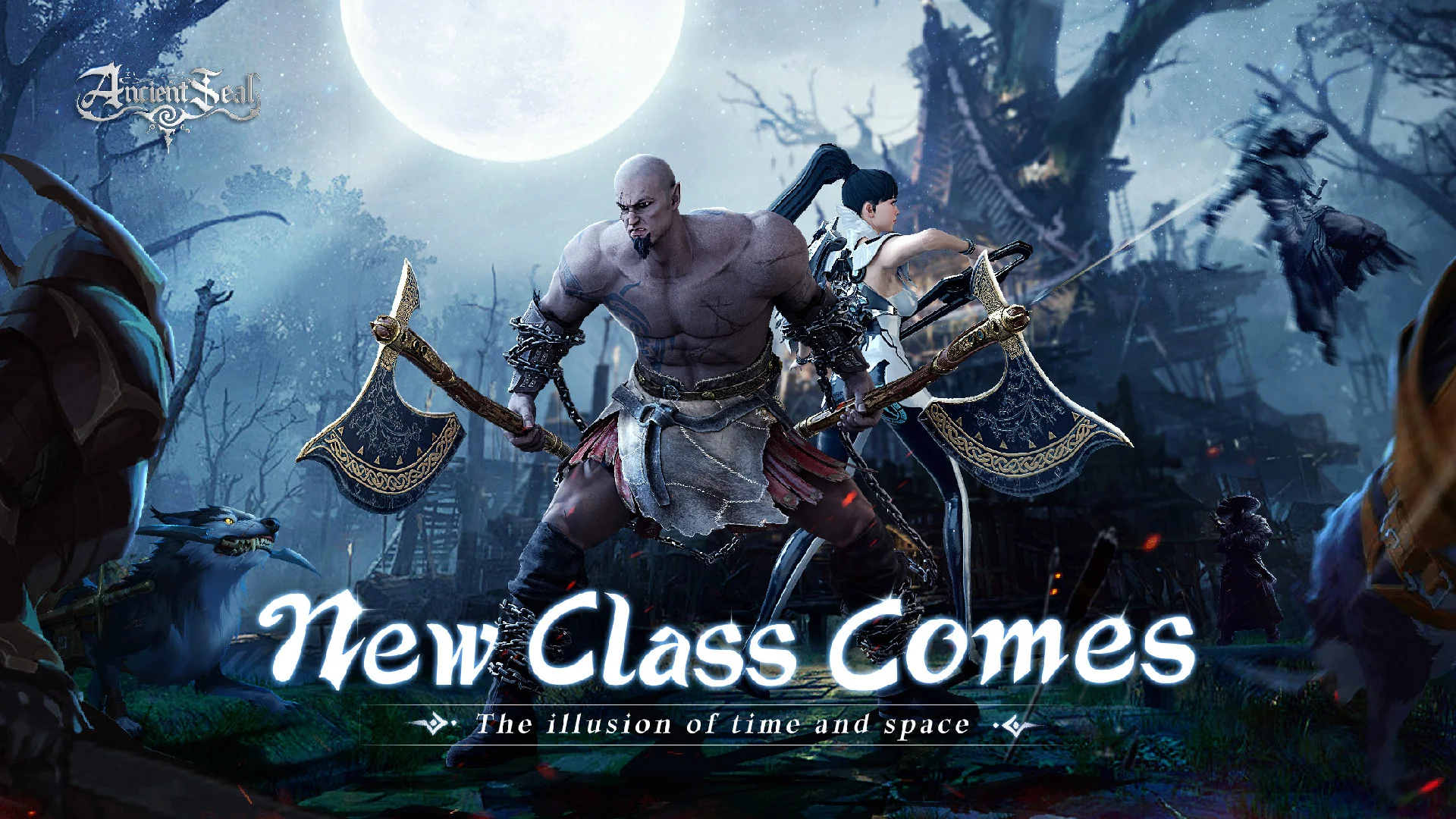
Unique and beautiful picture quality as same as that of PC game, gorgeous light effect rendering, advanced 3D art, and magnificent buildings coming into view, allowing players to immerse themselves in this Xianxia world.
[Sky fighting]
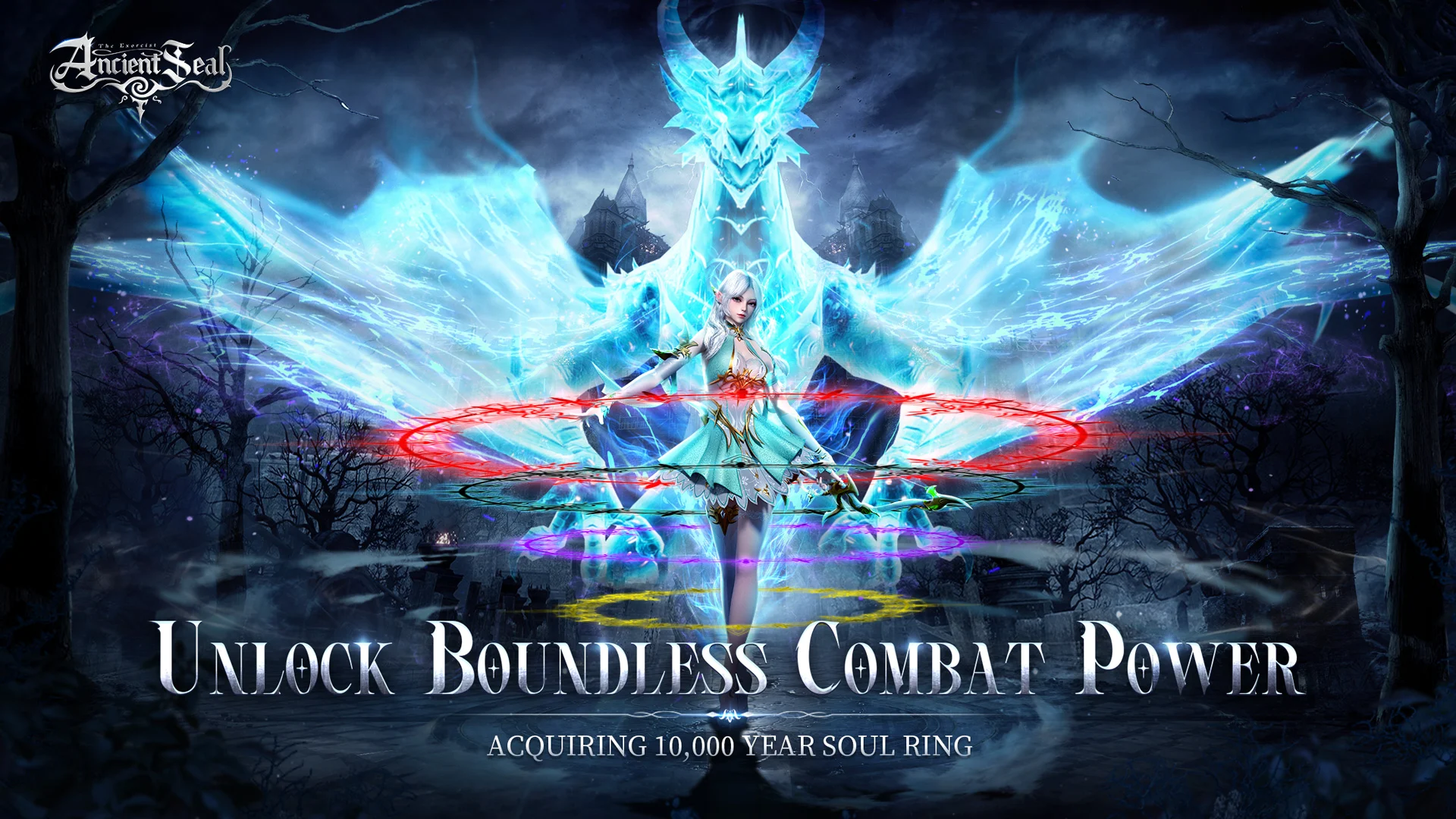
Fly with a dragon and fight with enemies in the sky to experience the ultimate excitement and freedom, and become a legendary fighter in the sky!
[Massive Battle]
A hundred-person melee, guild duel, and seizing the BOSS! Strategy and teamwork can determine win or lose. Only by conquering other opponents can you become a legendary hero on the battlefield and compete for glory and dominance!
[Transform into a God]
Players can gain the power of Gods through major tasks, transform into the Gods, obtain their exclusive skills, fight against demons, and experience extraordinary battles!
[Leisure Gameplay& Home Building]
In the leisure time, to build and decorate your own space. You can also invite friends to visit your home, grow vegetables and play game together.
Show more

1. Download MEmu installer and finish the setup

2. Start MEmu then open Google Play on the desktop

3. Search Ancient Seal: The Exorcist in Google Play
Install
4. Download and Install Ancient Seal: The Exorcist
5. On install completion click the icon to start

6. Enjoy playing Ancient Seal: The Exorcist on PC with MEmu
MEmu Play is the best Android emulator and 100 million people already enjoy its superb Android gaming experience. The MEmu virtualization technology empowers you to play thousands of Android games smoothly on your PC, even the most graphic-intensive ones.
Bigger screen with better graphics; Long duration, without limitation of battery or mobile data.
Full Keymapping support for precise control of keyboard and mouse or gamepad.
Multiple game accounts or tasks on single PC at one time with Multi-Instance manager.
Play Ancient Seal: The Exorcist on PC by following steps: