Azure Tale
Updated
Current Version
1.3
Offered By

With your passion for Azure Tale, you shouldn’t have to limit yourself to the small screen of a phone. Play like a pro and take full control of the game using a keyboard and mouse. MEmu gives you everything you’re looking for. Download and play Azure Tale on PC. Play as long as you want — no more worries about battery life, mobile data, or unexpected calls. The all-new MEmu 9 is the best way to play Azure Tale on PC. With our expertly designed keymapping system, Azure Tale feels just like a real PC game. The MEmu multi-instance manager lets you run two or more accounts on the same device at the same time. Most importantly, our exclusive emulation engine unlocks your PC’s full potential, delivering smooth and seamless performance.
Show more
Download Azure Tale on PC with MEmu Android Emulator. Enjoy playing on big screen. 【Aerylia Continent · A Brand New Journey】.

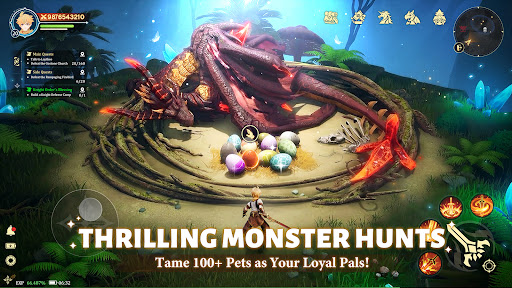
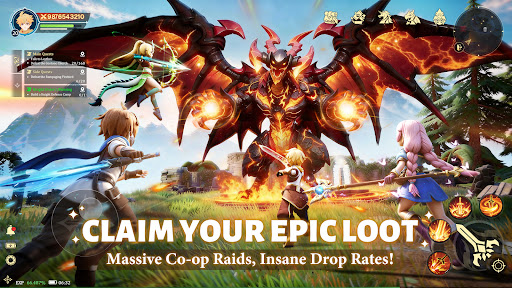
【Aerylia Continent · A Brand New Journey】
The mysterious gate has opened, and an uncharted adventure awaits you!
Here, every choice is a new beginning, every encounter a delightful surprise——
=====Story=====
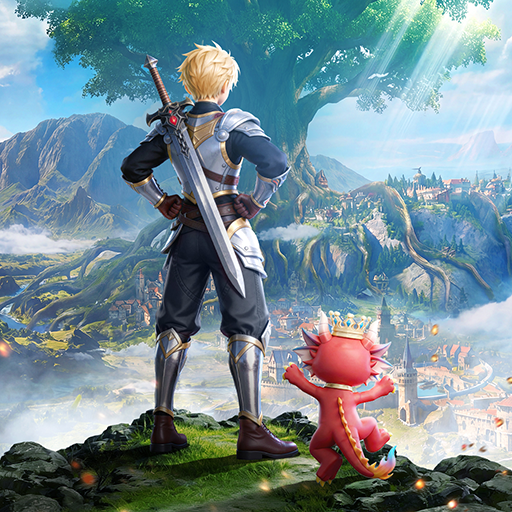
In ancient times, the continent of Arelia was nothing but barren land.The powerful dragon race led humans and other creatures to develop and build the continent into a fertile realm.
Over centuries, the profession of adventurers emerged among humans. They explored the traces of the continent, seeking the secrets and treasures left behind by the dragons.
One day, an adventurer from the Kingdom of Astaya witnessed the legendary Dawn Saint Dragon soaring through the clouds. As the news spread, the might and mystery of the dragon reignited the passion for adventure, sparking a nationwide frenzy to find it. The king then proclaimed a decree: the first adventurer to discover the dragon would be granted the kingdom's highest honor—the title of Adventurer King.
Thus began the Great Age of Adventure.
=====Features=====
▶ Diverse Classes, Seamless Switching
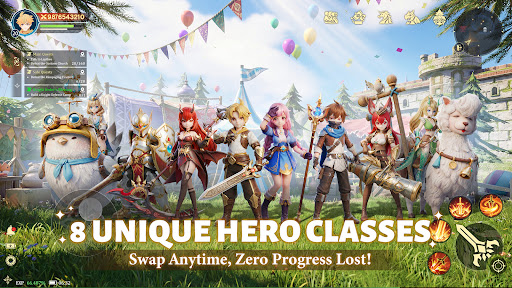
Tired of being stuck in one role? Explore multiple classes—Warrior, Mage, Hunter, and more—all available from the start! Switch freely anytime with zero loss in progress, and define your own playstyle. Your strategy, your rules!
▶ Hunt with Adorable Companions
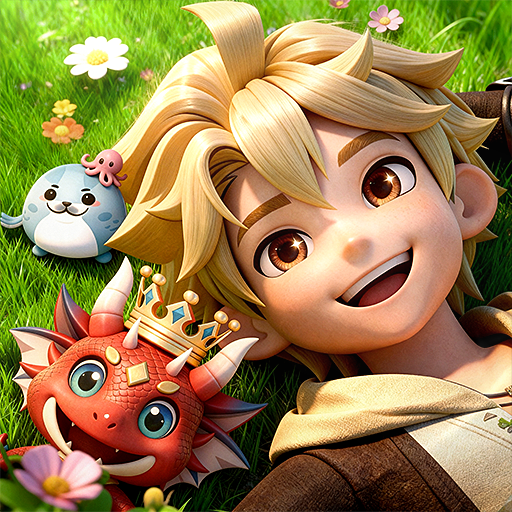
Your adventure is never lonely! Catch over 100 unique cute pets, each designed to be your loyal partner. Explore every corner of Eralia with your furry (or scaly!) friends—non-stop excitement and rewards await!
▶ Team Up & Enjoy Drop Fest
More than just partying—trade, flirt, form alliances, and build your own circle in a truly open social world. Meet your destined partners, share thrilling expeditions, and create stories that last beyond the game.
▶ Live Your Social Adventure
More than just partying—trade, flirt, form alliances, and build your own circle in a truly open social world. Meet your destined partners, share thrilling expeditions, and create stories that last beyond the game.
▶ Glam Up & Shine at the Ball
Choose from hundreds of stunning outfits, rendered in exquisite detail by a top-tier engine. See silk gleam, jewels sparkle, and every delicate texture come to life. Dress to impress—and steal the spotlight at the grand ball!
Show more

1. Download MEmu installer and finish the setup

2. Start MEmu then open Google Play on the desktop

3. Search Azure Tale in Google Play
Install
4. Download and Install Azure Tale
5. On install completion click the icon to start

6. Enjoy playing Azure Tale on PC with MEmu
MEmu Play is the best Android emulator and 100 million people already enjoy its superb Android gaming experience. The MEmu virtualization technology empowers you to play thousands of Android games smoothly on your PC, even the most graphic-intensive ones.
Bigger screen with better graphics; Long duration, without limitation of battery or mobile data.
Full Keymapping support for precise control of keyboard and mouse or gamepad.
Multiple game accounts or tasks on single PC at one time with Multi-Instance manager.
Play Azure Tale on PC by following steps: