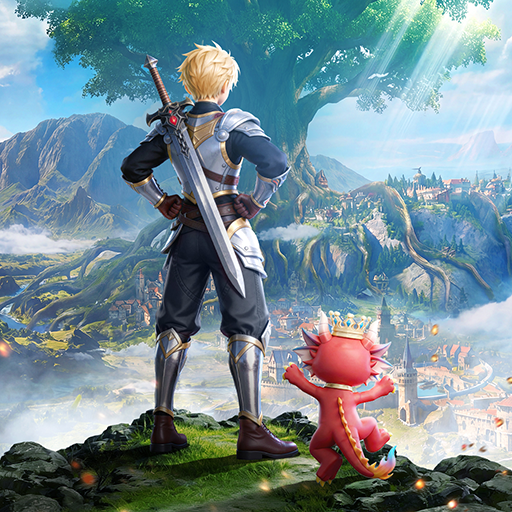
Land of Arielia
Updated
Current Version
1.4
Offered By

With your passion for Land of Arielia, you shouldn’t have to limit yourself to the small screen of a phone. Play like a pro and take full control of the game using a keyboard and mouse. MEmu gives you everything you’re looking for. Download and play Land of Arielia on PC. Play as long as you want — no more worries about battery life, mobile data, or unexpected calls. The all-new MEmu 9 is the best way to play Land of Arielia on PC. With our expertly designed keymapping system, Land of Arielia feels just like a real PC game. The MEmu multi-instance manager lets you run two or more accounts on the same device at the same time. Most importantly, our exclusive emulation engine unlocks your PC’s full potential, delivering smooth and seamless performance.
Show more
Download Land of Arielia on PC with MEmu Android Emulator. Enjoy playing on big screen. 【Aerylia Continent · A Brand New Journey】 .
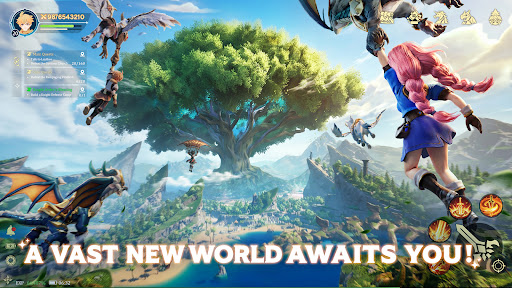

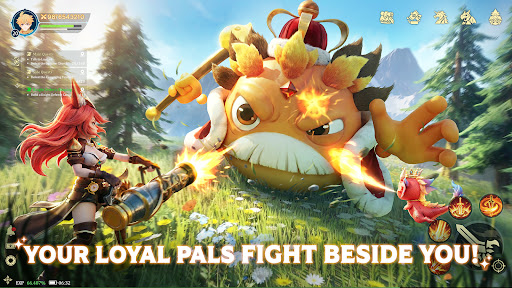
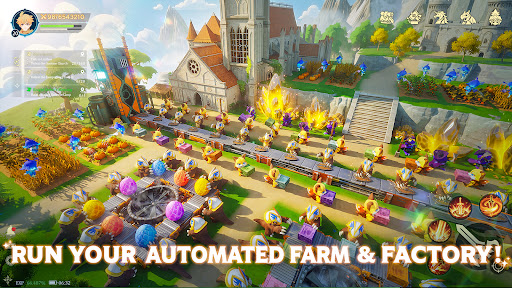
【Aerylia Continent · A Brand New Journey】
The mysterious gate has opened, and an uncharted adventure awaits you!
Here, every choice is a new beginning, every encounter a delightful surprise——
Story
In ancient times, dragons used their fire and claws to transform the barren land of Aerilia into a fertile realm, leaving behind countless treasures and mysterious ruins. After the dragons retreated, human adventurers have been pursuing their traces for generations.
One day, an adventurer of the Kingdom of Astaya witnessed with his own eyes the legendary Dawn Saint Dragon soaring across the clouds — the ultimate symbol of wealth and power. The king immediately made a covenant: the first adventurer who finds the dragon shall be crowned the "Adventure King", receiving endless wealth and supreme glory.
News of the covenant spread like wildfire, sparking a frenzy across the realm. Thousands of adventurers converged upon the continent of Arielia, and thus, the Age of Great Adventures was born.
You will play as an Adventure King chasing the legend, freely exploring Aerilia, uncovering the secrets of dragonkind, and writing your own heroic epic.
Features
▶ Soar Through the Skies, Explore Boundless Worlds
Step into the floating fantasy realm of Eiria! Unlock flying mounts and soar freely across the skies. An open world with no limits awaits—every flight is a journey of freedom and adventure!
▶ Hatch Adorable Pals, Meet Your Perfect Partner
Collect mysterious pet eggs and hatch your one-of-a-kind companion! Each egg holds a unique creature to journey with you across Eiria, bringing cozy, heartwarming moments to your adventure!
▶ Fight Together, Never Battle Alone
Over 100+ pets join you in combat! From cute critters to fierce battle companions, every pet is a powerful ally to take on bosses, clear dungeons, and keep the action going nonstop!
▶ Train Pets, Build Your Automated Factory
Go hands-free with easy progression! Automated farms and factories handle mining, farming, resource gathering, and gear upgrades. No grind, no pay-to-win—build max power with zero stress!
▶ No Forced Quests—Just Fish & Relax
Ditch the tedious chores! Fish by the lake, wander the meadows, and play at your own pace. No mandatory tasks, just laid-back fun whenever you want!
Show more

1. Download MEmu installer and finish the setup

2. Start MEmu then open Google Play on the desktop

3. Search Land of Arielia in Google Play
Install
4. Download and Install Land of Arielia
5. On install completion click the icon to start

6. Enjoy playing Land of Arielia on PC with MEmu
MEmu Play is the best Android emulator and 100 million people already enjoy its superb Android gaming experience. The MEmu virtualization technology empowers you to play thousands of Android games smoothly on your PC, even the most graphic-intensive ones.
Bigger screen with better graphics; Long duration, without limitation of battery or mobile data.
Full Keymapping support for precise control of keyboard and mouse or gamepad.
Multiple game accounts or tasks on single PC at one time with Multi-Instance manager.
Play Land of Arielia on PC by following steps: