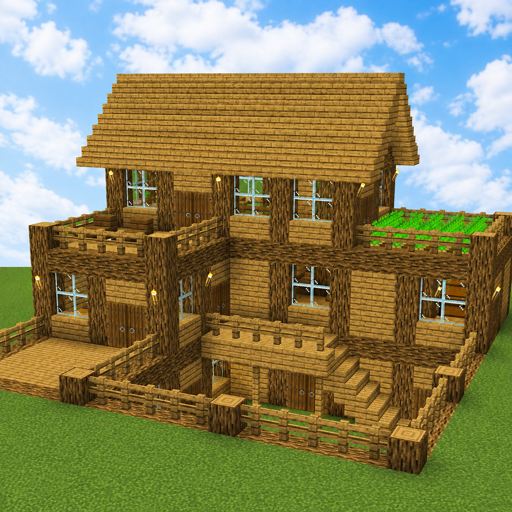
Block Crazy: Craftsman World
Updated
Current Version
2004
Offered By

With your passion for Block Crazy: Craftsman World, you shouldn’t have to limit yourself to the small screen of a phone. Play like a pro and take full control of the game using a keyboard and mouse. MEmu gives you everything you’re looking for. Download and play Block Crazy: Craftsman World on PC. Play as long as you want — no more worries about battery life, mobile data, or unexpected calls. The all-new MEmu 9 is the best way to play Block Crazy: Craftsman World on PC. With our expertly designed keymapping system, Block Crazy: Craftsman World feels just like a real PC game. The MEmu multi-instance manager lets you run two or more accounts on the same device at the same time. Most importantly, our exclusive emulation engine unlocks your PC’s full potential, delivering smooth and seamless performance.
Show more
Download Block Crazy: Craftsman World on PC with MEmu Android Emulator. Enjoy playing on big screen. Welcome to Block Crazy: Craftsman World, a creative 3D sandbox adventure where you can build, craft, explore, and create your own block world.
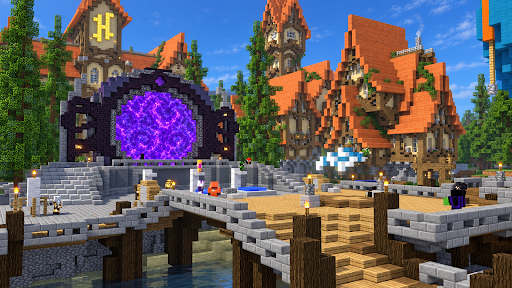

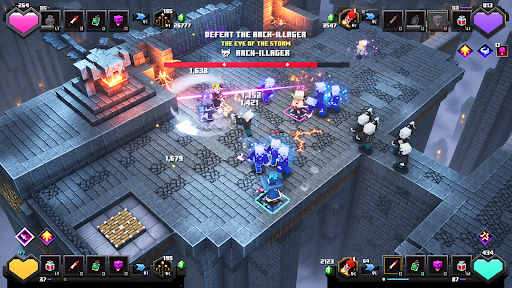
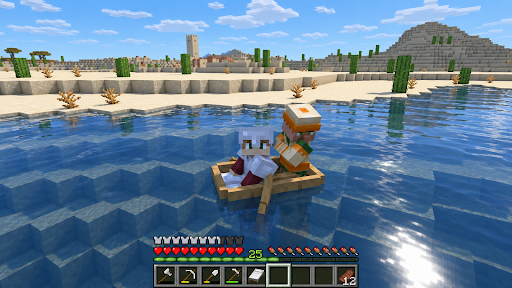
Welcome to Block Crazy: Craftsman World, a creative 3D sandbox adventure where you can build, craft, explore, and create your own block world.
Let your imagination lead the way. Gather resources, discover new places, and create everything from simple houses to huge castles and entire cities.
BUILD YOUR DREAM WORLD
Become a creative builder and create anything you can imagine.
Build cozy houses, modern mansions, farms, towers, castles, villages, skyscrapers, and huge block cities.
EXPLORE A HUGE BLOCK WORLD
Travel through forests, mountains, caves, lakes, and open landscapes.
Discover new areas, collect useful resources, and find the perfect place for your next building project.
MINE & COLLECT RESOURCES
Gather wood, stone, ores, and other useful materials while exploring.
Use your resources to craft tools, create decorations, and expand your world.
CRAFT & CREATE
Craft useful items, tools, weapons, decorations, and building materials.
Experiment with different blocks and designs to create unique structures and environments.
CREATIVE MODE
Enjoy the freedom to build and create.
Design massive structures, decorate buildings, customize terrain, and turn your ideas into your own block world.
SURVIVAL MODE
Explore the environment, gather resources, craft useful items, and build a safe base.
Survive new challenges while continuing to develop your world.
BUILD WITH FRIENDS
Team up with friends in multiplayer adventures.
Explore together and create amazing houses, castles, cities, and block structures.
CUSTOMIZE YOUR WORLD
Shape the terrain, decorate your creations, design unique environments, and transform the landscape your way.
KEY FEATURES
• Creative 3D block building
• Open sandbox world
• Building and crafting gameplay
• Mining and resource gathering
• Creative Mode
• Survival Mode
• Multiplayer with friends
• Houses, castles, farms, and cities
• Terrain and world customization
• Simple and intuitive controls
• Colorful pixel-style 3D graphics
Build. Craft. Explore. Survive.
Become the ultimate builder and create your dream world in Block Crazy: Craftsman World.
Show more

1. Download MEmu installer and finish the setup

2. Start MEmu then open Google Play on the desktop

3. Search Block Crazy: Craftsman World in Google Play
Install
4. Download and Install Block Crazy: Craftsman World
5. On install completion click the icon to start

6. Enjoy playing Block Crazy: Craftsman World on PC with MEmu
MEmu Play is the best Android emulator and 100 million people already enjoy its superb Android gaming experience. The MEmu virtualization technology empowers you to play thousands of Android games smoothly on your PC, even the most graphic-intensive ones.
Bigger screen with better graphics; Long duration, without limitation of battery or mobile data.
Full Keymapping support for precise control of keyboard and mouse or gamepad.
Multiple game accounts or tasks on single PC at one time with Multi-Instance manager.
Play Block Crazy: Craftsman World on PC by following steps: