Bubble Rangers
Updated
Current Version
0.4.5
Offered By

With your passion for Bubble Rangers, you shouldn’t have to limit yourself to the small screen of a phone. Play like a pro and take full control of the game using a keyboard and mouse. MEmu gives you everything you’re looking for. Download and play Bubble Rangers on PC. Play as long as you want — no more worries about battery life, mobile data, or unexpected calls. The all-new MEmu 9 is the best way to play Bubble Rangers on PC. With our expertly designed keymapping system, Bubble Rangers feels just like a real PC game. The MEmu multi-instance manager lets you run two or more accounts on the same device at the same time. Most importantly, our exclusive emulation engine unlocks your PC’s full potential, delivering smooth and seamless performance.
Show more
Download Bubble Rangers on PC with MEmu Android Emulator. Enjoy playing on big screen. Embark into a magical endless runner & collect charming Bubble Rangers.
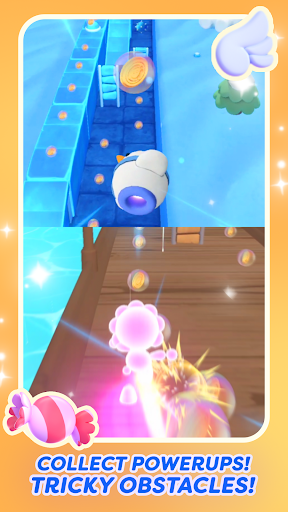
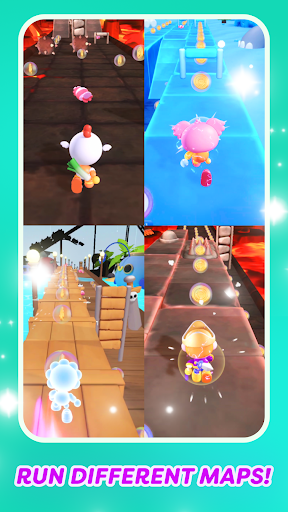
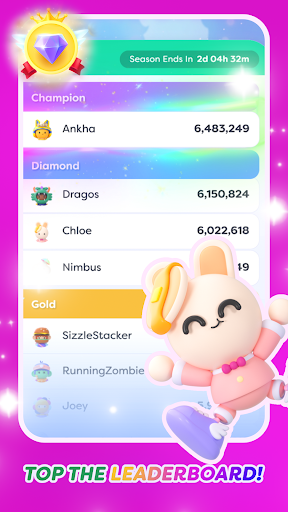
Embark into a magical endless runner & collect charming Bubble Rangers. The Bubble Rangers, fearless adventurers, had a mission: to travel the vast expanse of the Imaginary World, hike up tall mountains, navigate through thick forests, cross wide oceans, and explore dark caves to collect these elusive Energy Bubbles.
Bubble Rangers is an endless runner game with challenging obstacles, tons of fun, a beautiful world, and big rewards! Run, jump, slide, and collect Energy Bubbles!
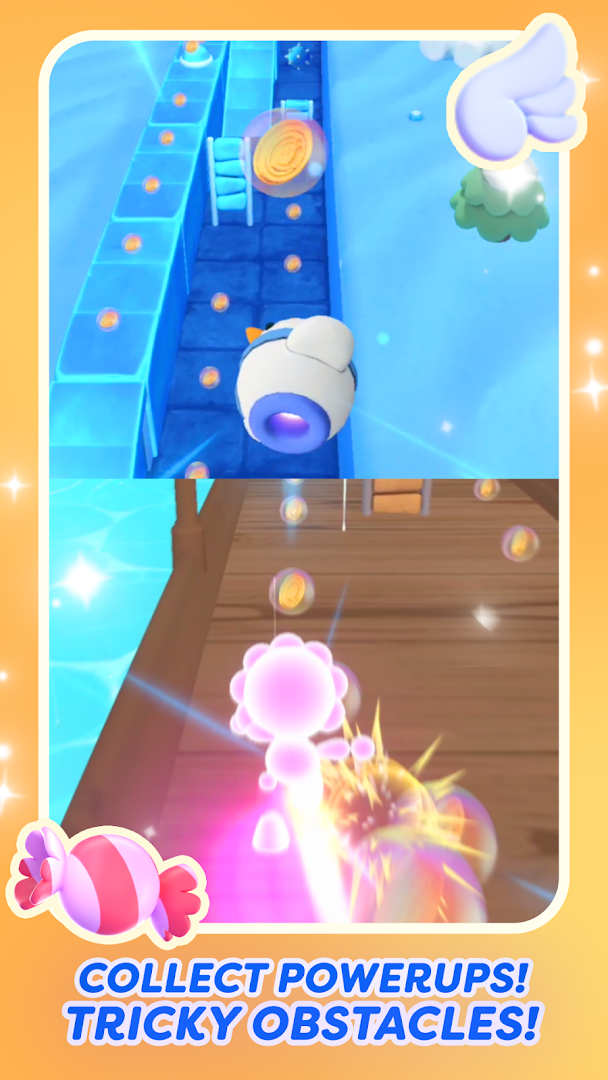
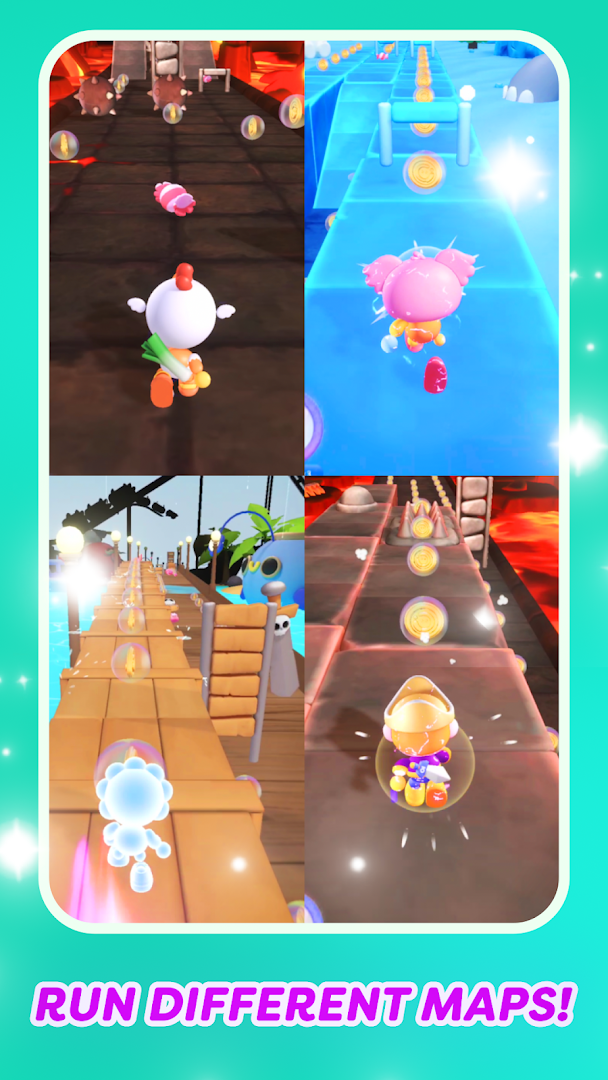
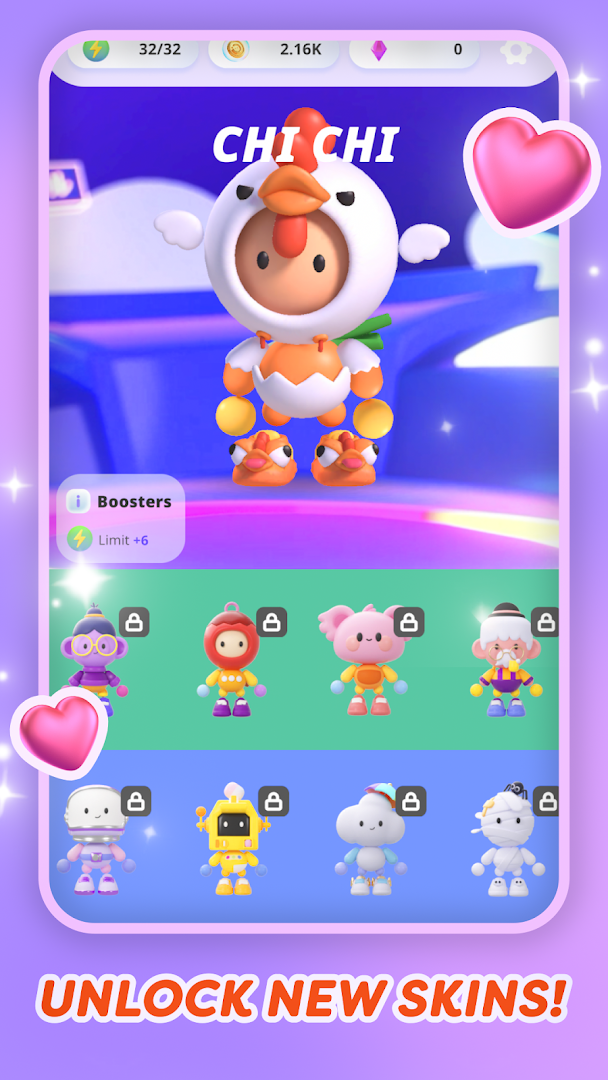
Race through a dynamic world for as far as you can! Use the power-ups to your advantage. Unlock rare Bubble Rangers and run through the different beautiful worlds.
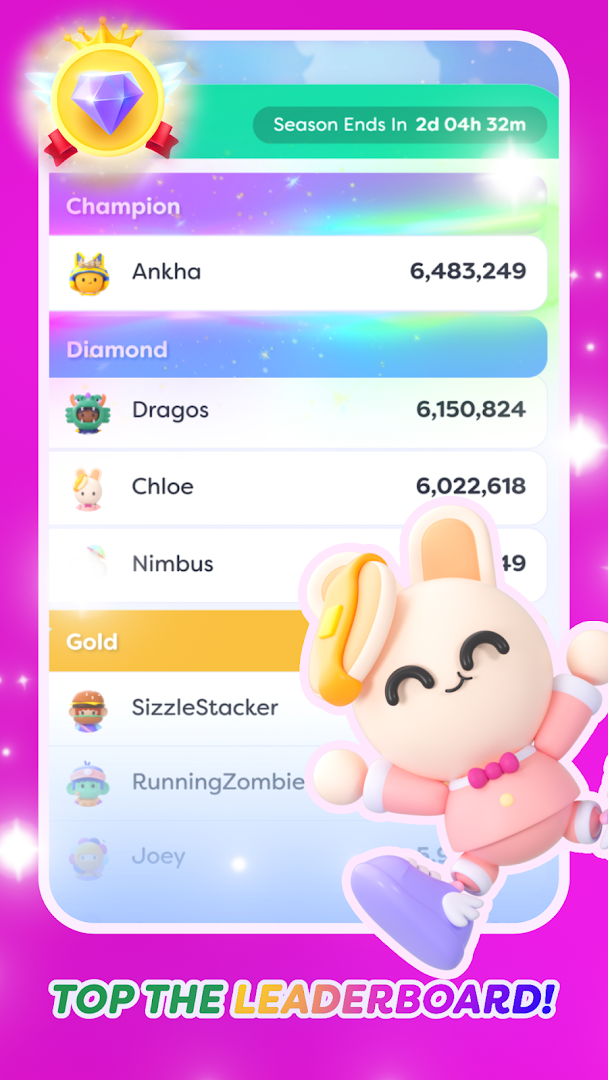
Run and complete challenging quests. Collect all the bubbles, create streaks to gain a multiplier to your score, and race to the top of the leaderboard.
The free endless runner game keeps the Rangers coming and the maps exciting! Collect Bubble Rangers with unique looks and effects, and upgrade the power-ups for an even more exciting time!
Run through the magical lands of the Imaginary World in this exciting, endless game! Download Bubble Rangers today! The Imaginary World counts on you!
ENDLESS RUNNER
# Race through beautiful lands, from Playgrounds, Lava Lands to Pirates Continents and Space!
# Dash across obstacles and challenges!
# Jump and Slide to avoid obstacles and collect Energy Bubbles!
UNIQUE RUNNING GAME FEATURES
# Collect candies to spin big rewards!
# Complete challenging daily and monthly quests!
# Race across the lands and top the leaderboard!
ONLINE RUNNER GAME
# New exciting events with awesome rewards every month!
# Race online against other players!
# New play modes are coming soon!
COLLECT BUBBLE RANGERS
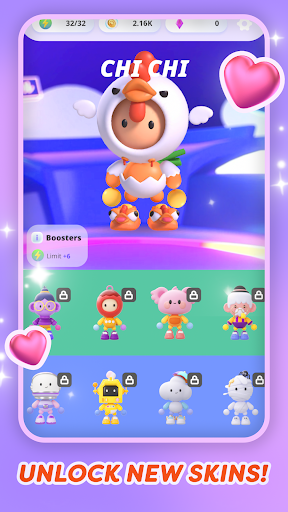
# Collect over hundreds of Bubble Rangers!
# New Legendary Bubble Rangers to be collected every month!
# Upgrade Power-Ups to achieve high scores!
FREE ENDLESS RUNNER GAME WITH ENDLESS ADVENTURES
# Story games take you through an exciting adventure with Bubble Rangers!
# Collect Bubble Rangers and get to know them!
# Follow the story as it unfolds across time!
Terms of Service:
https://imaginaryones.com/bubble-rangers/terms-of-use
Privacy Policy:
https://imaginaryones.com/privacy-policy/
Official Twitter
https://twitter.com/Imaginary_Ones
Official Instagram
https://www.instagram.com/theimaginaryones/
Official Discord
https://discord.gg/io-imaginary-ones
Show more

1. Download MEmu installer and finish the setup

2. Start MEmu then open Google Play on the desktop

3. Search Bubble Rangers in Google Play
Install
4. Download and Install Bubble Rangers
5. On install completion click the icon to start

6. Enjoy playing Bubble Rangers on PC with MEmu
MEmu Play is the best Android emulator and 100 million people already enjoy its superb Android gaming experience. The MEmu virtualization technology empowers you to play thousands of Android games smoothly on your PC, even the most graphic-intensive ones.
Bigger screen with better graphics; Long duration, without limitation of battery or mobile data.
Full Keymapping support for precise control of keyboard and mouse or gamepad.
Multiple game accounts or tasks on single PC at one time with Multi-Instance manager.
Play Bubble Rangers on PC by following steps: