Bubble Shooter: Fun Pop Game
Updated
Current Version
2.0.4
Offered By

With your passion for Bubble Shooter: Fun Pop Game, you shouldn’t have to limit yourself to the small screen of a phone. Play like a pro and take full control of the game using a keyboard and mouse. MEmu gives you everything you’re looking for. Download and play Bubble Shooter: Fun Pop Game on PC. Play as long as you want — no more worries about battery life, mobile data, or unexpected calls. The all-new MEmu 9 is the best way to play Bubble Shooter: Fun Pop Game on PC. With our expertly designed keymapping system, Bubble Shooter: Fun Pop Game feels just like a real PC game. The MEmu multi-instance manager lets you run two or more accounts on the same device at the same time. Most importantly, our exclusive emulation engine unlocks your PC’s full potential, delivering smooth and seamless performance.
Show more
Download Bubble Shooter: Fun Pop Game on PC with MEmu Android Emulator. Enjoy playing on big screen. The cute bubble shooter pop puzzle game is just for you!
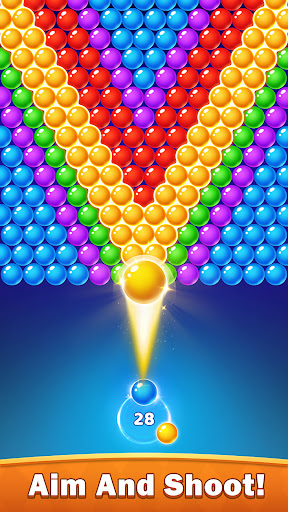
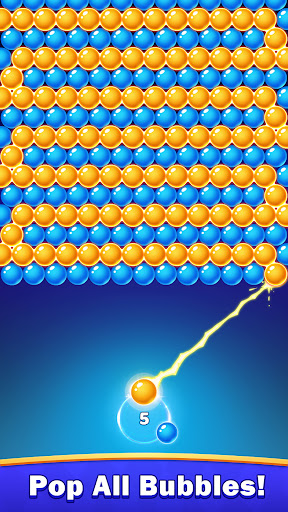
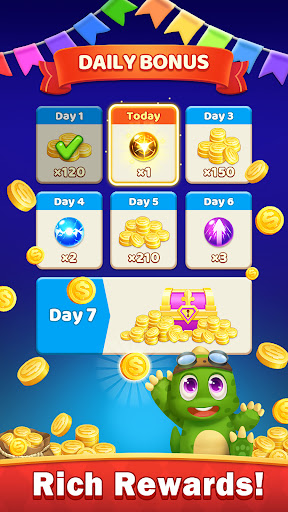
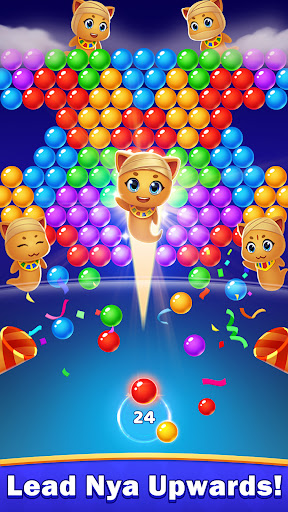
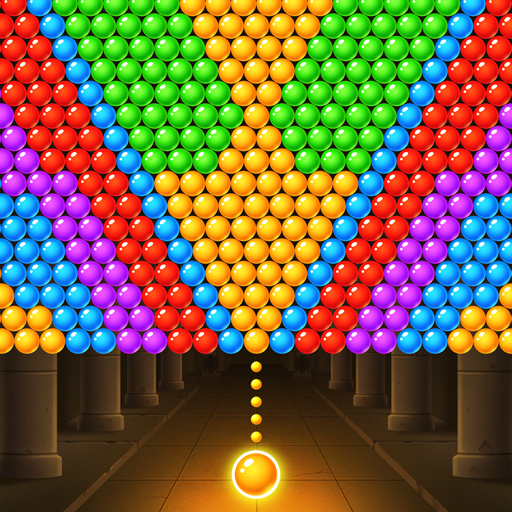
The cute bubble shooter pop puzzle game is just for you! It's time to engage your brain and relax the body at ready.
It is a simple retro ball blast and pet rescue game, entertaining for all ages. Colorful bright tiny bubbles exercise children's ability to perceive the world. Thinking about passing levels with fewer bubbles also improves the adult's mental strategy.
That's not all! With new features, classic leisure activity takes you to a magical world. You'll be a warrior for justice to rescue the baby pet dinosaurs and help Nya reunite with his family. Boost your brain and have fun in this free offline shooting game. Play the brain matching game, complete over 2000 puzzle levels, and speed your mind up.
How to play a fun bubble burst game?
- Aim balloons strategically and release the bubble to shoot.
- Blast balls by matching three or above bubbles.
- Use fewer shots to score higher and win 3 stars.
Discover and use powerful bonus boosters.
- Drop balls to charge the witch's magical orb creating a bomb bubble.
- Beam Cannon destroys a bubble line in the chosen direction.
- Thunderball crushes a row of everything.
- Blackstorm can absorb any ball of one color.
- Starburst converts unwanted bubbles into magical power.
Addictive bubble explodes game features.
- Fun levels galore.
- Free offline brain tester game.
- Continuous updates of levels.
- Beautiful visual effects.
- Cute pet baby and Nya cat.
Now, let's embark on a thrilling brain journey together. You will be hooked because it challenges and entertains you as well.
Show more

1. Download MEmu installer and finish the setup

2. Start MEmu then open Google Play on the desktop

3. Search Bubble Shooter: Fun Pop Game in Google Play
Install
4. Download and Install Bubble Shooter: Fun Pop Game
5. On install completion click the icon to start

6. Enjoy playing Bubble Shooter: Fun Pop Game on PC with MEmu
MEmu Play is the best Android emulator and 100 million people already enjoy its superb Android gaming experience. The MEmu virtualization technology empowers you to play thousands of Android games smoothly on your PC, even the most graphic-intensive ones.
Bigger screen with better graphics; Long duration, without limitation of battery or mobile data.
Full Keymapping support for precise control of keyboard and mouse or gamepad.
Multiple game accounts or tasks on single PC at one time with Multi-Instance manager.
Play Bubble Shooter: Fun Pop Game on PC by following steps: