Bus Masters: India Simulator
Updated
Current Version
2026.0.32
Offered By

With your passion for Bus Masters: India Simulator, you shouldn’t have to limit yourself to the small screen of a phone. Play like a pro and take full control of the game using a keyboard and mouse. MEmu gives you everything you’re looking for. Download and play Bus Masters: India Simulator on PC. Play as long as you want — no more worries about battery life, mobile data, or unexpected calls. The all-new MEmu 9 is the best way to play Bus Masters: India Simulator on PC. With our expertly designed keymapping system, Bus Masters: India Simulator feels just like a real PC game. The MEmu multi-instance manager lets you run two or more accounts on the same device at the same time. Most importantly, our exclusive emulation engine unlocks your PC’s full potential, delivering smooth and seamless performance.
Show more
Download Bus Masters: India Simulator on PC with MEmu Android Emulator. Enjoy playing on big screen. Bus Masters India Simulator.
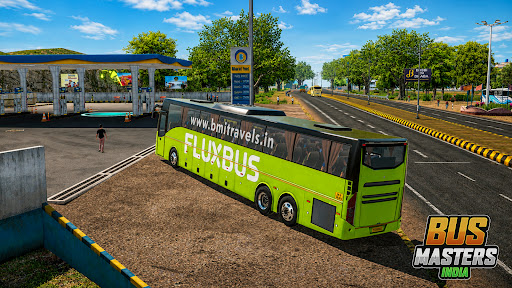
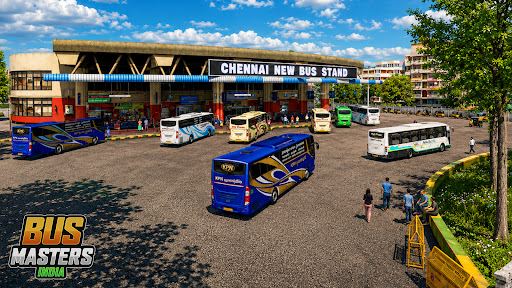
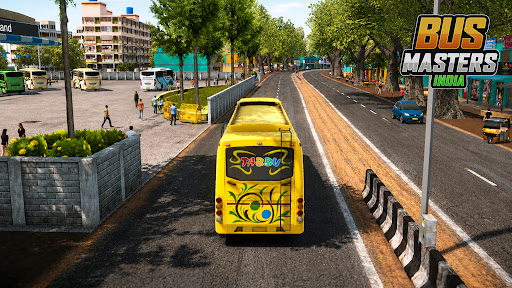
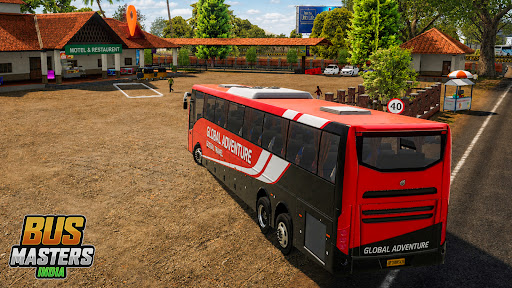
Bus Masters India Simulator
Drive the Chaos. Build the Empire.
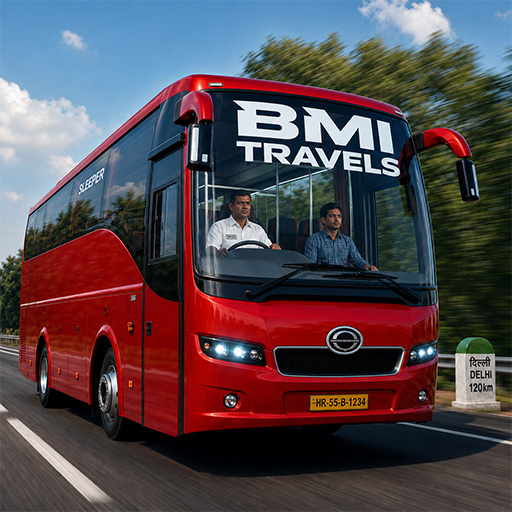
Welcome to Bus Masters India, a bus driving game built around one simple idea:
The feeling of driving a bus in India.
This isn’t just about steering and brakes.
It’s about—
Traffic that doesn’t behave
Horns that talk back
Chai stops on endless highways
Rising from a hired driver to a proud bus owner
An Indian Bus Journey, Not a Generic Simulator
Global bus games may look polished — but they feel empty.
Bus Masters India focuses on what truly matters to Indian players:
* Bustling bus terminals
* Crowded highways with unpredictable traffic
* Dhaba rest stops with chai steam & ambient chatter
* Musical air horns & old-school radio vibes
* The quiet pride of owning your first bus
Every drive is designed to feel familiar.
Drive Routes, Not Just Roads
Your journeys are structured like real Indian bus services:
* Start from a terminal
* Pick up passengers at intermediate stops
* ⏸ Take mandatory highway rest breaks
* Reach the final destination smoothly and on time
This is intercity bus driving — the Indian way.
Planned. Paced. Alive.
Passengers That Feel Real
Passengers are not just numbers.
* NPC passengers board and alight at stops
* Live ticketing generates revenue as people enter
* Smooth driving keeps passengers comfortable
* Harsh braking, sharp turns, or reckless driving lowers comfort score
⭐ Drive well → earn better ratings → get paid more.
Start as a Driver. Become an Owner.
Your career doesn’t begin with luxury.
* Start as a hired driver, earning commission
* Save up for your first personal bus
* Unlock garages, customization & better routes
* Expand into premium and sleeper services
Ownership is earned — and it feels rewarding.
A Growing Fleet Inspired by Indian Buses
Experience buses inspired by real Indian operations:
*
Show more

1. Download MEmu installer and finish the setup

2. Start MEmu then open Google Play on the desktop

3. Search Bus Masters: India Simulator in Google Play
Install
4. Download and Install Bus Masters: India Simulator
5. On install completion click the icon to start

6. Enjoy playing Bus Masters: India Simulator on PC with MEmu
MEmu Play is the best Android emulator and 100 million people already enjoy its superb Android gaming experience. The MEmu virtualization technology empowers you to play thousands of Android games smoothly on your PC, even the most graphic-intensive ones.
Bigger screen with better graphics; Long duration, without limitation of battery or mobile data.
Full Keymapping support for precise control of keyboard and mouse or gamepad.
Multiple game accounts or tasks on single PC at one time with Multi-Instance manager.
Play Bus Masters: India Simulator on PC by following steps: