
Call of Duty Mobile
Updated
Current Version
1.0.57
Offered By

With your passion for Call of Duty Mobile, you shouldn’t have to limit yourself to the small screen of a phone. Play like a pro and take full control of the game using a keyboard and mouse. MEmu gives you everything you’re looking for. Download and play Call of Duty Mobile on PC. Play as long as you want — no more worries about battery life, mobile data, or unexpected calls. The all-new MEmu 9 is the best way to play Call of Duty Mobile on PC. With our expertly designed keymapping system, Call of Duty Mobile feels just like a real PC game. The MEmu multi-instance manager lets you run two or more accounts on the same device at the same time. Most importantly, our exclusive emulation engine unlocks your PC’s full potential, delivering smooth and seamless performance.
Show more
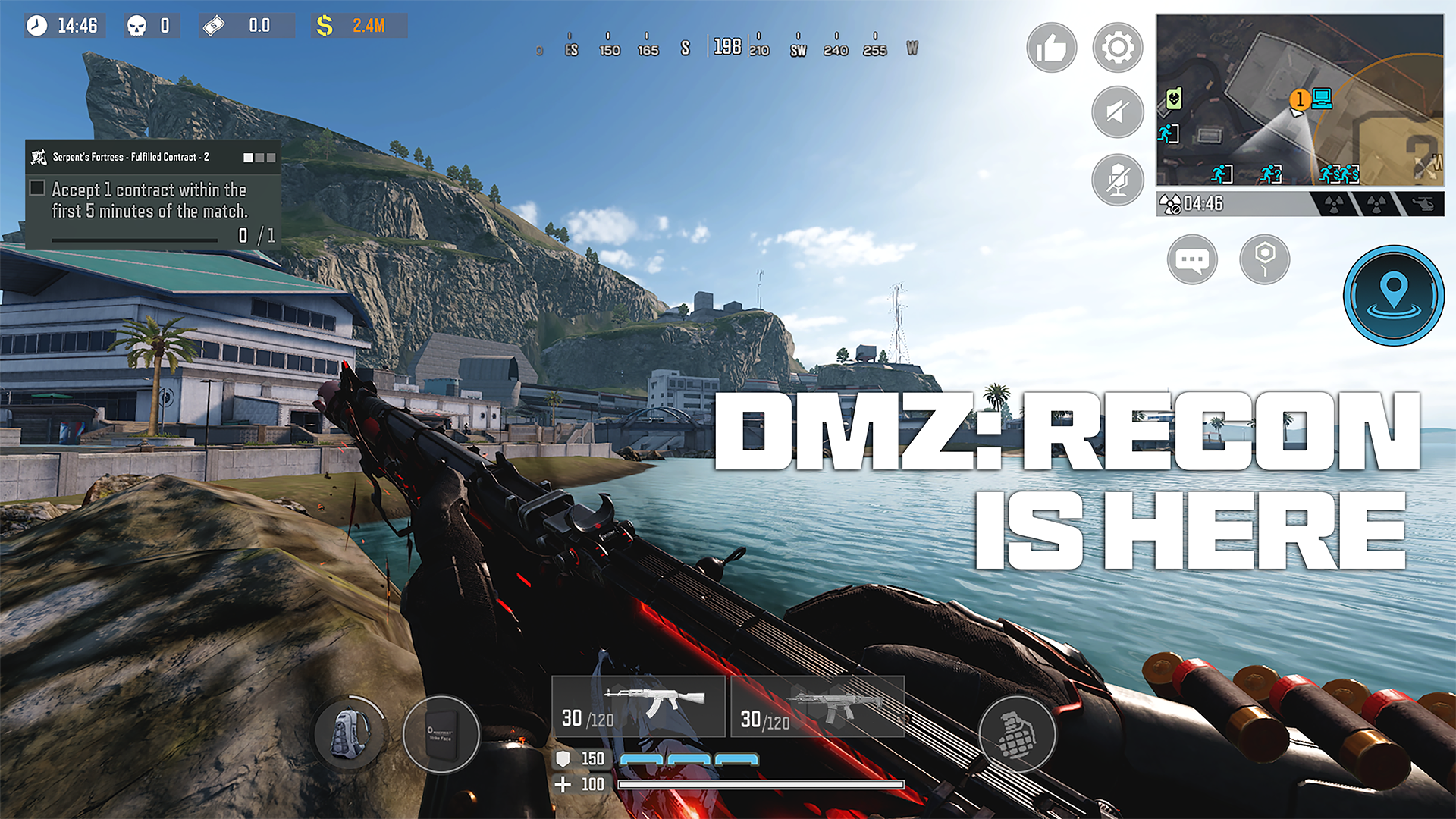
Download Call of Duty: Mobile on PC with MEmu Android Emulator. Enjoy playing on big screen. Call of Duty®: Mobile FPS is the definitive online multiplayer FPS shooter and battle royale game on mobile.
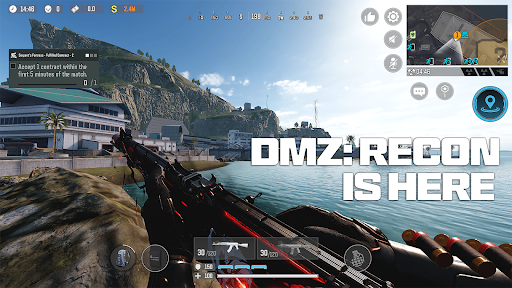
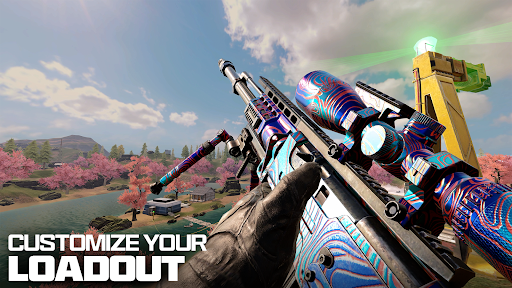
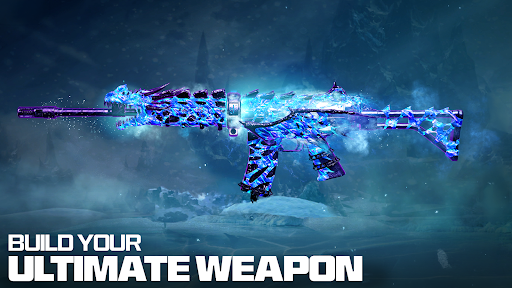
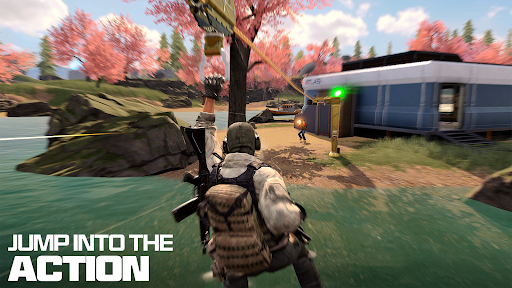
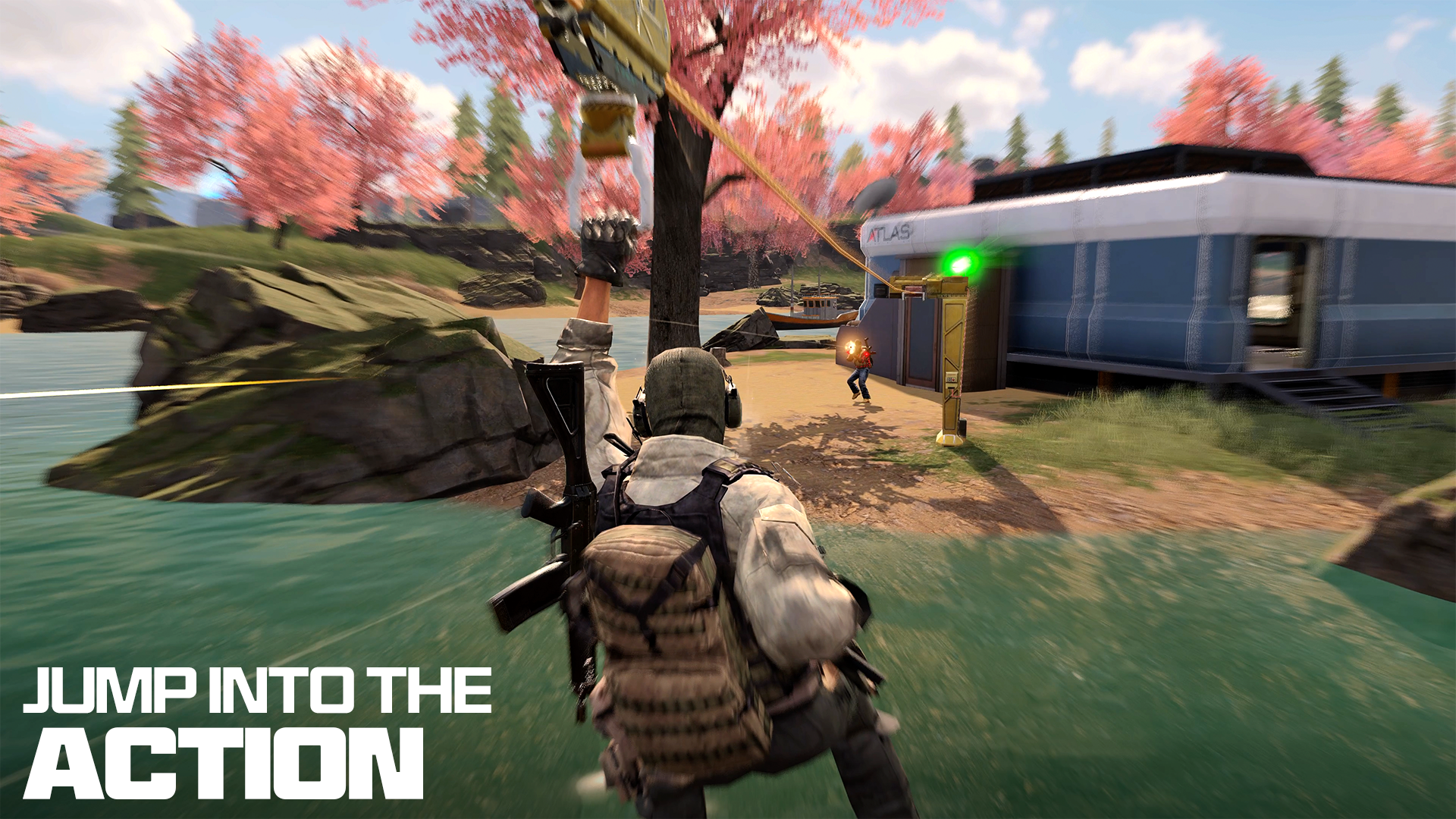
Call of Duty®: Mobile FPS is the definitive online multiplayer FPS shooter and battle royale game on mobile. Jump into fast-paced shooting games with iconic Call of Duty maps, modes, operators, and weapons in one free-to-play experience designed for fans of gun games, sniper games, and tactical shooters.
Join millions of players in Call of Duty®: Mobile as you rank up, unlock powerful loadouts, and dominate competitive multiplayer and massive battle royale matches. Whether you love 5v5 FPS games, large-scale battle royale games, or tense ranked competitive play, Call of Duty: Mobile delivers authentic Call of Duty action wherever you play.
KEY FEATURES
• Fast-paced online multiplayer FPS shooter gameplay built for mobile.
• Massive battle royale modes with squads, vehicles, and tactical combat.
• Competitive ranked play that rewards skill and progression.
MULTIPLAYER AND RANKED COMPETITIVE
• Classic multiplayer across legendary Call of Duty maps like Nuketown, Shipment, Rust, Terminal, Raid, Hijacked, and more.
• Play core modes including Team Deathmatch, Domination, Search & Destroy, Hardpoint, Frontline, and limited-time playlists.
• Climb through Ranked Multiplayer, earn seasonal rewards, and prove your skills against players from around the world.
• Reach Legendary rank to unlock new levels of competition inspired by professional Call of Duty esports.
BATTLE ROYALE ON MOBILE
• Drop into large battle royale maps built for mobile FPS action.
• Squad up, pilot vehicles, and use tactical gadgets to outplay other teams in 100-player survival matches.
• Experience intense gunfights, strategic rotations, and high-stakes final circles as you fight to be the last squad standing.
SEASONAL MODES, EVENTS, AND CHALLENGES
• Play rotating limited-time modes and seasonal events that refresh the action.
• Take on in-game challenges and missions to earn themed rewards.
LEGENDARY WEAPONS AND LOADOUT CUSTOMIZATION
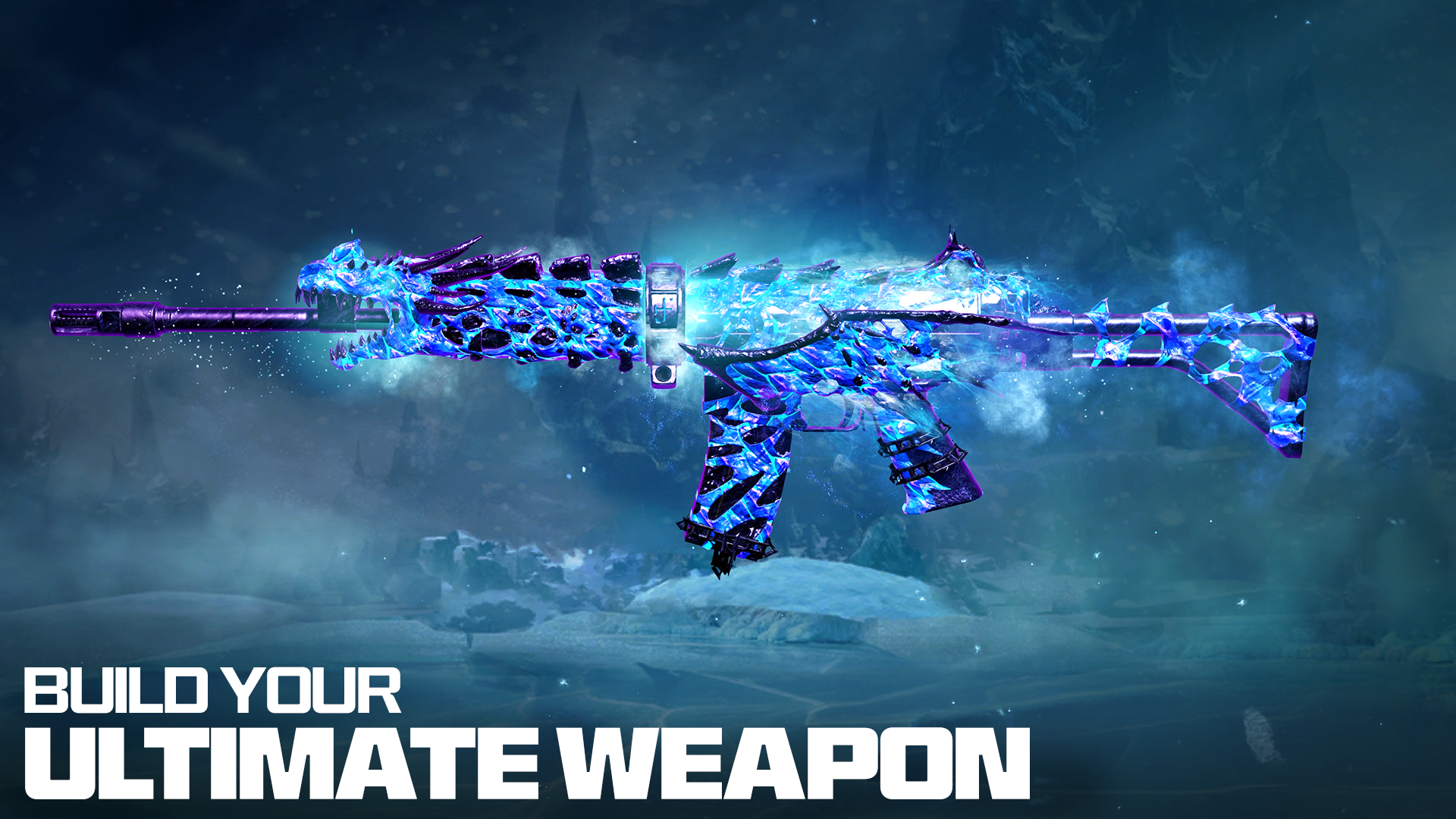
• Unlock and upgrade iconic weapons from across Call of Duty history, from assault rifles and SMGs to sniper rifles and LMGs.
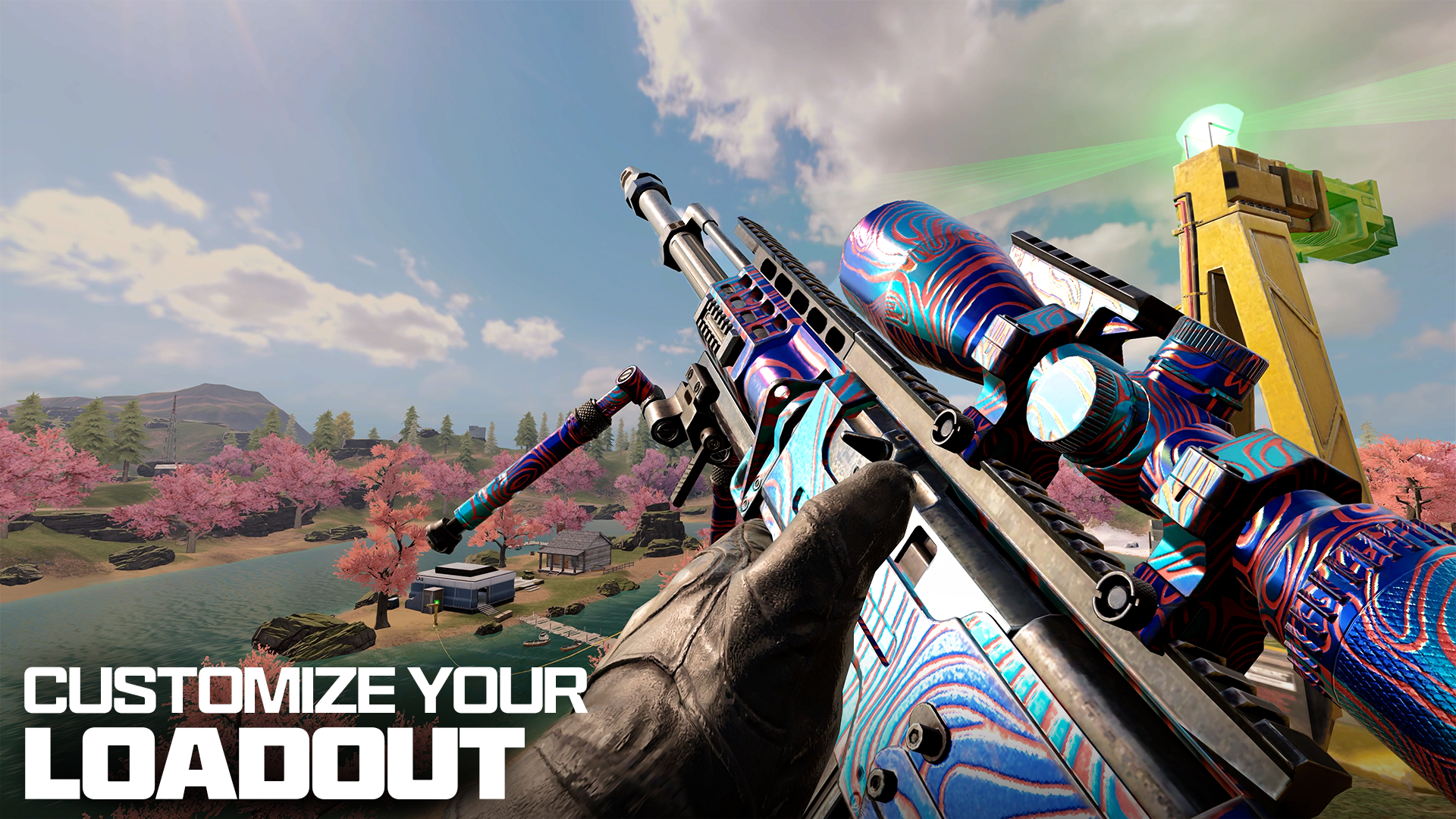
• Customize your FPS loadouts with attachments, perks, scorestreaks, operators, and skins to match your playstyle.
• Experiment with different builds for close-range aggression, long-range sniper play, or balanced all-around gun game setups.
NEW SEASONS, EVENTS, AND REWARDS
• Enjoy frequent updates with new maps, modes, events, operators, weapons, and themed rewards.
• Complete seasonal challenges, event missions, and battle passes to unlock exclusive content.
OPTIMIZED FOR MOBILE
• Smooth controls, adjustable settings, and multiple HUD options tailor the FPS experience to your device.
• Optional HD resources, maps, and content downloads let you control game size while keeping top-tier graphics.
Download Call of Duty®: Mobile now to experience one of the top FPS shooting games on mobile. Jump into online multiplayer, battle royale, and competitive ranked modes—all in a single Call of Duty game you can play anytime, anywhere.
_________________________________________________________
NOTE: We welcome any feedback during your experience to improve the game. To give feedback, in-game go to > Settings > Feedback > Contact Us.
Subscribe for Updates! ---> profile.callofduty.com/cod/registerMobileGame
_________________________________________________________
Note: An internet connection is required to play this game.
Please note this app contains social features that allow you to connect and play with friends and push notifications to inform you when exciting events or new content are taking place in the game. You can choose whether or not to utilize these features.
©/TM/® 2026 Activision Publishing, Inc.
Show more

1. Download MEmu installer and finish the setup

2. Start MEmu then open Google Play on the desktop

3. Search Call of Duty Mobile in Google Play
Install
4. Download and Install Call of Duty Mobile
5. On install completion click the icon to start

6. Enjoy playing Call of Duty Mobile on PC with MEmu
MEmu Play is the best Android emulator and 100 million people already enjoy its superb Android gaming experience. The MEmu virtualization technology empowers you to play thousands of Android games smoothly on your PC, even the most graphic-intensive ones.
Bigger screen with better graphics; Long duration, without limitation of battery or mobile data.
Full Keymapping support for precise control of keyboard and mouse or gamepad.
Multiple game accounts or tasks on single PC at one time with Multi-Instance manager.
Call of Duty: Mobile is a mobile first-person shooter built around fast multiplayer gunfights. It includes iconic multiplayer maps and modes, 5v5 combat, a 100-player Battle Royale mode, Zombies content, weapon loadouts, operators, scorestreaks, and seasonal progression. Multiplayer is fast and reaction-focused, while Battle Royale adds looting, vehicles, positioning, and longer survival-based matches.
MEmu Play may provide a preset for multiplayer and Battle Royale controls. Basic key mapping can be adjusted from the right toolbar. Use simple one-to-one mappings and avoid automated skill chains, rapid-fire scripts, recoil macros, or other combat automation.
Learn more: Key Mapping and Joystick Setup.
Activision’s current support FAQ states that Call of Duty: Mobile does not support the use of emulators. Therefore, MEmu Play cannot be described as an officially supported way to play this game. Compatibility, matchmaking, account access, high-FPS operation, and technical support are not guaranteed. For the lowest account and support risk, use a supported Android or iOS device and the official store version.
MEmu Play’s general software-safety statement can still be reviewed separately in the MEmu Play Safety FAQ, but it does not override Activision’s game-support policy.
When you install the game on another supported Android or iOS device and sign in with the same linked account or login method, your server-stored progress can generally be restored. Guest accounts may be device-bound or harder to recover, so link the account before changing devices. Emulator use remains unsupported by Activision.
MEmu’s general recommended specifications are:
These specifications do not change the fact that Call of Duty: Mobile officially does not support emulators.
A fixed 120 FPS claim should not be made. Call of Duty: Mobile may offer high-frame-rate options on supported mobile devices, but Activision does not support emulator use. Any frame rate achieved in MEmu Play can vary by version and hardware and is not officially guaranteed. Avoid modified clients, device-spoofing tricks, or tools that force unavailable settings.
You can find the latest Call of Duty: Mobile codes, tier lists, news, and PC guides on this page.
Call of Duty: Mobile Codes & Rewards