Carnage Wars
Updated
Current Version
4.682
Offered By

With your passion for Carnage Wars, you shouldn’t have to limit yourself to the small screen of a phone. Play like a pro and take full control of the game using a keyboard and mouse. MEmu gives you everything you’re looking for. Download and play Carnage Wars on PC. Play as long as you want — no more worries about battery life, mobile data, or unexpected calls. The all-new MEmu 9 is the best way to play Carnage Wars on PC. With our expertly designed keymapping system, Carnage Wars feels just like a real PC game. The MEmu multi-instance manager lets you run two or more accounts on the same device at the same time. Most importantly, our exclusive emulation engine unlocks your PC’s full potential, delivering smooth and seamless performance.
Show more
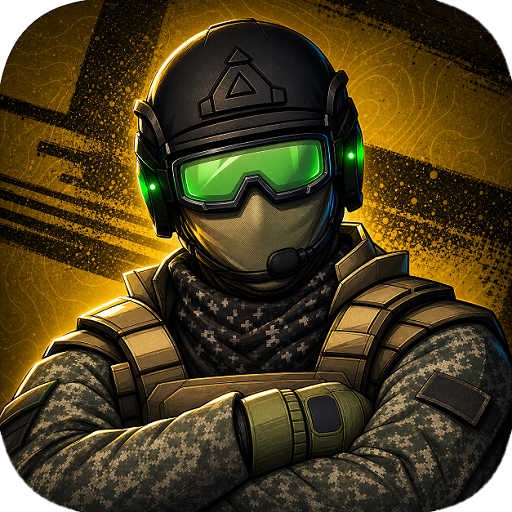
Download Carnage Wars on PC with MEmu Android Emulator. Enjoy playing on big screen. Join the Battle Royale Frenzy!
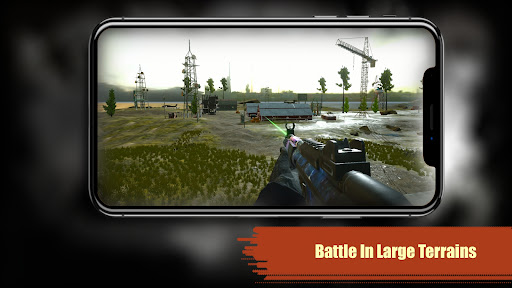
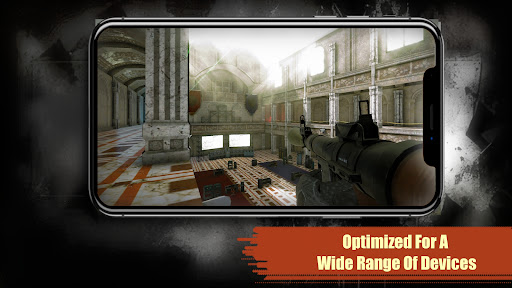
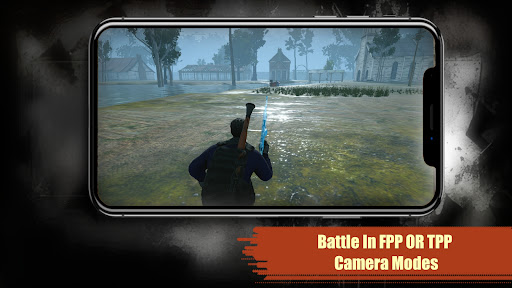
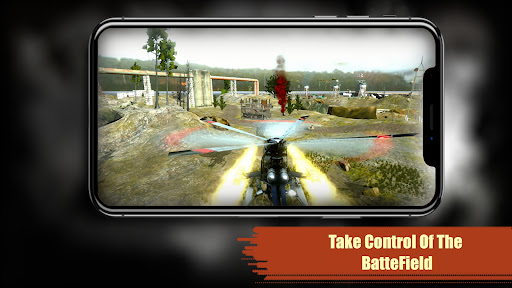
Join the Battle Royale Frenzy!
Multiplayer Madness or Solo Showdown:
Engage in intense battles with other players in multiplayer mode or face off against challenging AI opponents in single-player mode. Earn XP points, climb the leaderboards, and become the ultimate champion!
High Performance and Efficient:
Our game is designed to deliver high performance while being lightweight, ensuring it doesn't take up much disk space on your device. Plus, it's power-efficient, so you can enjoy longer play sessions without draining your battery.
Feature-Packed Gameplay
Arsenal of Weapons:
Choose from a wide variety of weapons, including pistols, assault rifles, LMGs, SMGs, shotguns, snipers, and rockets.
Diverse Vehicles: Take control of cars, ATVs, tanks, and helicopters to outmaneuver and outgun your enemies.
Weapon Customization:
Personalize your arsenal with various attachments and modifications to suit your playstyle.
Skins Galore:
Customize the look of your weapons and vehicles with a vast array of skins.
Player Classes:
Select from different classes, each with unique abilities and roles, to support your team on the battlefield.
Unique Gadgets and Power-Ups:
Utilize a range of gadgets and power-ups to gain the upper hand in battle.
TeamUp And Play:
Team Up With Friends Before Entering A Match, And Dominate With Voice Chat Support.
Multiple Game Modes:
Experience a variety of exciting game modes, including:
*Deathmatch: Every player for themselves in a fight to the finish.
Team Deathmatch: Work with your team to defeat the opposing team.
Flag Capture: Capture the enemy's flag while defending your own.
Conquest: Control key points on the map to dominate the battlefield.
Patrol: Secure and patrol specific areas to gain points.
Arms Race: Progress through a series of weapons by securing kills.
Sabotage: Plant or defuse bombs to win the round.
Elimination: Last team standing wins.
Infection: Survive as a human or hunt as a zombie.
Battle Royale: Be the last player standing in this high-stakes mode.
Offline Play Supported:
Enjoy the game offline with LAN/WiFi support, so you can play with friends even without an internet connection.
Note :
This game is currently in development and will continue to be improved over time. Your feedback is invaluable to us, so please share any issues or suggestions in the Discord Server.
Join the battle today and fight your way to the top!
Show more

1. Download MEmu installer and finish the setup

2. Start MEmu then open Google Play on the desktop

3. Search Carnage Wars in Google Play
Install
4. Download and Install Carnage Wars
5. On install completion click the icon to start

6. Enjoy playing Carnage Wars on PC with MEmu
MEmu Play is the best Android emulator and 100 million people already enjoy its superb Android gaming experience. The MEmu virtualization technology empowers you to play thousands of Android games smoothly on your PC, even the most graphic-intensive ones.
Bigger screen with better graphics; Long duration, without limitation of battery or mobile data.
Full Keymapping support for precise control of keyboard and mouse or gamepad.
Multiple game accounts or tasks on single PC at one time with Multi-Instance manager.
Play Carnage Wars on PC by following steps: