Castle Defenders Clash
Updated
Current Version
1750845378
Offered By

With your passion for Castle Defenders Clash, you shouldn’t have to limit yourself to the small screen of a phone. Play like a pro and take full control of the game using a keyboard and mouse. MEmu gives you everything you’re looking for. Download and play Castle Defenders Clash on PC. Play as long as you want — no more worries about battery life, mobile data, or unexpected calls. The all-new MEmu 9 is the best way to play Castle Defenders Clash on PC. With our expertly designed keymapping system, Castle Defenders Clash feels just like a real PC game. The MEmu multi-instance manager lets you run two or more accounts on the same device at the same time. Most importantly, our exclusive emulation engine unlocks your PC’s full potential, delivering smooth and seamless performance.
Show more
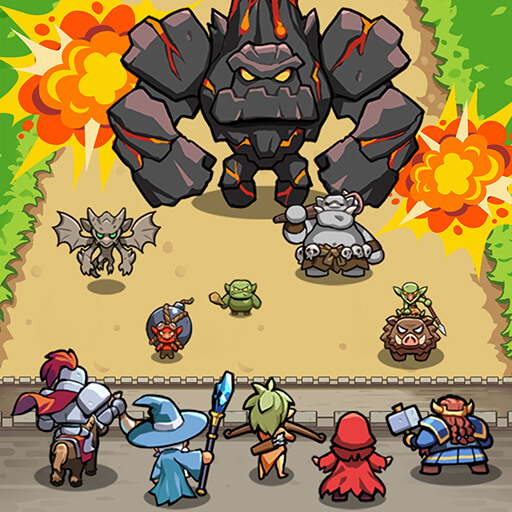
Download Castle Defenders Clash on PC with MEmu Android Emulator. Enjoy playing on big screen. Monsters are surging in—save the kingdoms with your strategy!
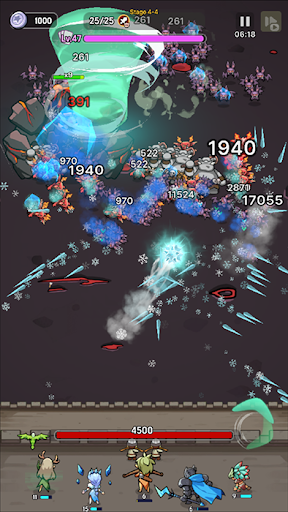
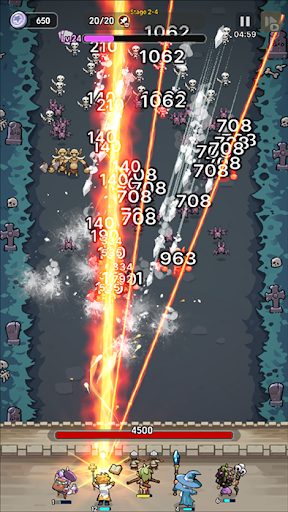
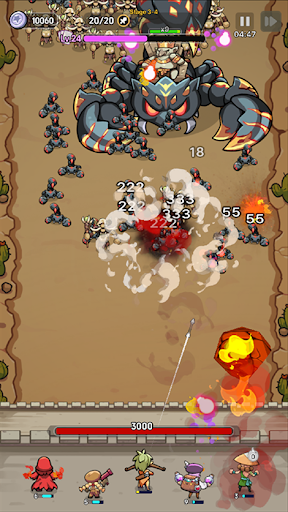
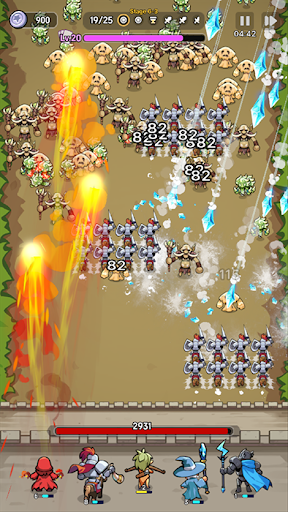
Monsters are surging in—save the kingdoms with your strategy!
A Roguelike Defense Adventure in a Medieval Fantasy World!
The kingdoms are falling.
The monster alliance is launching an all-out assault, and the castle walls are crumbling by the day.
Commander, your mercenary squad is the last hope for this world.
Use your strategy to defend the remaining kingdoms!
1. Simple Controls, Deep Strategy
The monsters come in relentless waves.
Every simple choice you make can turn the tide of battle.
Enjoy thrilling tactical gameplay with intuitive controls.
2. Perfect Synergy with Unique Allies
Assemble a squad of allies, each with distinct abilities.
Experiment with new synergies and team builds every round.
Who you choose will decide victory or defeat.
3. Game-Changing Relics from the Merchant
Spend silver earned in battle to buy powerful relics.
Turn the tide with clever use of their abilities and craft your own comeback story.
4. Expand Your Strategy with Mysterious Runes
Collect and combine runes with various effects to unlock new possibilities.
Break past your limits and elevate your tactics to the next level.
5. Power Up the Commander!
Equip unique gear to enhance the commander’s abilities and dominate the battlefield.
Unlock new looks and special powers to unleash your full potential!
Help : cs@mobirix.com
Homepage :
https://play.google.com/store/apps/dev?id=4864673505117639552
Facebook :
https://www.facebook.com/mobirixplayen
YouTube :
https://www.youtube.com/user/mobirix1
Instagram :
https://www.instagram.com/mobirix_official/
TikTok :
https://www.tiktok.com/@mobirix_official
Show more

1. Download MEmu installer and finish the setup

2. Start MEmu then open Google Play on the desktop

3. Search Castle Defenders Clash in Google Play
Install
4. Download and Install Castle Defenders Clash
5. On install completion click the icon to start

6. Enjoy playing Castle Defenders Clash on PC with MEmu
MEmu Play is the best Android emulator and 100 million people already enjoy its superb Android gaming experience. The MEmu virtualization technology empowers you to play thousands of Android games smoothly on your PC, even the most graphic-intensive ones.
Bigger screen with better graphics; Long duration, without limitation of battery or mobile data.
Full Keymapping support for precise control of keyboard and mouse or gamepad.
Multiple game accounts or tasks on single PC at one time with Multi-Instance manager.
Play Castle Defenders Clash on PC by following steps: